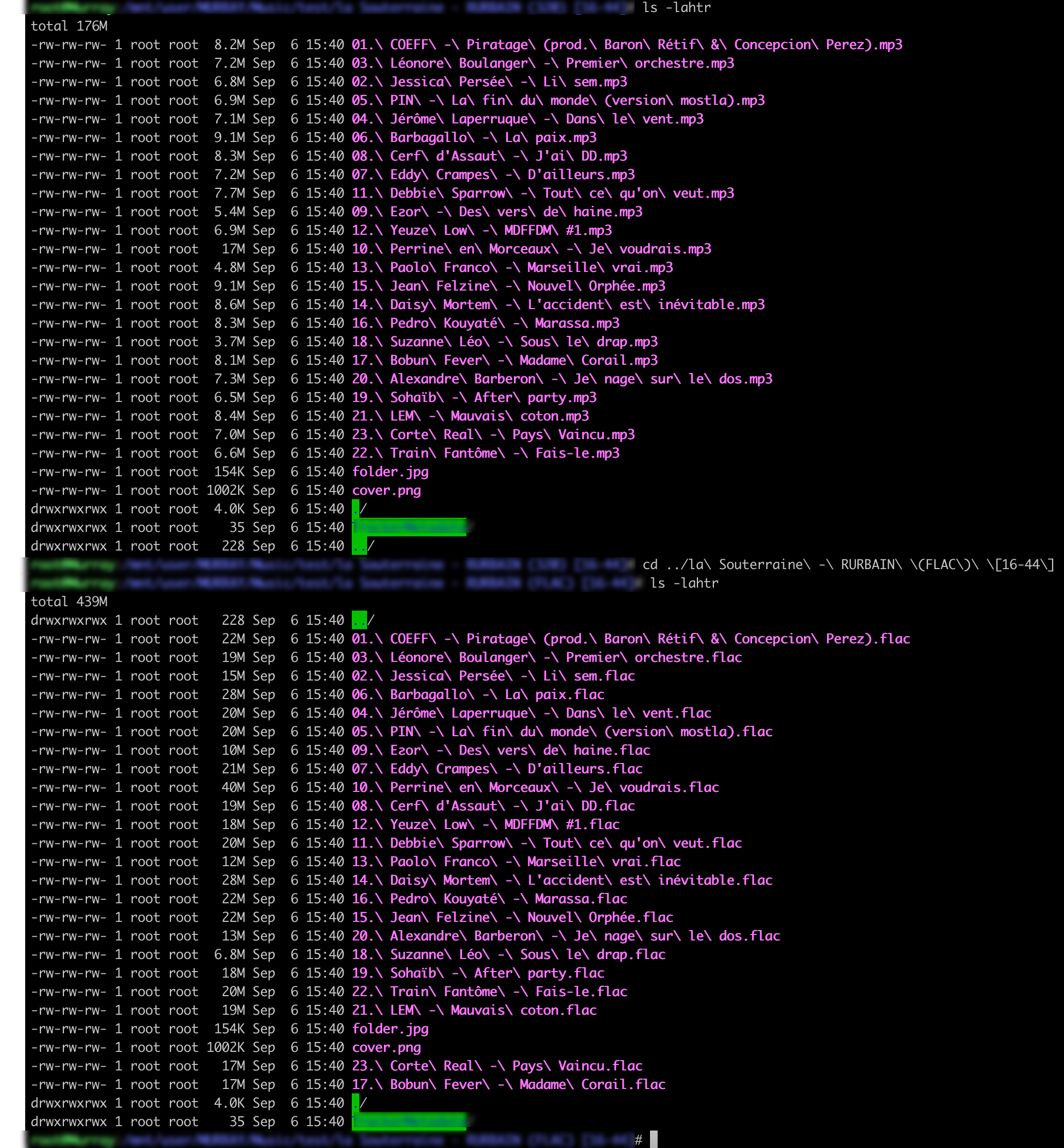
I have a question, how are the duplicates actually removed ? I mean, lets say I have 4 folders, each being a duplicate of an album.
Artist - Album / FLAC 16bit
Artist - Album - MP3
Artist - Album / FLAC 24Bit
Artist - Album / FLAC 16bit (with bonus tracks)
Is there a way for songkong to identify the album, and enter a rule to keep best bitrates of both the “regular” and “extended/bonus” versions ?
Also, will Songkong remove the flac/mp3 files only ? And leave the folders empty ?
Also, what happens when you have a track on an album, and also in a compilation ? Will the track be deleted from the VA /compilation ? Therefore not appearing in a listed VA in Roon ?
I have a lot of questions I can’t really answer for now
what file should be kept when you have a duplicate.
SongKong is not finding duplicate albums, but duplicates songs. But in your example assuming the first 3 options to be different encodings of same album, and choice 4 a different version of same album so if you select Same MusicBrainz song and same album (specific version same) then it should keep album 1, 2 or 3 and album 4 (because album 4 is different version of album)
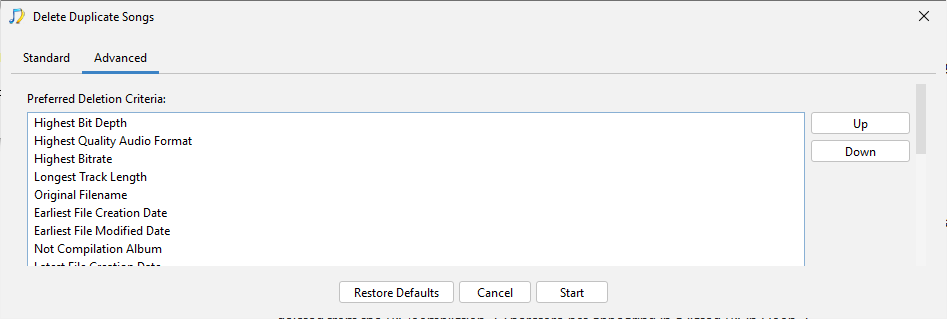
Now on the Advanced tab you decide which to keep when duplicates are found, so if you put Highest Bit Rate at top of the list (which is default) then songs in album 2 (24Bit Flac) would be kept
Note if you want to keep Mp3 and Flac versions of each album you could enable Find duplicate within same audio format only, then Mp3 version would not be a duplicate and it would only remove album 1 (Flac 16bit)
It depends on what option you choose for Song is a duplicate if has same, if you select an option that includes album match such as Same MusicBrainz song and same album then no duplicate found in this case because the VA album is not same album. But if you pick an option that only considers the song or acoustid then a duplicate could also be found
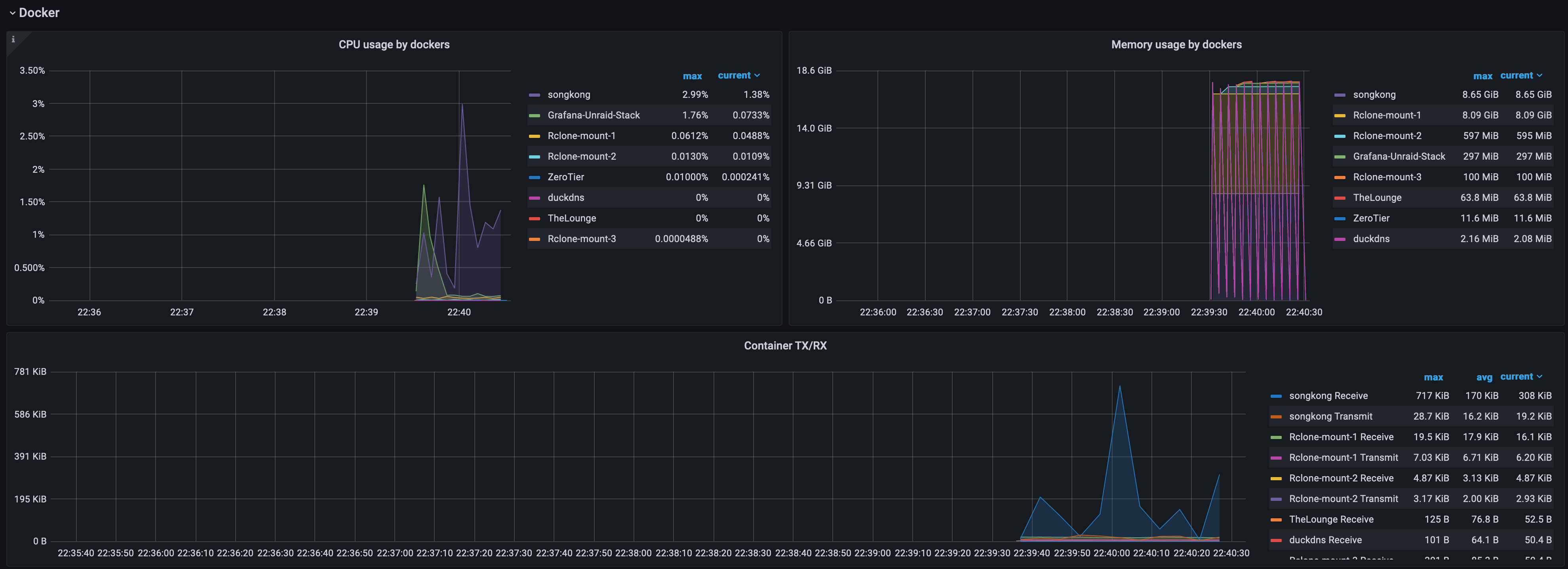
Prior to the last update with the new M! code SongKong was amazingly quick, like blew me away quick. Now it can be up to a few minutes before the report pops up.
I doubt the issue is related to new version I think that is coincidence, unless perhaps the issue is related to getting adding artwork/photos such performer photos. Would be helpful if you could run Create Support Files
I am running out of disk space (filled 108TB) and still, I did not download my full cloud hosted files locally.
So, it there a way for me, if I run SongKong, to generate a list of all the folders that were moved or deleted ?
This would allow me to run a new rclone copy, using an exclude file as explained here, afterwards. This when I’d have saved some space. Making it unnecessary for me to go buy even more hard drives.
Please let me know. I’m seeking for a simple txt file containing the names of the folders where the music files has been either deleted or moved. It would be super helpful in my scenario.
Another question. I wont be able to keep a tab running during this whole process. I will process 120TB of music at least. Therefore, can I run this using CLI in a screen ? That’s an important point.
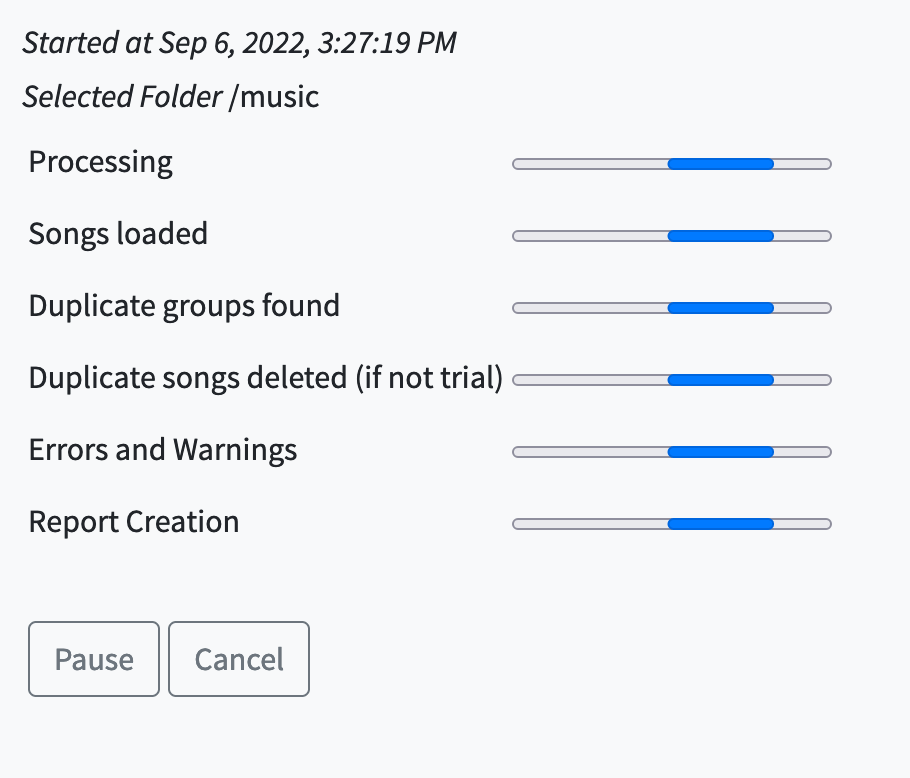
and last but not least, is there any log file I can monitor in order to see what’s happening ? I currently only do see this :
Okay you can run the tasks using command line if you wish, but I don’t understand what problem that would solve for you.
The songkonguser0-0.log file in the logs folder contains details of what has been processed, so you can probably extract list you require from that, have a look.
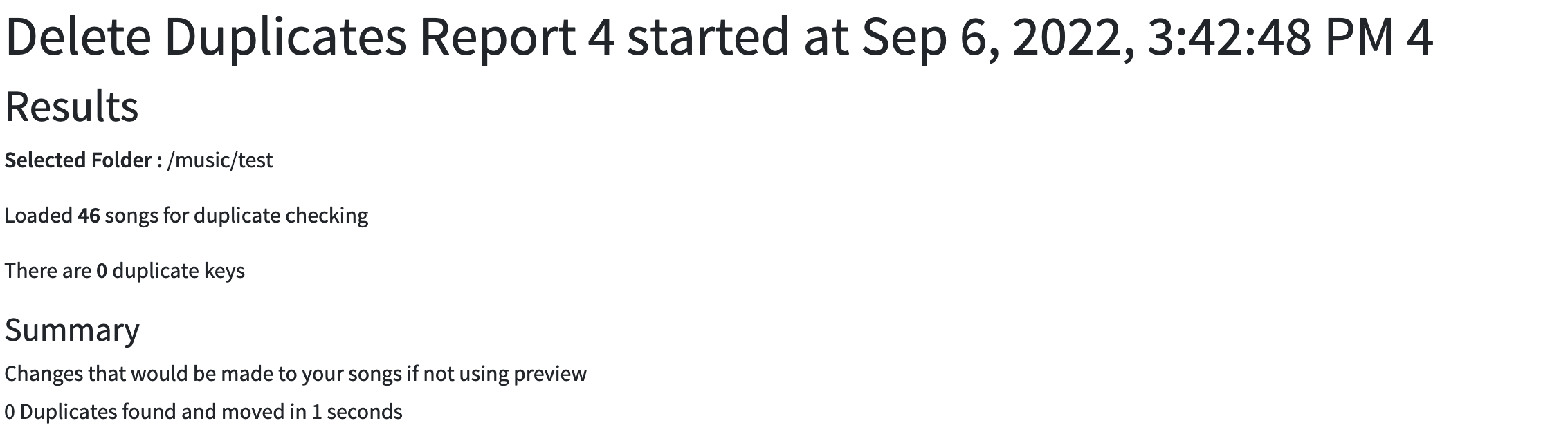
Delete Duplicates need to be run after the Fix Songs task because it uses data added by Fix Songs (such as Acoustids, MusicBrainz Ids) to work out if songs do indeed sound the same or same album. But you are only using Lite version so that information is not actually being added by Fix Songs, so Delete Duplicates not going to find duplicates.
Bottom line: you can test out Fix Songs without license, but you cannot really test out Delete Duplicates. However you can check the results of Fix Songs, so for example if Fix Songs has identified as same album then you can be sure that Delete Duplicates would identify as duplicates if you had option set to same Album