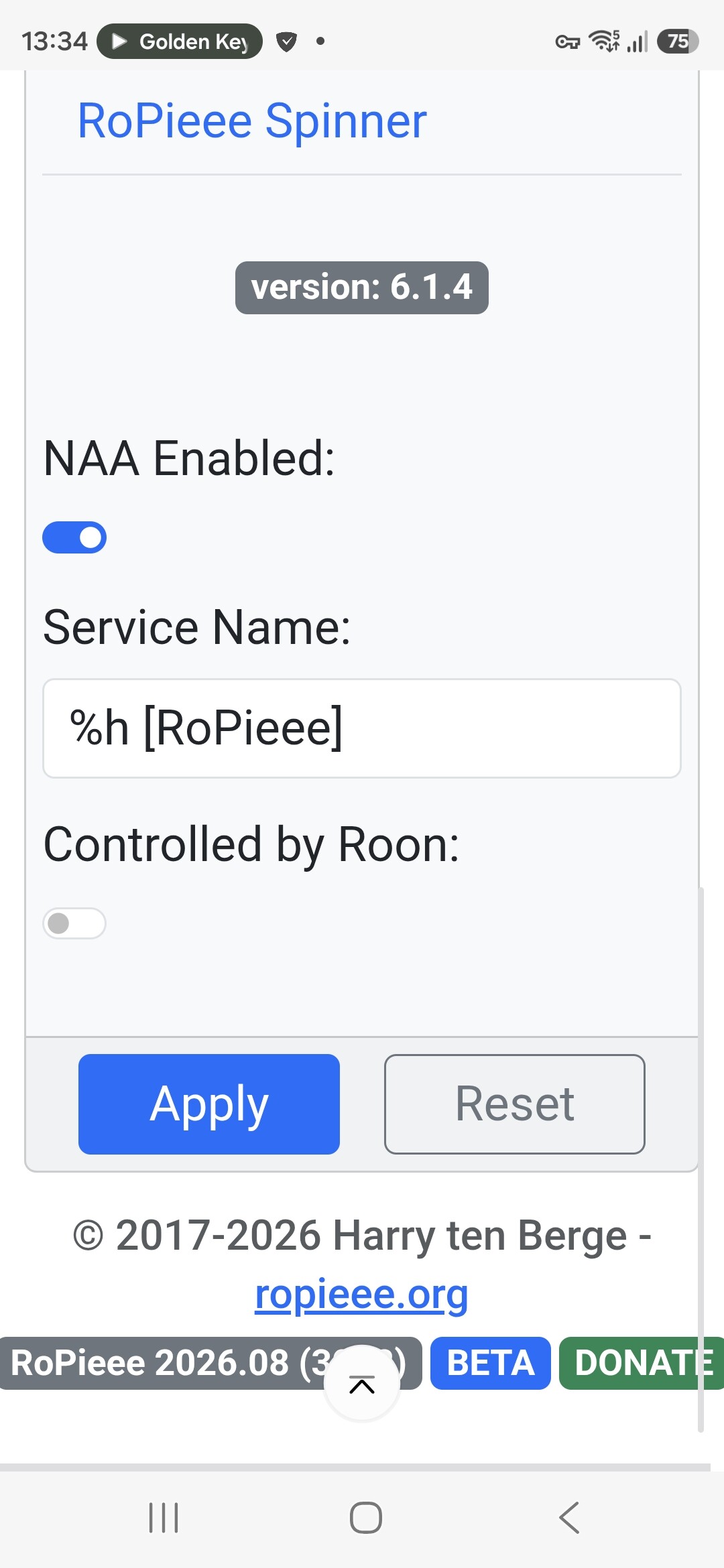
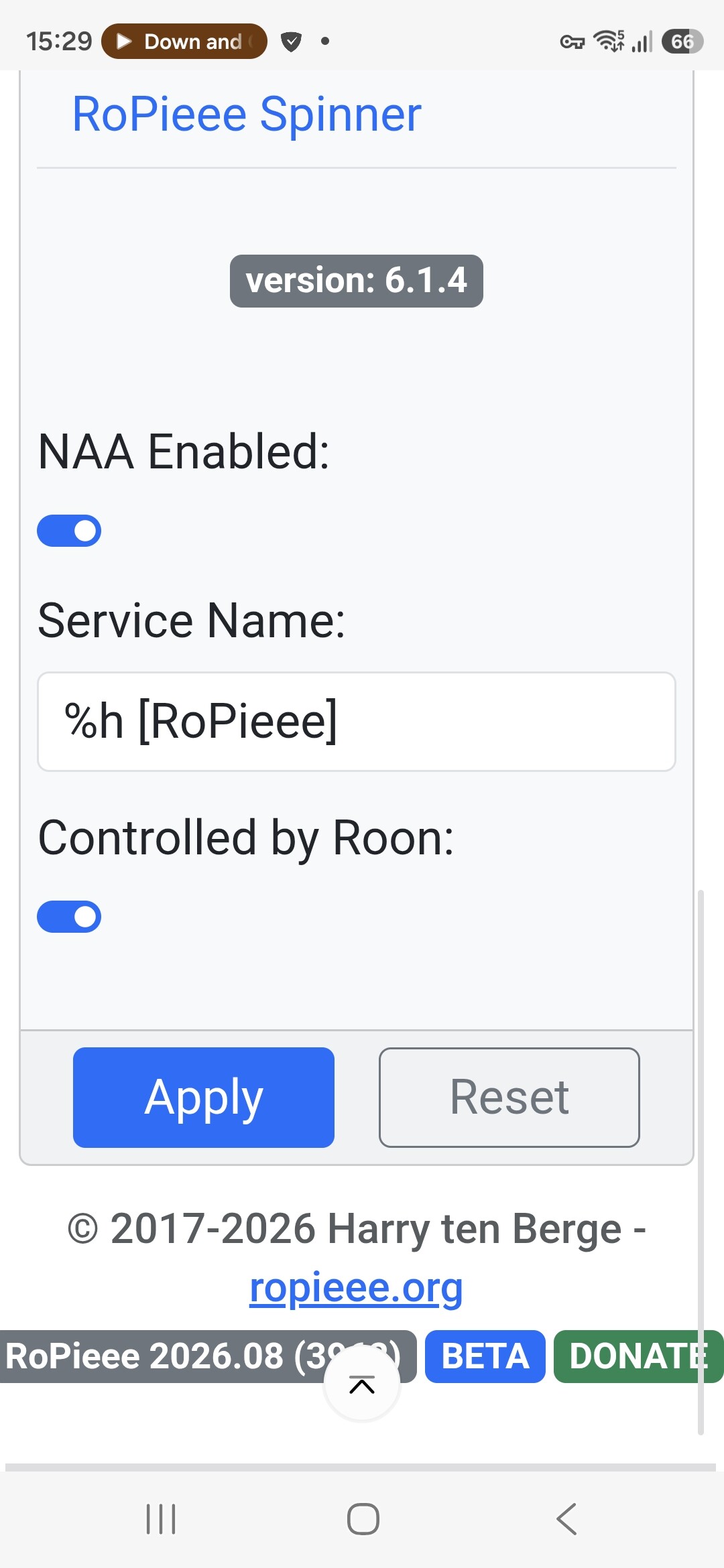
I’ve released a new beta release.
Turns out I’ve overlooked something with RoPieee’s Convenience Switching:
When using Roon, there are 2 alternatives besides Roon’s native transport (RAAT): Airplay and HQP.
In this scenario, when you start playing with Roon via Airplay, RoPieee is not aware that this is the same session and happily stops Airplay (or HQP for that matter).
I’ve introduced a setting ‘Controlled by Roon’, for both Airplay and HQP, that informs RoPieee of this (and thus leaves the services alone).
@Moshe_Zolotov would be great if you can test this, because this should resolve the issue for you.
Installation of the beta went well on rpi5+disp2 feeding two USB DACs.
When playing Roon only, all is well both DACs are locked by Roon on the Audio tab
When switching to Roon via Hqplayer, the audio tab shows both DACs locked by HQPLAYER, then after a second or two it shows both in IDLE state. No music is delivered to either dac
When switching back to Roon only source, than all is well again
my beta unit is now running with latest roonbridge … tried just rebooting a few times over the past couple hours, didn’t seem to work … just now i tried “reinstall roon bridge” from advanced tab, that triggered another reboot and now it’s working
Can confirm two Rpi4s without displays and one RPi3b with display working with RoPieee 2026.08 (3962) [BETA], 6.18.42-SPCKFSH and Roon Bridge Version 2.71 (Build 1683) production. Took a couple reboots, but they are working fine.
Edit: The rpi 3b i did a “reinstall roon bridge” the Rpi 4s I just rebooted after having installed the update on roons about page. The 3b took matters in its own hands and updated itself in Roon even with auto updates tyrned off in Roon. It then disappeared so I had to reboot it twice to get it back.
Good Morning (in Europe at least). My Rpi3b (beta channel) is recognized in Roon again after 2 reboots, great. Harry, thanks for all the hard work and persistence!
TLDR: IMO, it should not matter. Just do which ever is easiest first…or just do them all at the same time?
I think the key is you may need to reboot the RPi RoPieee several times to “finalize” the install. I had to reboot twice before it started showing up again. YMMV
I also did not have to “reinstall roon bridge” from the ropieee webUi. Althouh, I did do this on my rpi3b during trouble shooting. But not on both of my rpi4s. again YMMV.
All worked perfectly. One reboot for each rpi4… my rpi3 never needed a reboot.
The only problem was I foolishly upgraded my old rpi2 (which I’ve been holding out in the garage with RopieeeXL… unsurprisingly it’s now failing to start the new bridge… might finally have to replace it with a pi4)