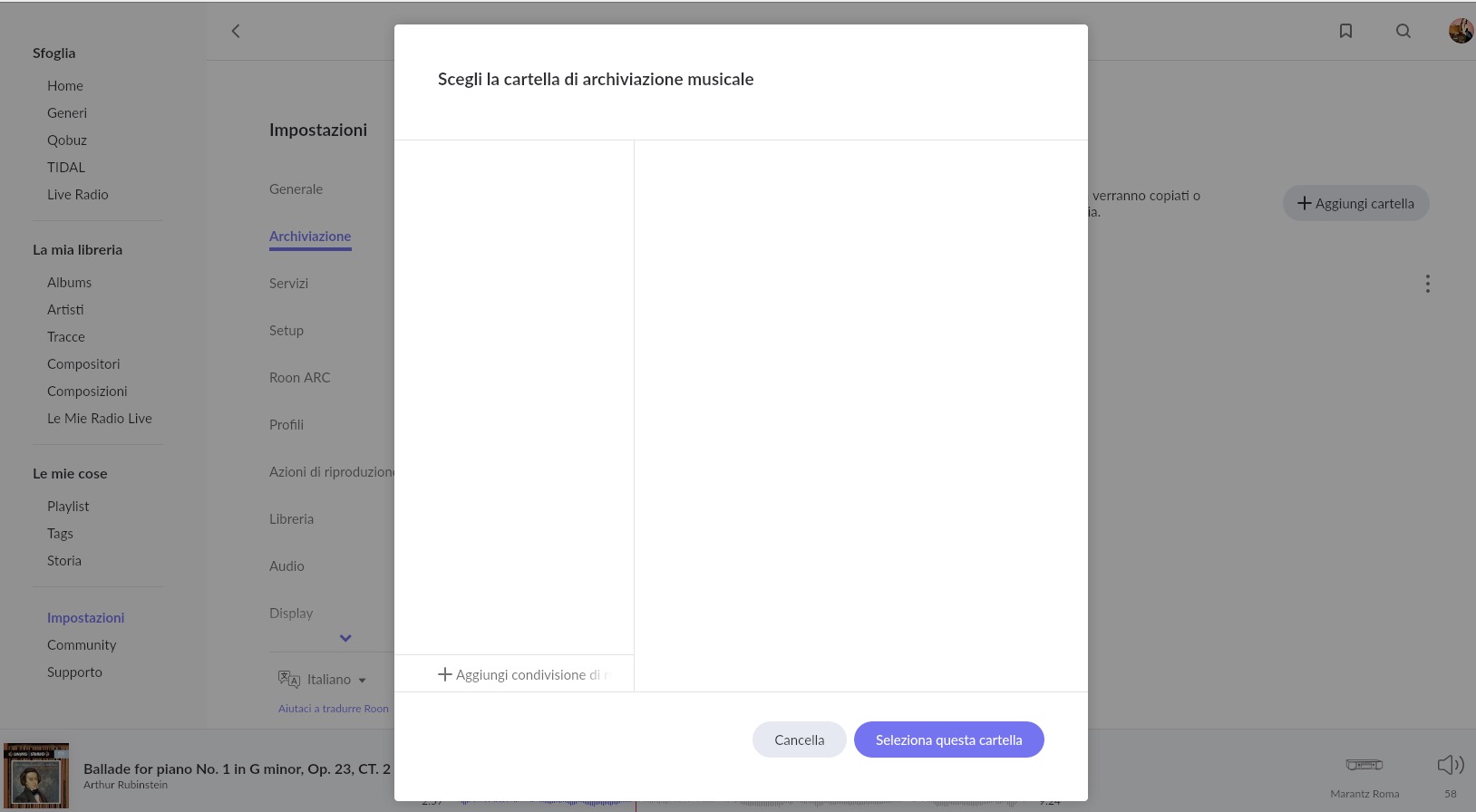
Nothing appears inside the “browse” folder anymore.
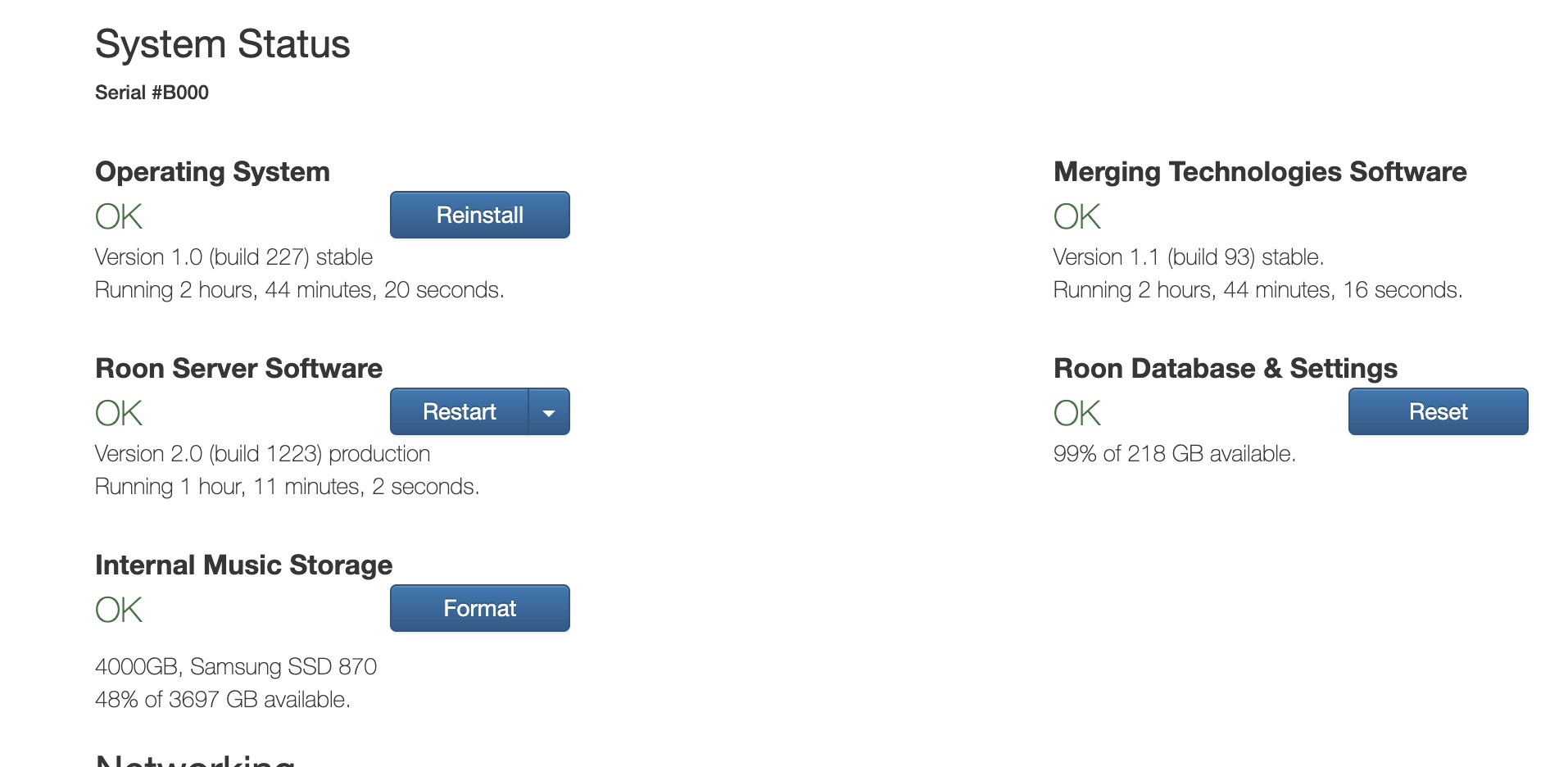
I have an internal SATA disk (4TB) with two folders (with subfolders).
I would like to choose them, to have the possibility to select them with “focus” according to the storage locations, but the “storage” window remains empty. Can you help me?
When a second internal drive is installed in a NUC running ROCK, Roon automatically sets it up as a single watched folder (Roon Optimized Core Kit Internal Storage) and all the music files on this drive are considered as one storage location in Roon.
The option to manually setup watched locations to specific folders is only available for USB connected drives.
Rather than using “location” to focus on have you consider using a combination of tags and bookmarks as an alternative?