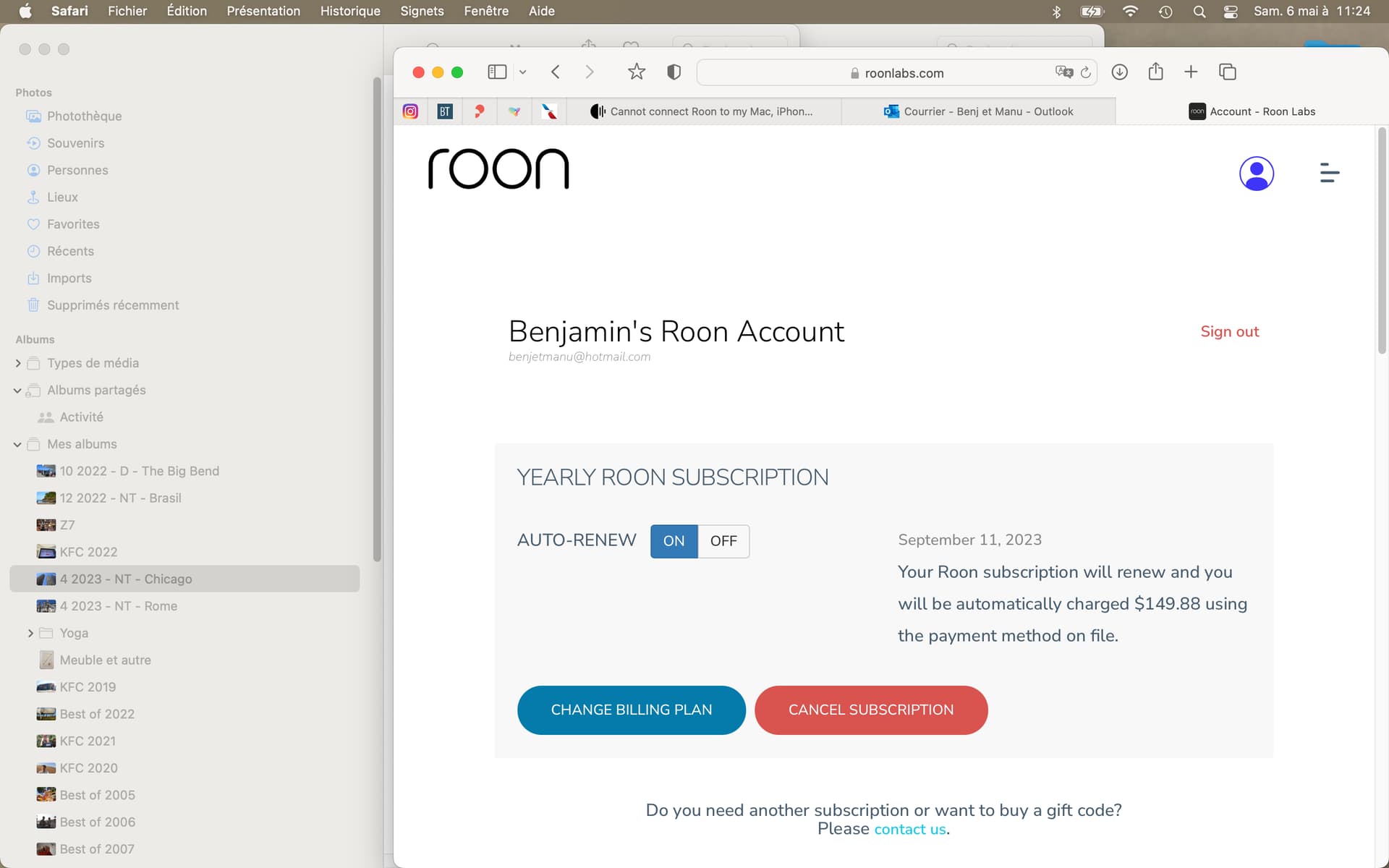
See attached - I am in my Roon account - Logged in
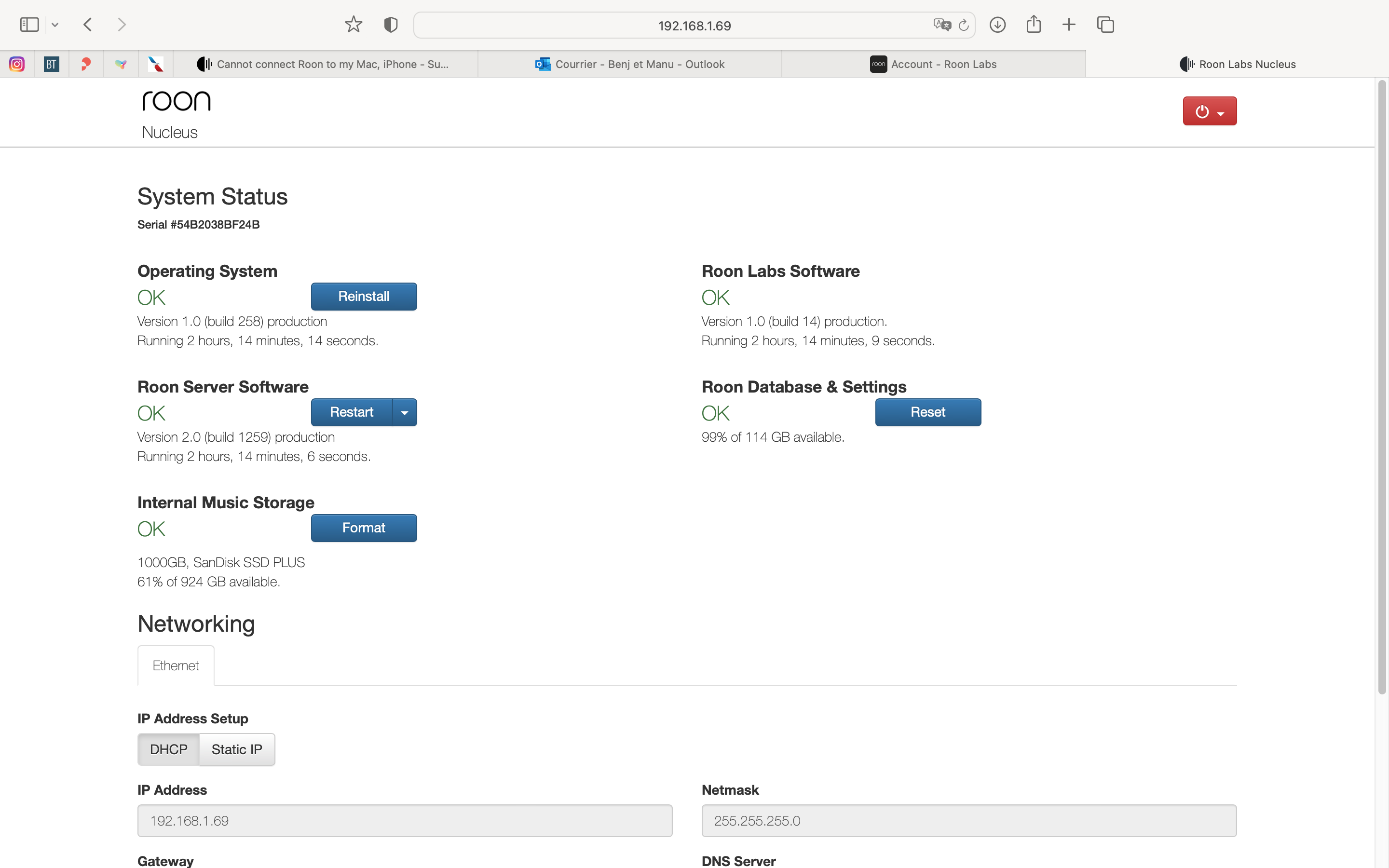
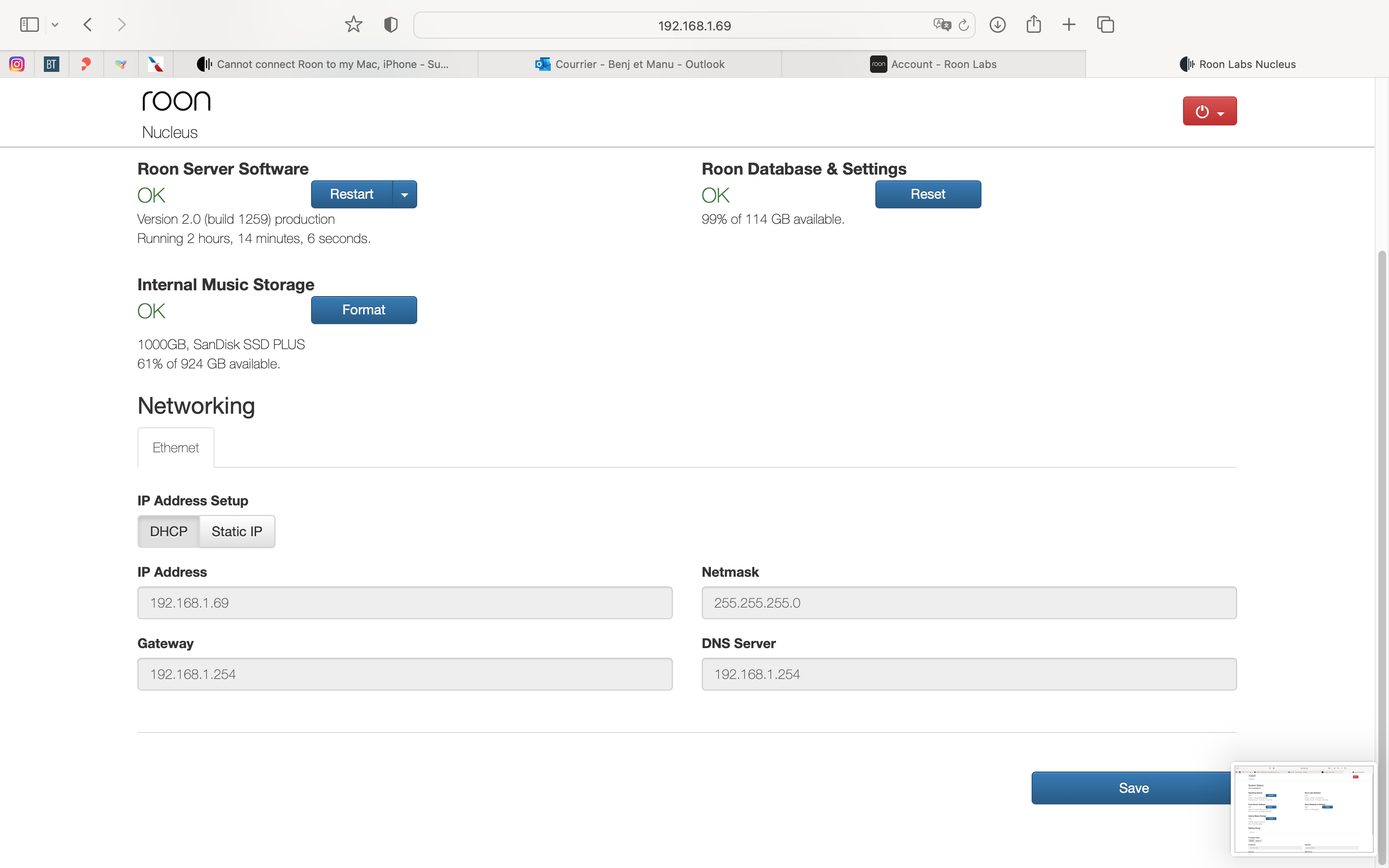
Done… but exact same white screen with the black Roon dot searching for something
Thanks; I have saved again
You have been so helpful so far. Thank you so much ; I’ll wait for support to contact me as I don’t know about the back up situation. I know I have music saved on my Nucleus. Do you know how I can check that ?
Nope - that is the Internal Storage of the Nucleus that is used to hold local music files. The Roon database is on the M.2 SSD (size: 114GB) along with the Roon OS and the Roon software.
2 Likes
Last suggestion while we’re waiting for this issue to reach the head of Roon Support’s queue: reboot everything; starting with your router, then the Nucleus and finally the Mac…
I ll try that again - Good old way - Thanks
Done that… no change
For what? Not needed on the LAN
Good morning, Do you know how I can verify that my own music is store in Nucleus (as I don’t have access at my Roon App). Is there an alternative ?
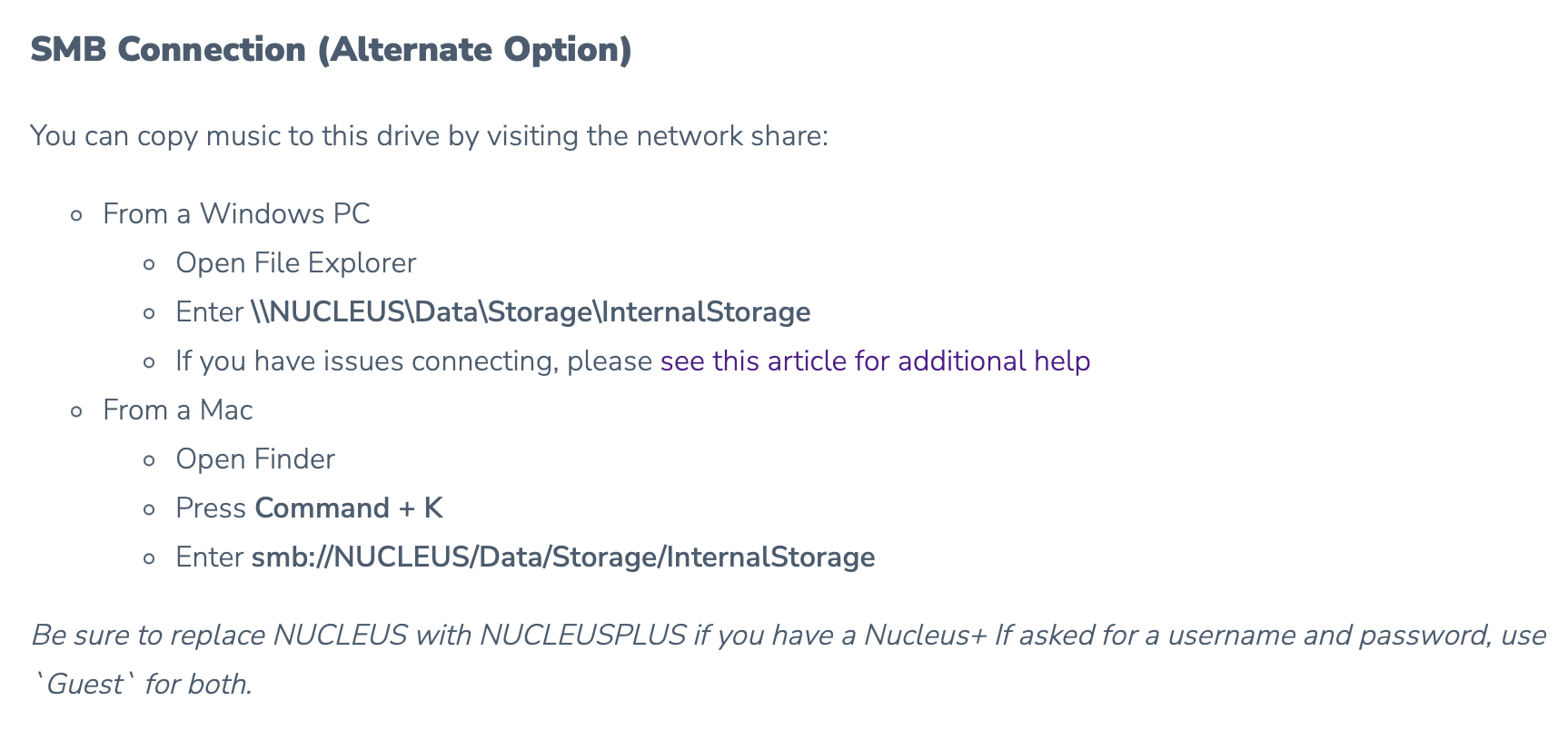
Thanks you, It is not working and the Mac keep “cannot” connect to Nucleus.
Although Mac and Nucleus on the same network.
This can be related to the problem I have been having not being able to access Roon from any of my devices… don’t know.
However, I cannot access Nucleus with the path you mentioned.
See attached -
Thanks
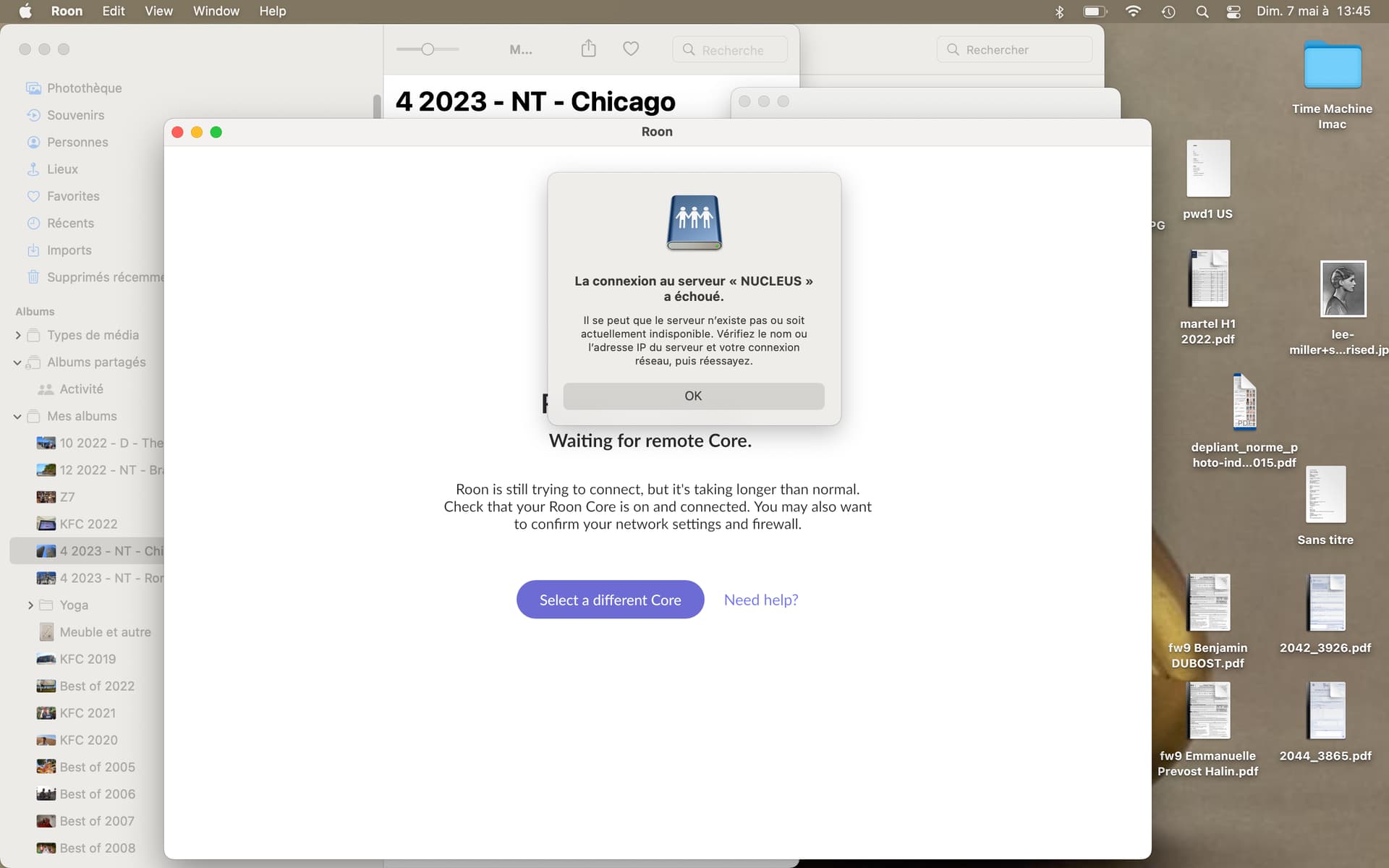
It is possible that your router does not provide a local name service on the LAN, to resolve the name “nucleus” to an IP address. (It would not be great by the router, but such routers exist). Try instead if it works with the IP address of the Nucleus in the SMB path:
smb://192.168.1.69/Data/Storage/InternalStorage
Unfortunatly, same issue.
Nucleus is plugged in at the Router.
Router shows greenlight. Nucleus shows blinking green light which I assume is correct.
But still cannot connect
See below :
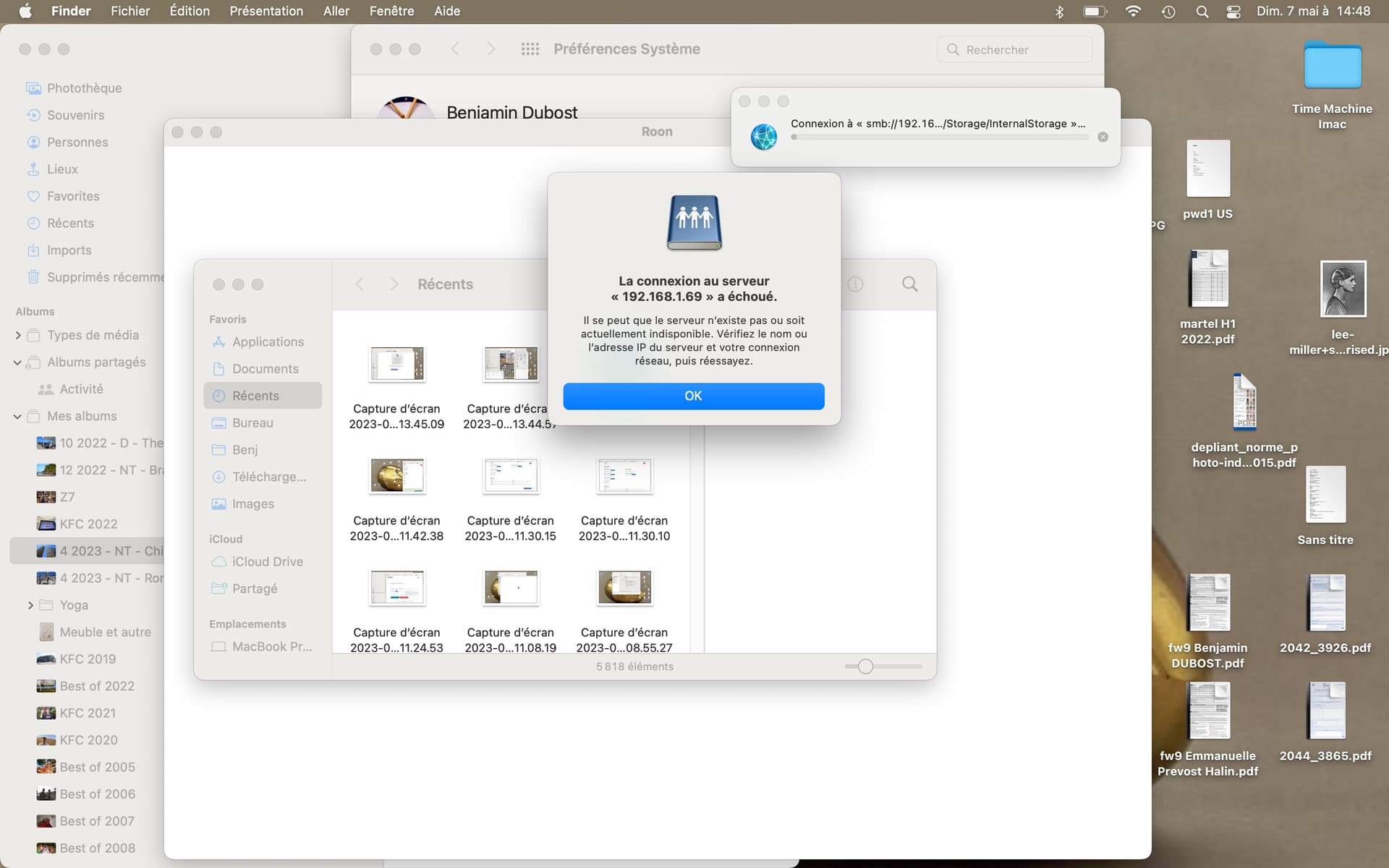
http://192.168.1.69 from the same Mac still works and gets you to the admin page?
Hey @Benjamin_Dubost,
Ben here with the support team, thanks for writing in, and for your patience! After reviewing this thread, your issue may potentially be related to database corruption, or SSD hardware failure.
While refreshing your database won’t touch or hurt your internal music library stored on your Nucleus, you can always physically disconnect the internal music storage SSD from your Nucleus prior to refreshing your database just to be safe.
This would involve unscrewing the bottom of your Nucleus and disconnecting the SATA and power cables from the SSD.
After this, you’ll need to reset your Roon database from webUI:
Please let me know if the above helps. With that, it may be helpful to get a set of manual logs from your Nucleus as well. Please use the directions found here and send over a set of logs to our File Uploader.
I’ll be on standby for your reply. 
Thank you, I am still not successful…
As a reminder :
Nucleus is on 192.168.1.69
Mac is on 192.168.1.70
Iphone is on 192.168.1.71
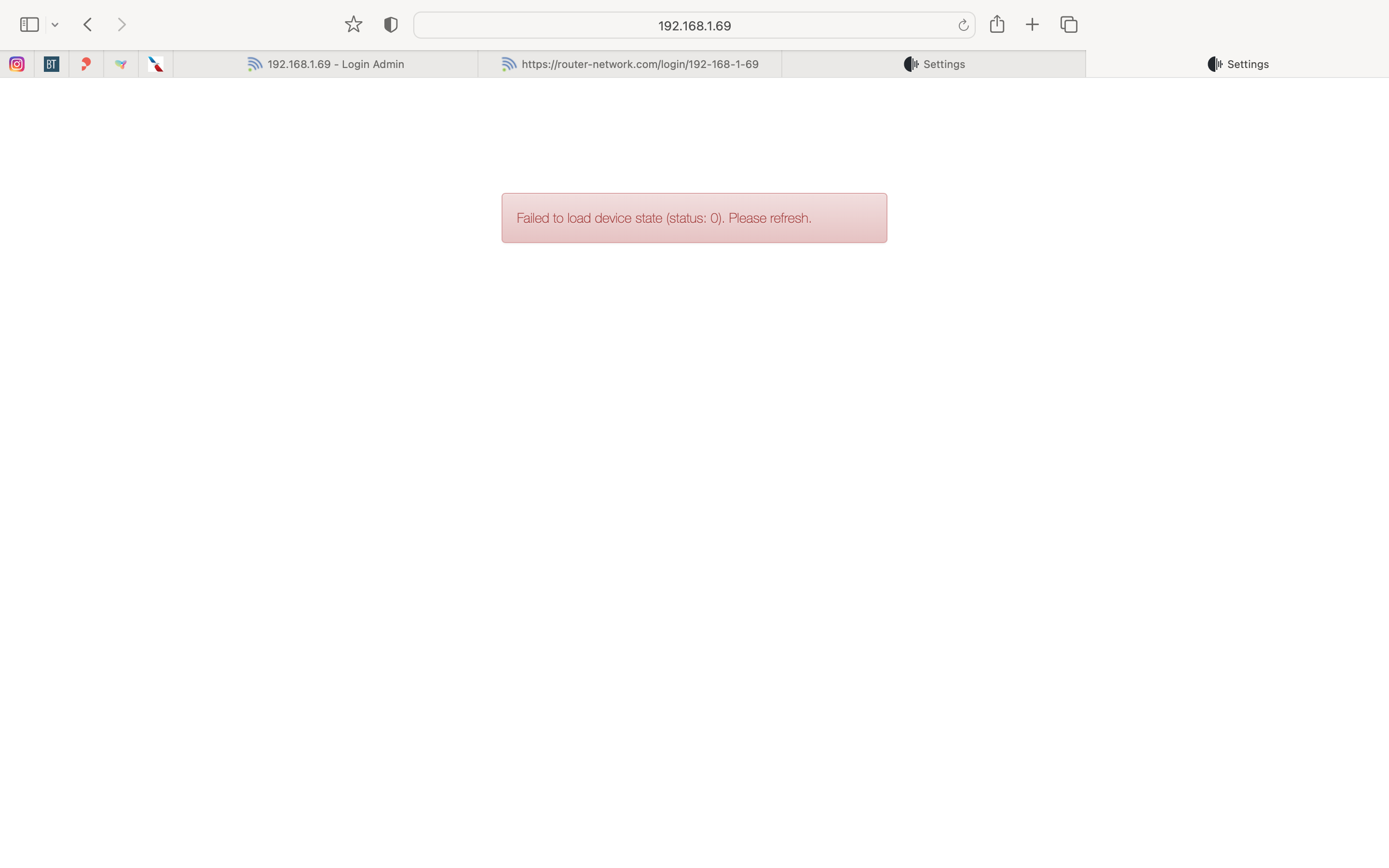
When I type on the browser
http://192.168.1.69
I have no answer.
See attached
I have open Nucleus and disconnected my SSD.
Nucleus still shows on screen : 192.168.1.69
I hope someone from tech support at Roon can help. I am now very worried that all my playlists built on Roon Core are lost ; can you please help me understand these playlist are saved through my Roon account ?
I still have no solution to my problem.
Thank you