It is extremely frustrating not to have any contact from anyone despite being a Roon Customer for 2 years now.
I don’t know how to express my anoyance anymore.
I need help as I keep receiving security messages and I keep not being able to connect to my Roon. What is going one ???
I have a Nucleus that use to work perfectly and now, cannot access any of my Roon ??
I need assistance !
Don’t send me to the community chat, it does not solve my problem.
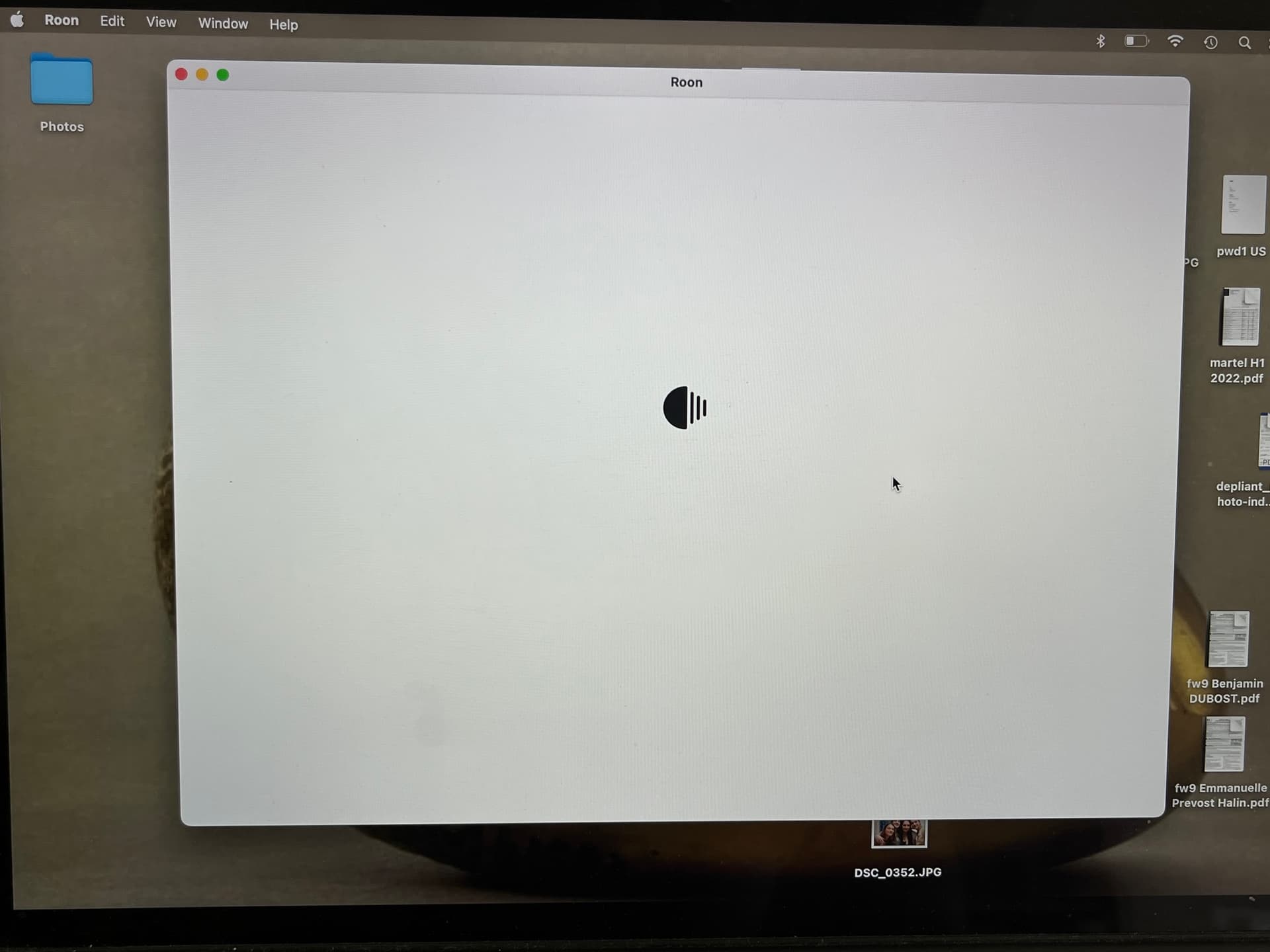
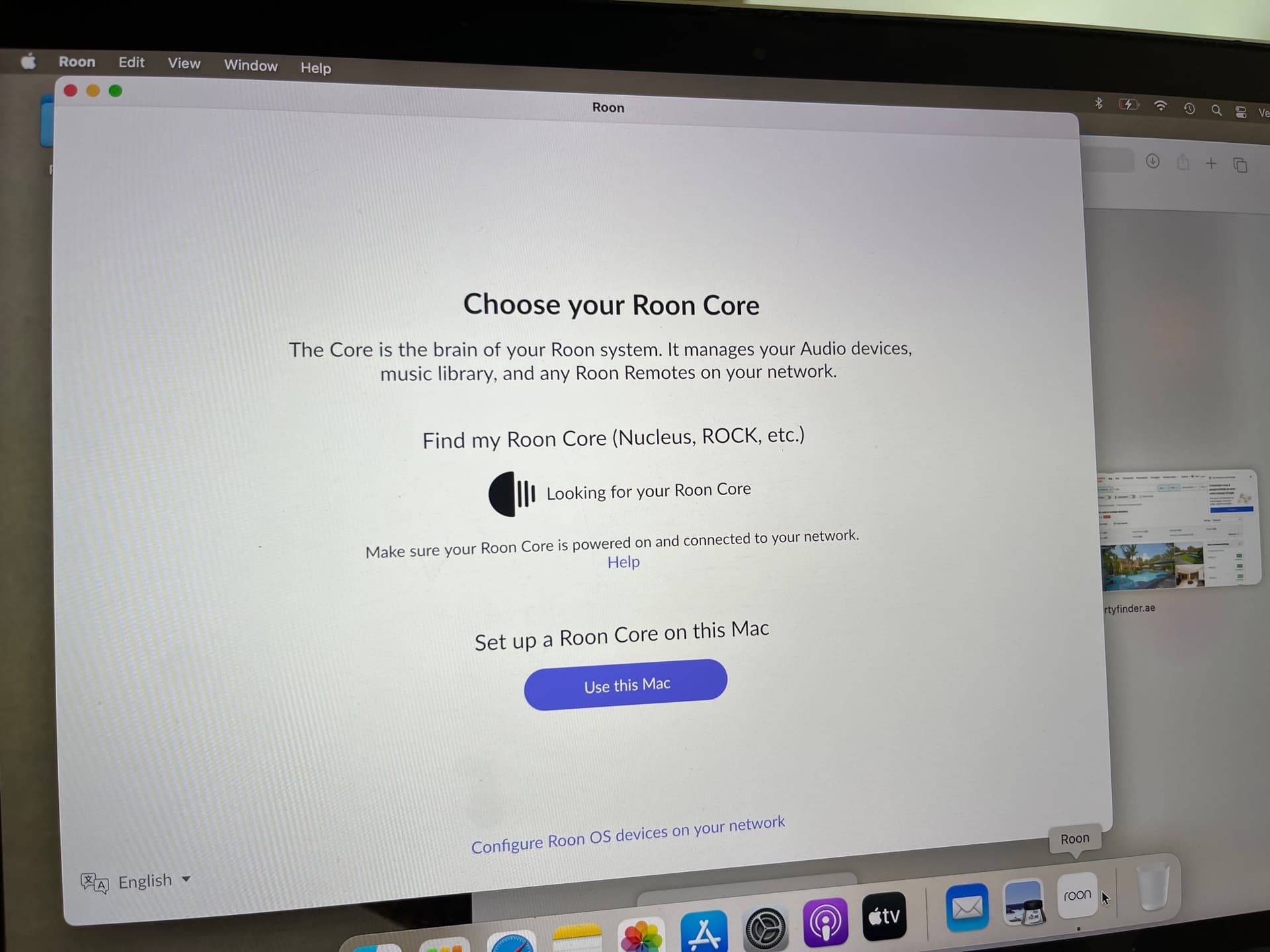
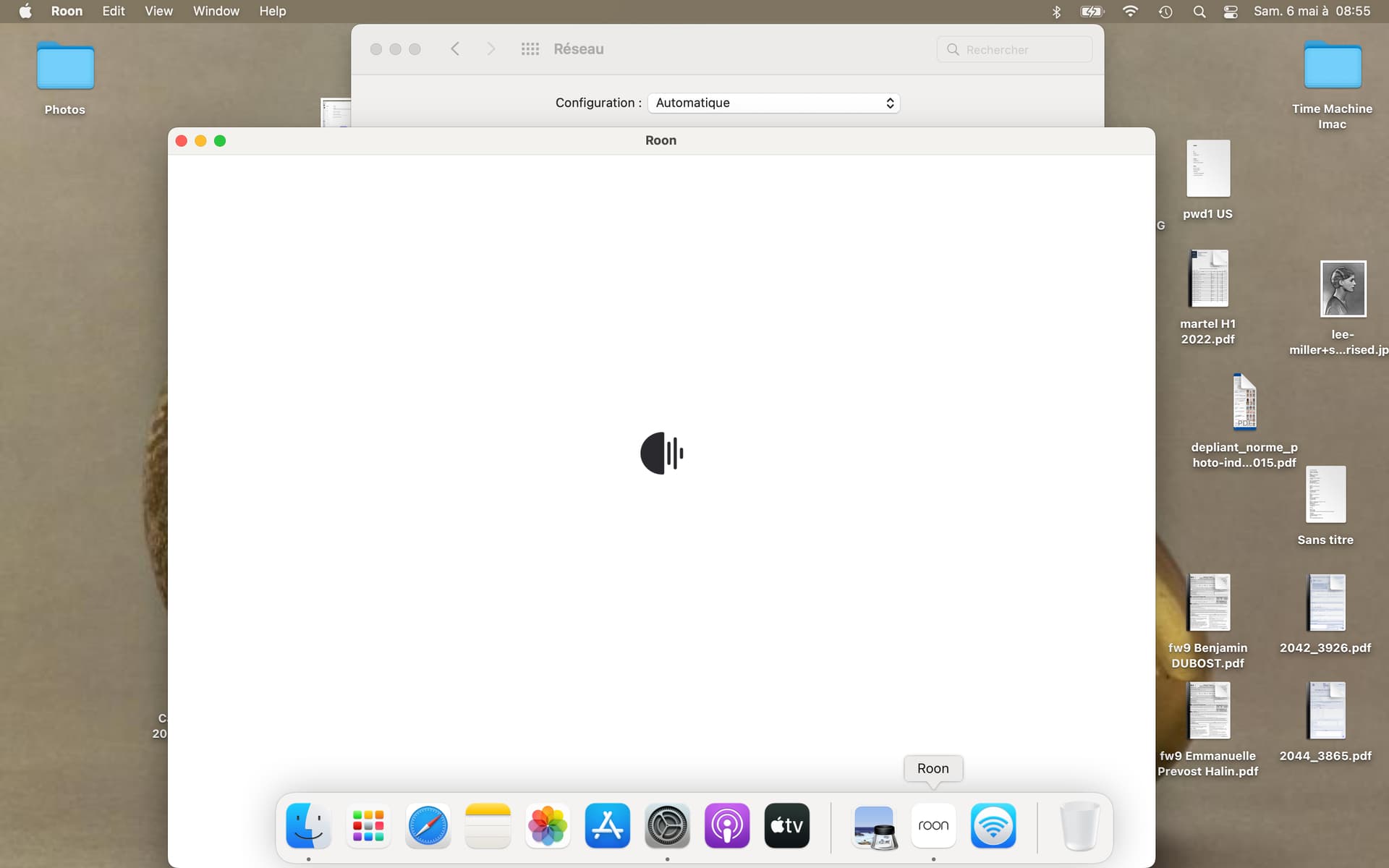
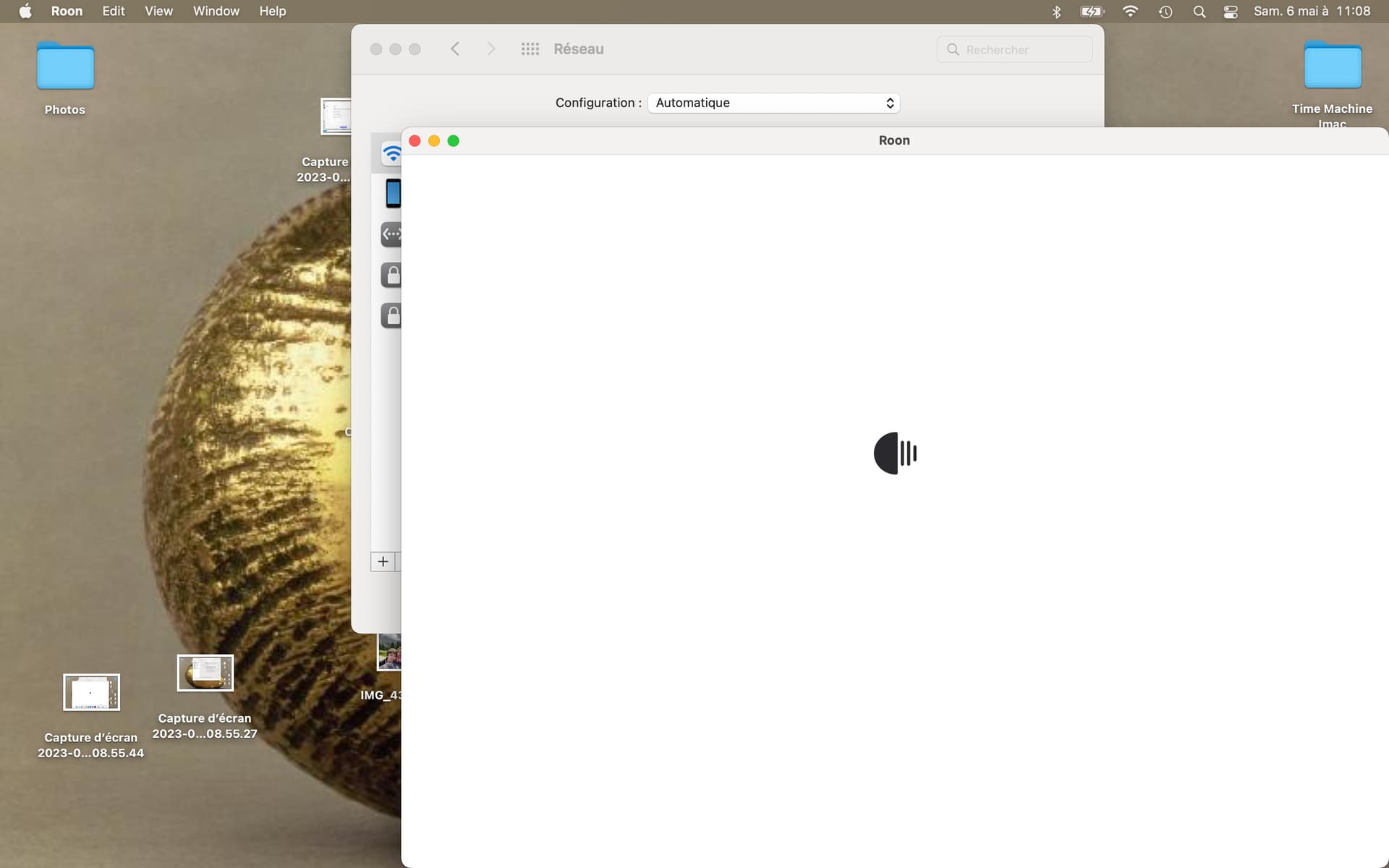
Please see the print screen. Basically, when I try to connect my mac to Nucleus, I have a white screen.
I have made sure that all is on the same network. I have reinstalled Roon, restarted my PC. Nothing works !!
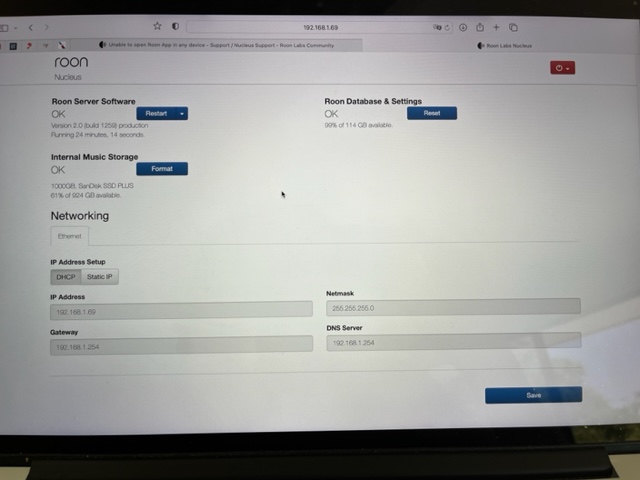
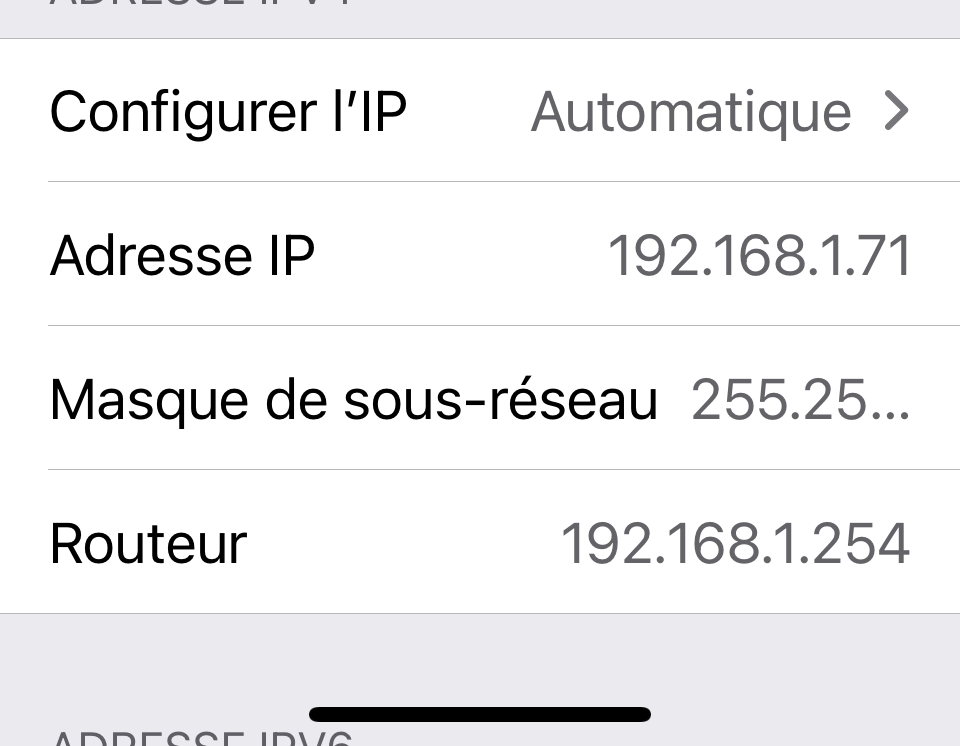
Probably no problem. As these are addresses via DHCP, I’d assume that the router knows what its own address is. There are routers that use .254, that’s probably fine. And if the router provides a name service on the LAN (as a decent router would), then the DNS address is the same as the router address. (And the router passes requests on to the DNS on the internet, like Google’s or the ISP’s, for names it can’t resolve on the LAN)
Thanks - I have done it and no real progress.
Here is where I stand : All my devices, included Nucleus and Naim NDX2 are on the same wifi network.
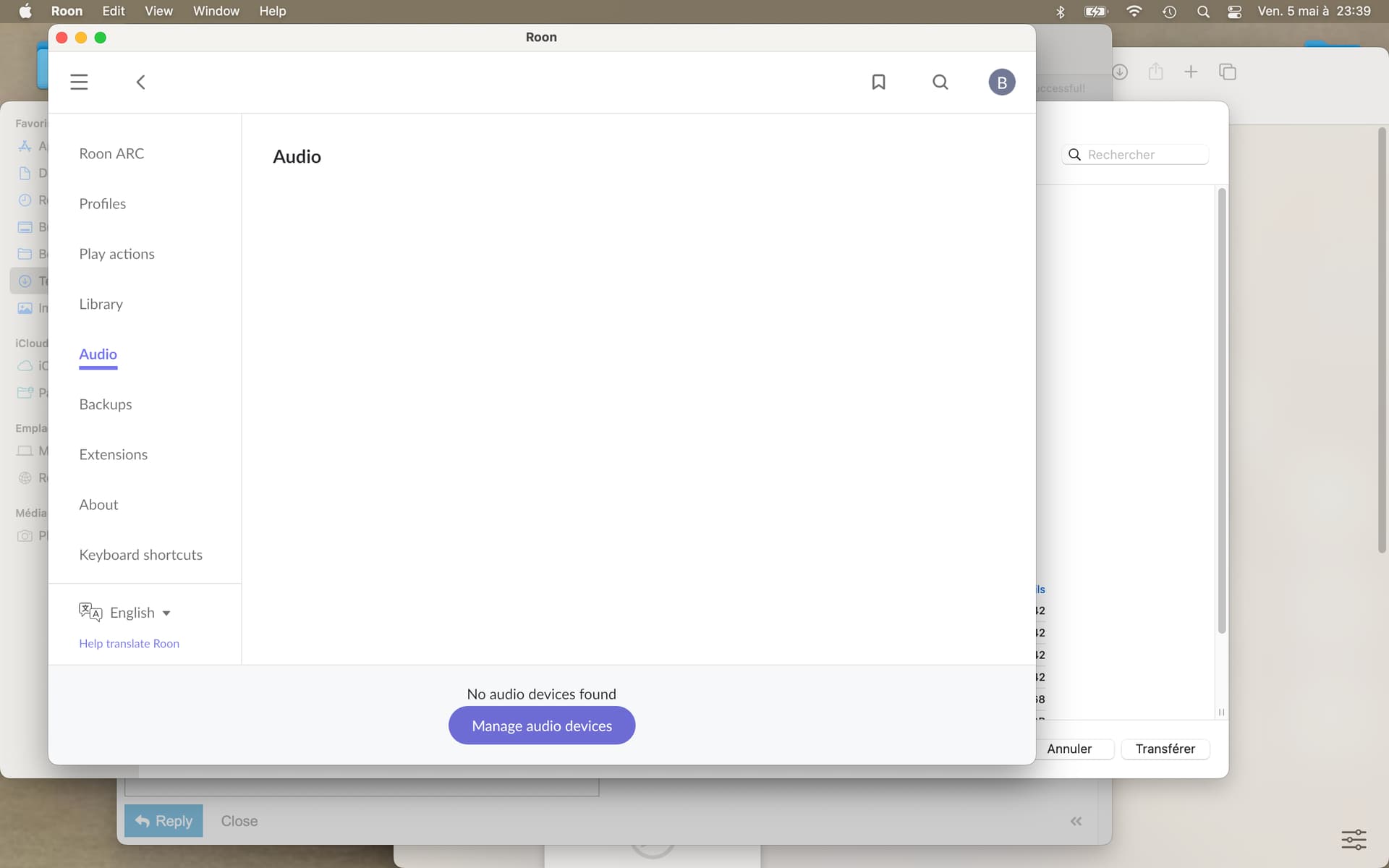
My Roon App cannot identify audio source although my NaimNDX2 is connected to same network as my Nucleus and laptop.
See attached the message I get
Also I can’t find any of the music I have stored on my Nucleus (folder is called 192.168.1.124/musique in the print screen attached).
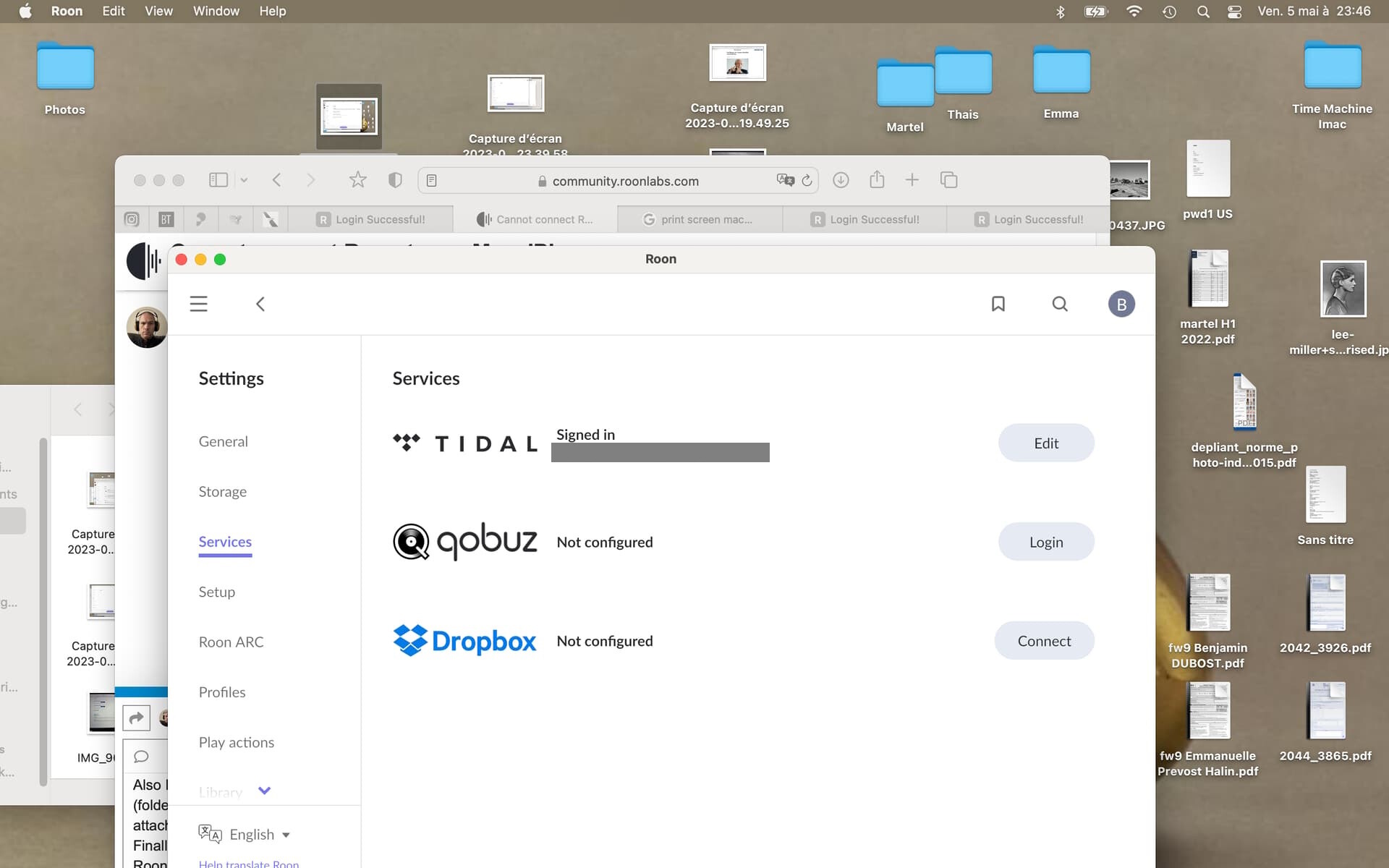
Finally, I connected to Tidal with my login and when I look at Tidal in Roon, it does not let me access any Tidal content (see print screen).
I am still unable to play music out of Nucleus to my NaimNDX2 as I was before.
I can’t find any of the music I have stored on my Nucleus (folder is called 192.168.1.124/musique in the print screen attached).
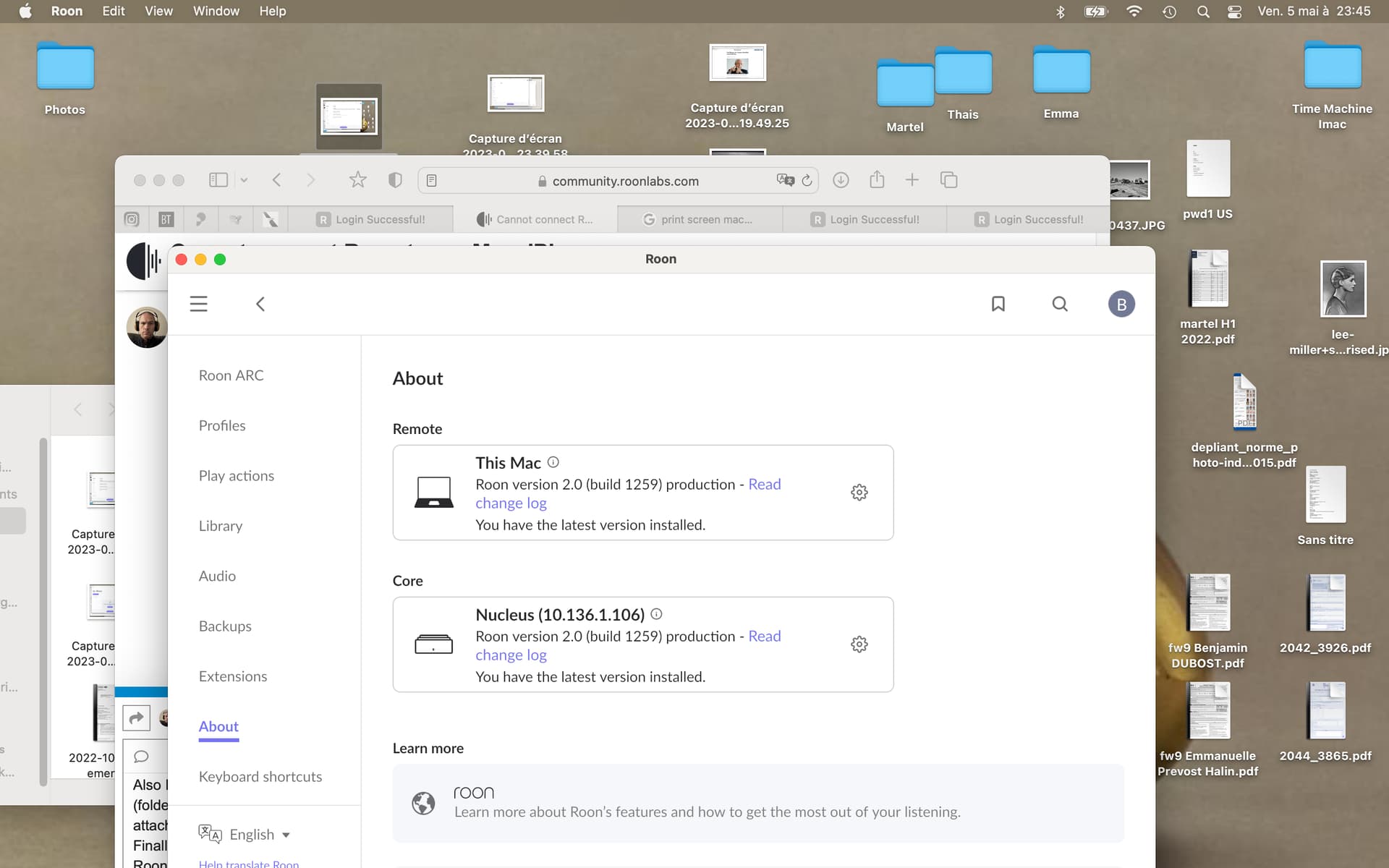
Yet in Roon’s Settings > About screenshot, the IP address of your Nucleus is given as 10.136.1.106 - and that is on a completely different IP subnet address range. It would seem that your Mac and your Nucleus have been switched to a different subnet and are no longer using addresses in the 192.168.1.x range.
That would explain why in the Settings > Storage screenshot, Roon is correctly telling you that it can’t find the Musique folder at 192.168.1.124 - Roon does not work across subnets; everything has to be within one subnet.
And another thing, you say that the Musique folder is for the music stored on your Nucleus, yet the internal storage of the Nucleus is showing as having no music stored within it (there is no report of the number of music files shown, just the message “Searching for new files in real time”).
That Musique folder must exist on a NAS (the “diskstation”?)
Let’s solve the networking issue first, and then we can think about the missing audio devices.
Thank you.
It is still not working.
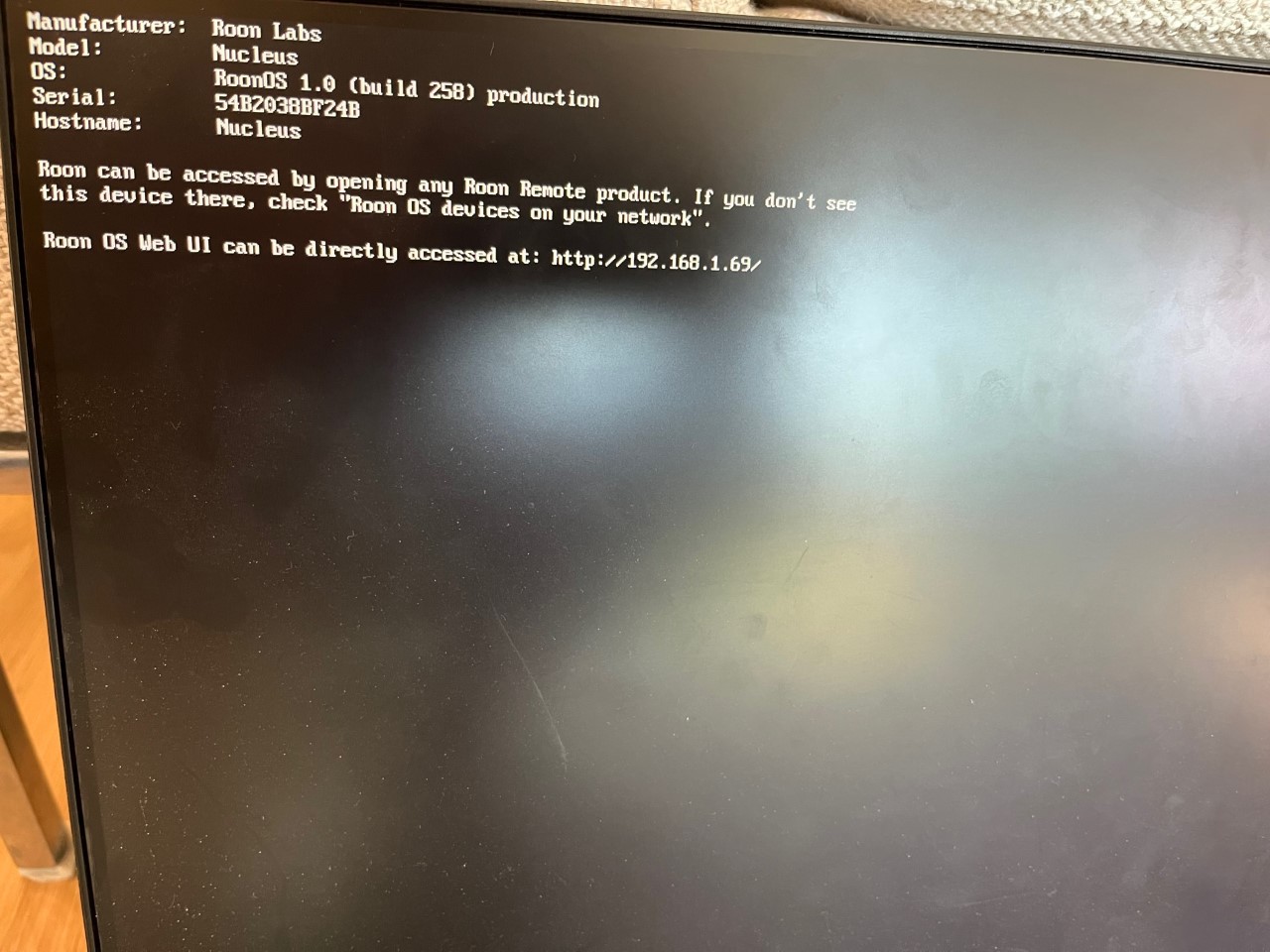
My Nucleus is under IP 192 168 1 169
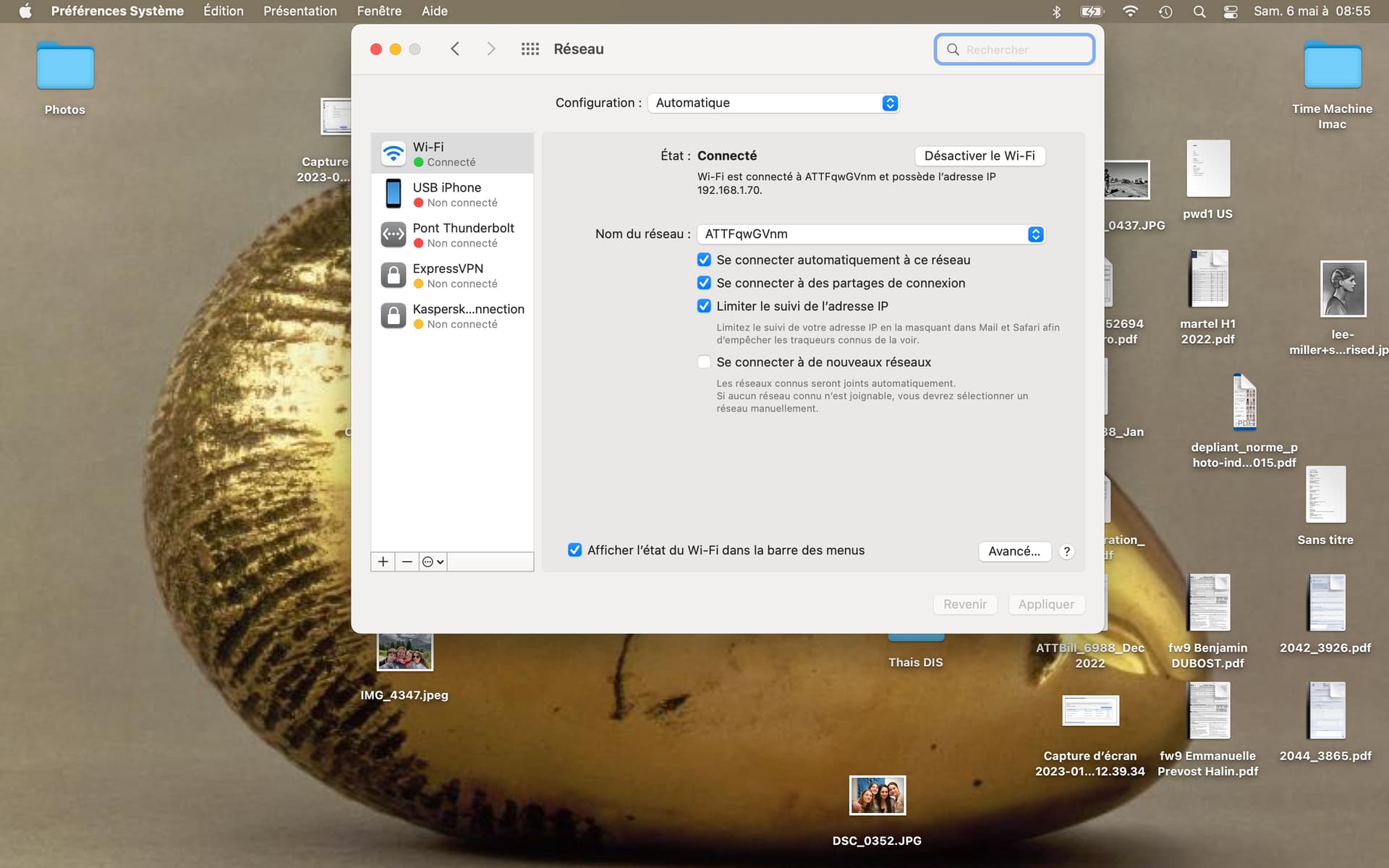
My Mac is connected to wifi and so is my iPhone: 192 168 1 169
So it looks in order.
When I connect to Roon App, I only have a white scree with the Roon black dot running. I cannot access into Roon.
See all images attached