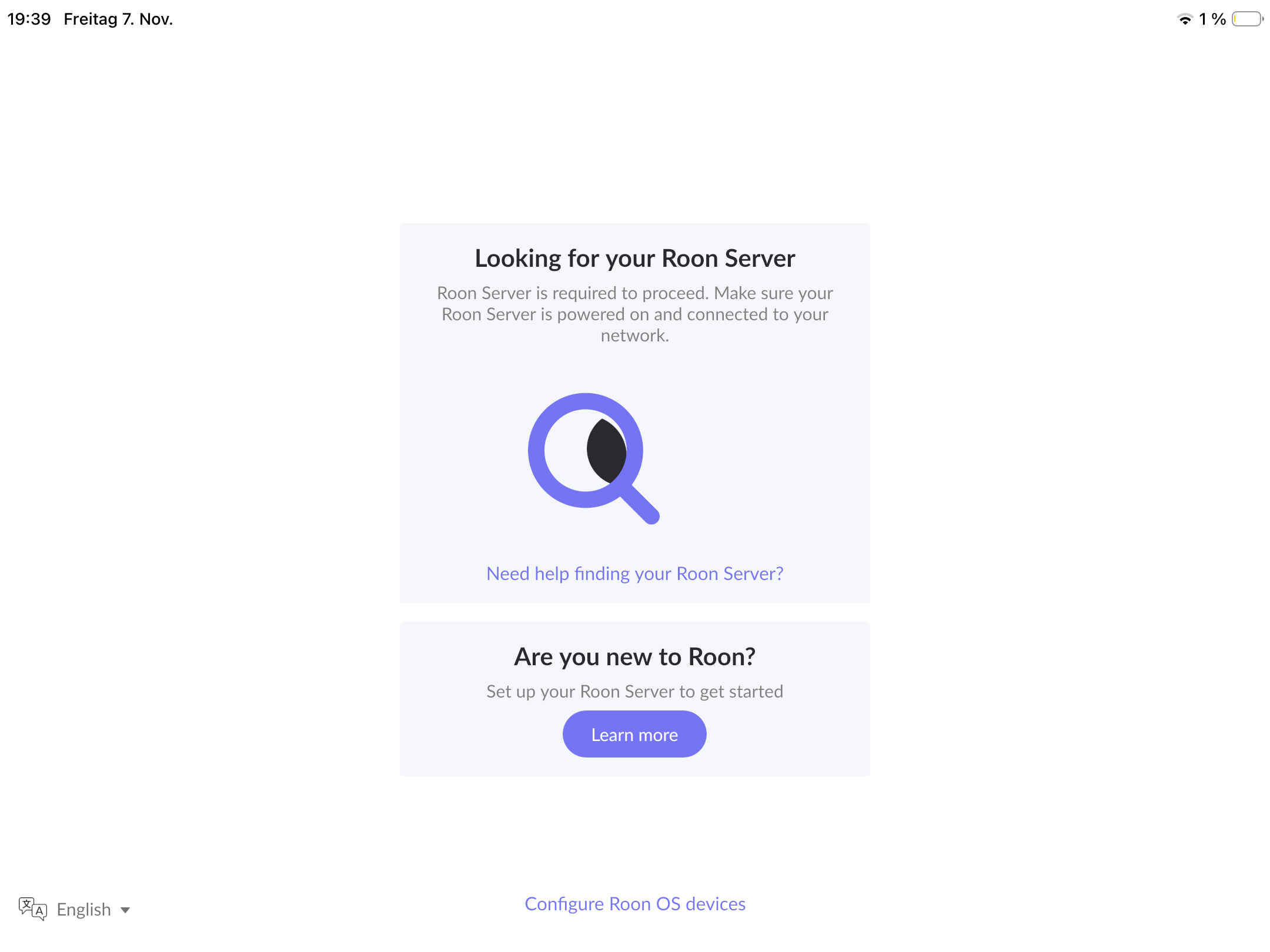
Is Roon Server running?
· Yes, Roon Server is turned on and running.
What do you see on your screen?
· "Waiting for your Roon Server"
What happens if you press the "Select a different Roon Server" button?
· I don't see Roon Server.
Please try to restart your network setup by unplugging, waiting 30 seconds and then replugging in your networking gear.
· No, the issue remains the same
Please select how you've connected your Roon Server to the internet
· Roon Server is connected by *Ethernet*
Have you checked your firewall settings to ensure that Roon is allowed through?
· Roon still won't connect even after checking this aspect
Have you verified that Roon Server is on the same subnet as your Remotes?
· My Remotes and Server are on the same subnet and I still can't connect
Sometimes the issues can be resolved with a reinstall of your Roon Remote app. Let's try to perform a reinstall and see if it helps.
· I've reinstalled the Roon Remote but it did not help
What is the operating system of your Roon Server host machine?
· *Prebuilt Branded Roon Server* (SonicTransporter, Innous, Merging...)
Select any of the following components that are present in your local network setup
· None of the above
Describe the issue
After uninstalling roon for having enough space for the new ios-software-update,and re-installing the app, I am no longer able to connect to my innuos zenith mk3. Roon app does not find the server
Describe your network setup
Router is situated in Austria, Provider is A1. Server is connected to the router via ethernet cable