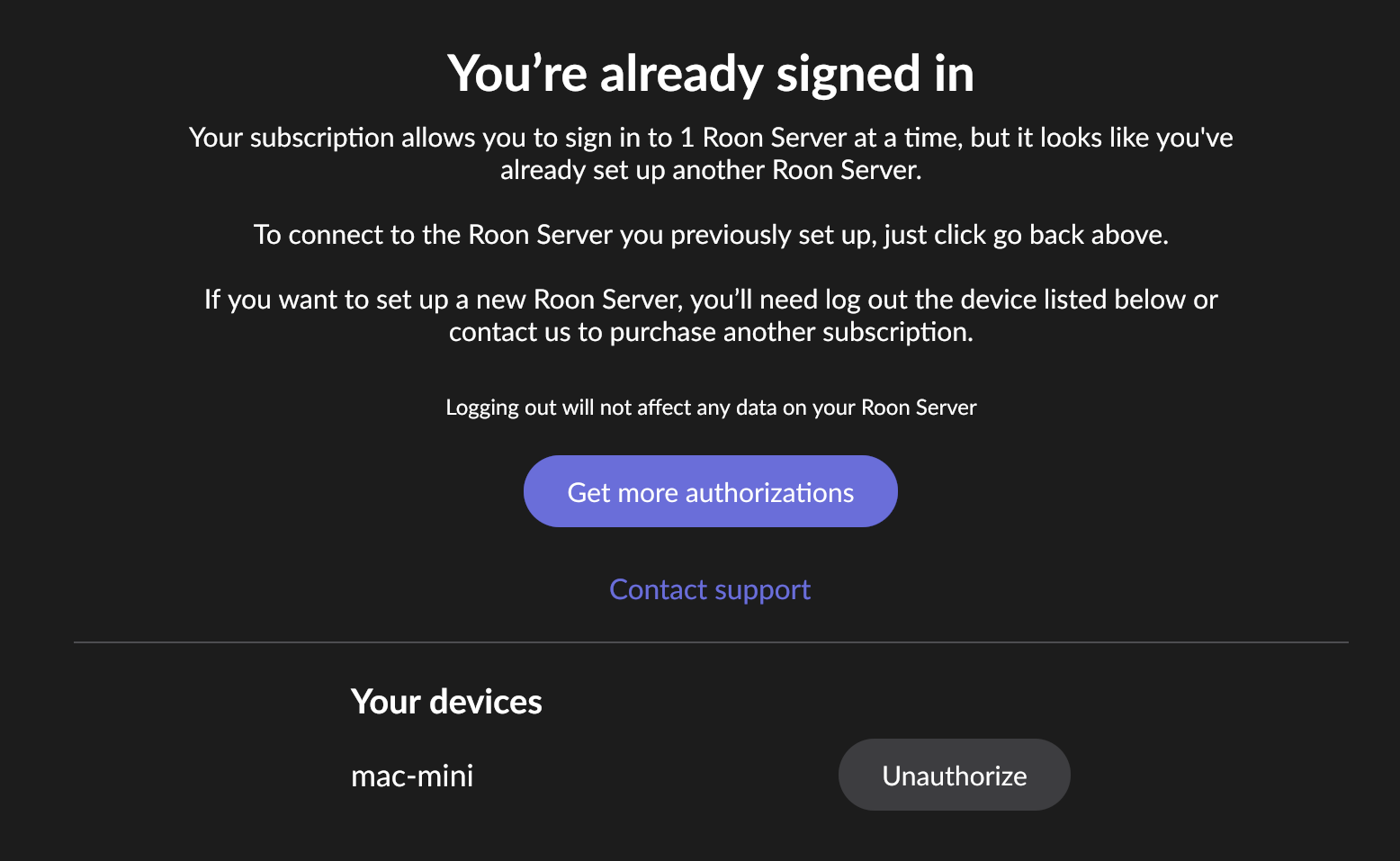
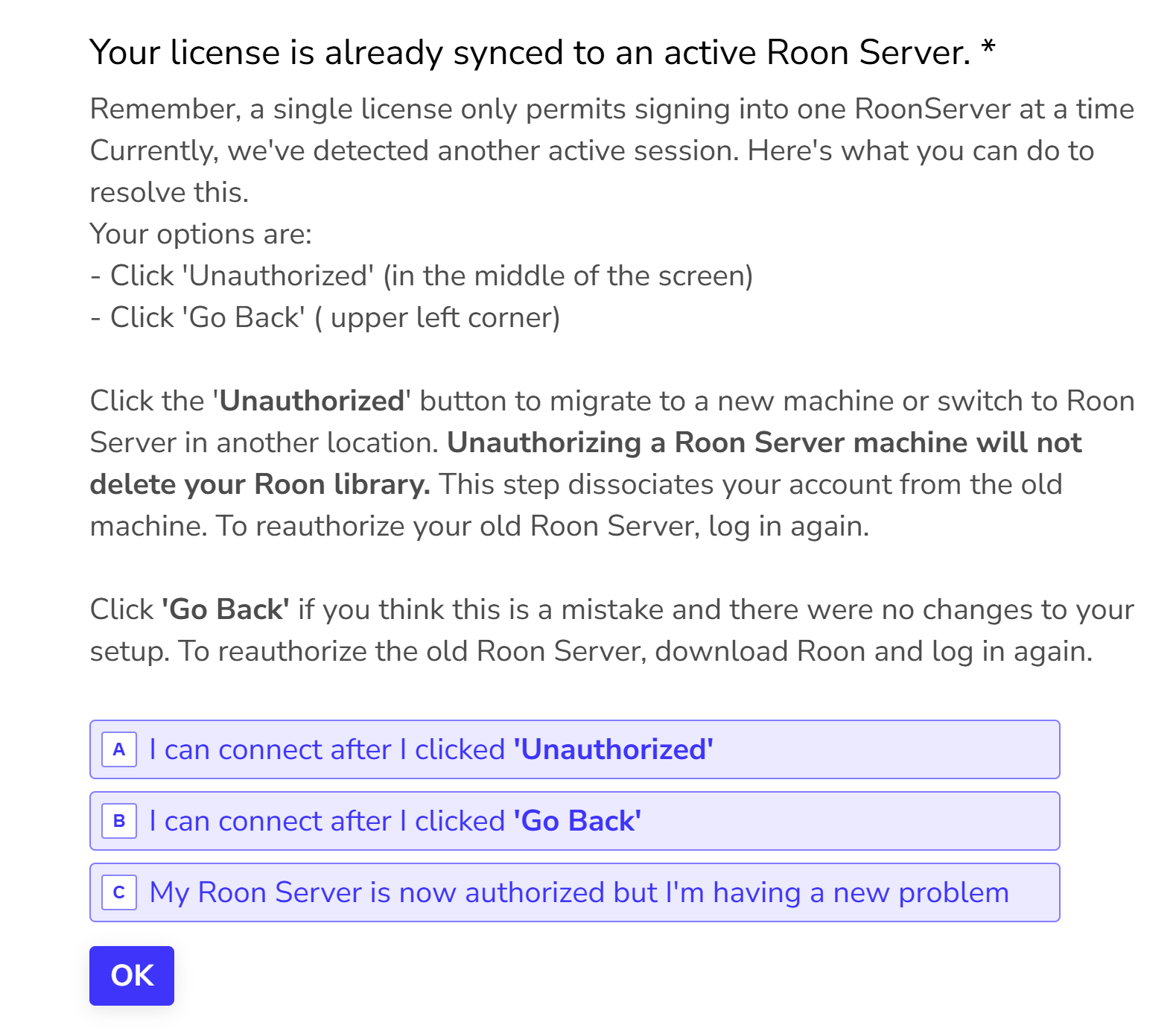
I'm unable to connect to my RoonServer which is running (green bubble) on Mac. When I click Connect I'm taken to a login option, and when I log in, it says "Unauthorized, already logged in". I re-installed Roon and the problem persists.
Also I went through your Typeform survey, which seems like an excellent tool. But it seems to have a non-ending for this case, which is a bit frustrating.
Describe your network setup
I do have a sophisticated pfSense-based home network, but I don't believe it should be relevant since the Roon and RoonServer are on the same Mac.
AceRimmer
("I’m not just a hero; I’m a legend!")
2
When it says unauthorized you are already logged in you should see an option to log out or change user or account?
Can you post a screenshot of exactly what you see?
Thanks for taking the time to write in and for sharing your report! @AceRimmer has asked some good next questions - are you able to share a screenshot?
Does this happen on all your Roon remotes? If you haven’t yet, I’d also safely stop Roon Server, and then reboot all your devices.
AceRimmer
("I’m not just a hero; I’m a legend!")
8
Yes that’s exactly what I was getting at but just wanted to see exactly what you saw before possibly advising you incorrectly…lol.
You appear to be all set now.