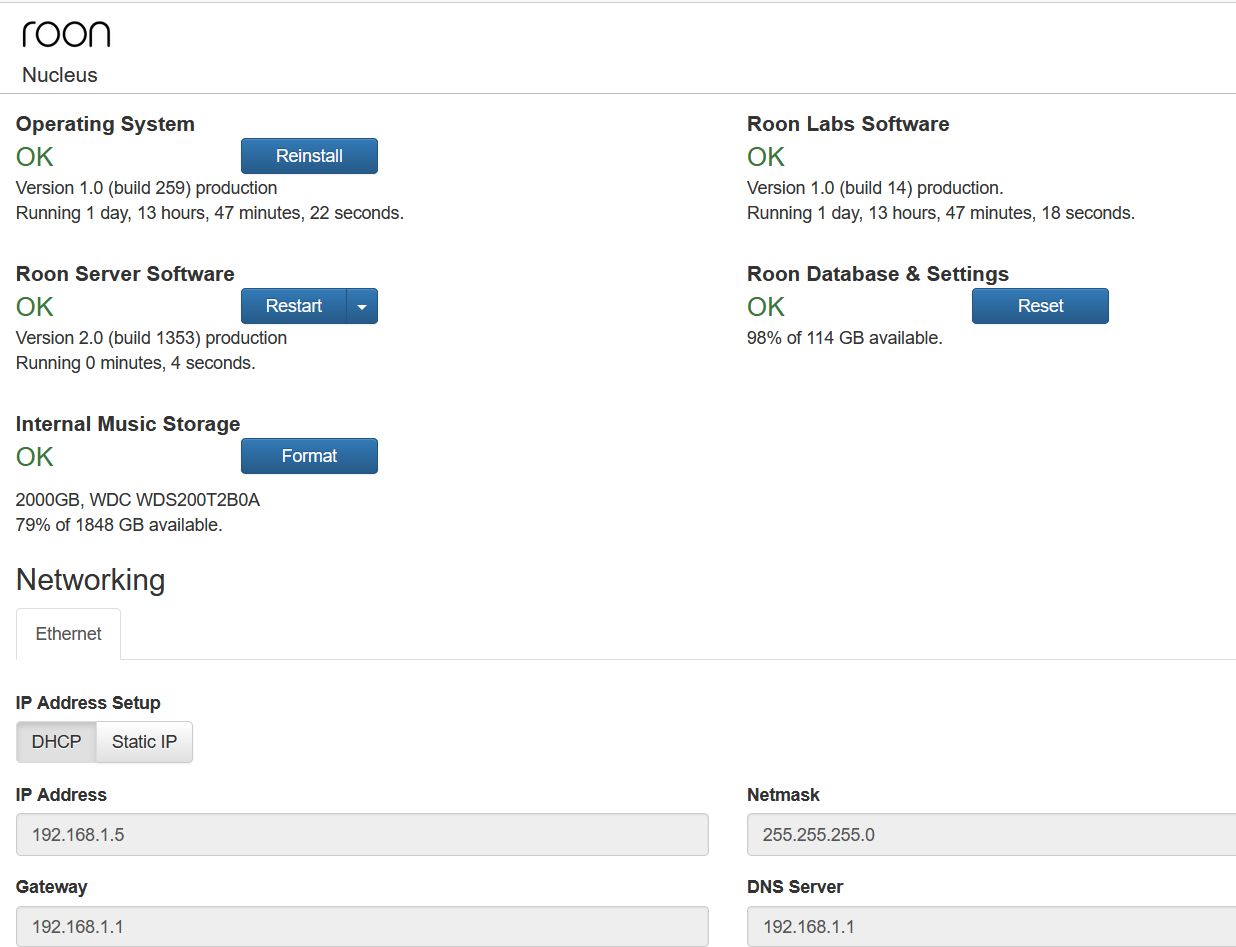
Cannot load Roon library (though Roon Nucleus system status shows all OK)

Roon Server Machine

Nucleus ( Serial #54B2039B39B5)
Roon Operating System 1.0 build 227
Roon Server Software 1.7 build 571
Networking Gear & Setup Details

Netgear Nighthawk Docsis 3.1 Modem
Netgear Nighthawk Router X6 A3200
I use Proton VPN on my iPad where my Roon app/remote is located (but turning VPN off does not solve issue)

Connected Audio Devices

Cat 8 Ethernet from modem to router 
Cat 8 Ethernet from router to my Roon Nucleus
USB cable from USB out on Roon Nucleus to USB in on Benchmark DAC 3 L
Optical digital cable from digital out on DVD/CD player to optical digital input D1 on DAC 
XLR cables from L/R XLR outs of DAC to L/R XLR ins of Benchmark AHB2 amplifier 
Two RCA cables from L/R outs of DAC to L/R ins of my subwoofer 
Two SVS speaker cables from channel 1 and channel 2 outs of AHB2 amplifier to PSB front floor tower    
    speakers L and R 
two-ended RCA cable from L/R A1 ins of DAC to L/R pre-outs of Yamaha receiver 

Nucleus, Benchmark DAC, Benchmark amplifier all plugged into surge protector
everything also protected by whole house surge protector (which shows green)

Number of Tracks in Library

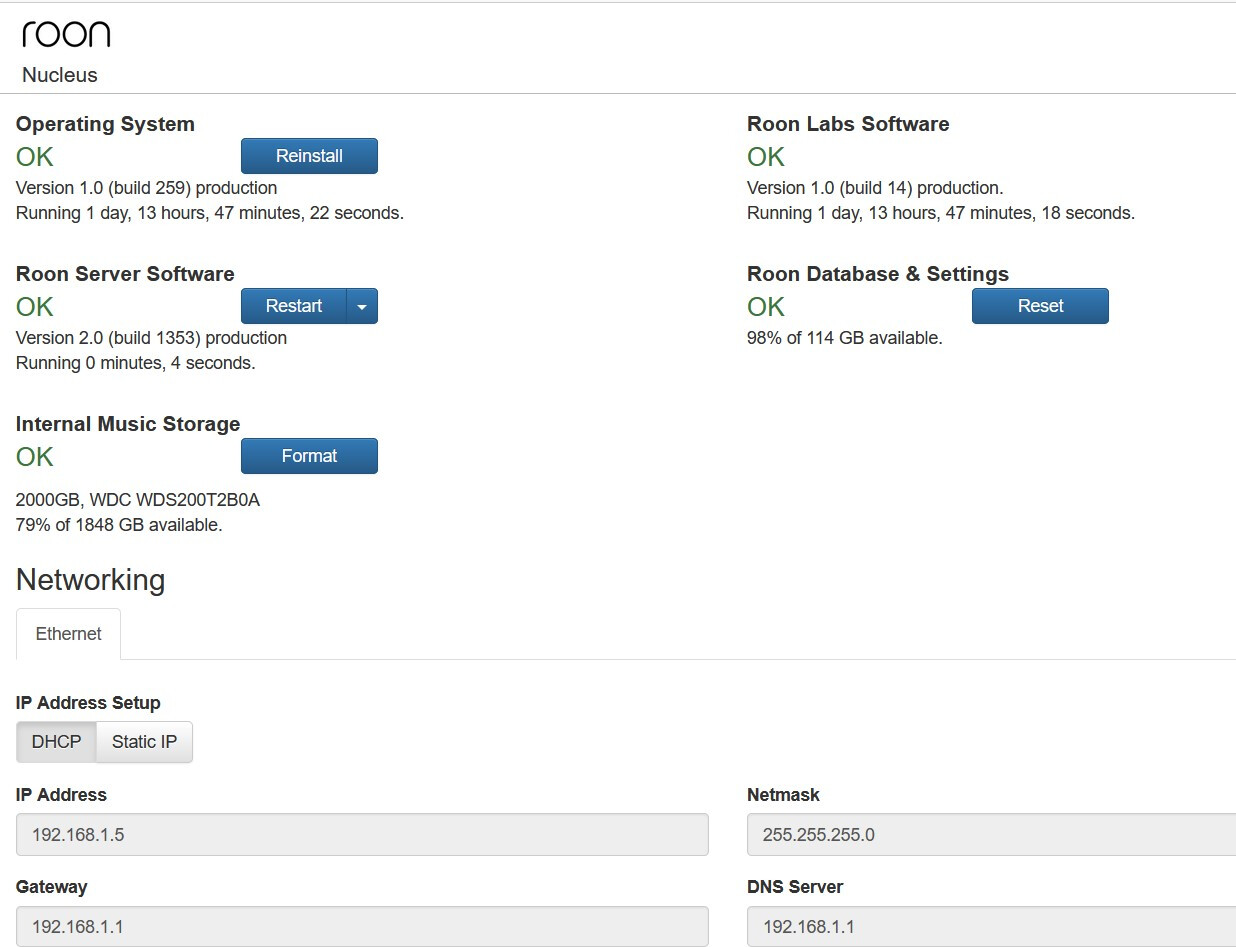
Roon Database - 98% of 114 GB Available
Roon Nucleus - 79% of 1848 GB available

Description of Issue

Suddenly, when I try to open Roon, I get a message saying “There was an issue loading your library. To avoid data loss, restore a backup now ore head over to our Help Center for more information.”

I don’t have a backup of my library (my bad - I didn’t realize one was needed and didn’t know how to make one)

The Help Center information is completely unhelpful and frustrating – everything it says to do is impossible because it requires the Roon app to open, and mine will not except for the error message.

The Help Center keeps saying “go to Settings”, and that is only possible on my iPad. It does not apply for my PC - on which I also have the Roon app, which also gives only the same errror message.

The help center says:
" 1. Stop RoonServer from running in Nucleus’s Web UI
2. Navigate to your Nucleus’ Database Location
3. Find the folder that says “RoonServer”
4. Rename the “RoonServer” folder to “RoonServer_old”
5. Restart the RoonServer in the WebUI to generate a new Database
6. On the Roon Remotes, press “Use another Roon Server” and connect to the new database
7. Restore a backup

I cannot do any of that, because my Roon app will not open. The fact that Roon does not have clear information on how to solve this problem–I can’t be the only person to have ever had it–is in my view a major defect in Roon’s customer support.

I need help with the following:
(1) If possible, fixing the error so that my Roon library will open.
(2) If opening my Roon library is forever impossible, help creating a new library or taking whatever steps are needed so that at least Roon will work.

I’m a lifetime Roon member, and I find all this extremely frustrating. Please help as promptly as possible.

Best regards, David Taylor
Is anyone there at Roon Support? You guys are saying that even though Roon has been bought by Harman, the same high level of support will continue uninterrupted. I posted the message above two days ago, but no one is replying. As I explained, I suddenly can’t use Roon at all, and I need help. Please respond!

Follow the steps you quoted above.

As it says in the linked page for navigating to your database location, you do this using a Windows PC or a Mac - you don’t use the Roon app, as you have been trying to do.

OK, I found the Roon Server file on my PC using File Explorer in Windows 11. I’ve renamed the Roon Server file to RoonServer_old. The next step is supposed to be “Restart the RoonServer in the WebUI to generate a new Database” I have no idea how to do that. Where do I go and what do I do to restart the Roon Server?

By trying additional steps, I was able to get to the WebUI and restart the RoonServer. Now when I try to log in from the Roon app as instructed, it asks me to “add network share.” I don’t know what to give as the share location.

I believe my network share should be \Network\NUCLSEUS\Data\Storage, since that is where File Explorer says my Roon Storage folder is located. But when I say that is the Network share location, I get an error message saying “Could not connect to share: Host not found”

Should it not be: \\Network\NUCLEUS\Data\Storage

Note 2 changes: Corrected spelling of Nucleus and double backslash (‘\’) at start.

Edit: When I typed ‘\\’, it came out as ‘\’ - did the same happen to you?

BTW, no music storage folder shows under Choose music storage folder

Yes - corrected, but same result

Also, you probably need one more folder level: “\\Network\NUCLEUS\Data\Storage\InternalStorage”

\Network\NUCLEUS\Data\Storage\InternalStorage also get the error message "Could not connect to share: Host not found?

The initial two slashes remain in on the Roon app on my iPad - even though they reduce to one \ in these messages

BTW, when I open the InternalStorage file in File Explorer, my existing files containing music all show up

What does not show in the existing files is my Qobuz library, with saved albums, playlists, etc. Do I assume correctly that this is normal? I also need to be able to access that stuff, but since I use Roon to play Qobuz content I can’t get anything from Qobuz into my hi-res streaming setup at the moment

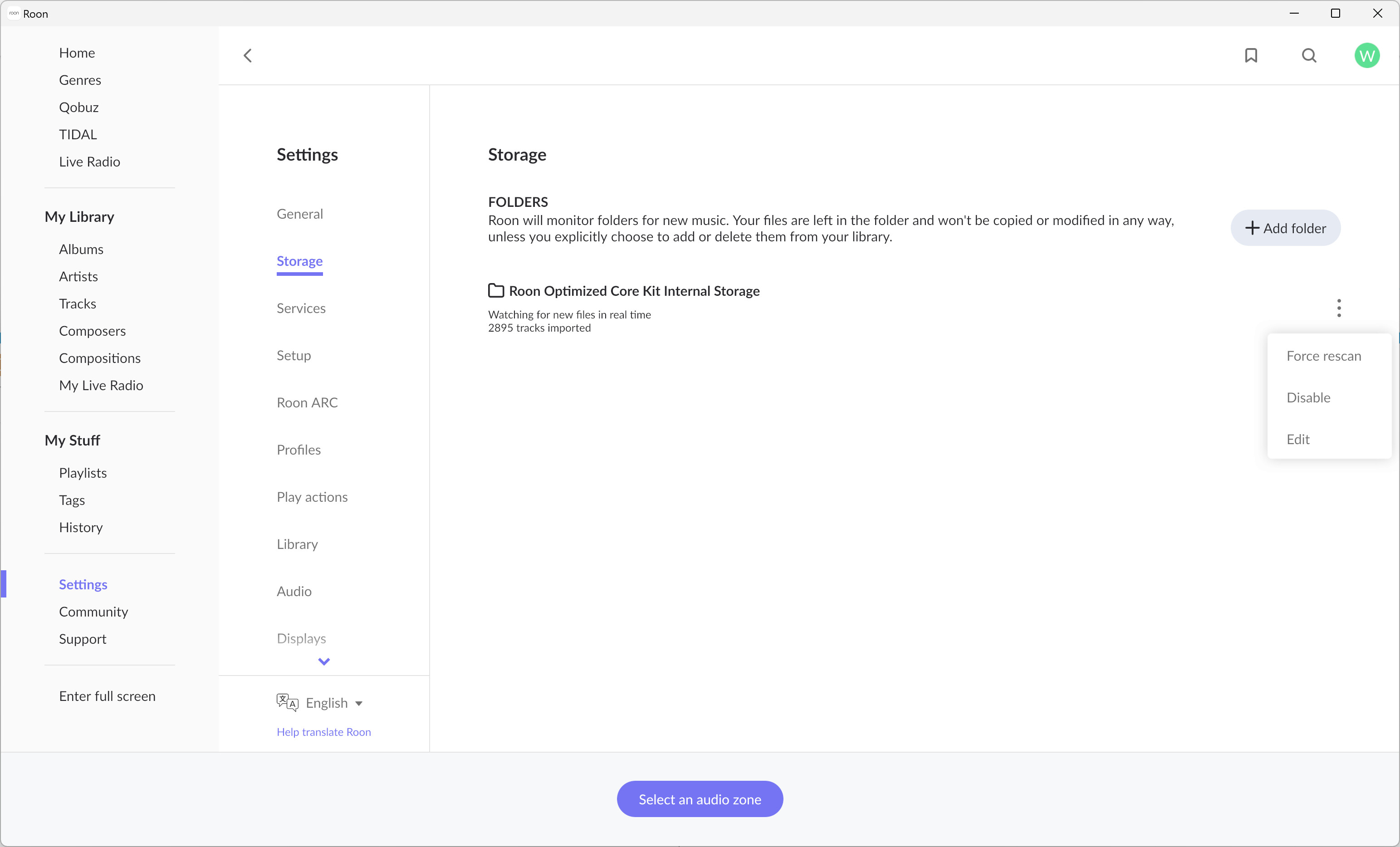
I use ROCK rather than a Nucleus but I can see, in Roon->Settings->Storage, a ‘Roon Optimised Core Kit Internal Storage’ entry - with an elipsis (
) to the right.

I would imagine that you see “Nucleus Internal Storage”. Is this internal storage disabled?

Not that I know of. In File Explorer I can see inside the InternalStorage file, where I have subfiles for FLAC files, WAV files, DSD files, etc
 Inside those files I can see subfiles for different artists, and inside those subfiles I can see files for individual musical works, and inside those I can see files for individual tracks. That all appears correct.

The WebUI shows

I believe that the ‘disable’ option is Roon option and does not affect the availability of the SMB shared folder.

I don’t want to try ‘disabling’ my internal storage because I don’t know how reversable such a move would be so I don’t know what happens when the storage is disabled.

I have never disabled the storage.

In the WebUI, I hesitate to hit Reset for Roon Database and Settings, because I also don’t know what that would do and whether it would wipe out my library