What app are you having the slowness issue with?
· Roon
What kind of performance/speed issue are you experiencing?
· Can't connect to search or search takes a long time to complete
Please try to reboot your Roon Server
· No, the issue is still the same even immediately after a reboot
Please try to reboot your networking gear (Router/Switches/etc.)
· No, the issue is still the same even after a reboot
Is there any change in behavior if you try to navigate to Roon Settings -> Library and set both Background and On-Demand Audio Analysis to Throttled or Off?
· No, the issue is still the same
Does the issue happen on multiple Roon Remotes (controllers) or just one?
· Issue happens on multiple remotes
Router Domain Name System (DNS) change
· I was able to change my router's DNS servers but it did not help
What is the operating system of your Roon Server host machine?
· MacOS
Timestamp of issue occurrences
· Thursday 2 April, 05.00PM
Describe the issue
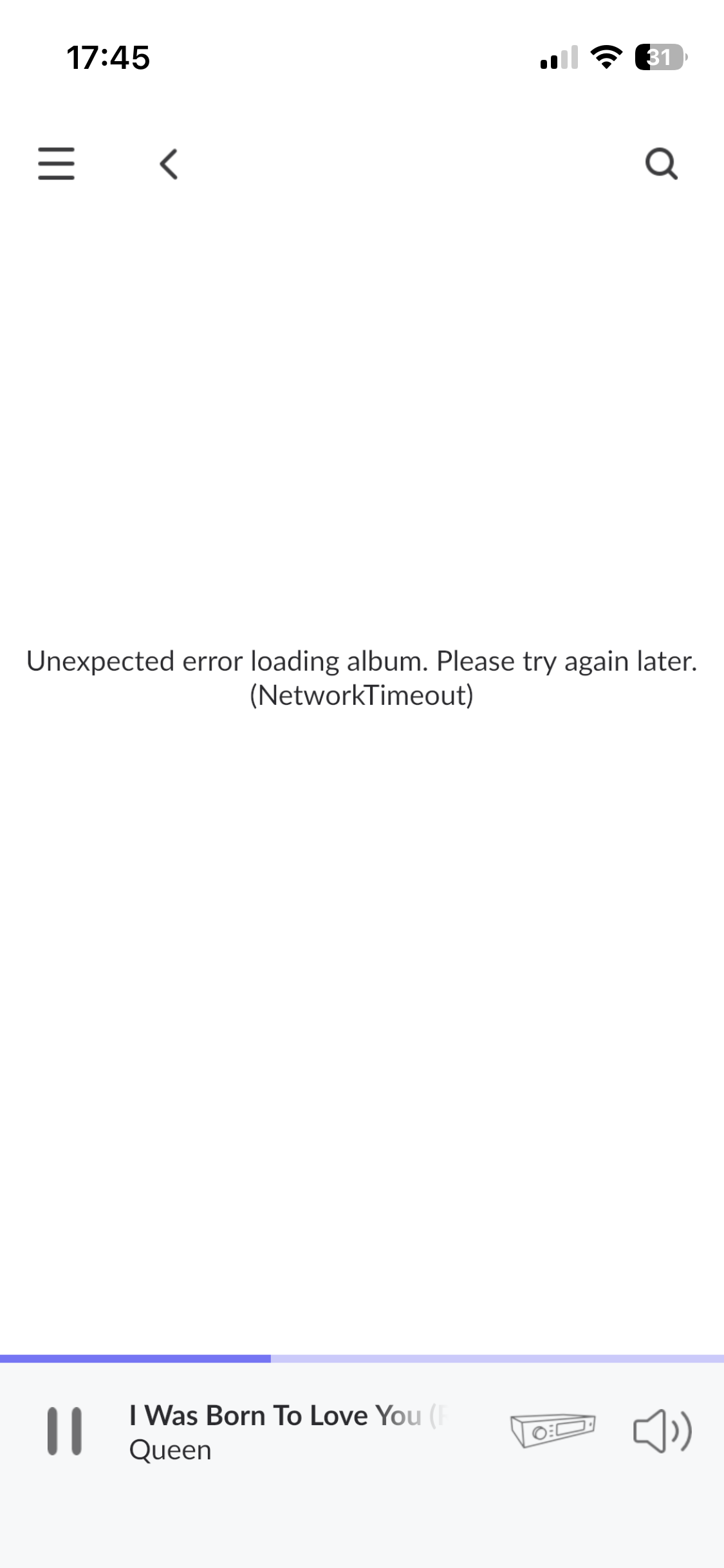
I can't search for an artist, "Can't connect to Roon Search", try again. This comes up every day. i have tried everything, restarting roon, reinstalling roon, restarting computer, changing dns, restarting router. If I search for an artist such as Queen, the roon symbol starts moving with the text "Loading artist" and nothing happens. The song I played last I can continue playing but I can't go to the album or the artist, kag tries to go to the album searches for a while and then I get the message "Unexpected error loading album. Please try again later. (NetworkTimeout). I run network cable and also try wifi, no difference.This has become significantly worse after an update of roon to 2.62(build 1641).
Using Qobus, macOS 12.7.6.
Describe your network setup
ISP is Bahnhof 250/250, DECO X20 router, TP-link TL-SG105E Gigabitswitch, CAT6, CAT8 cables. Has worked perfectly until last update of Roon.