Model: Intel NUC Mini PC Kit NUC8i7BEH Core i7, Tall version
CPU Specifications:
Total Cores: 4
Total Threads: 8
Max Turbo Frequency: 4.50 GHz
Processor Base Frequency: 2.70 GHz
RAM: 32GB
Networking Gear & Setup Details
Verizon FIOS 1 Gig
Verizon Router Model: CR1000A
Verizon Wifi Extender Model: E3200 located in upstairs office
Roon Core Machine connected to Wifi Extender via Ethernet
Connected Audio Devices
Apple MacBook Pro connected both wirelessly and Ethernet
Apple iPhone 12 Pro Max connected wirelessly
Apple 10" iPad connected wirelessly
Auralic Aries G2 connected wirelessly
Google Nest Hub connected wirelessly
Number of Tracks in Library
15,000+
Description of Issue
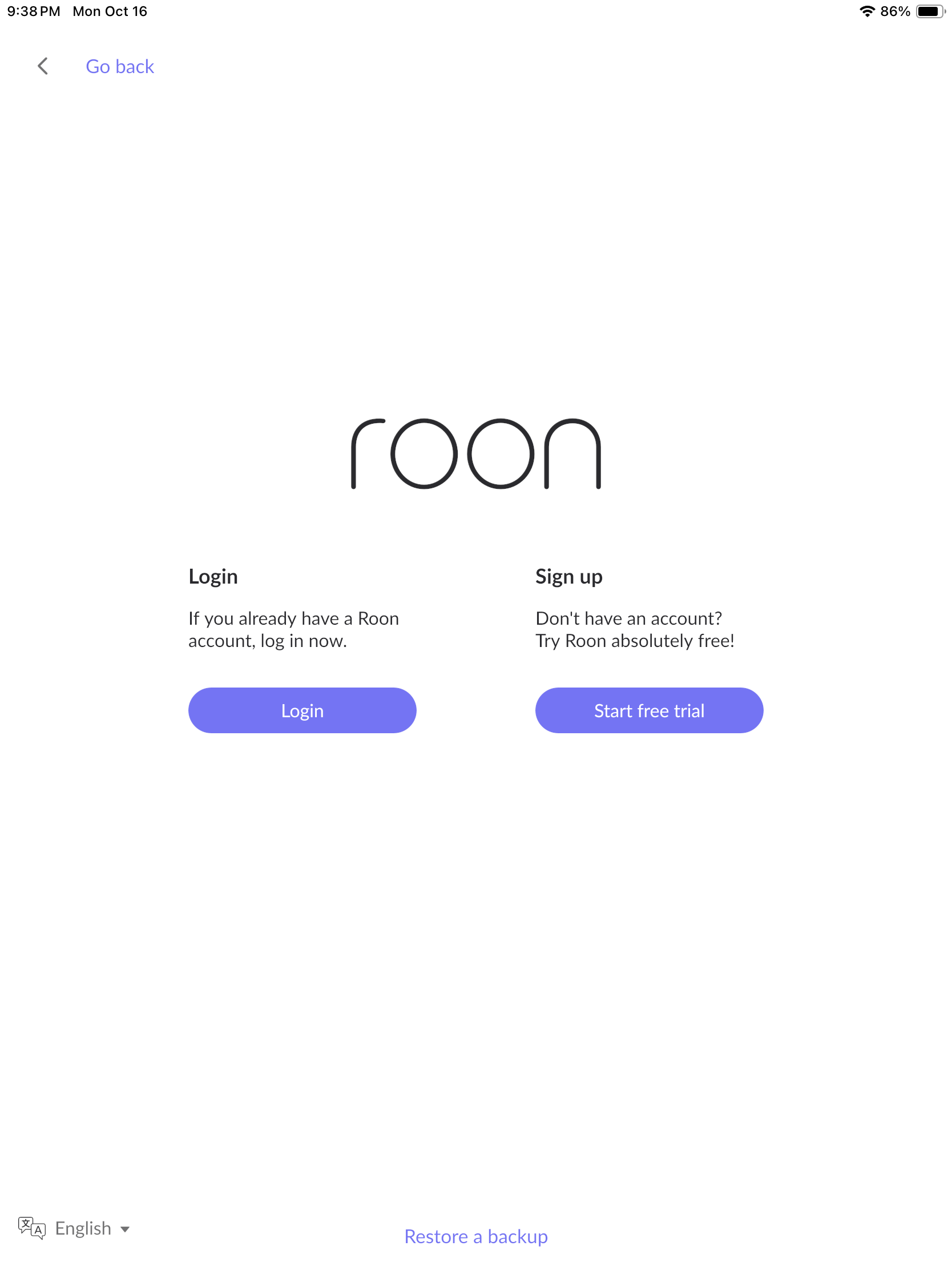
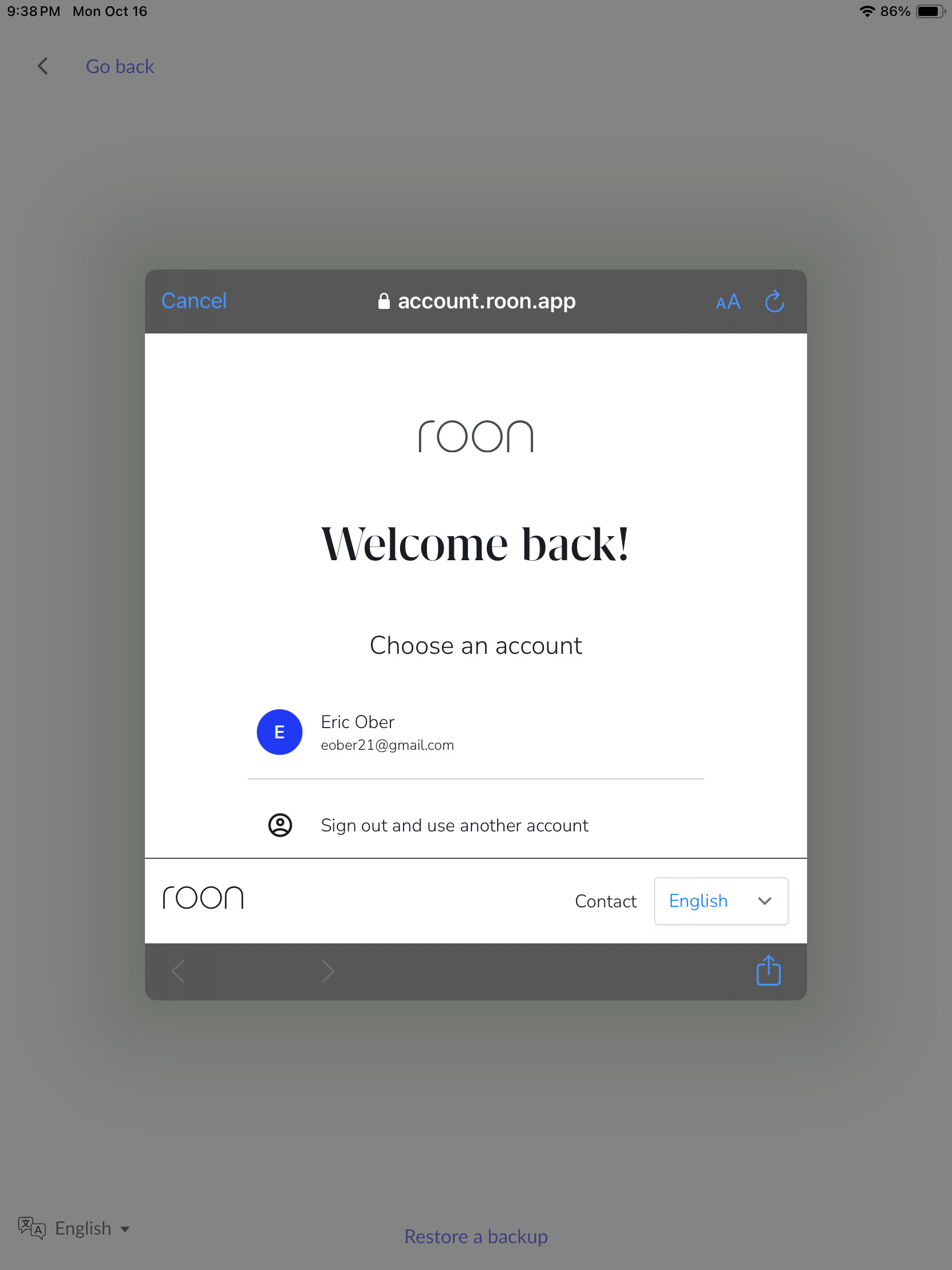
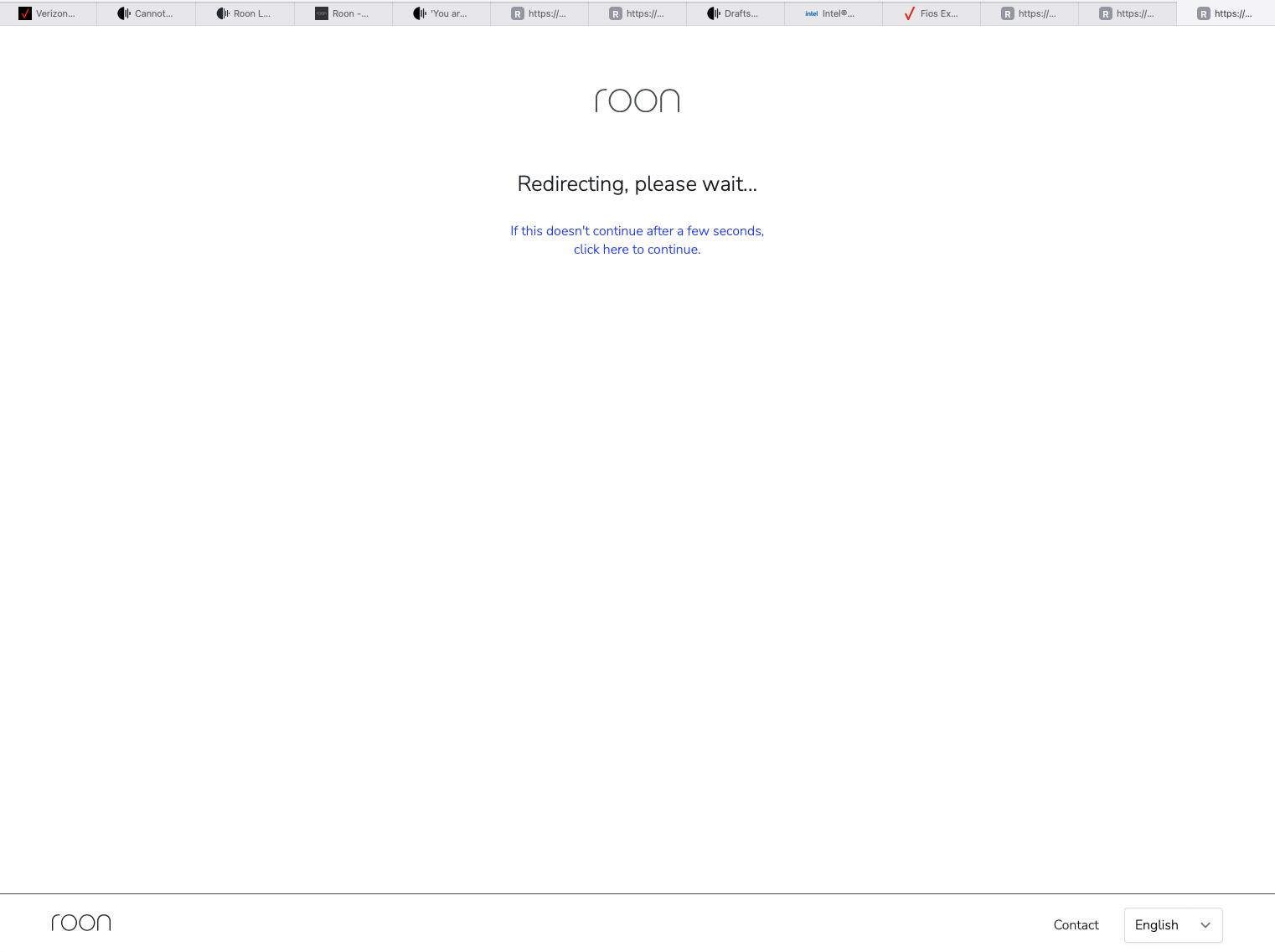
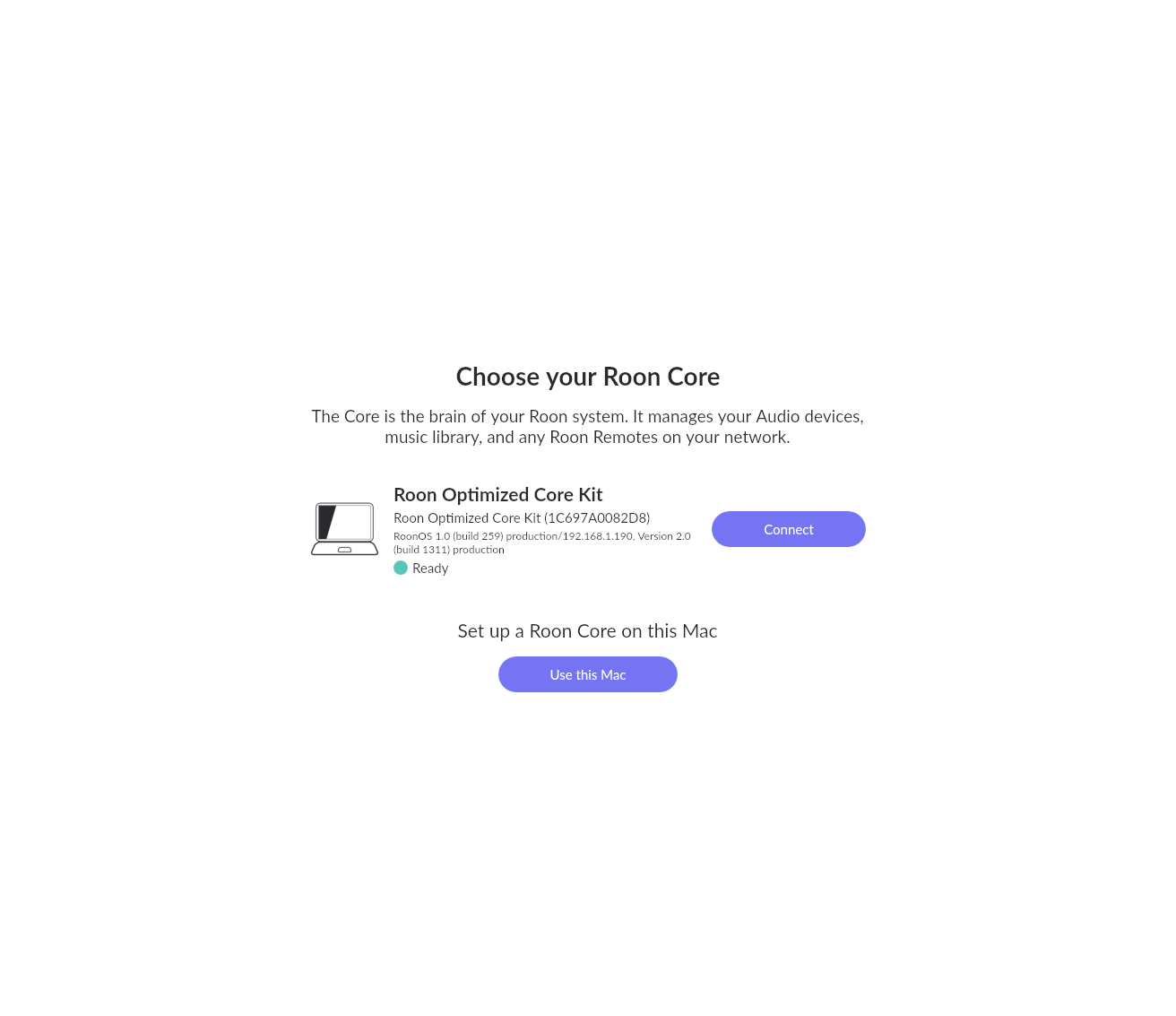
I recently upgraded my router and now I can not connect to my ROCK or sign in to my Roon account. I keep getting stuck in a sign in loop. See attached screenshots
I can access the ROCK network folder using Finder on my laptop, but the Roon app doesn’t seem to recognize my account or can link to my ROCK. Everything worked flawlessly before I upgraded my router. I can’t show you my logs because I can’t sign into my account, but maybe there is another to share my logs if you can tell me where I can find them on my laptop and upload them. Please help! Thanks, Eric
As a side note, pop-up blockers can prevent the login, and perhaps there is something like it on the Verizon router. I ditched the actual Verizon router as soon as I could personally, but, I don’t use their TV services.
Thanks Rugby. I just uploaded my logs. And I don’t think it is necessarily a Verizon router issue because my previous router was Verizon. I just upgraded to the new model. Thanks, and please let me know what my logs tell you. I need to use my Roon again!
I"m just a fellow user like yourself. I’m sure Support will
The RoonServer (formerly known as Core) and ideally all endpoints, should be directly connected to the network and not through a Wifi hop. You could try to connect the RoonServer directly to the router and skip the Extender as a test.
I also notice that the E3200 has…
Self-Organizing Network (SON) technology for automatic band steering and access point steering
I would try turning SON OFF and see if that makes a difference. (on the main router as well in case it also has SON).
@Rugby Everything worked in my previous set up with default router settings. Do you know how/when #support will review my logs? I desperately want to use Roon again.
Thanks for your message. Can you please confirm if you temporarily disconnect/disable your extender and try to connect to the main router, does that change anything? Also, please see this thread since it looks like you are attempting to use Safari for the login:
Hi noris-
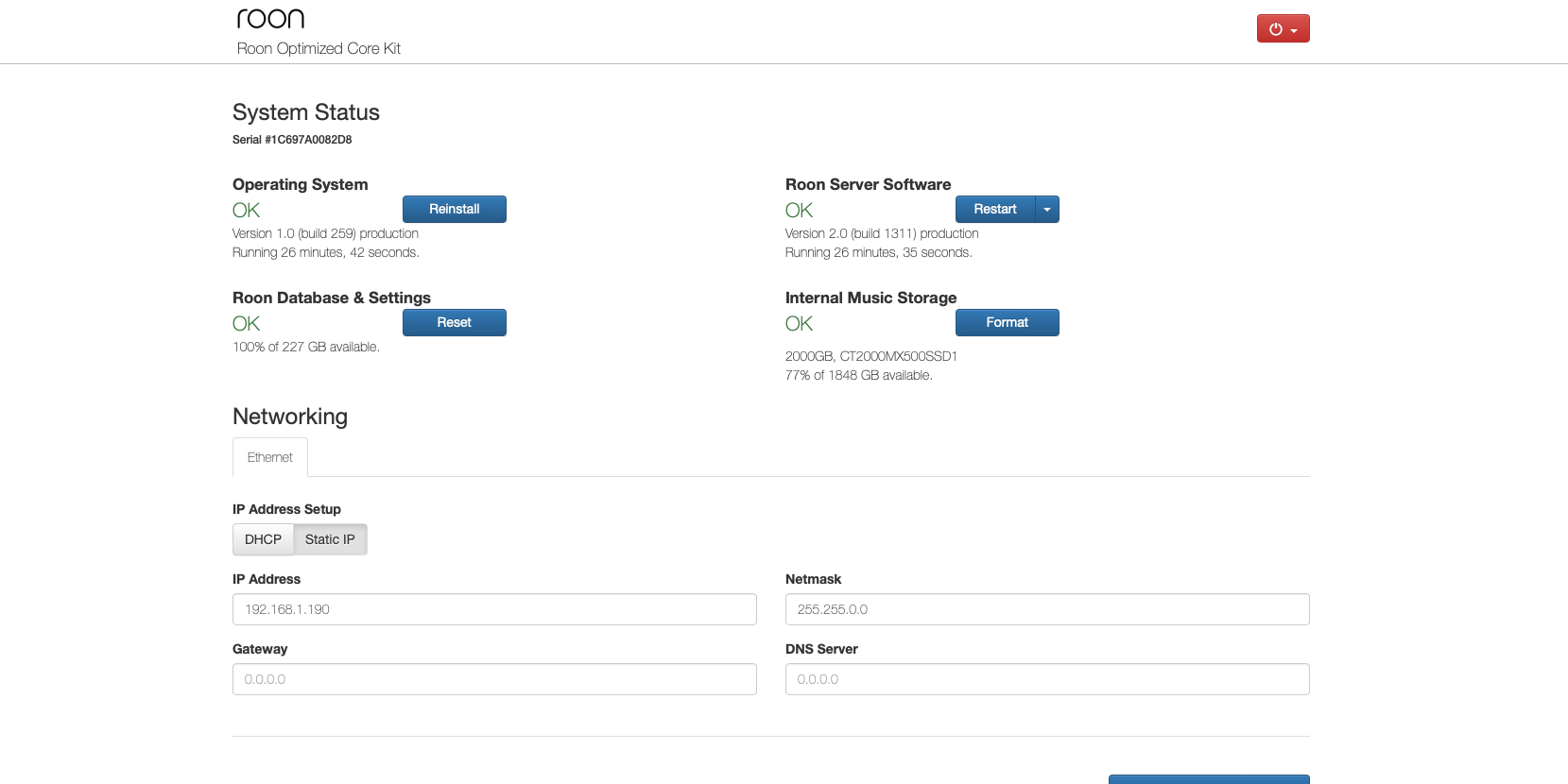
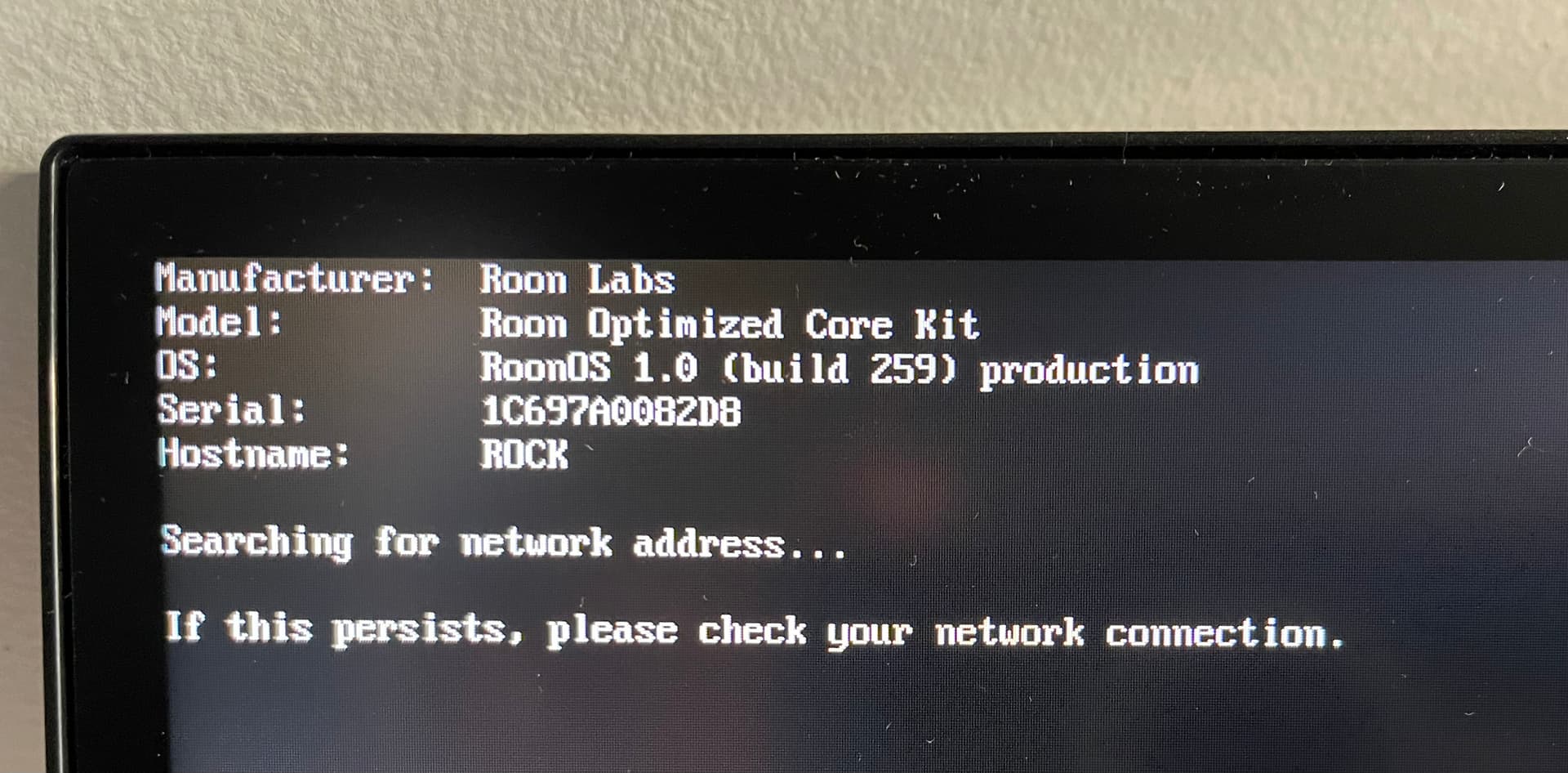
Thank you for getting back to me. I disconnected my ROCK from my extender located upstairs and reconnected via Ethernet cable directly to the back of my router downstairs, and I am STILL in the dreaded sign in loop. And I also whitelisted any/all Roon websites as well as tuned off content blockers and popups and still no change. It’s so frustrating because I can access the ROCK GUI on my MacBook (see attached screenshot) and it shows everything as “OK” and my Roon Core shows a green dot indicating it’s ready to connect, but I still can sign in to my Roon app. If it helps at all, I now noticed that the “name” of my ROCK is the URL address (see attached screenshot) where before the name was “ROCK” Please help! Can I send you my logs?
I notice from the screenshot of the Web Administration Interface that you have a Static address set up for your ROCK/NUC. You also have 0.0.0.0 set for the Gateway and DNS Server - this is going to cause problems.
Frankly, you’d be far better off using DHCP, and setting a reserved IP address for the NUC in your router.
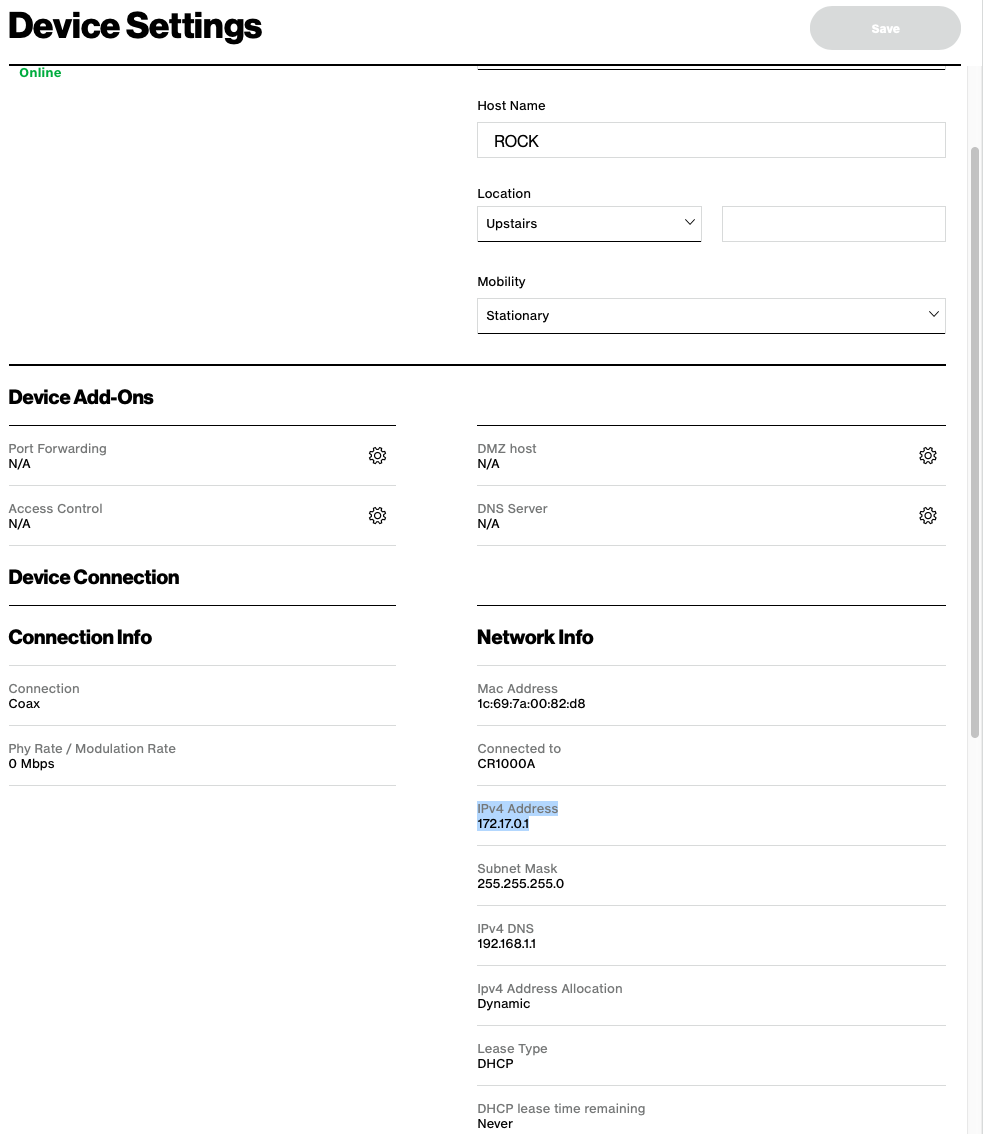
@Geoff_Coupe@noris Ugh. I tried using DHCP and setting a reserved IP address for my NUC in my router. And now I made it worse. I can’t find my Roon core at all so I can’t access the Roon GUI and now it has some weird IP address ( IPv4 Address: 172.17.0.1) where as all my other connected devices are 192.168.1.xxx. Any other ideas? Please help!
Very bizarre - although your router is claiming it has issued an IP address to the ROCK/NUC, the screenshot of the device is saying that it hasn’t got one.
And why is the router saying that the connection is via Coax? Shouldn’t it be via ethernet?
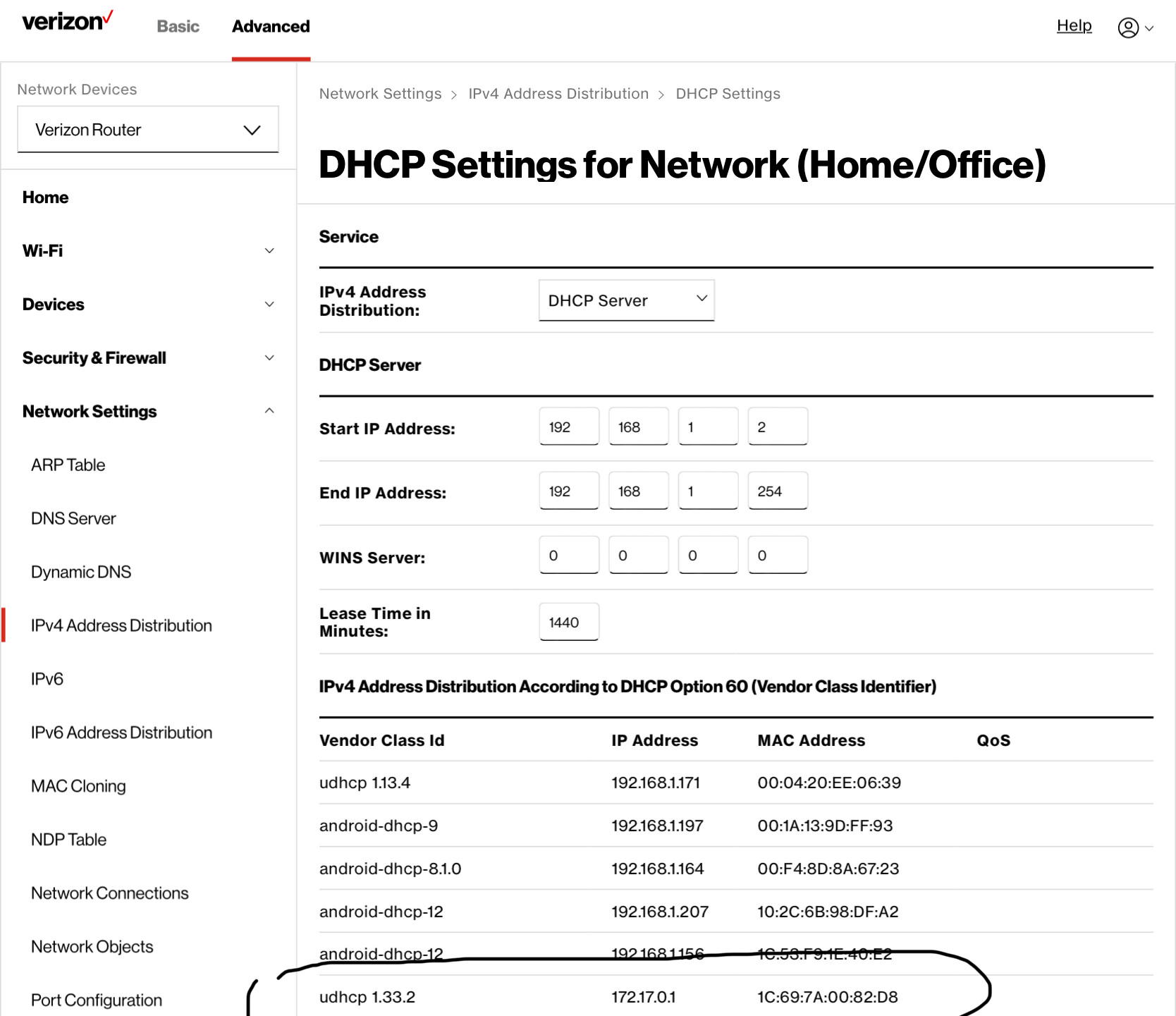
What are the DHCP settings of the router? I.e. what IP address range has been set up?
The wifi extender is connected to my home internet via coax. But the NUC is connected to the back of the extender vis Ethernet cable. Everything worked fine before I upgraded the main router. Here’s the DHCP range which is the default/standard range never touched it. I circled the weird IP address for my NUC, but again I can’t access it.
Thanks for getting back to me noris. It seems to be a larger issue with NUC and the 250GB SSD hard drive. Now when i power on my NUC, I get a “no bootable drive discovered”. So I believe the hard drive has failed. So I ordered a replacement SSD hard drive which will come Monday. Will try it and of it doesnt work, plan on getting a whole NUC and build a new ROCK.
Good news! Happy to report I am back up and running. Replaced the old M2.SSD with a new one (Samsung Evo970), and everything seems to be working. The only thing is the fan on NUC is really loud now when the unit gets hot/uses a lot of processing power. So I might get an Akasa Plato X8 fanless case for it down the road.