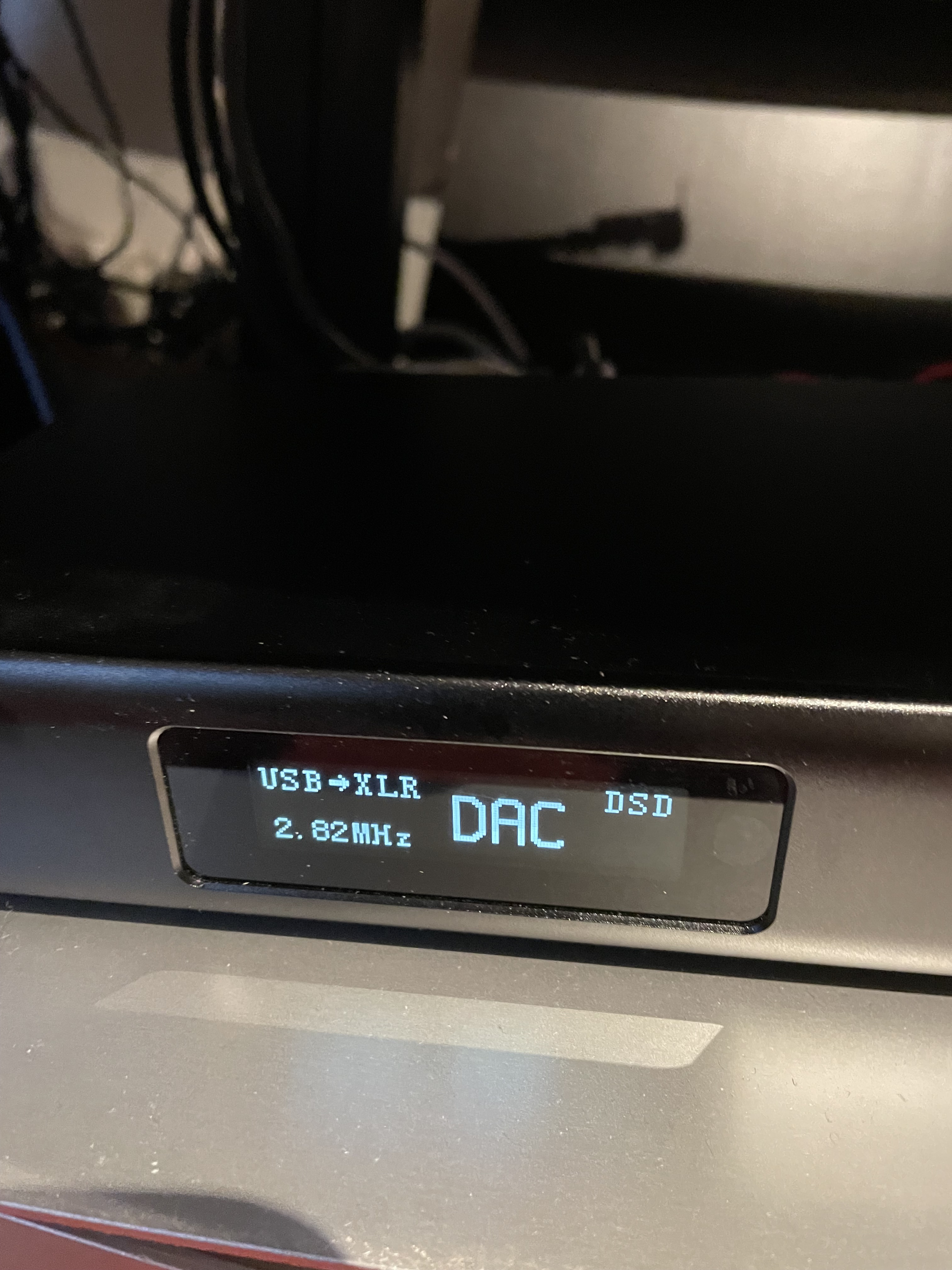
If you have such stuff running while you are trying to find the NAA/DAC with HQPlayer, possible reason is that Roon has stolen the DAC and that’s why you cannot see available devices in HQPlayer.
So make sure in Roon Settings → Audio everything else except HQPlayer output is disabled.
I have had everything up and running for months now but suddenly today its not playing and the message is ”HQplayer does not answer”! Never seen this before! What may be the problem?
You really should create a new support request in this case.
I can’t even identify on which OS you are running HQ Player Desktop?
But i’m sure @jussi_laako can tell. However, you’re also running Ropieee as a NAA and if there is something strange there, perhaps @spockfish can advise?