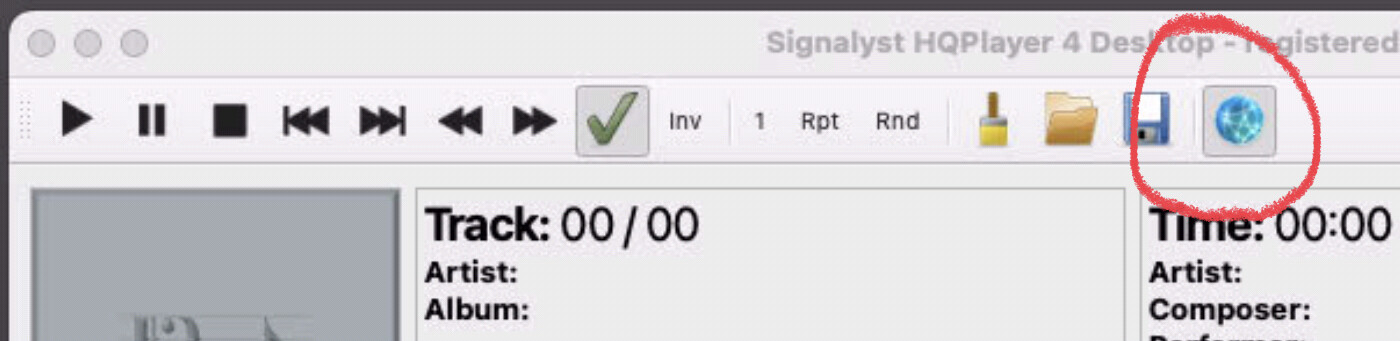
CoreAudio, and the second drop down list there should be your Dac, just 2 things to check: Disable the dac from roon output settings; and 2. the dac power on before opening HQP
If you get no audio might be the settings to high for the MacBook, but that is easy to check as HQP will no longer be running. If get dropouts you are with the settings on the edge of MacBook. lower a bit more.
I’m not sure if affects network audio input, but jussi does point out in the manual the following:
Note! On macOS, in order to enable audio input to HQPlayer, permission to access “Microphone” needs to be granted to HQPlayer in System Preferences → Security & Privacy.
Once again, I don’t believe it applies to network inputs.