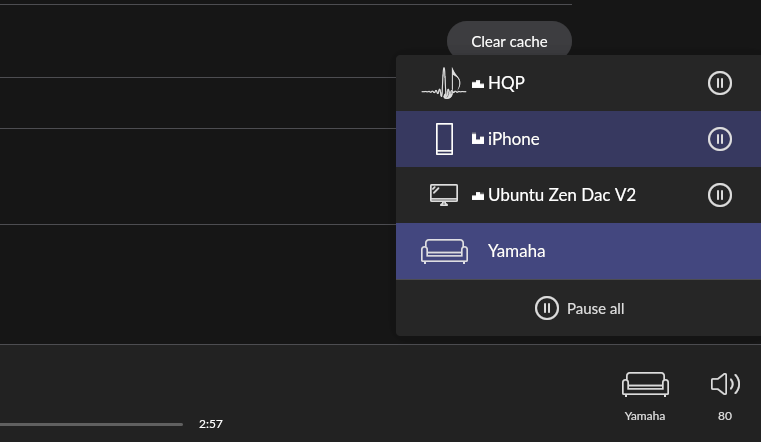
Hi, I have been fiddling a lot but no way to make HQ Player work with Roon.
I run them on a M2 Macbook.
Rock on separate nuc i7, same network.
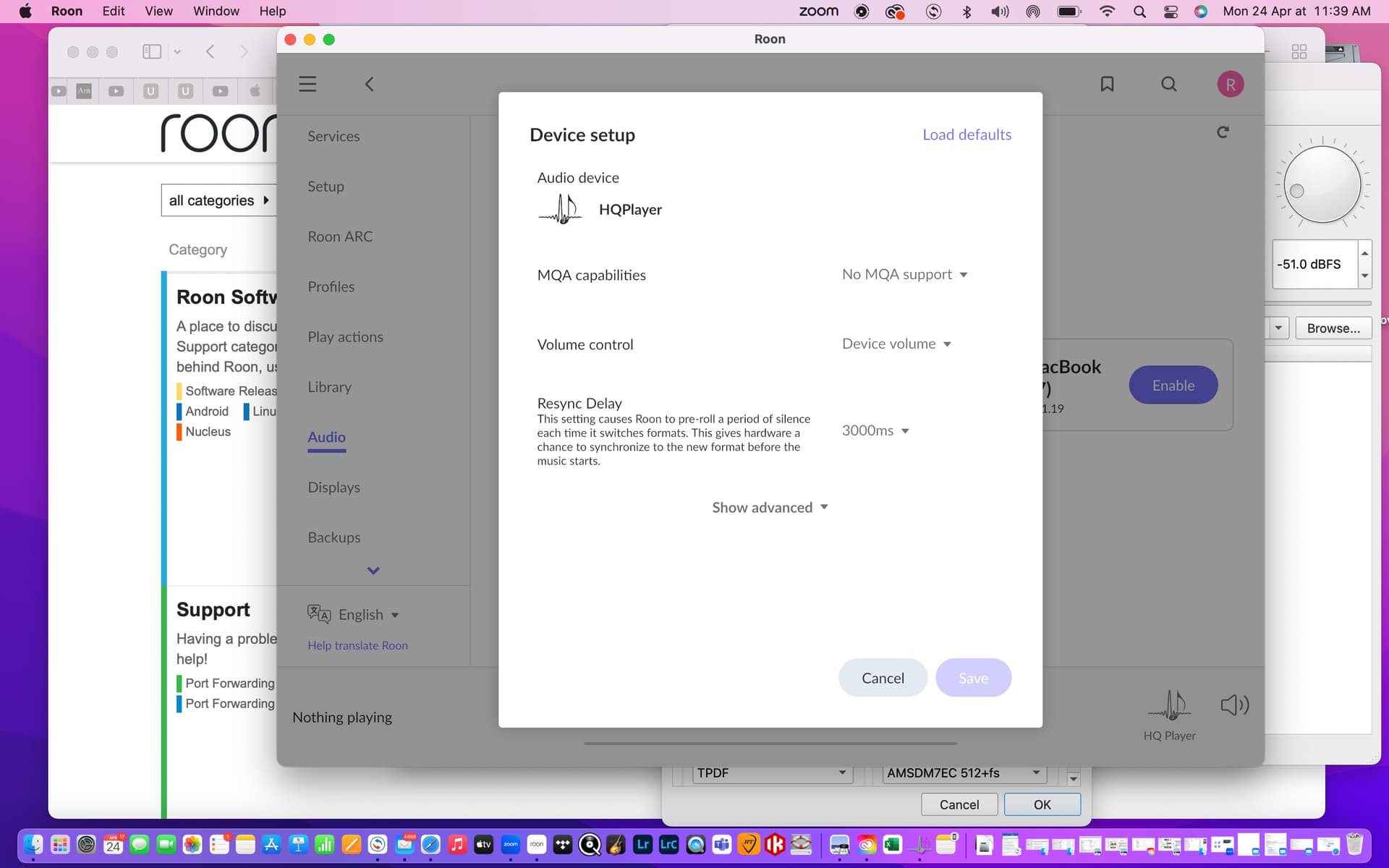
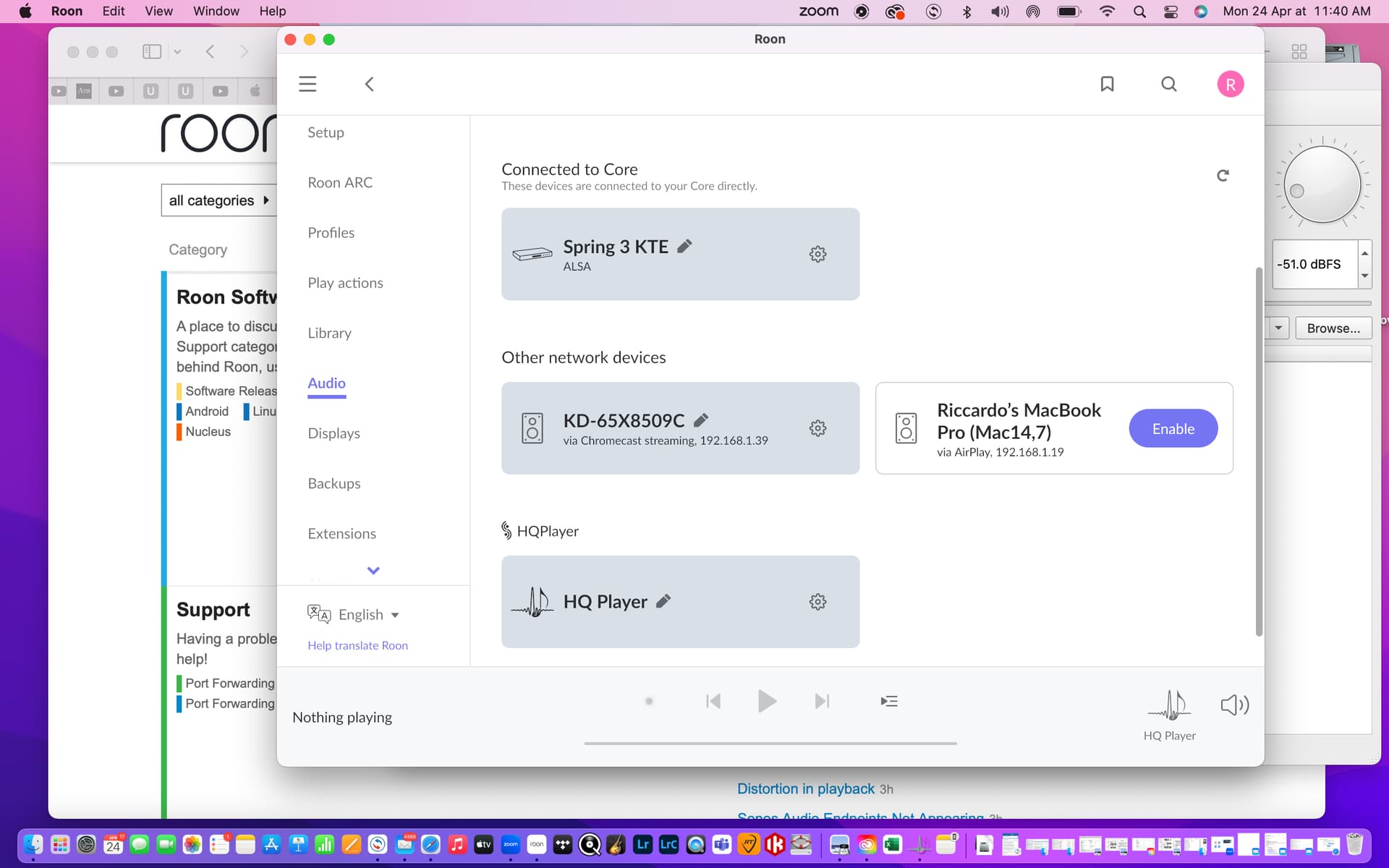
holo spring kte is visible and works on Roon, HQ Player is visibile but not working.
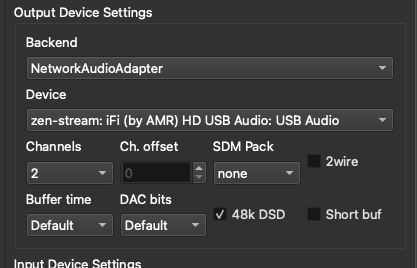
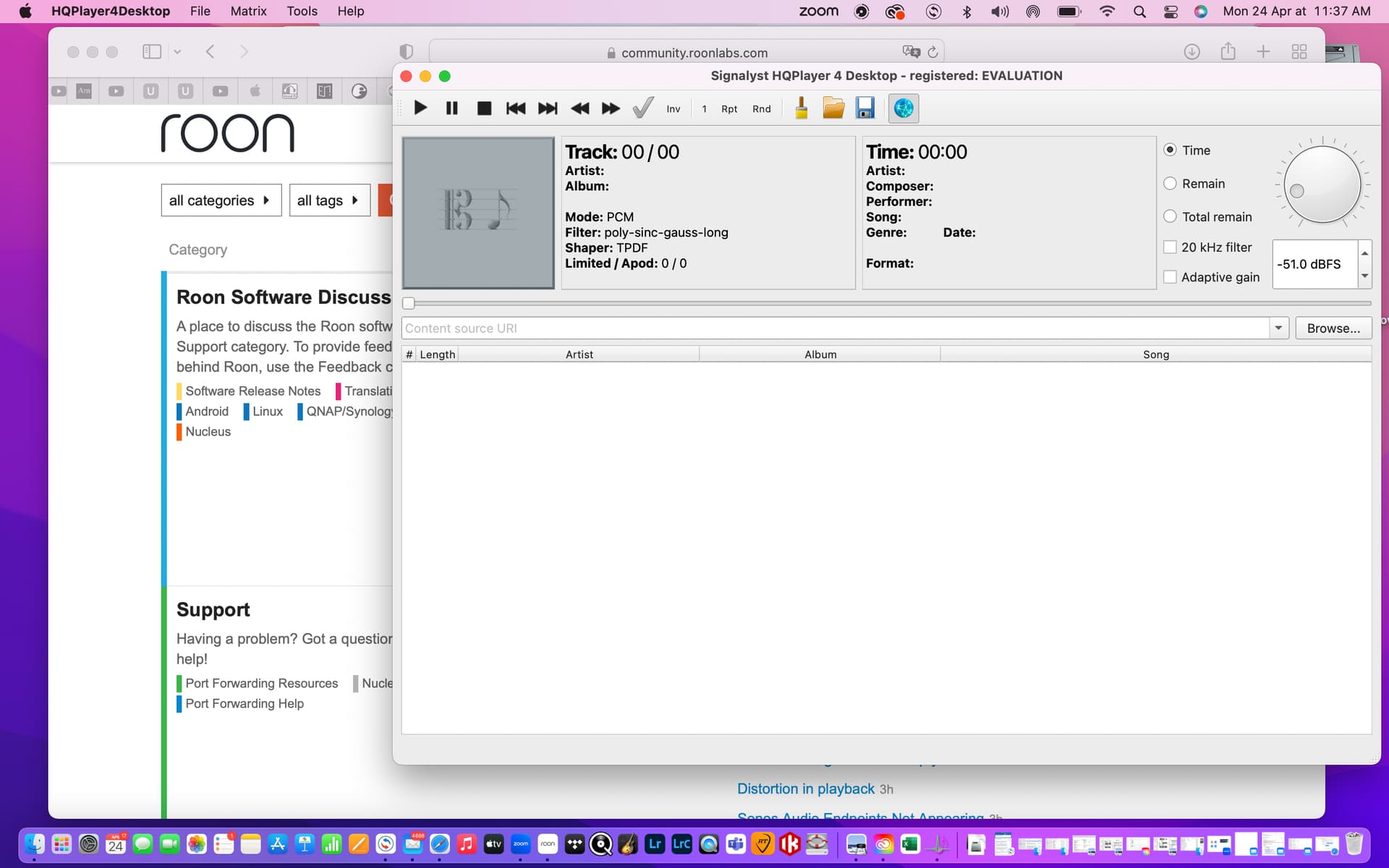
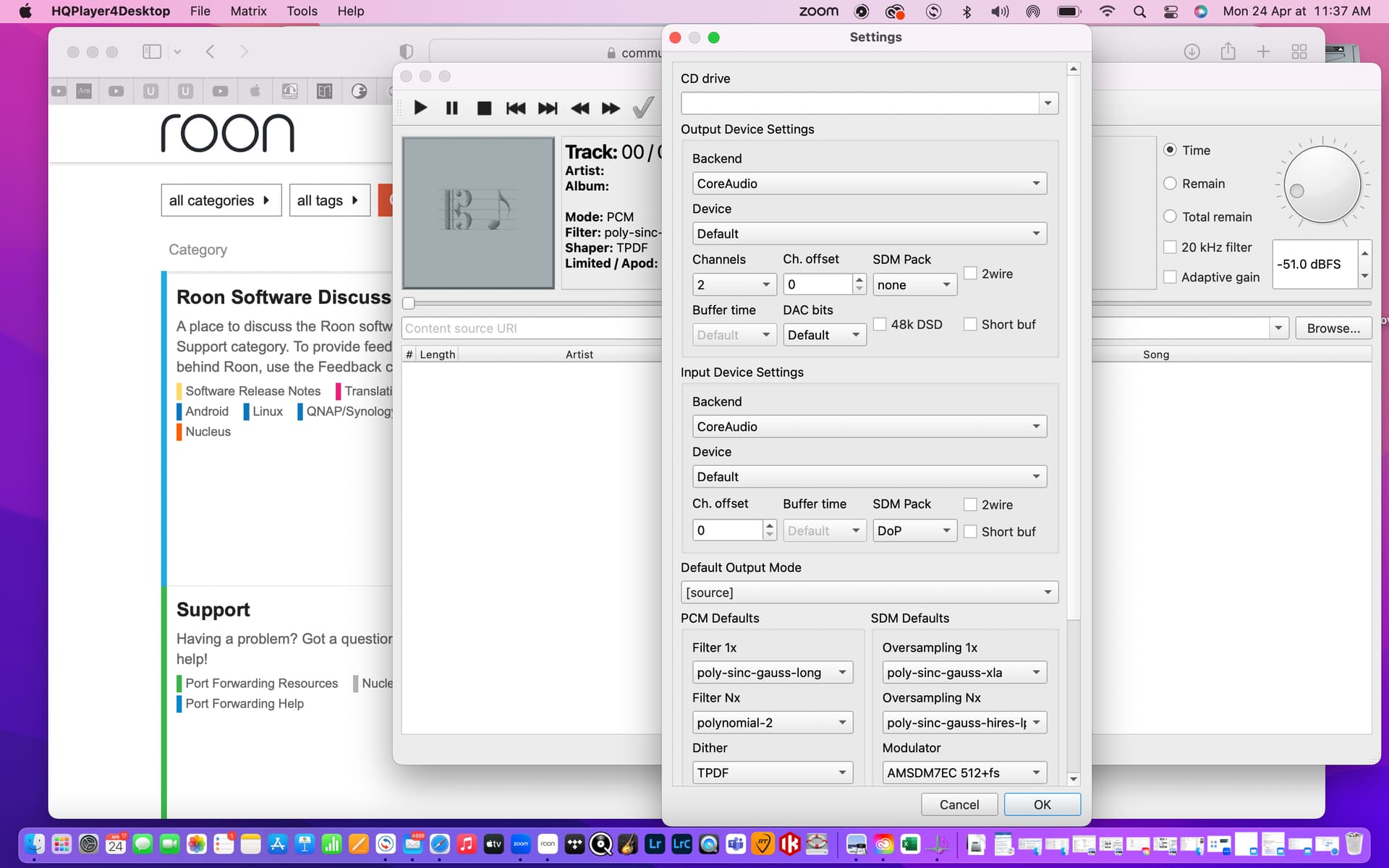
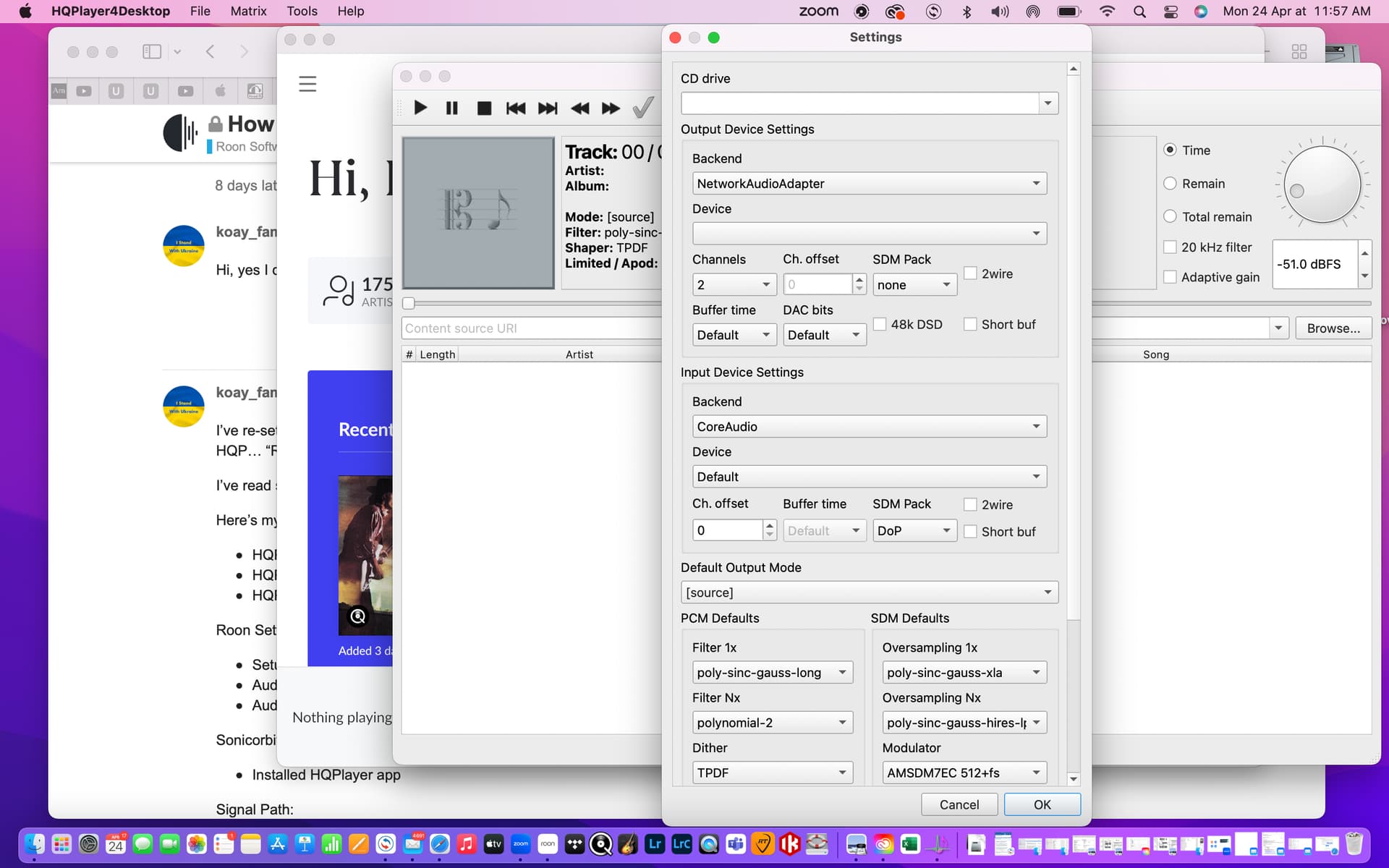
I have tried several output / input device configurations on HQ Player but nothing.
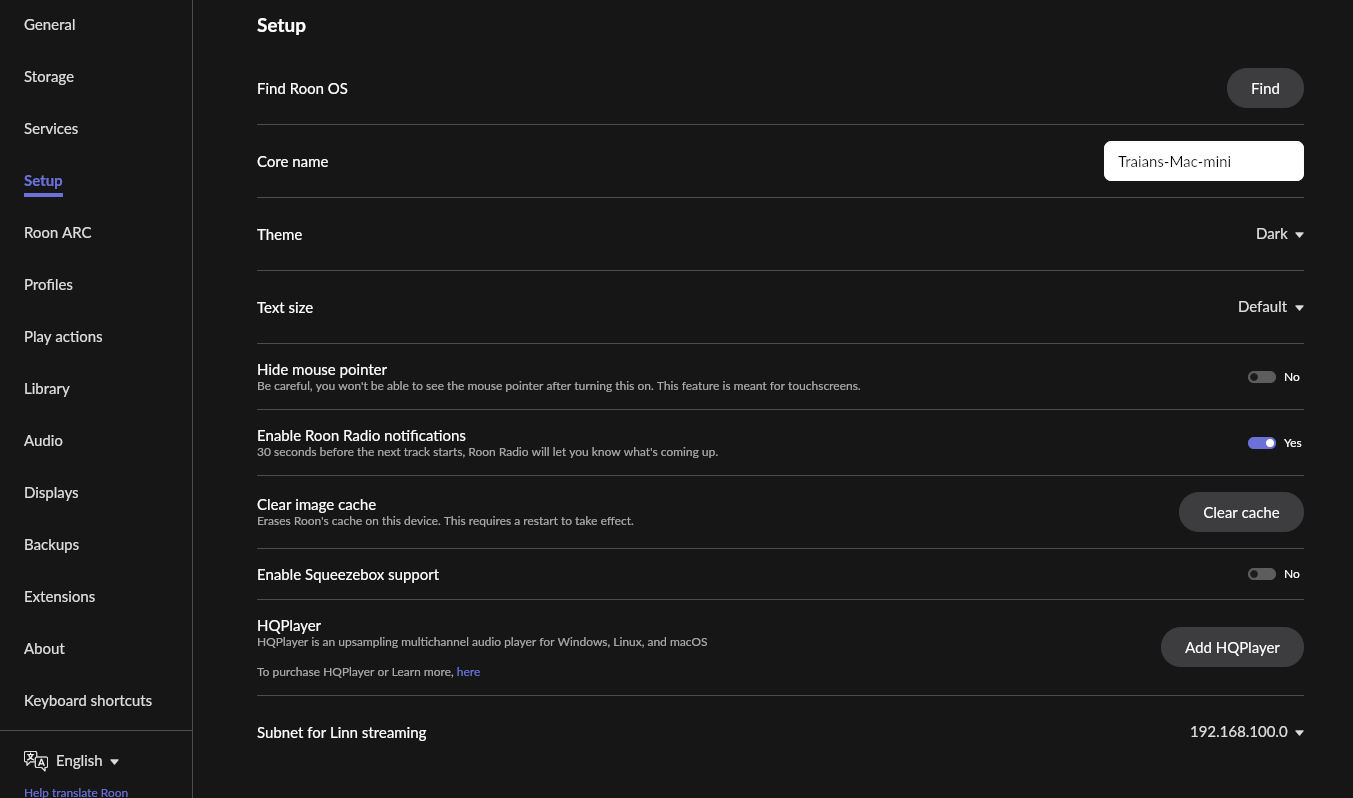
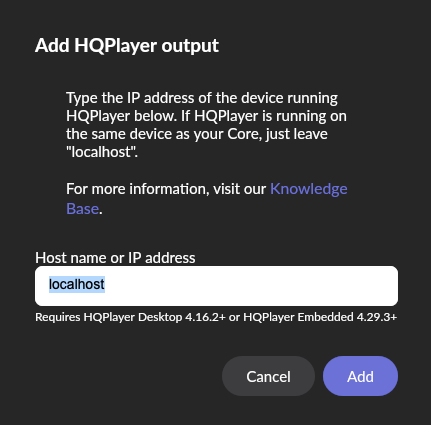
I have set it with the same IP address of the Core.
I use HQ Player desktop 4, no other HQ Player software installed.
Thank you so much for your help.
I think you have to disable ate from roon outputs in order to use’s with HQP
Now that I do not know, I was thinking that you have to enable HQP in roon (I have them on the same machine) and if your HQP is on another machine you have to point that IP in roon
Kte is usb connected to M2 MacBook where you have also roon app open?
Hope it helps, and hope others more experienced users are able to explain better. But try to disable kte in roon and point roon to the ip of your MacBook
Core on separate nuc, dac spring kte connected via usb to core, mac used a Roon remote only. When core on separate unit than HQ P I have read is necessary to set on HQ P the same IP address as the Core.
It might be like that, I do not know how to set HQP ip (other than a dedicated IP in the router for the machine using HQP). I’ll search as I have seen a discussion in the last days. Edit: sorry I do not find it
I was thinking that the easiest is nuc Roon Core to HQP on the MacBook and kte USB to the MacBook
Or have Roon Core pointed to the HQP IP (MacBook) and have a NAA for kte
I understood pretty much the same better have the powerful comp for the HQP
I would use the nuc with roon pointing at the IP of macbook where you run HQP and MacBook USB to kte. (sending the HQP stream back to the nuc might be possible but I do not know how you do that)
Edit: I think the sequence of powering thing matters. connect the usb and power the dac, wait for it to boot, after that open HQP)
NAA is installed on a device that can be used for HQP to send the stream to (comps, mini comps, streamers) and connect the dac to the naa device.
Unfortunately I can’t have the MacBook connected to the dac via usb because of the distance between the units. I will try permanently disabling the dac.
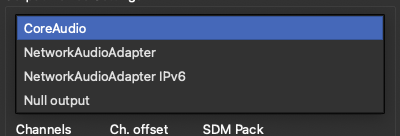
What do I need to select as input and output on HQP? I have Core nuc to dac via usb, HPQ and roon remote on MacBook. Thanks for the help.
CoreAudio would be for local USB on your MacBook, Network for NAA
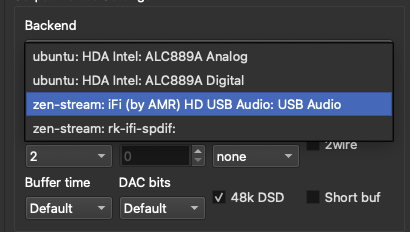
I have a Zen stream that is in NAA mode - and has 2 outs (USB has the DAC &SPDIF is empty)
Also have installed NAA on an old iMac running Ubuntu but the Dac in there is now used by roon so in HQP I can see only the defaults.
If you just want to trial, just get your Mac to the dac. I did trial with the dac directly USB to the HQP running comp. You’ll have time to read and build a setup later
If you run HQP on your Mac you must connect the dac to the Mac usb.
If you cannot connect the Mac to the dac then you need another hw to run NAA (the HQP endpoint, HQP Network Audio Adapter) and connect the dac to it. The hw can be a ifi Zen Stream or a Raspberry Pi4 running NAA Os or RoPieeeXL , just to put a couple of examples.
In this last configuration you’ll have the Nuc/Roon, Mac/HQP and hw/NAA connected on the lan and the dac connected by usb to the NAA.
Ifi Zen Stream and RoPieeeXL are both Roon Ready and you can switch from
Roon → HQPlayer → NAA → dac to
Roon → Roon Bridge → dac
where NAA and Roon Bridge run on the same ifi Zen Stream or RoPieeeXL
You seem to be running HQPlayer for evaluation. This will only work for 30 minutes. After that, you will have to reboot the computer on which it is installed, for a new period of 30 minutes. Maybe that’s why it is not working?

 better have the powerful comp for the HQP