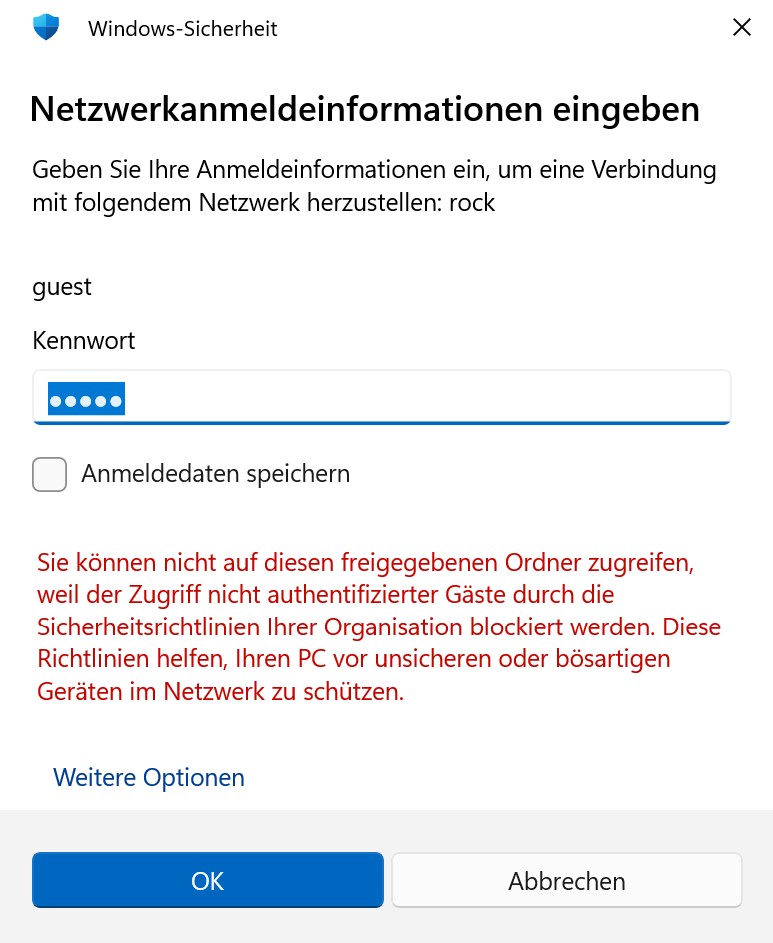
Please read the instructions in the article that @BlackJack referred you to. They tell you how to sign in by adjusting the Windows security settings that are blocking access to your ROCK/NUC.
The article provided by Geoff and BlackJack is actually the key to solving your login issue. Even though you are installing codecs, the reason Windows is denying “guest” access is due to security policies that block unauthenticated network connections.
Specifically, following the steps in that guide will allow you to enable “Insecure guest logons” in Windows. Once those settings are adjusted, you will be able to sign in to \\rock\data without the “Access denied” message and place your ffmpeg file in the codecs folder.
Please try those steps and let us know if you can successfully get in!