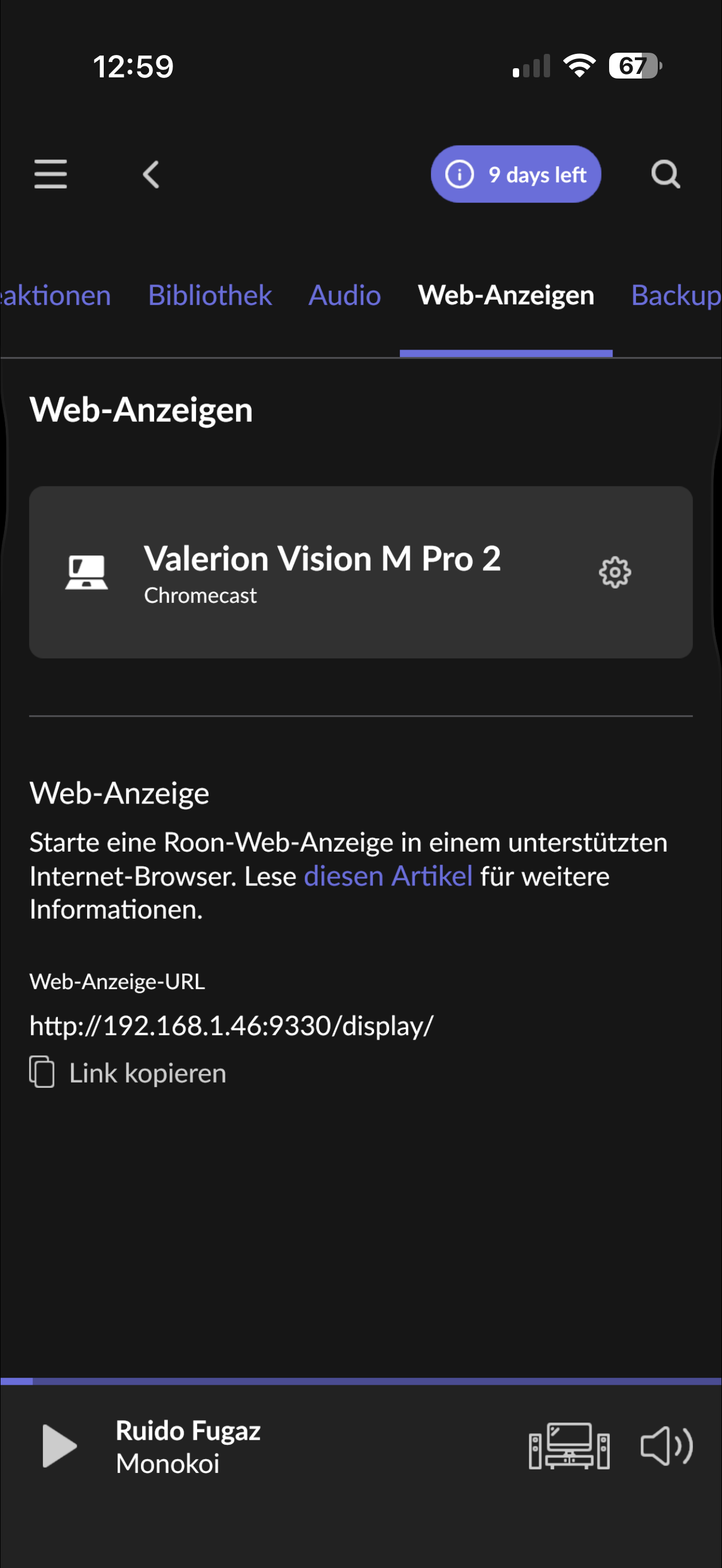
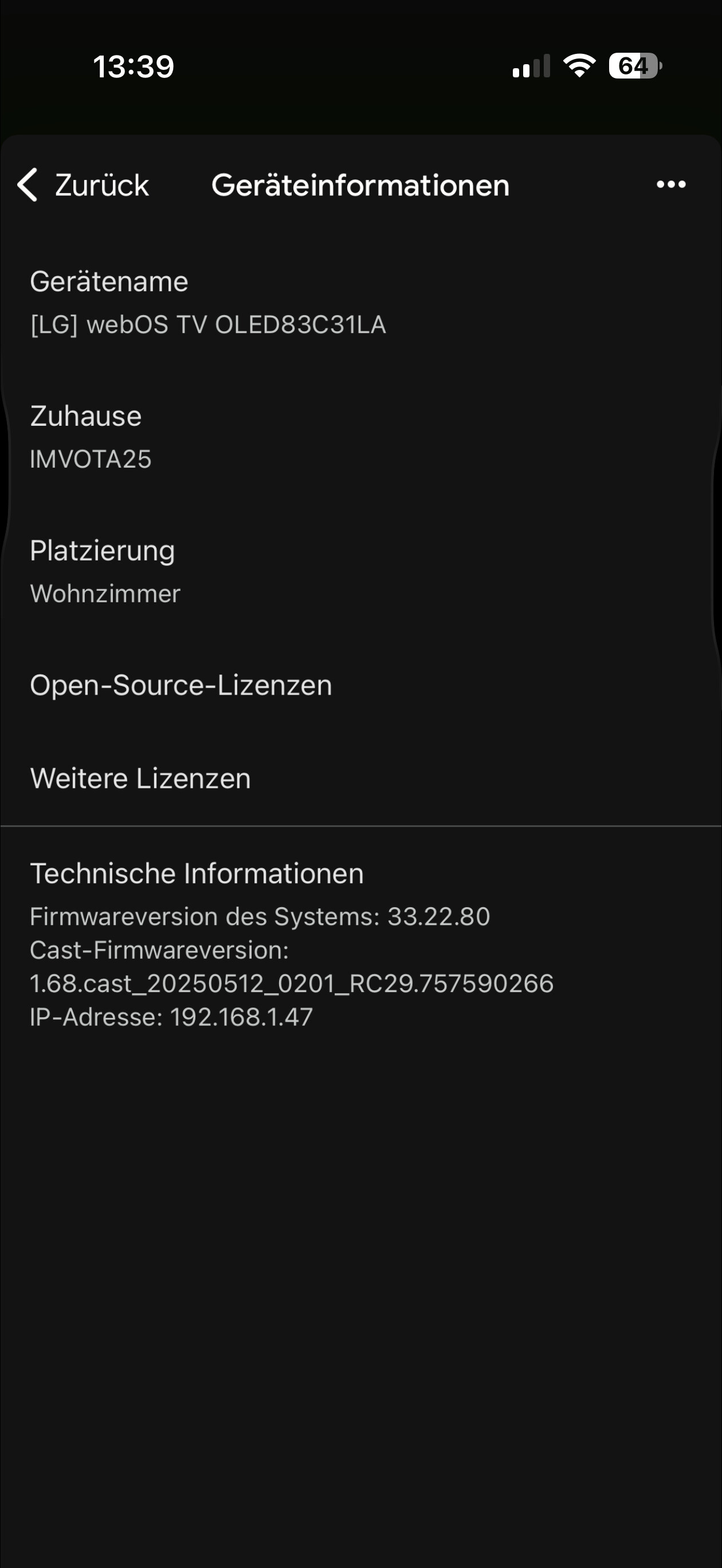
To clarify first — could you please check and share the exact webOS version running on your LG OLED 83C31LA?
Not all LG webOS versions support native Chromecast, and Roon Web Displays can only discover Chromecast-capable devices when the Chromecast service is actually present and active on the device.
Once we know the webOS version, we can confirm whether this model/OS combination should be discoverable by Roon or if this is an expected limitation.
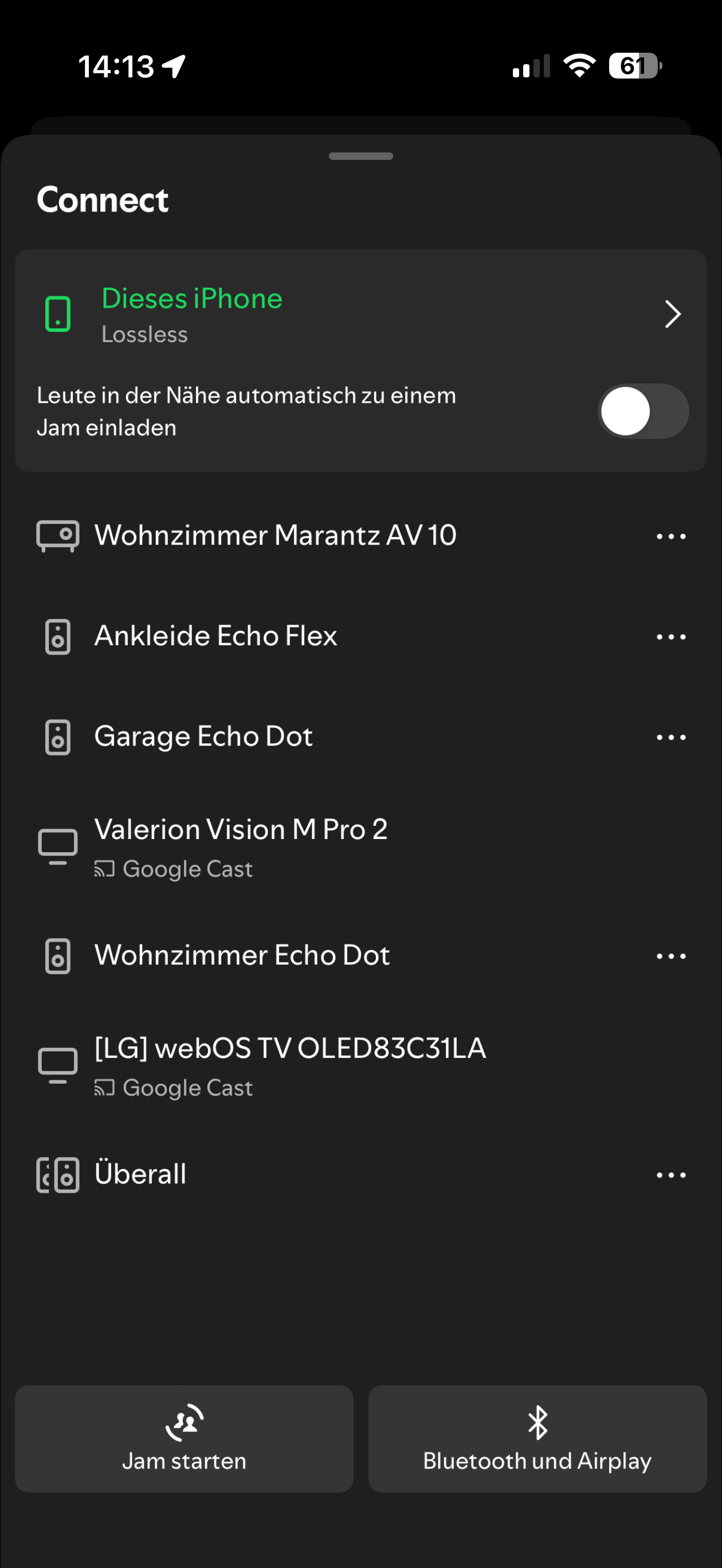
No, it is just visible as an AirPlay-device. it hast only been visible for a short moment as web display/ chromecast audio device in the past. Never again.
Trace: [devicedb] [autodetect] No Match for DeviceAutodetectData[Type=Cast Model=OLED83C31LA]
This tells us Roon’s device database does not recognize this Chromecast as a valid Cast endpoint, so the TV advertises itself, but does not present the expected Cast profile.
A few additional troubleshooting steps for you to try:
Perform a factory reset on the TV
Temporarily check and disable IPv6 within your router settings
Thank you for your patience and for trying the suggested steps.
We’ve reviewed the diagnostics and confirmed that while the TV advertises itself as a Chromecast device, it does not expose a Chromecast profile that Roon can reliably classify as a supported Cast endpoint. We’ve reported this behavior internally to our R&D team for further review.
That said, since this appears to be a model-specific behavior tied to the LG TV’s Chromecast implementation, and not a widespread issue across Chromecast devices, any potential fix would likely take a significant amount of time and may ultimately depend on changes from the TV manufacturer.
At this point, the most reliable workaround remains using an external Chromecast device (such as Chromecast Ultra), as noted by another user in the thread.
We appreciate you bringing this to our attention and helping us document the behavior.