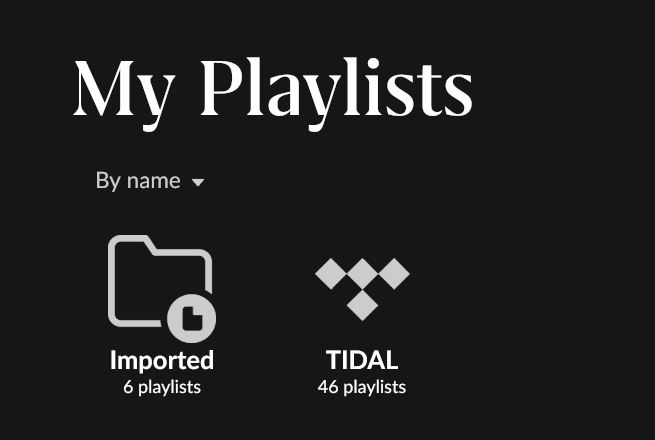
· Hi. Regarding playlist. I only have Tidal as service and my own flac-files. In playlist I have two distinct categories: Imported and Tidal. But Clicking above this on Playlists I have many more playlists this confuses me a lot. Can you help?
Tell us about your home network
· It's only on my win11 server and when I use a another win11 PC. Din't think network play any role
Welcome to the forum, and thanks for the screenshot and for laying out what you are seeing. Did you by any chance import any XML or iTunes playlists?
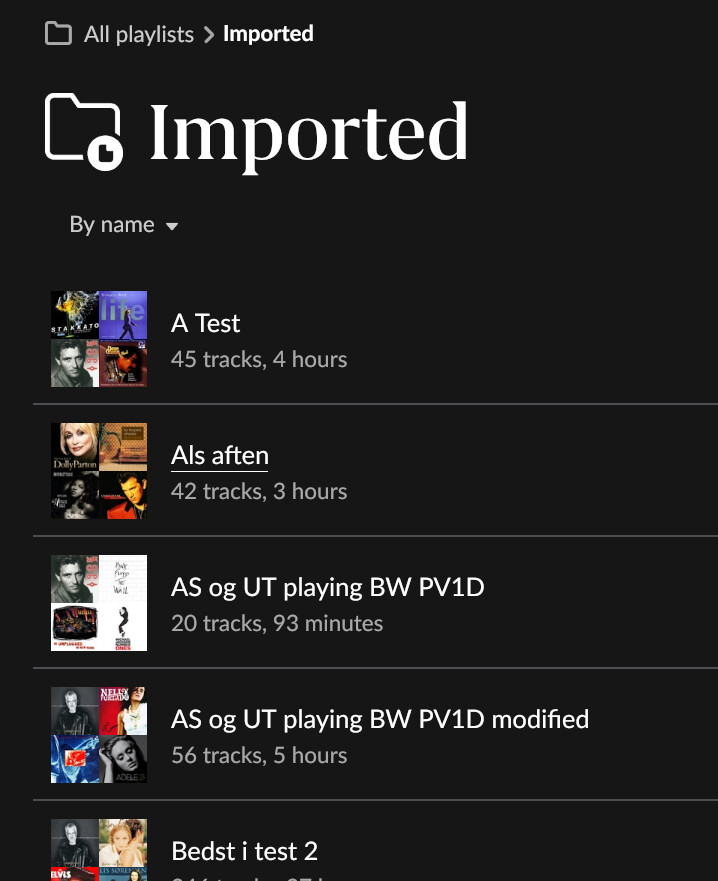
If you open the Imported folder, please share a few screenshots of the playlists you see listed there, one general view and one showing the playlist details.
That will help us sort out why you are seeing more playlists at the top level than the Imported and Tidal categories.
Thanks for quick reply. I forgot to mention that I have imported playlists from winamp - not directly maybe as xmls or m3u’s I dont recall. Also forgot to mention those playlists I’ve generated in Roon from my own ripped CD’s.
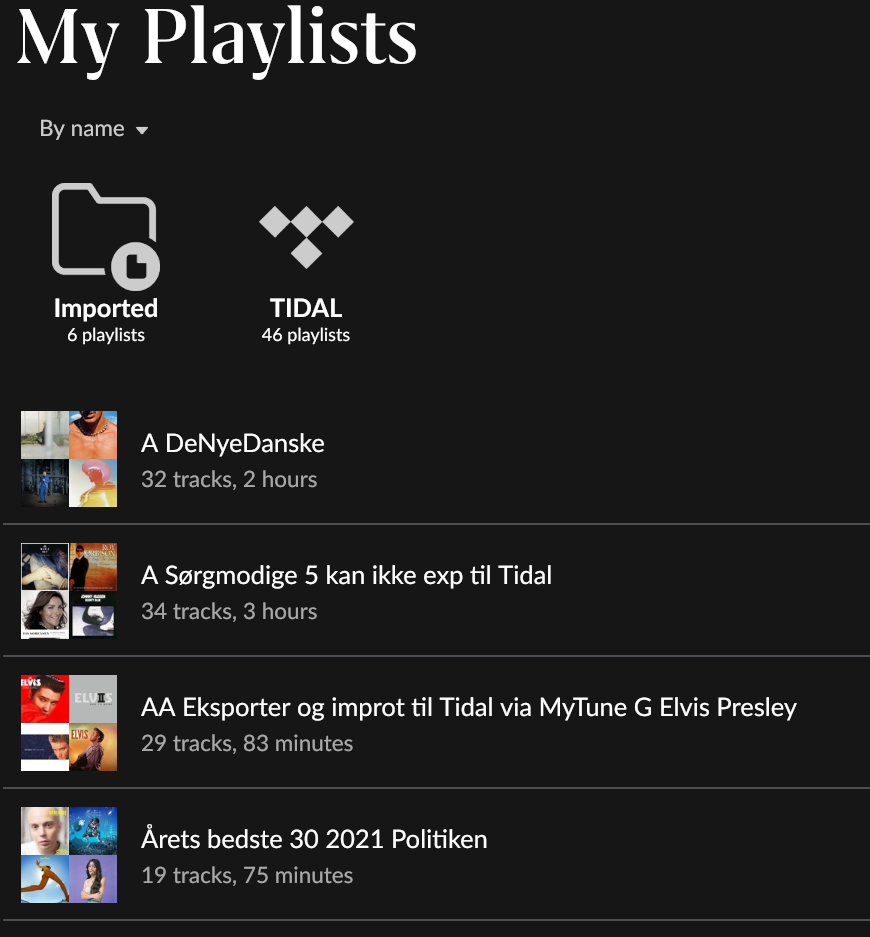
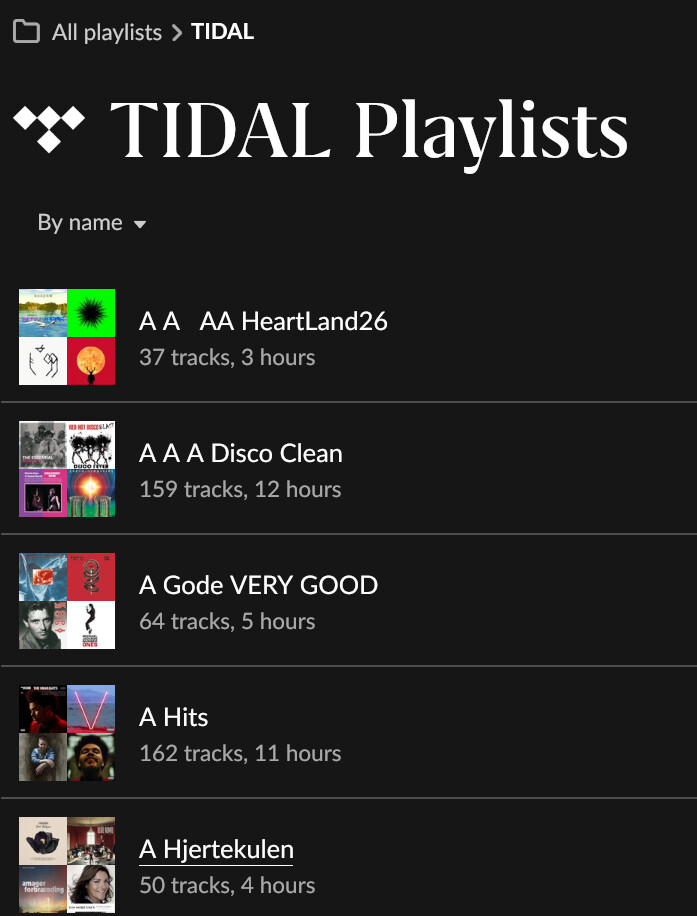
Here are the 4 categories of playlists I see:
In this view I have more playlists than i Imported and TIDAL (It would be logic if the rest were in a third catalogue)
Now when working with it. I see that the playlist: “A sørgmodige…”, which I created in Roon from ripped my own CD numbers and music embedded fra TIDAL is neither in Imported or TIDAL, so it seems I miss a category which is Roon-created.
Thanks for the detailed screenshots, they explain exactly what’s happening, and the good news is nothing is broken.
Roon sorts playlists into folders based on where they came from, and there are three possible sources:
TIDAL: playlists synced from your Tidal account
Imported: playlists brought in from files or other software (this is where your old Winamp m3u/xml lists landed)
Roon-created: playlists you built inside Roon itself, like "A Sørgmodige 5…" made from your ripped CDs and Tidal tracks
The reason the top-level Playlists view shows more than just the Imported and TIDAL folders is that Roon does not put your Roon-created playlists into a folder. They sit loose at the top level, listed directly below the two folder icons. So the view you're looking at is really: the Imported folder + the TIDAL folder + all of your Roon-created playlists shown individually.
You can confirm this in the left sidebar list: playlists with the small Tidal diamond icon next to them are Tidal playlists, and the ones without it (for example “A HjertePunch”) are the ones created natively in Roon.
So your instinct was right, those “extra” playlists are your Roon-created ones. There just isn’t a separate “Roon” folder for them; Roon shows them un-grouped at the top level by design.