· Hi, I have constant problems connecting to my core. This morning, after not being able to connect for some weeks I tried to access Roon from my PC. Please note my mobile is twinned with my PC desktop. After selecting my PC desktop rather than repeatedly trying to connect to the Roon Core over my network I succeeded in connecting to Roon music data base. Please note my mobile is twinned with my PC. However all that matters is ROON so when and if you are investigating please feel free to disconnect my PC FROM my mobile. I have secondary issues with the Nucleus being disconnected from mains electricity. This always causes problems. Please advise if a small UPS is a good idea. All I really want is automatic reconnection. My IP
Many thanks, Geoff
Tell us about your home network
· There is a single router and about four switches. Everything is over high spec ed internet and we have a 500 Mbps fibre line. My IP address is [info hidden by staff]. The Roon Nucleus Plus is on a fixed IP 192.168.178.38.
Thanks for reaching out. I’ve tried to activate diagnostics for your Nucleus, but I see that it is listed as offline for over two weeks. Can you please check the Nucleus itself - is the power button lighting up? If you connect an HDMI from the Nucleus to a TV or Monitor, is there anything displayed (when turned on)? If so, can you please share a screenshot?
Hello Noris,
When I tried to access the Nucleus + from my PC (on the same network) this morning I was unable to connect to the Roon core. However, when thereafter I tried to connect directly using my phone I rapidly succeeded in connecting and used the system for a couple of hours . My phone screen displayed my desktop by name only and if I recall correctly, three other connection options. I had not, prior to the attempted (but failed) connection from my PC had any success using a phone.
I will try to connect using an HDMI connection ASAP and let you know the outcome.
I am leaving this PC on for the next couple of hours as well as the Nucleus+ and will leave both switched on whilst I am out to-morrow.
Many thanks,
We’re still not seeing any indication of your Nucleus being online - we’ll be on standby to see a screenshot of what you see when connecting the device via HDMI to a monitor.
It sounds like you’re connecting to your PC which also is running Roon Server, rather than your Nucleus. Let me know if that was the case. Thank you!
What do you see if you try to access the web UI for this Nucleus using a browser on the PC?
Please share a screenshot here. This will give us a clear indication whether this is a network isolation issue or a problem with the server/unit itself.
If you can provide a screenshot of the Web UI per the above instructions, we’ll be better equipped to diagnose whether this is a hardware or a network-related problem.
Please keep in mind that this thread might auto-close due to inactivity if it receives no more responses from the original poster.
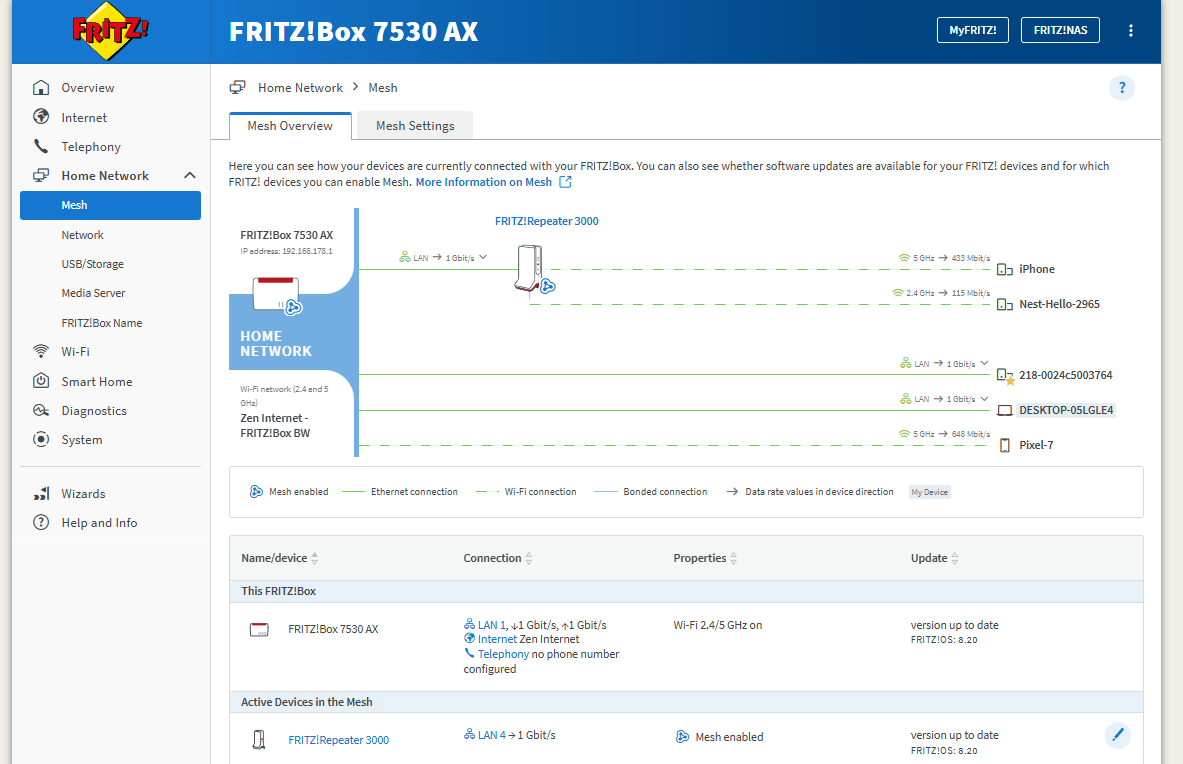
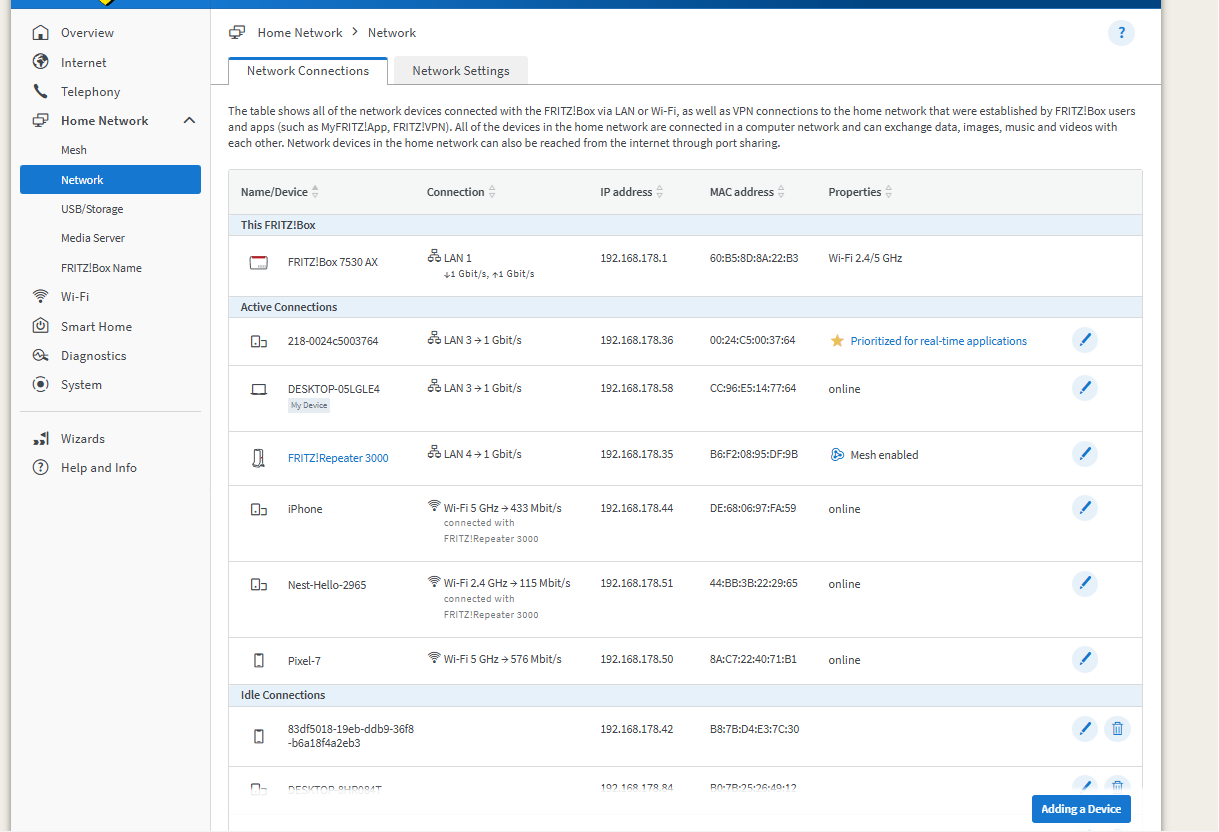
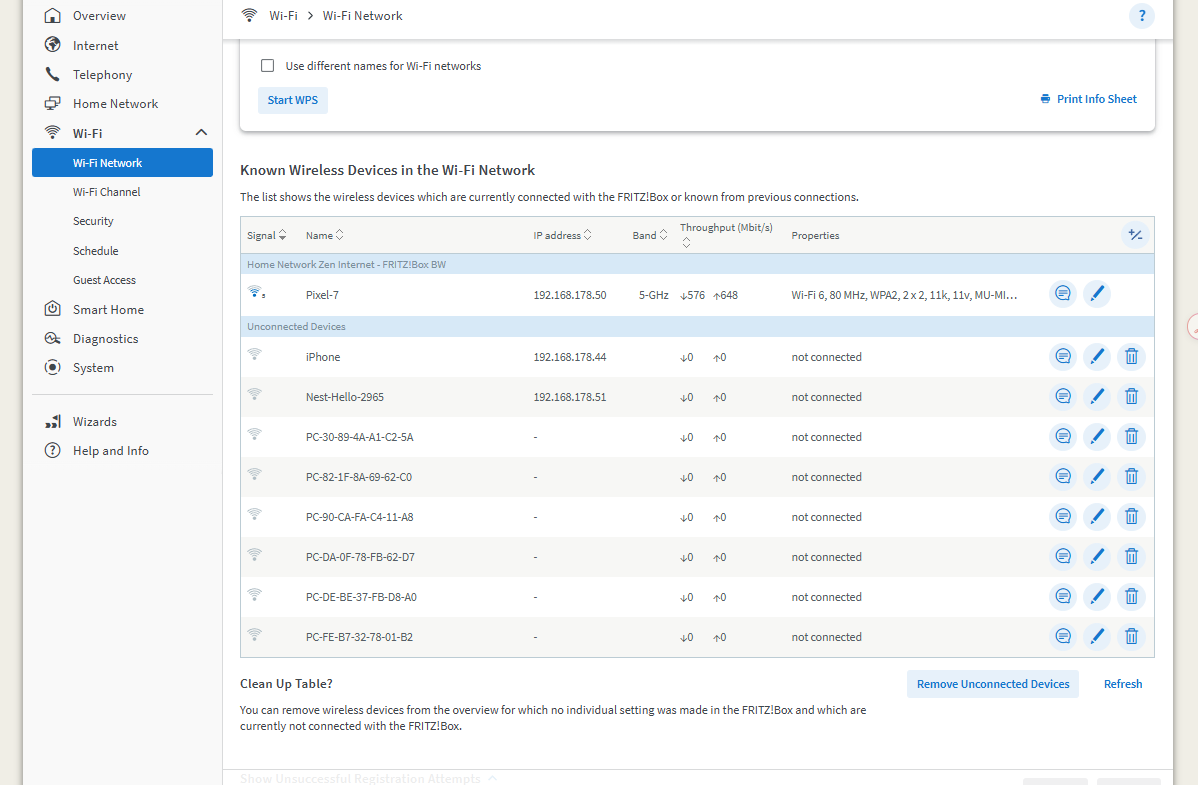
Hi Connor, I have taken some screen shots from our router. Please let me know if they are of any use.
I am completely failing to connect at the present.
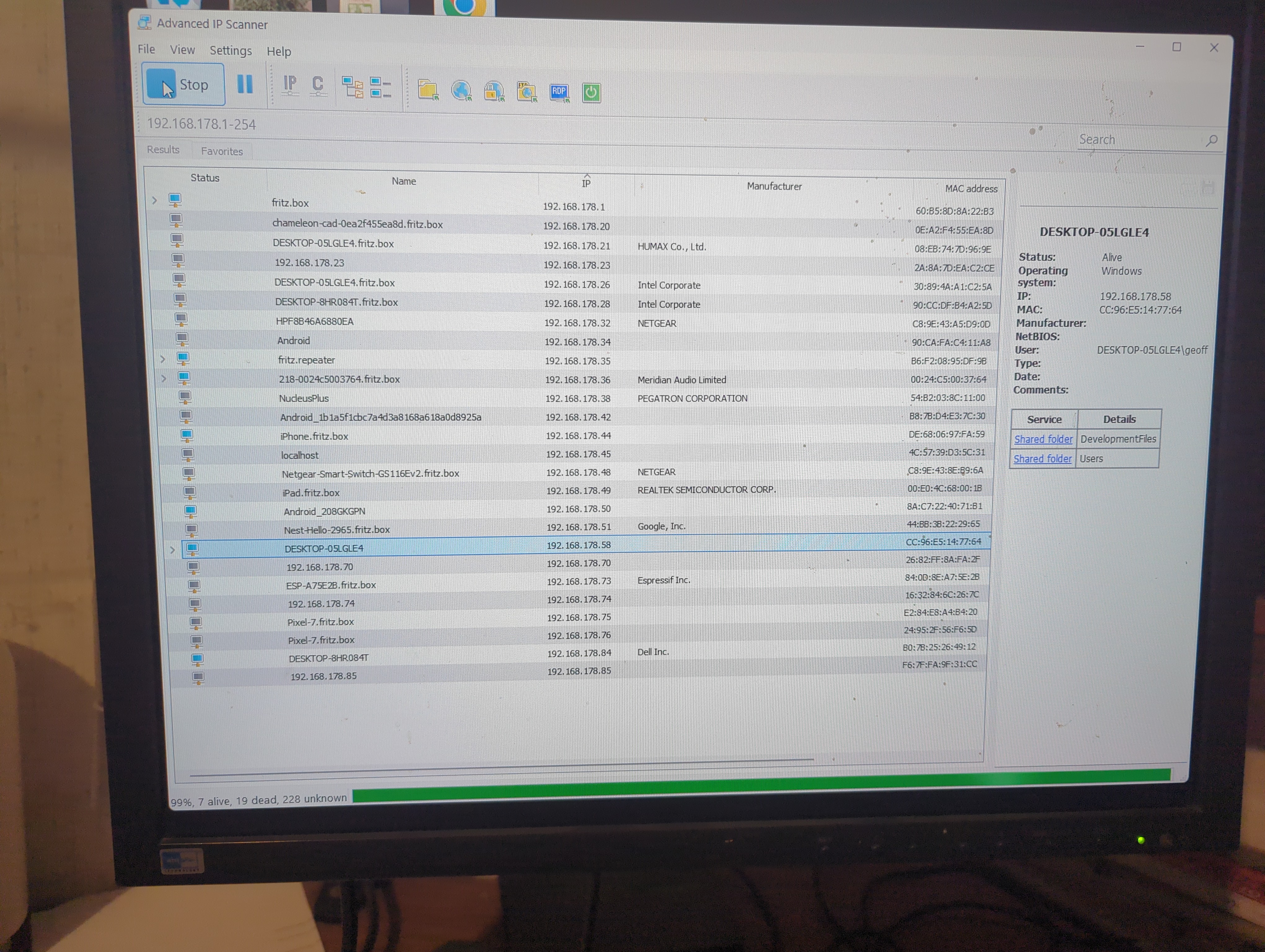
I have tried the three options in your list. No option generates a response of any sort. I have a piece of software called Advanced IP scanner that scans my whole network. This tells me the Nucleus is dead and that it has IP address 192.168.178.58 which is actually my PC desktop.. My IP scanner thinks the nucleus has IP address 192.168.178.52.
Unless I hear from you to-day I will reinstall Roon on my phone and see if it finds my Nucleus.
Based on what you’re describing (conflicting IP addresses reported by the scanner and the Web UI not responding), this looks very likely to be a network configuration issue, most commonly caused by a static IP conflict or stale network settings on the Nucleus.
To reset the network configuration on the Nucleus and force it to obtain a fresh address from the router, please do the following:
Connect the Nucleus to a monitor or TV via HDMI
Connect a USB keyboard to the Nucleus
Power on the Nucleus and allow it to fully boot
When you see the Nucleus screen, press ENTER
Type:
resetnetwork
Press ENTER and allow the unit to reboot
This will clear any static or cached network settings and return the Nucleus to standard DHCP behavior.
Once the reboot is complete, please:
Check your router to see which IP address is now assigned to the Nucleus
Try accessing the Web UI again via that IP address in a browser
Let us know whether your Roon remotes are able to discover and connect to the Core afterward
If the issue persists after the network reset, we can continue troubleshooting from there — but this is the most important next step given the symptoms you’re seeing.
Hello Vadim,
Thanks for the advice which was just what I wished to know.
I have attempted to test the Nucleus using both our TV and my PC monitor (HDMI to DVI-I adapter).
I get no output signal from either though the TV (Samsung SMART TV QE55S95DATXXU) wants to treat any connected item as a SMART device.
Ultimately, testing without the DVI adapter would be ideal - that said, if both screens returned a blank display, there could be a hardware malfunction at play here.
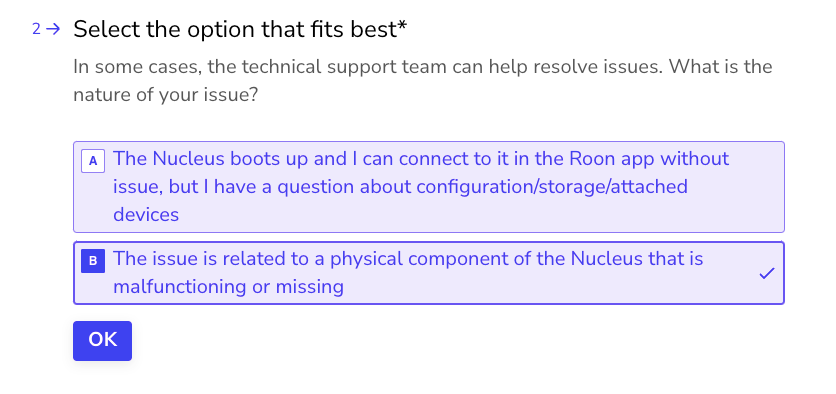
The best next step here is to get in touch with our RMA department directly, as they’re in charge of all hardware-related Nucleus issues. To do so, open the Typeform link below and select ‘Other’ followed by 'This issue is related to a physical component".