You mentioned a mesh network in your setup. Certain common mesh networks might require slight reconfiguration to support Roon.
· Orbi
Click below for next steps with an Orbi mesh network.
· I still need help.
You mentioned antivirus software. Please select the specific Antivirus you have from the list below
· McAFee
Click below for next steps with a McAFee Antivirus
· I still need help.
Describe the issue
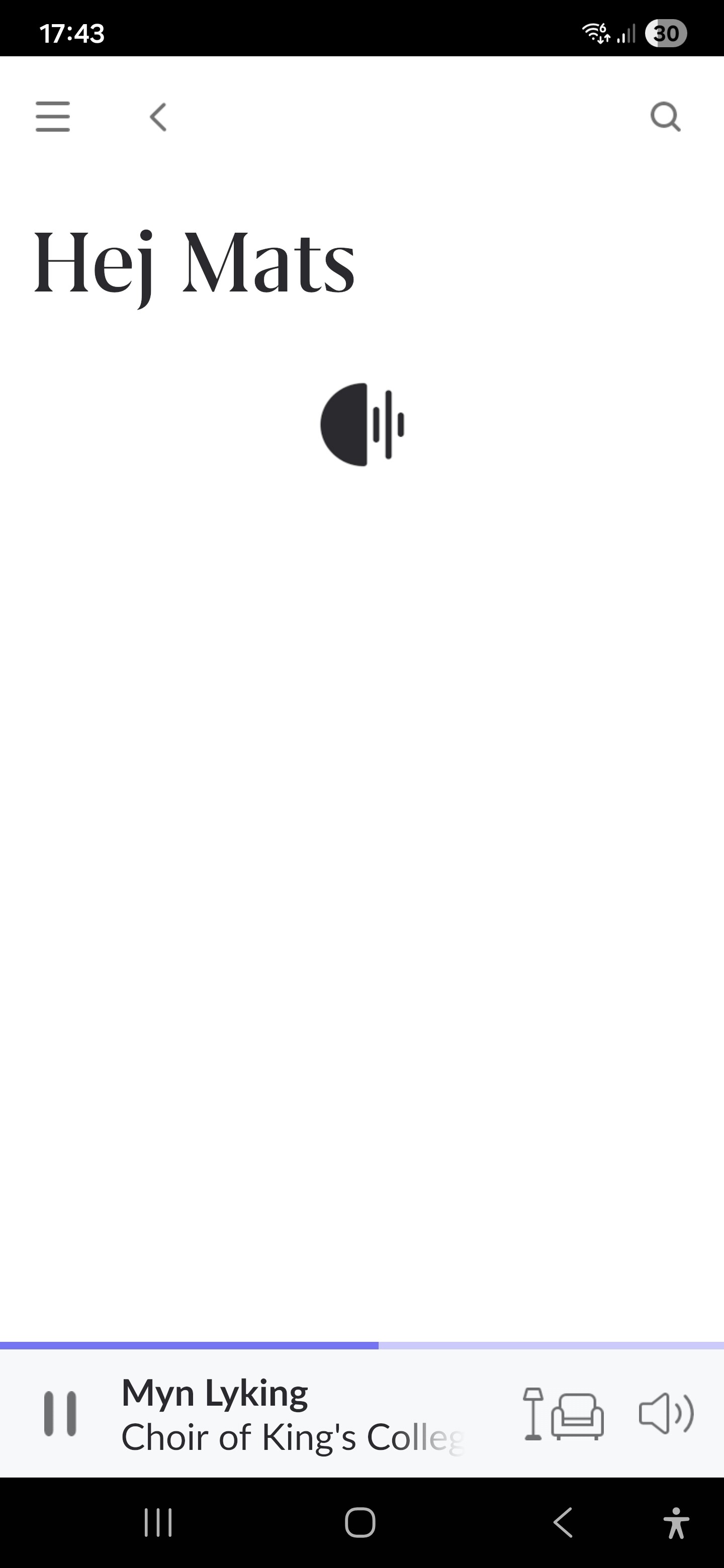
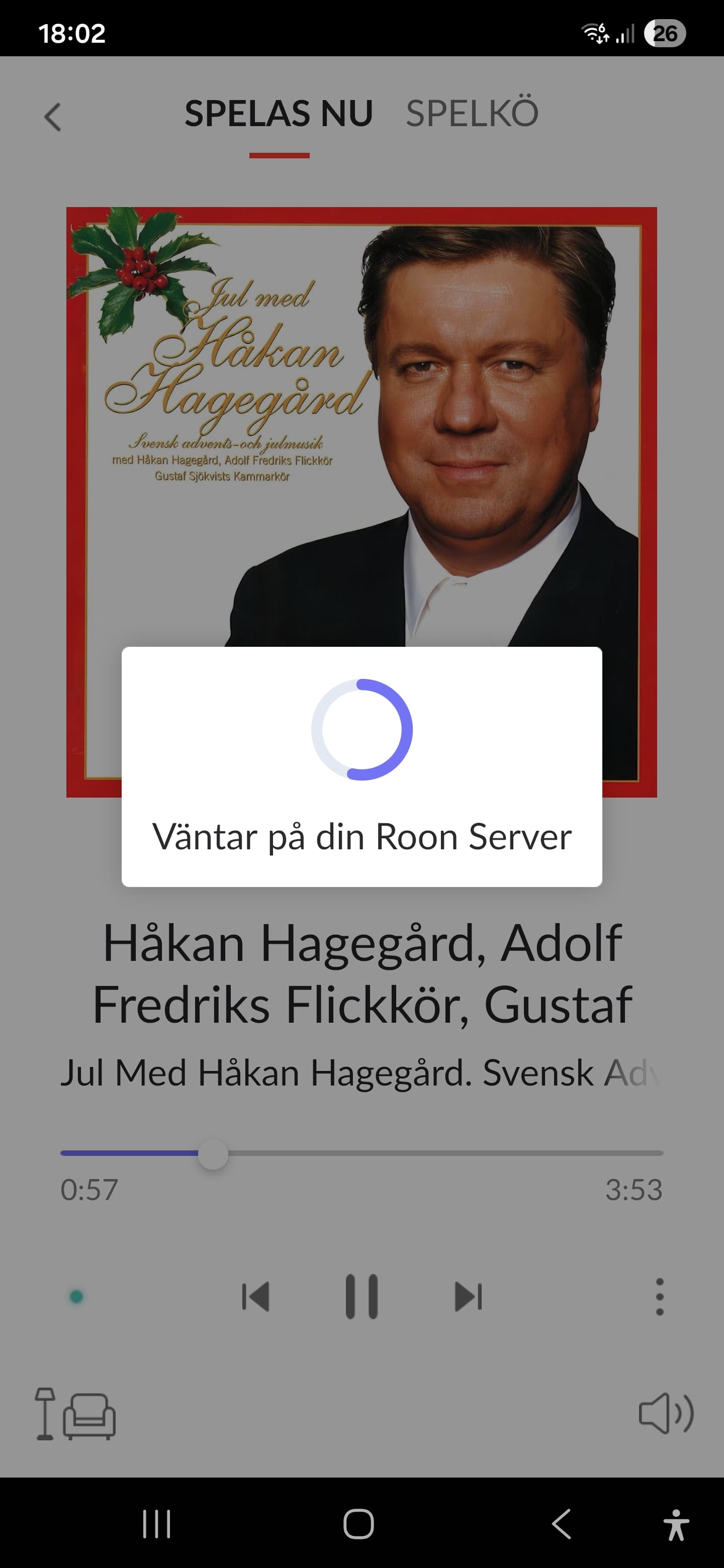
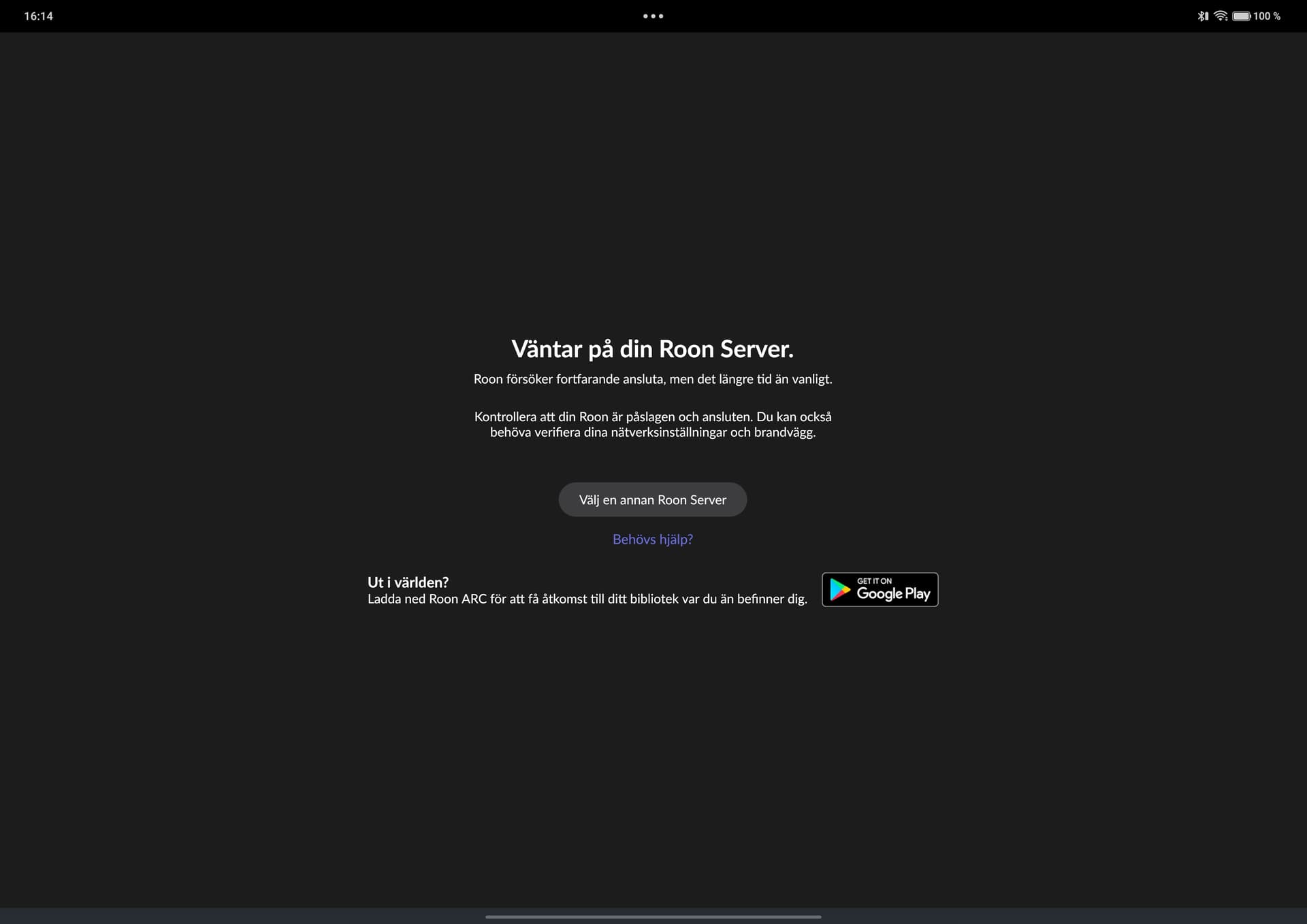
Have recurring problems accessing my Roon server from control points. No problems with interruption of the music signal, however often problems for control points accessing the Roon server/the Roon GUI. Have tested all the suggested actions, however the problem persists.
Describe your network setup
Netgear Orbi SRR60 with 2 satellites SRS60 and 2 mesh extenders netgear eax20 ax1800
Hmm, I might very well have mixed up “early access” with participating in the beta program in the Google play store… This is two different things I guess (?). Have been away from using Roon for 4 years so I may have missed (a lot of) things… I really need stable software now so maybe it’s a good idea going back to stable public production releases? No problem “down grading” the Android app - but how do I downgrade my Intel NUC Rock to latest stable public version? I don’t know if this fixes my problems with accessing the Roon core, but maybe??
Thanks Benjamin, I think I’ll try that. Will probably be a few days until I find time, but I’ll report back when I’m there. (BTW: my suspicion that Early access and Beta program might be two separate things was wrong - just different names in the Roon and Google play-worlds for the same thing from what I understand.)
It looks like your Roon Server is in Early Access, so it would make sense that you Android remote is as well. Feel free to follow @benjamin ‘s instructions from above to revert to production, and please ensure you have a recent backup made from within Roon before making the switch. Let us know how it goes!
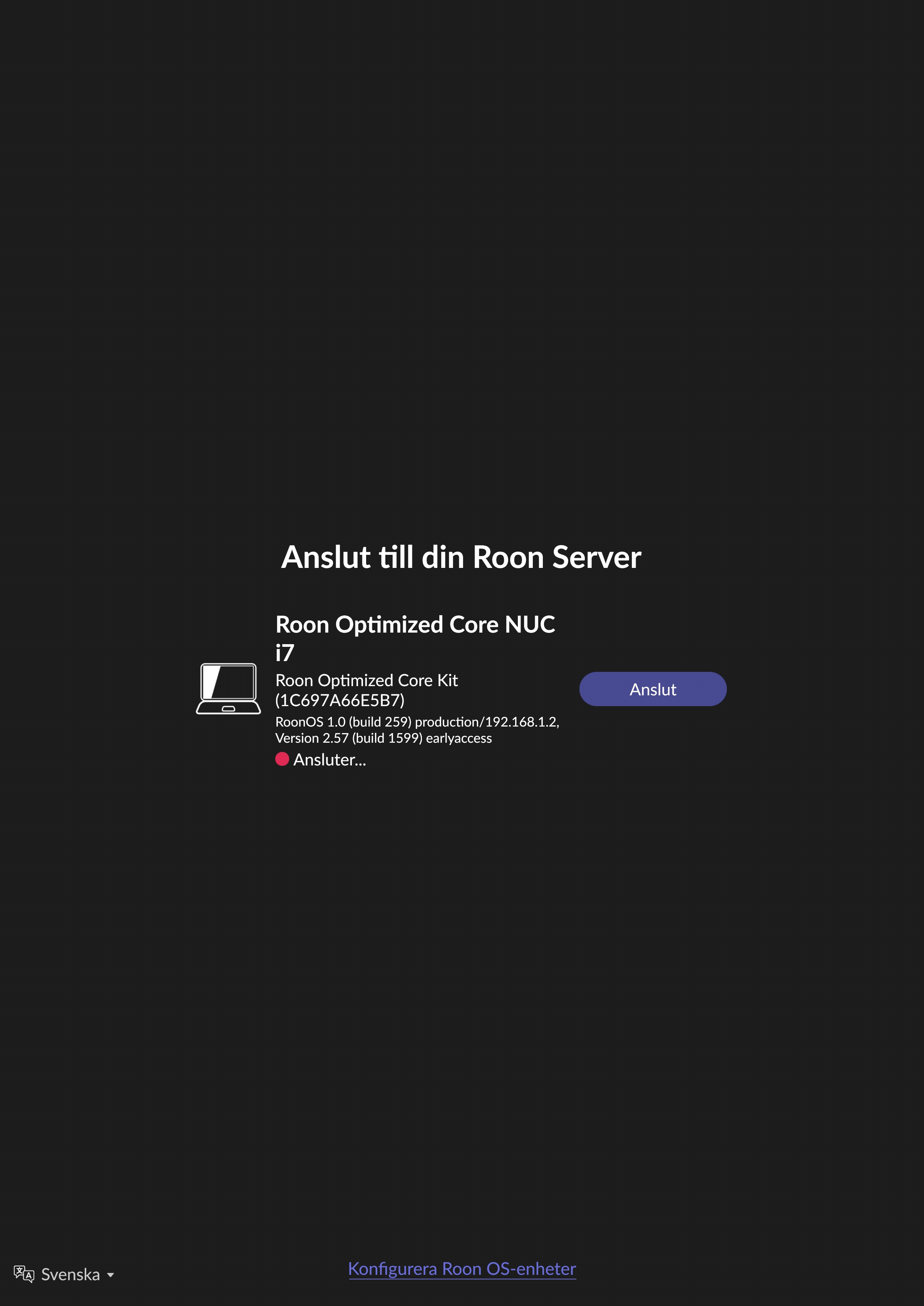
One question related to the attached screen shot containing info about my setup: the down grading process described here: https://help.roonlabs.com/portal/en/kb/articles/roon-early-access-program#Moving_NAS_servers_back_to_production (under the heading " Moving RoonOS (Nucleus / ROCK) servers back to *production"), does that concern ROCK (which in my case seems to be production version 1.0) or Roon server software (which in my case seems to be version 2.57 early access)?!? Sorry for me being a bit confused here… what is the next appropriate step in “down grading” to production release(s)?
Your Roon Server Software is using the earlyaccess branch, so it would be downgrading that back to production. You can follow the instuctions listed in the guide:
Moving RoonOS (Nucleus / ROCK) servers back to production
Download the instruction file and save it on your computer. Do not modify the name, extension, or content of this file.
Navigate to the /Data/Reinstall directory on your Nucleus / ROCK.
Copy the instruction file that you downloaded into the Reinstall directory.
Visit the RoonOS admin page and click on the “Reinstall” button.
Keep in mind you’ll also need to uninstall and reinstall the Roon app on your Roon remotes so that the versions match.
Ok, so now I have gone back to production version of Rock server and also Android apps. The problem persists however, so no change for the better so far unforunately…
Thanks for the update! Sorry to hear your issues persist.
Have you temporarily disabled your antivirus software and tested the connection?
I’d temporarily simplify your network setup, and get your ROCK directly connected to your primary router, and then physically move close to your primary router with one of your issue remotes, and see if you’re able to connect.
Hi Benjamin,
Thanks for your reply. I have tried to disable the antivirus SW in the Android control points (one Samsung Galaxy S25+ and one Oneplus Pad 3). No difference I’m afraid. I have now also tried to simplify my network setup by disabling the two Netgear extenders. The ROCK Intel NUC has been connected by ethernet cable to the primary Netgear SRR60 router all the time. The problem persists even if I stand half a meter from the primary router I’m afraid.
Thanks for trying those steps and for confirming the ROCK has been wired to the primary Orbi router the whole time.
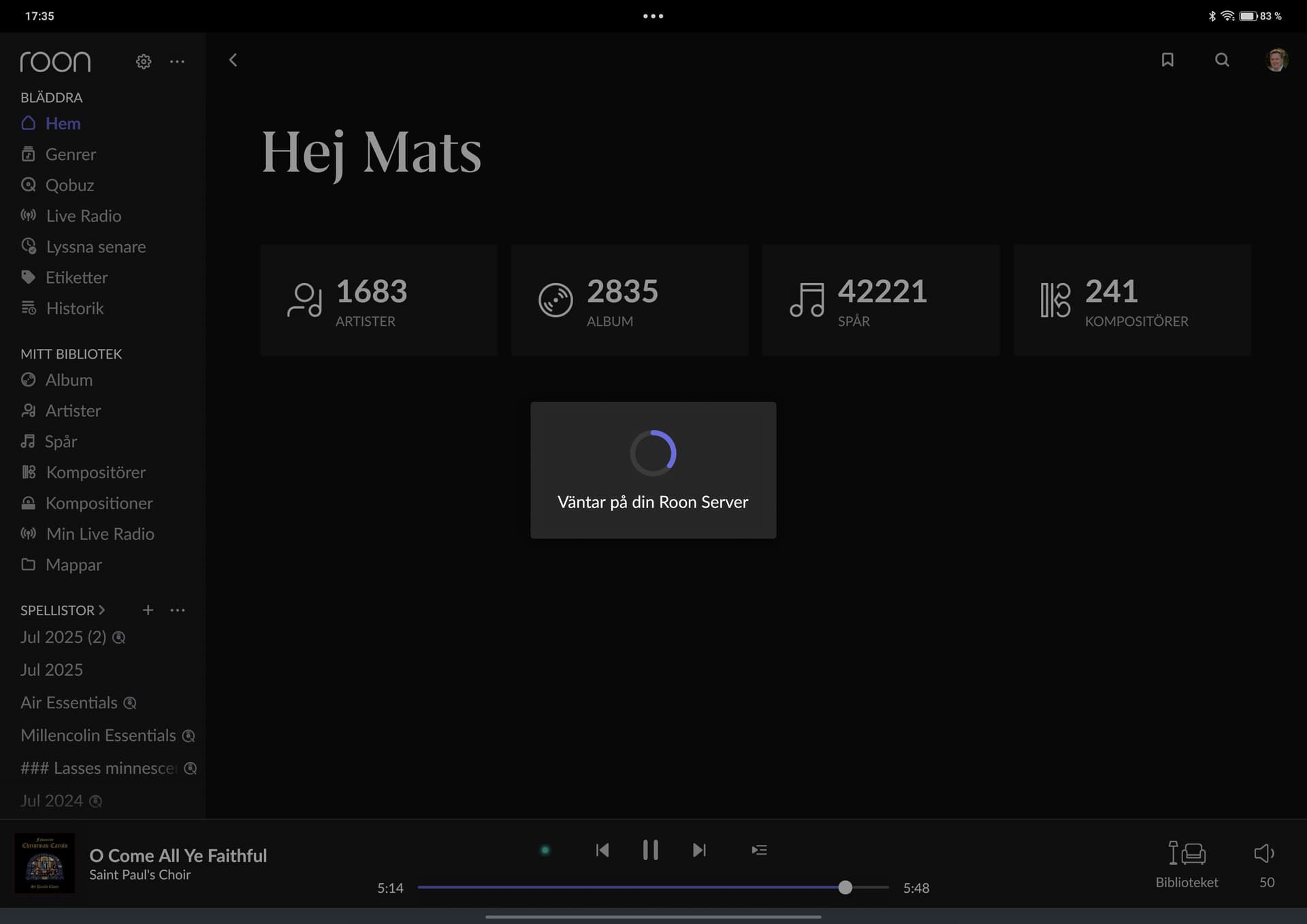
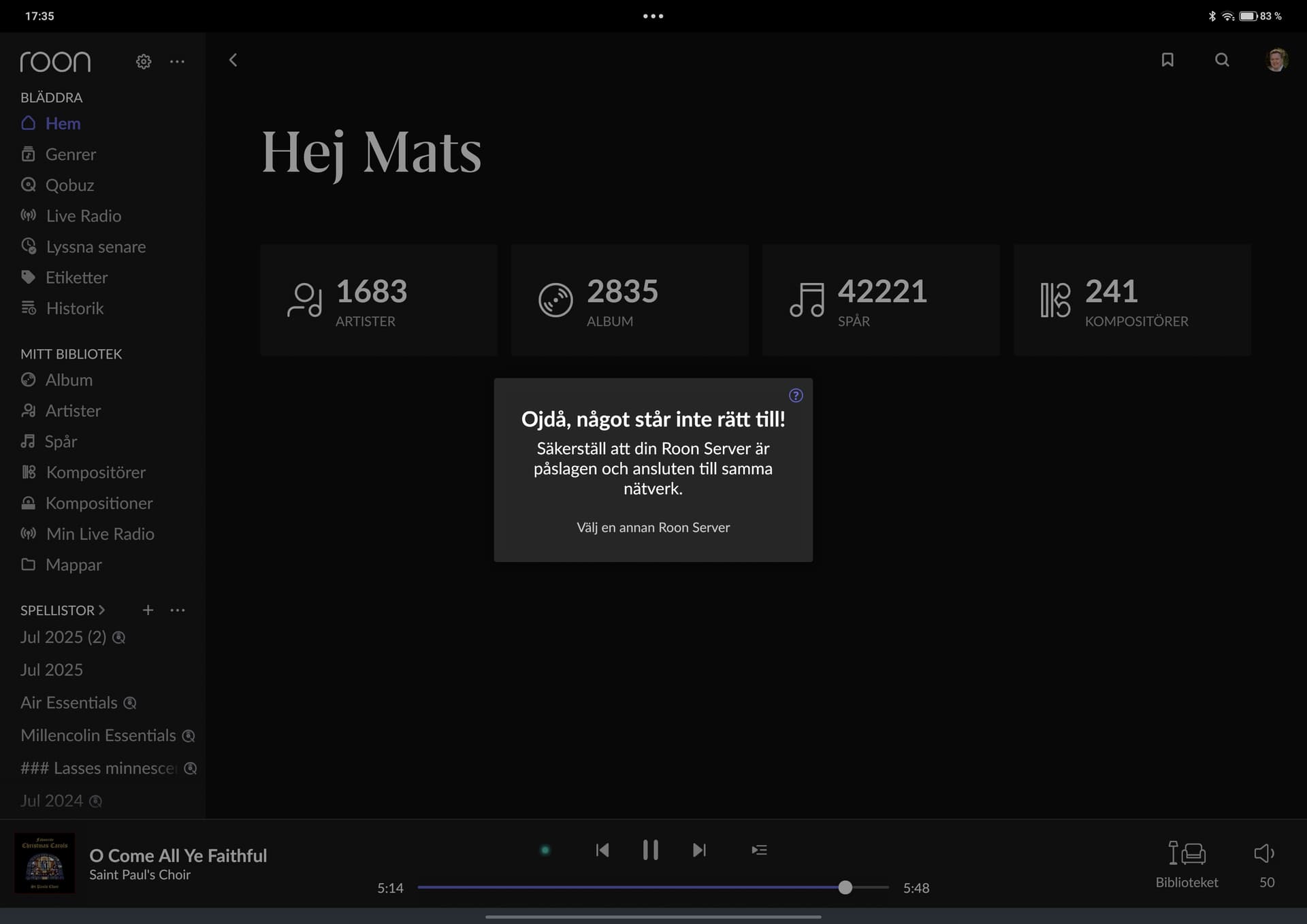
We’ve enabled an additional layer of diagnostics on your account. Please reproduce the issue again (when the server is visible but Connect is greyed out / “Waiting for your Roon Server”), and then reply here with the exact timestamp (including your timezone) and which remote device you were using at that moment.
Thanks — once we have the timestamp + log, we’ll correlate it with diagnostics and advise on next steps.
Thanks Vadim,
I have done this now, following your instructions. For a few minutes I thought it was more stable, but the problems started again and continues.
One thing I noticed just now: it seems that when I use only one Android control point (for example my S25+) it runs in a stable way, but if I simultaneously starts the Roon app on another CP (my Onepad tablet for example) both android apps/CP:s looses touch with the Roon core and starts to behave unstable. Sometimes though it’s only possible to connect with one Android CP at a time: the other one just states “Looking for your Roon server”. This doesn’t seem very logical to me but I want to mention it none the less.
Edit 1 (friday): this behaviour is most likely random, I can’t recreate the behaviour as far as I can see right now (a few moments later).
Edit 2 (sunday evening): I’m really not shure but after more usage, it seems there could very well be a correlation: problem seems to occur more often when two Android control points is used simultaneously.
We have a ticket in with our development team, who will investigate further - we should have some more information and next steps to share with you later this week.
Our development team was able to review your case further and saw that one of the Android devices isn’t reachable over the network. Since even a basic network check (ping) fails, RoonServer won’t be able to connect. This suggests the issue is with the network, not Roon itself.
I’d further explore any router firewalls, or McAFee settings, as it seems to be blocking the connection between the devices.
Is the Netgear Orbi SRR60 on it’s latest firmware?
Hi Benjamin and thank’s for your reply and information,
Is it possible for you to see which of my Android devices, that isn’t reachable over the network?
(Please note that I have no other wifi-related connection problems at all - as percieved by me at a human user level - with the Android devices other than the connection issue with the Roon Core. Regarding the two Android devices (Samsung Galaxy S25+ and Onepad Plus 3) please also note that I have no additional anti-virus SW installed other than software/functionality included by the device manufacturers (Samsung and OnePlus).)
I guess one next step for me is to access the router admin interface and systematically once again try to identify parameters related to firewalls etc that might cause the problem. This is a bit tricky for me as I really don’t have the necessary network expertise to make the right calls…
Could anti-virus SW installed on a Windows PC connected to the same wifi-network (but not part of the current use case) interfere and play a part in this problem occuring? This might potentially be my NAS with locally downloaded music (an old Win 10 (sic!) machine which I’m thinking of maybe try to upgrade to Win 11 with the Flyoobe SW or, as a last resort, totally retire) or another family members Win 11 laptop?
The Netgear Orbi SRR60 is updated with the latest firmware.
We’re not able to see which specific device, unfortunately.
A simple test that you may have already tried recently - with your simplified network setup, remove the Roon mobile app from your issue Android and perform a fresh reinstall, and test behavior.
Unless the machine is functioning as your server, I don’t think the PC could cause interference between your mobile devices and your actual server.
Having a set of Android logs might be helpful - although the process of gathering them is a bit more complicated versus iOS, here are the steps:
Connect your PC to Android phone and install ADB (instructions are here (all platforms)). Then: