Roon Core Machine
- Intel NUC 8i7 Linux
- SAMSUNG 870 EVO SATA III SSD 1TB 2.5” Internal Solid State Drive
- SAMSUNG 970 EVO Plus SSD 1TB NVMe M.2 Internal Solid State Hard Drive.
Networking Gear & Setup Details
TP-Link AD7200 Wireless Wi-Fi Tri-Band Gigabit Router. Ethernet connection thru a NETGEAR 8-Port Gigabit Ethernet Unmanaged Switch (GS308), VPN used.
Connected Audio Devices
SSD with iTunes library connected via USB. Mostly streaming via a Blu Sound Node ii
Number of Tracks in Library
Approx 50,000
Description of Issue
About a week ago, seemingly out of nowhere my Roon started saying it couldn’t find the core. Normally when this happens I just reset the NUC and/or the router and it’s fine. Not this time. After making sure all the remotes were updated, I tried again with no success.
I have since updated the BIOS and tried to start over with a new hard drive in case that was the issue from a power outage or something.
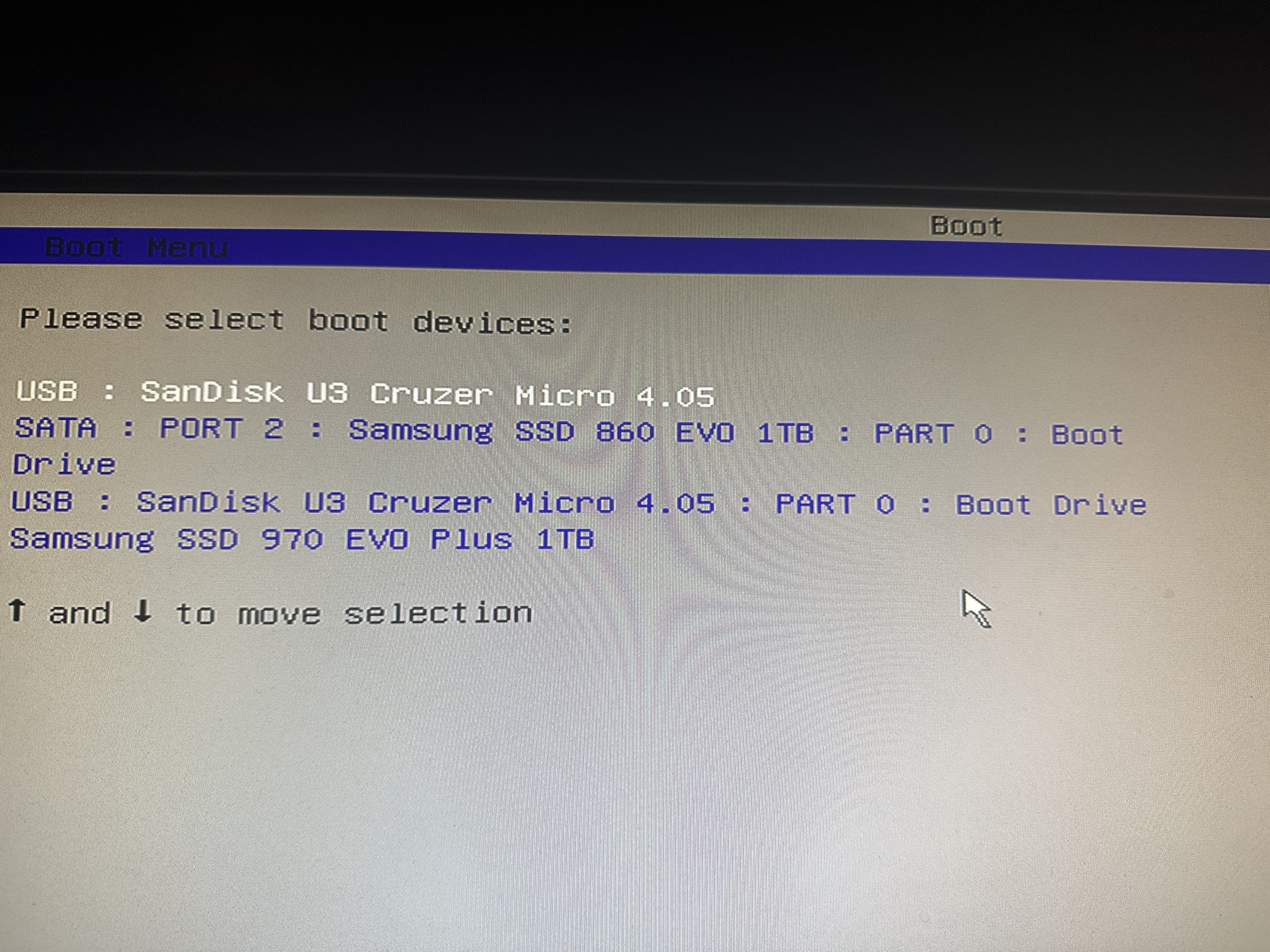
After I updated the bios, I couldn’t see the drives in the boot section any more. I defaulted to the standard settings and created a flash copy of ROCK using etcher to install on the new 970 drive.
UEFI no longer shows any drives, but legacy does.
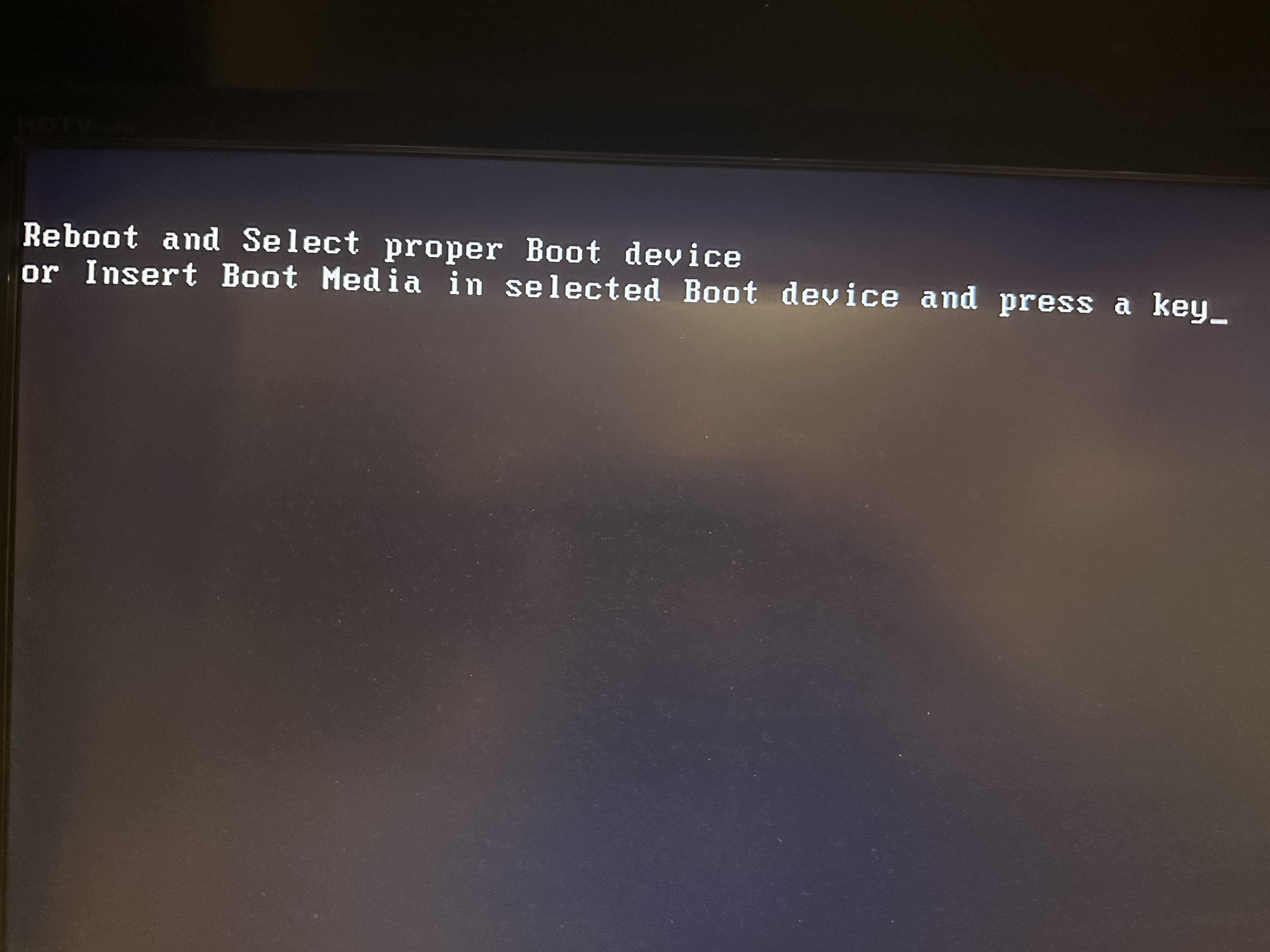
When I try to boot using the flash USB drive created using etcher, I get a few different error messages (see below). I also get “welcome to Grub” and then it goes black. I’m stuck here and am at my wit’s end. I’m fine wiping everything and reinstalling, but it won’t let me. Help!!!