Hey @Peter_Goodman,
Thanks for the additional information and for sending a sample of the issue over!
For some next steps in troubleshooting:
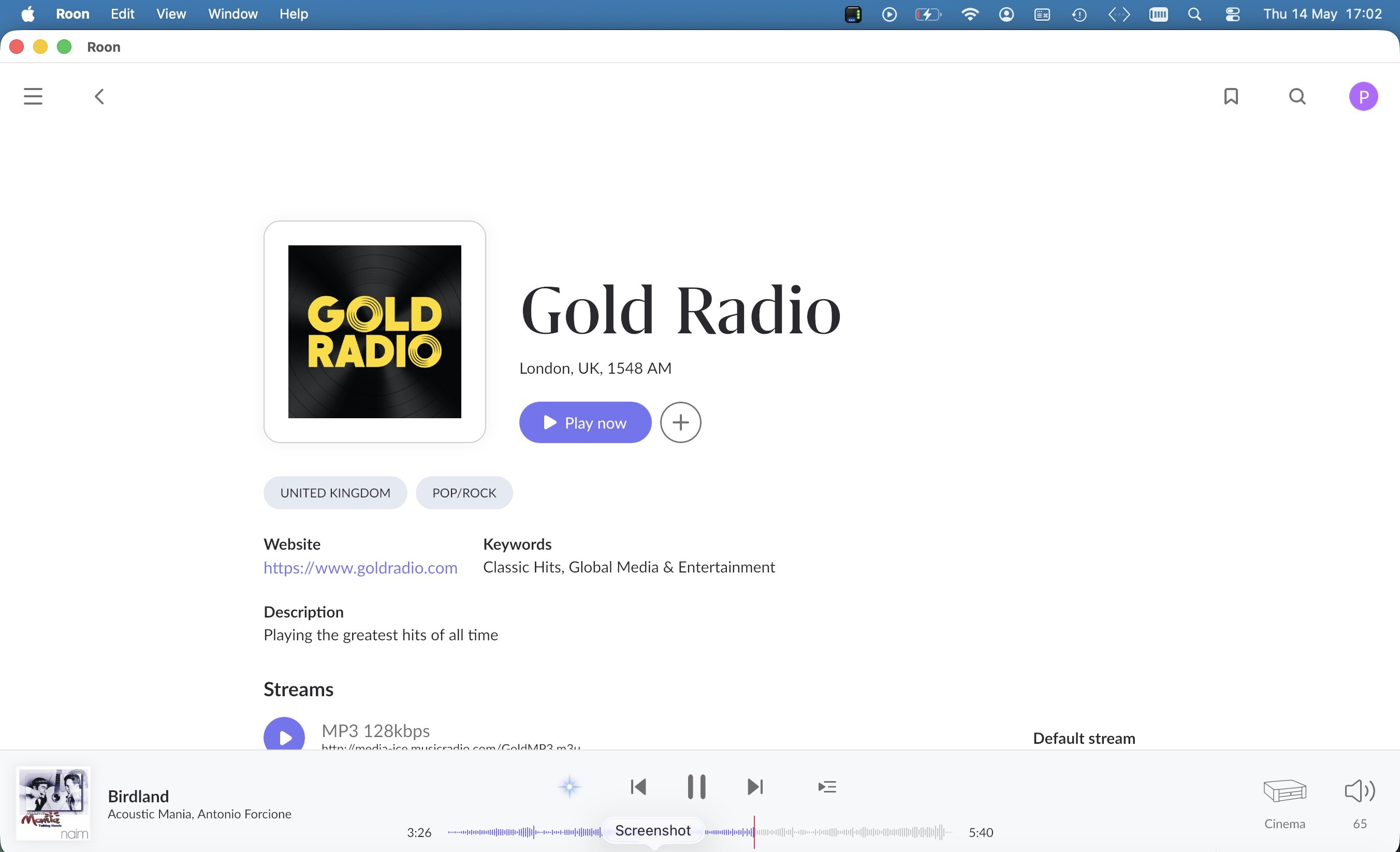
Step 1: Check the Roon signal path and DSP settings for the Cinema zone specifically
Go to Roon → Settings → Audio → click the gear icon next to the Cinema/ID40 zone. Check:
- Is "Volume levelling" enabled? If so, disable it. This applies gain adjustments that can cause clipping artifacts with certain content.
- Is any DSP (EQ, convolution, sample rate conversion) active? Try disabling all DSP for this zone as a test.
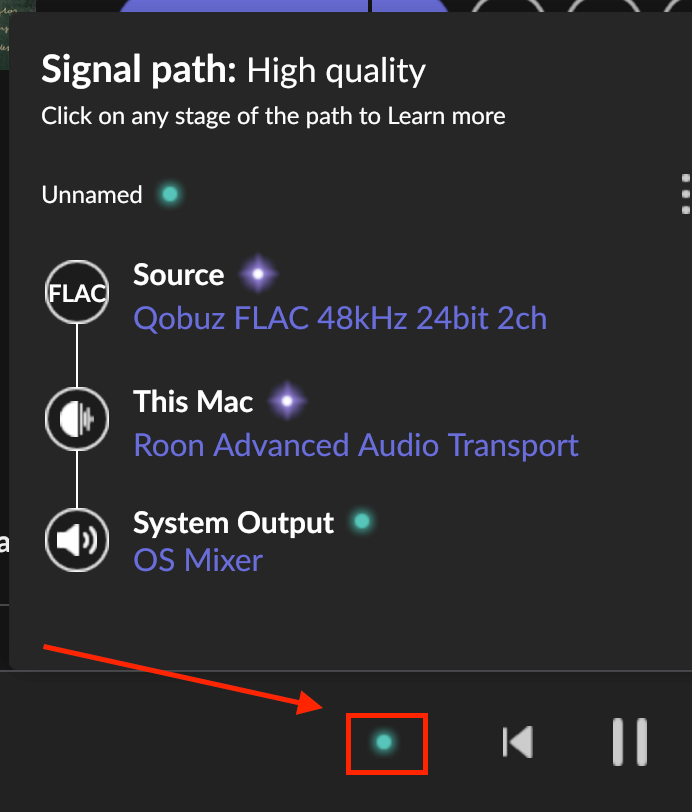
- Check what sample rate and bit depth the signal path shows when playing.
Step 2: Give the Cinema zone's ID40 a static IP address
The logs show the ID40 reconnecting and being rediscovered frequently. Each reconnect risks a brief audio interruption. Log into your Sky Hub (at 192.168.0.1), find the DHCP client list, and assign a permanent/reserved IP to the MAC address 00:24:C5:00:01:4E (the Cinema ID40’s MAC). This stops the device being rediscovered mid-session.
Step 3: Ensure the Nucleus and ID40 are on the same network switch (wired)
Meridian’s clock synchronisation protocol is sensitive to jitter. Confirm both devices are connected via ethernet cables, ideally to the same physical switch rather than daisy-chained through the router.
Step 4: Reboot the ID40 / power-cycle the Cinema Meridian system
Power off the ID40 and any Meridian components in the Cinema zone completely (unplug from mains) for 30 seconds, then bring them back up. The logs show the ID40 reporting inconsistent firmware states across sessions, which can sometimes be resolved by a clean restart.
Step 5: Test with a different audio format
In Roon, when playing to the Cinema zone, check the signal path light (the coloured dot near the volume control). If it’s purple (DSP active) or yellow (some processing), try a track that plays bit-perfect (green light). If the crackling only happens with certain sample rates or when DSP is engaged, that narrows it down further.
Step 6: Check for firmware updates on the ID40
The ID40 is an older Meridian network module. Log into the Meridian app or check Meridian’s support site for any available firmware updates for the ID40. Older firmware versions have known compatibility issues with current Roon versions.
Step 7: If none the above don’t help, swap the Ethernet cable to the ID40
A marginal cable causing occasional packet errors won’t show up as a complete connection failure but can absolutely cause the kind of crackling described, especially since it continues for a second or two after pause (the buffer draining). Swap the cable between the ID40 and your switch.
We’ll be monitoring for your reply and results!