Hello @Paul_Schulten
What we can see: your Windows PC is your server and it is working, on the current version, holding 438 albums and 5,289 tracks with Qobuz connected. Your Nucleus One has not been seen by us for sixteen days and is on an older version. The app is right that it cannot find it. You have two servers, and the one with your music is the PC.
First, two checks. Please do these before anything else and send us the answers.
- Open a browser and go to http://192.168.1.224. Does a Roon page load? If it does, what does it say next to Roon Server Software? Nucleus Web Administration Interface
- In Roon, go to Settings, then Setup, and press Find next to Find Roon OS. Does the Nucleus appear in the list?
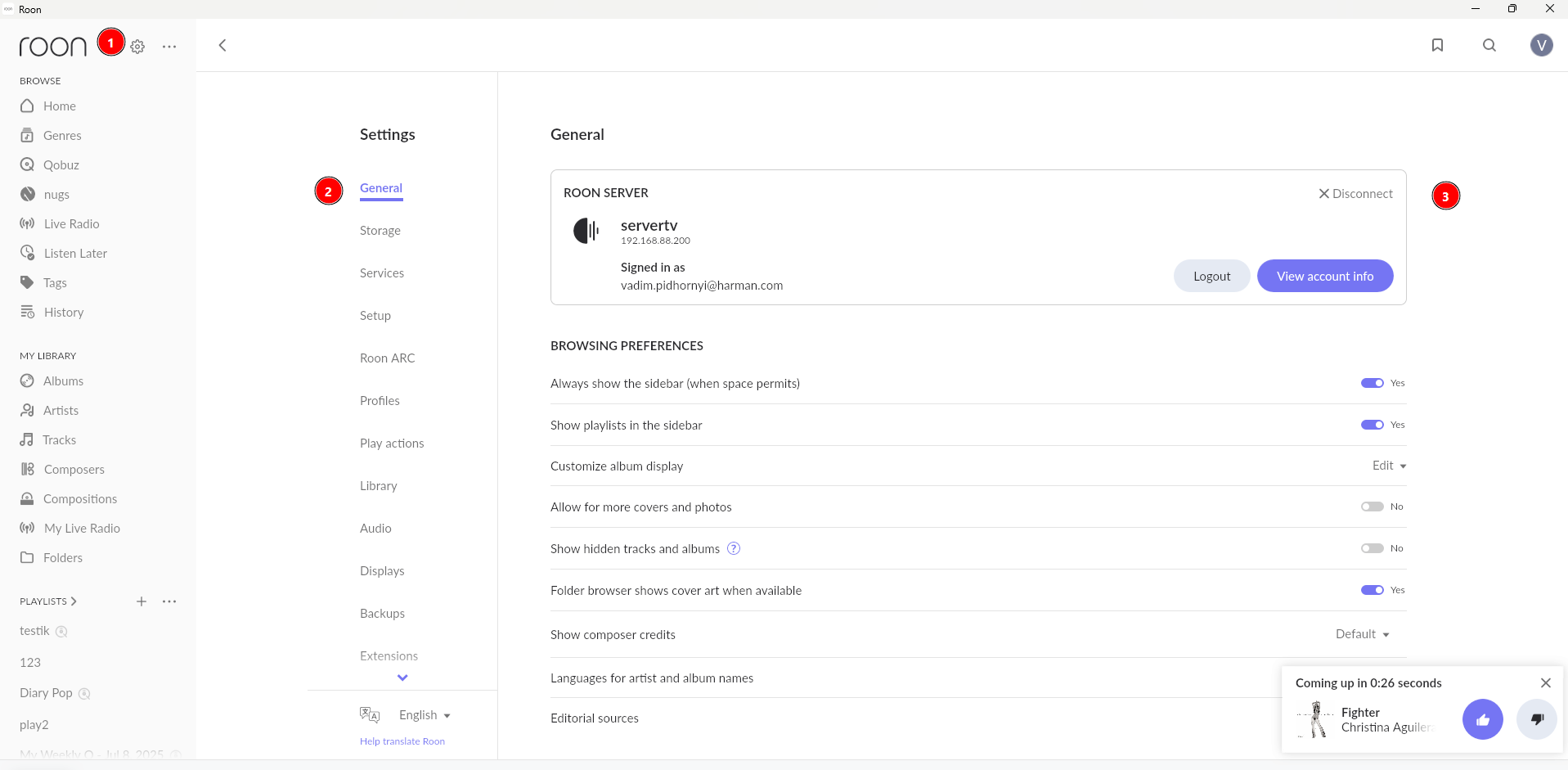
Until the Nucleus answers, change nothing else. Do not press Disconnect on your current server, or you will have neither.
Then, once it answers, here is the whole move in order.
Step 1. Back up on the PC, to a USB drive or a network location, not to the Nucleus. Setting Up a Backup In Roon, Roon Backup Locations and How to Add Them
Step 2. Switch the app to the Nucleus. Settings, then General, press Disconnect, then connect to the Nucleus. Migrating to Nucleus
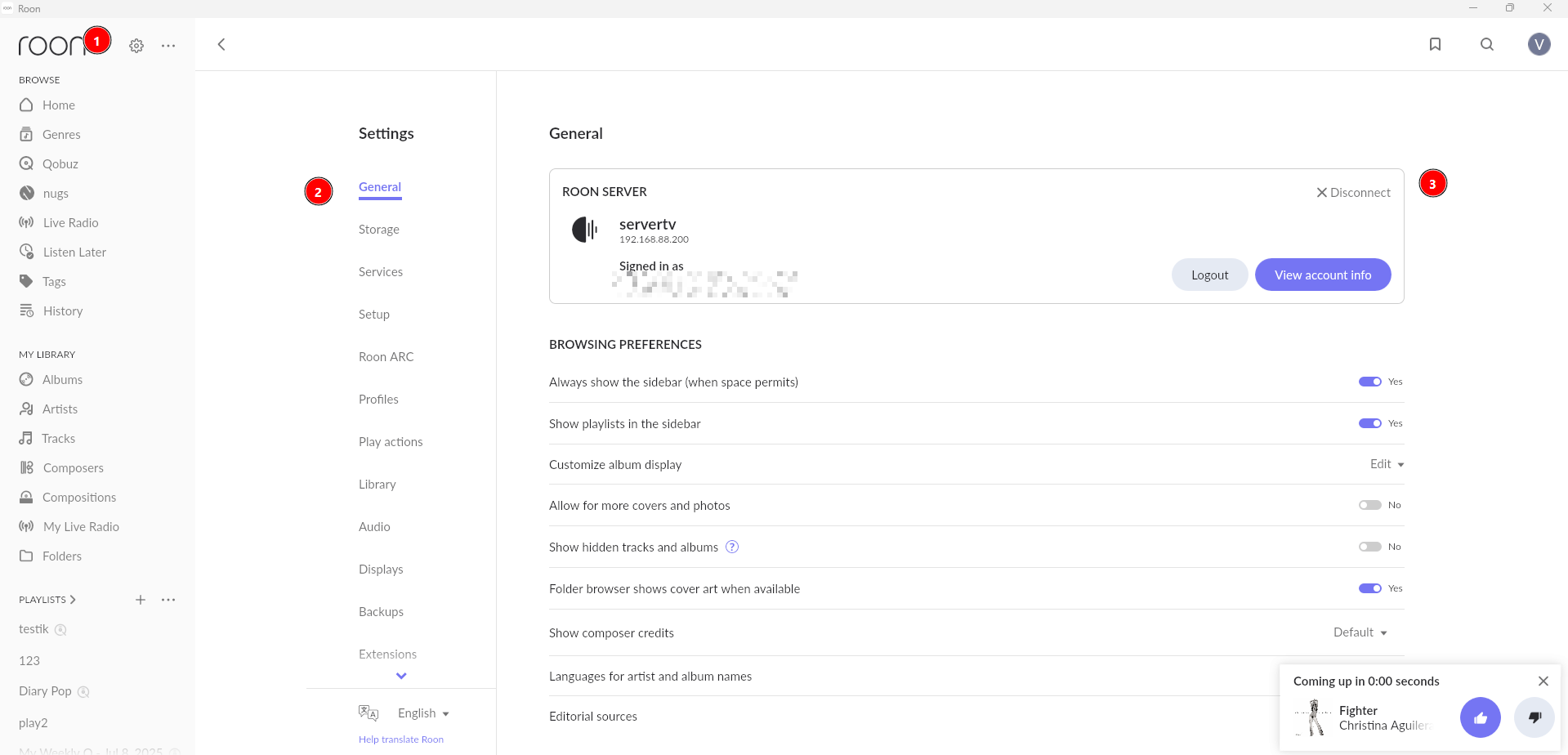
Step 3. Restore the backup onto the Nucleus. This is the step people skip. Without it the Nucleus starts empty and it looks as though your collection is gone. When you first connect, choose Restore A Backup in the lower left instead of logging in. Restoring from a Backup
Step 4. Point the Nucleus at your music. A backup restores your library, not your audio files. Your 3,565 local tracks are on the PC’s disk, so they either get copied to the Nucleus or stay on the PC and are added as a network folder. Until then those albums show as unavailable, which is expected and not a loss. Enabling SMB Guest Access for Roon Nucleus / ROCK on Windows
If any step does not go as described, stop there, write here, and attach a screenshot of what you are seeing. Do not carry on to the next step. That way we fix the one thing that went wrong instead of unpicking four.
We do not offer phone support but we would be more than happy to assist you right here on the Community website.
When we resolve issues on Community, it ensures that our entire team has access to the discussion and can weigh in as needed. This means that not only can our support team contribute, but so can our QA team, developers, and senior staff.