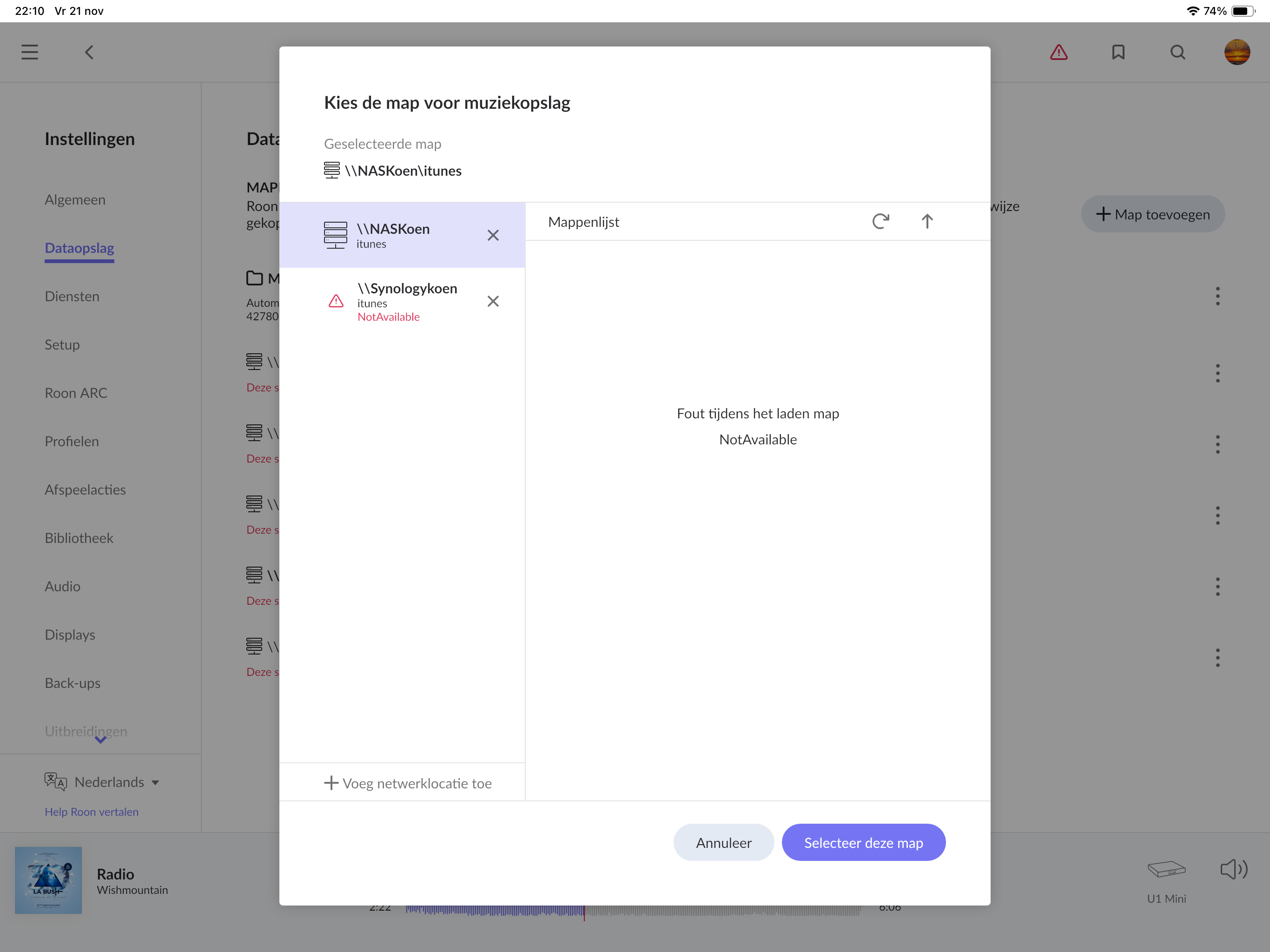
Every day I loose my connection with my nas. And maybe at the end of the Night it’s connected or not. I’m really frustrated and don’t know what I have to do. I have a nas ds 920+ synology.4 slides (1&2 are for the photos,3&4 are pure for music each 16tb in mirror) Smb on nas is unabeled. I made my password without special signs .My Roon is on an innuos zenith which I Connect with the nas on the same switchas also the wifi is on the same switch..I have no problem to login to my nas with quickconnect. Can anyone please help?
Hey benjamin,
I start from the router from the provider of internet(Telenet in Belgium)in the basement. From there I go to switch Bonn n8 (silent angel) My connection on the switch are(Nas, pc ,2 internet cables(these Both go the attic ).
Then at the top Floor I have another silent angel Bonn n8 switch. Here are the connections: 1 to my wifi, 1 for my LUMIN u1 mini, 1 for my innuos zenith(Roon player),1 for hegel h360, 1 for my arcam avr 20.
My wifi is ok so I have connection with internet I think. Just i can’t find my nas…..
Yesterday I put a Hdd in my innuos and that worked immediately. Now today I have the same problem….roon doesn’t find the hdd of the nas
Yes, please try to connect your NAS to the same switch as the Roon Server and see if that helps. You can also try to set up a “Reserved IP Address” for your NAS and Roon Server, this is done in the router and ensures that the IP address of these devices does not change. Let us know how this goes!
This thread is closing shortly due to inactivity and lack of response from the OP. @Koen_Seminck, our diagnostic servers haven’t seen any activity for several days associated with the RoonServer instance in question.
Do you require further assistance? If so, please reach out and let us know if simplifying the network topology helped (ie. connecting the RoonServer machine and the NAS to the same switch).