No! I’m aware I could fix this, by switching to “Prefer file” for the album/track title metadata, but thought it’s always best to report these mismatches.
Is the album identified in Roon?
Yes.
Is this content from local files, TIDAL, or Qobuz?
Local files. Tidal uses the correct styling for the album/track titles.
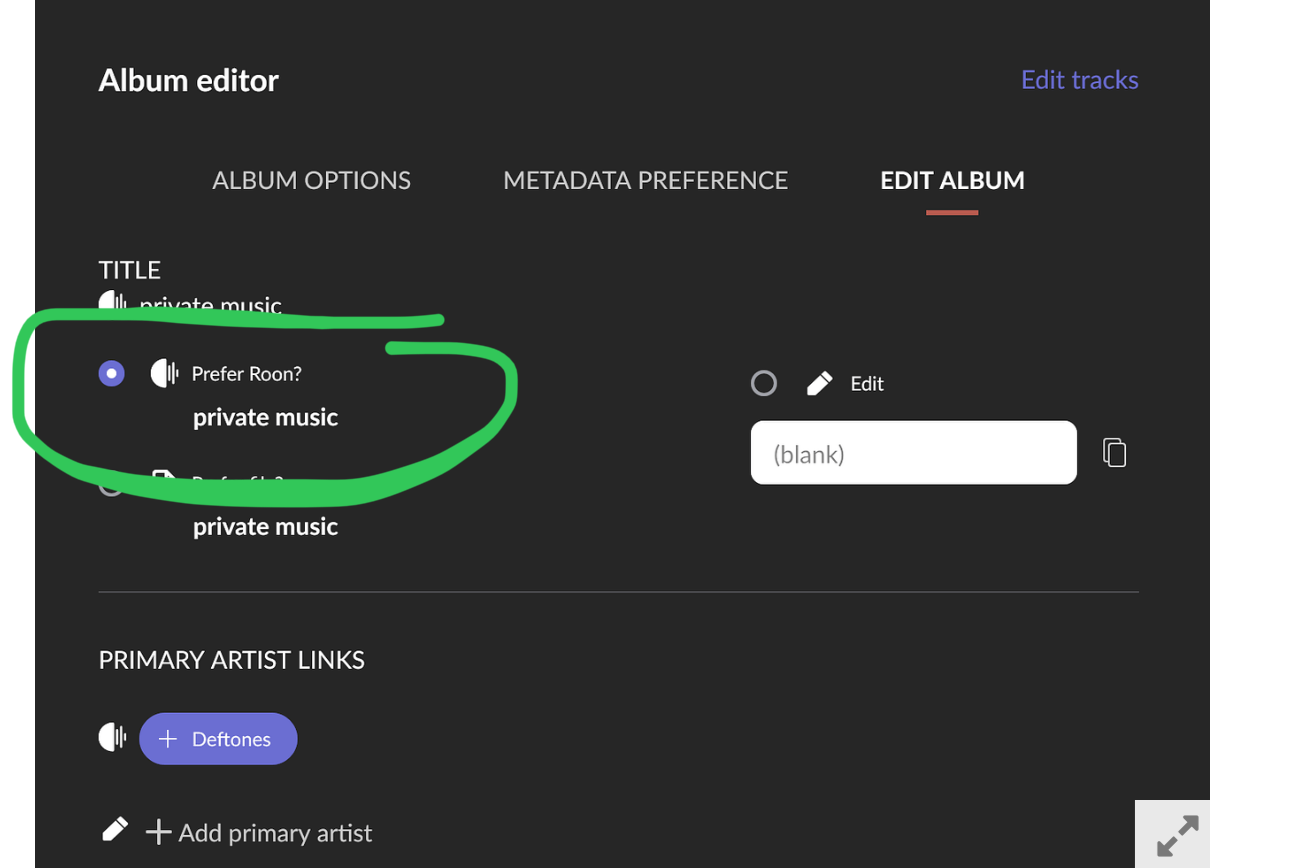
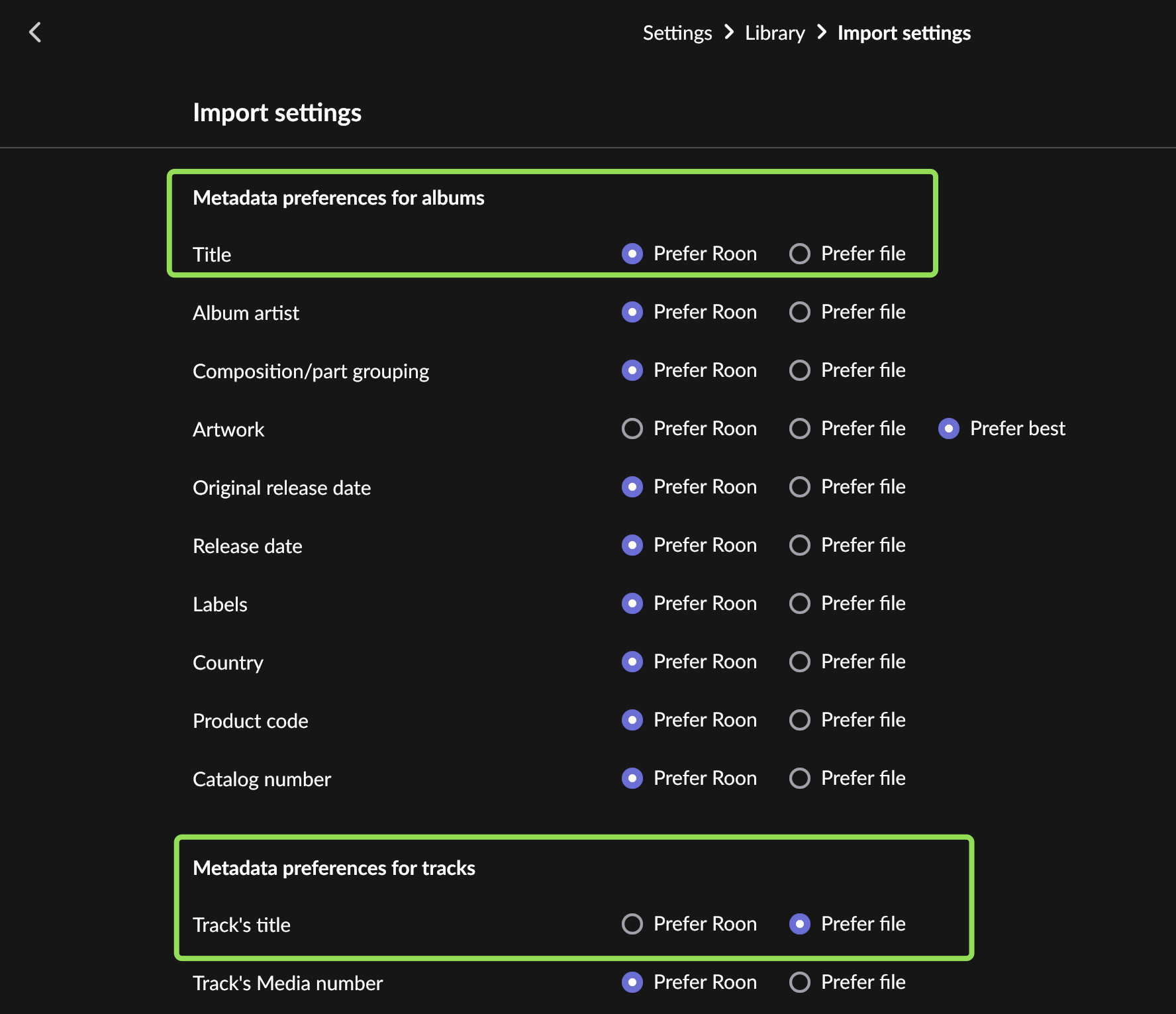
Screenshot of import settings
Away from my Roon server sadly! I’m pretty sure I have everything set to “Prefer Roon” other than artwork though.
Description of the issue
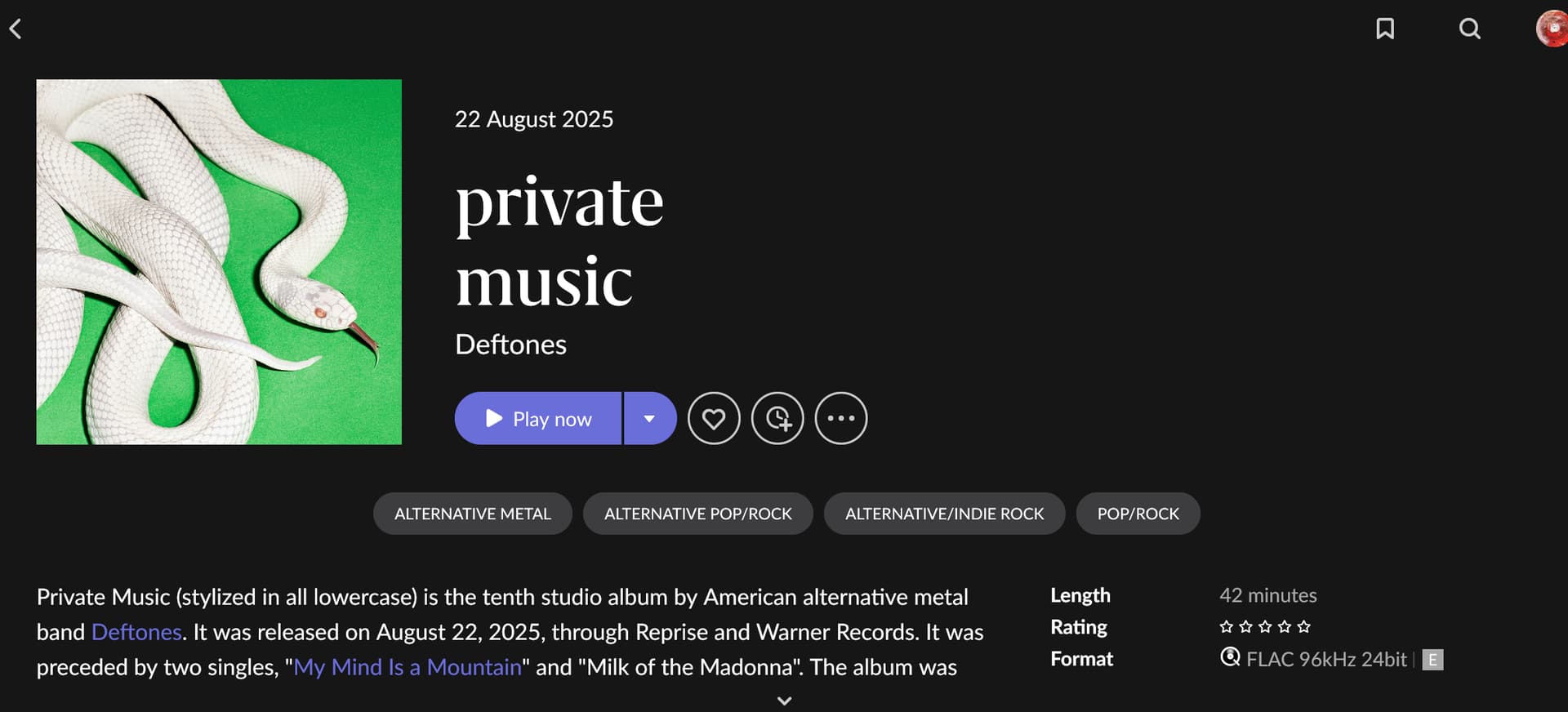
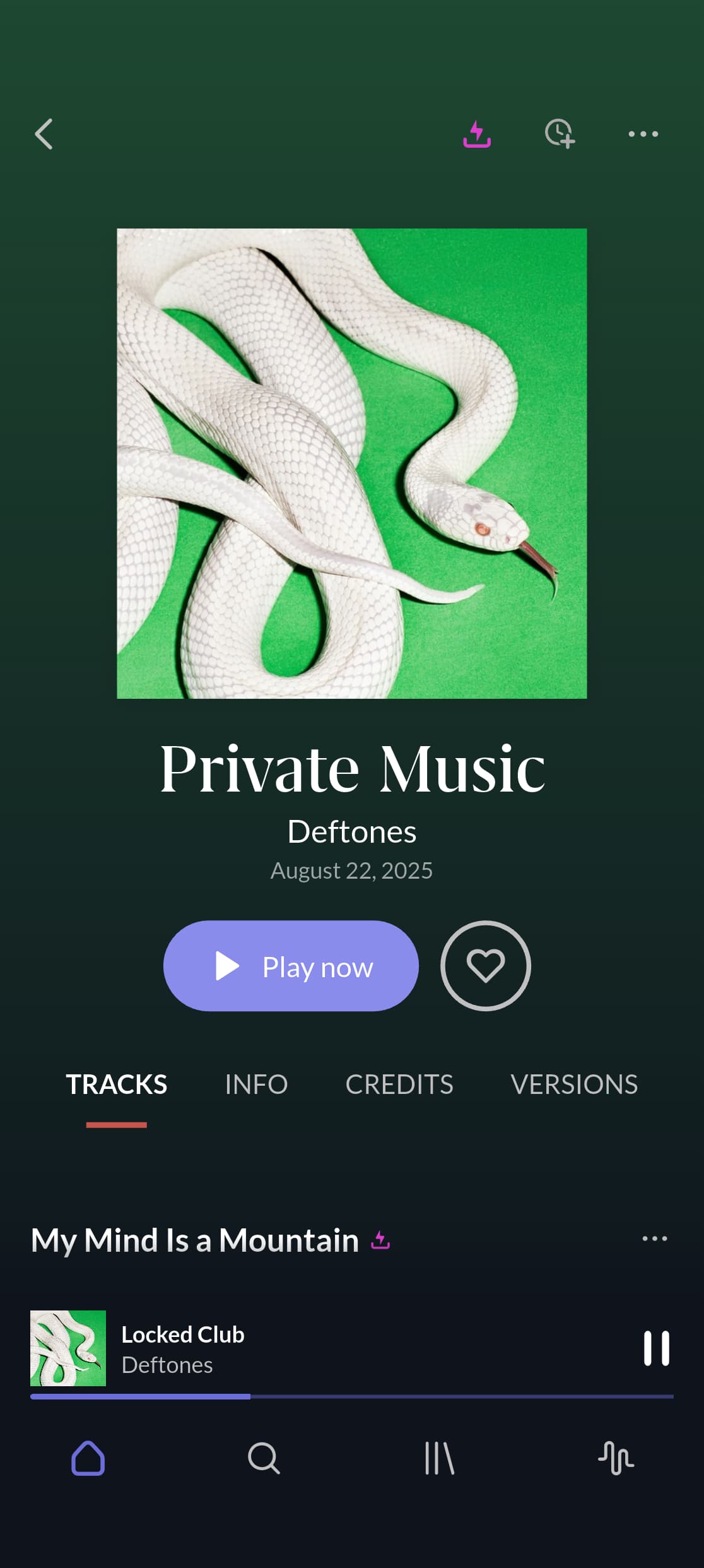
The album and track titles should all be styled lowercase (Private Music (album) - Wikipedia), but Roon shows them “normally” capitalized (“Private Music”). In addition, the track “~metal dream” is incorrectly titled “Metal Dream”.
The edition is the cassette release which doesn’t seem to match. @Suedkiez are you sure you don’t have Roon set to prefer files for album/track title metadata?
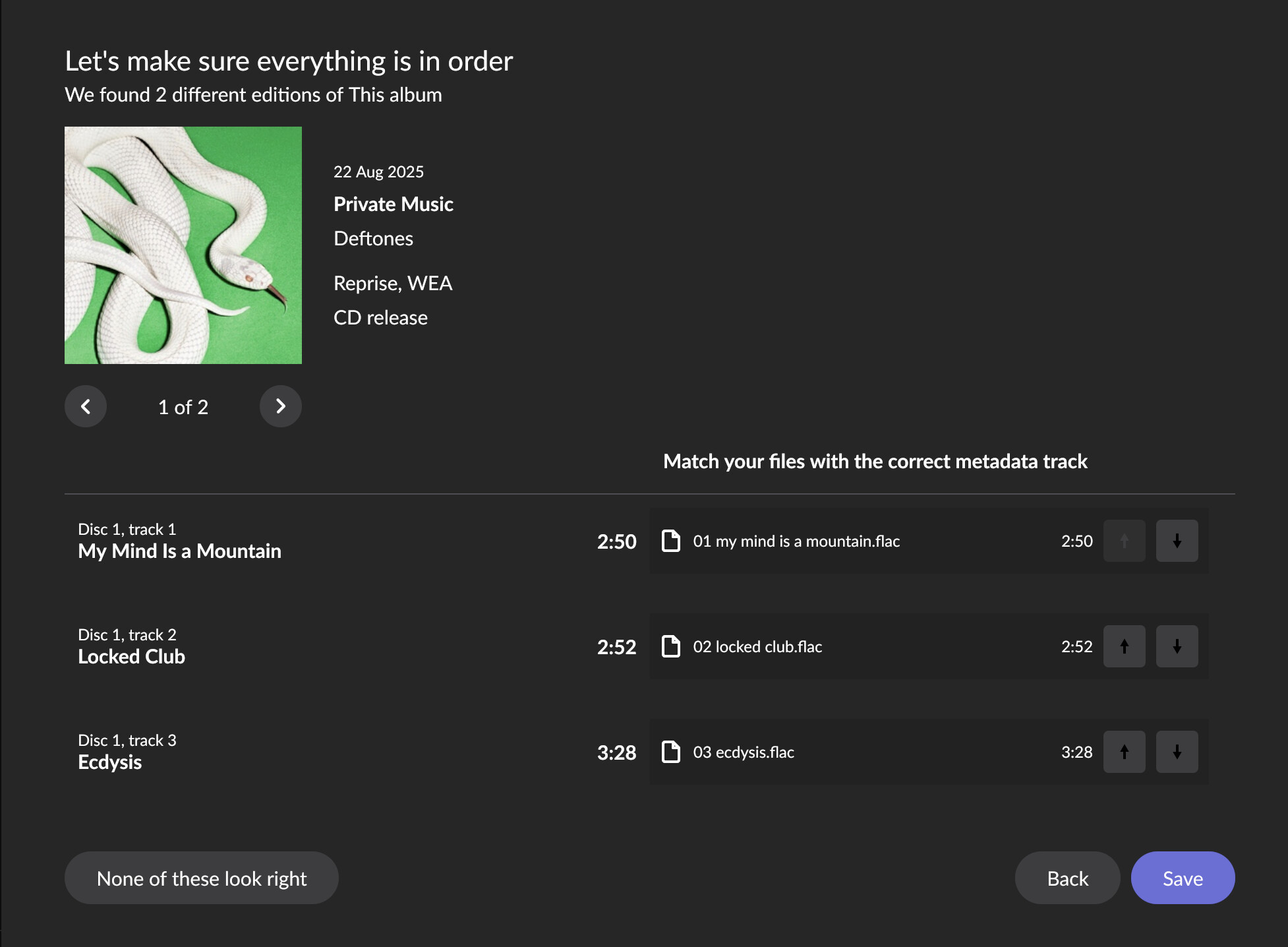
So weird! Which edition has it identified for you? It looks like the “Casette release” edition has the correct casing, whereas the “CD release” (the one it’s matching me with) does not.
And as shown above, after adding the Qobuz version of the album the title is set to “Prefer Roon” as expected, and it’s correctly stylized in lower case.
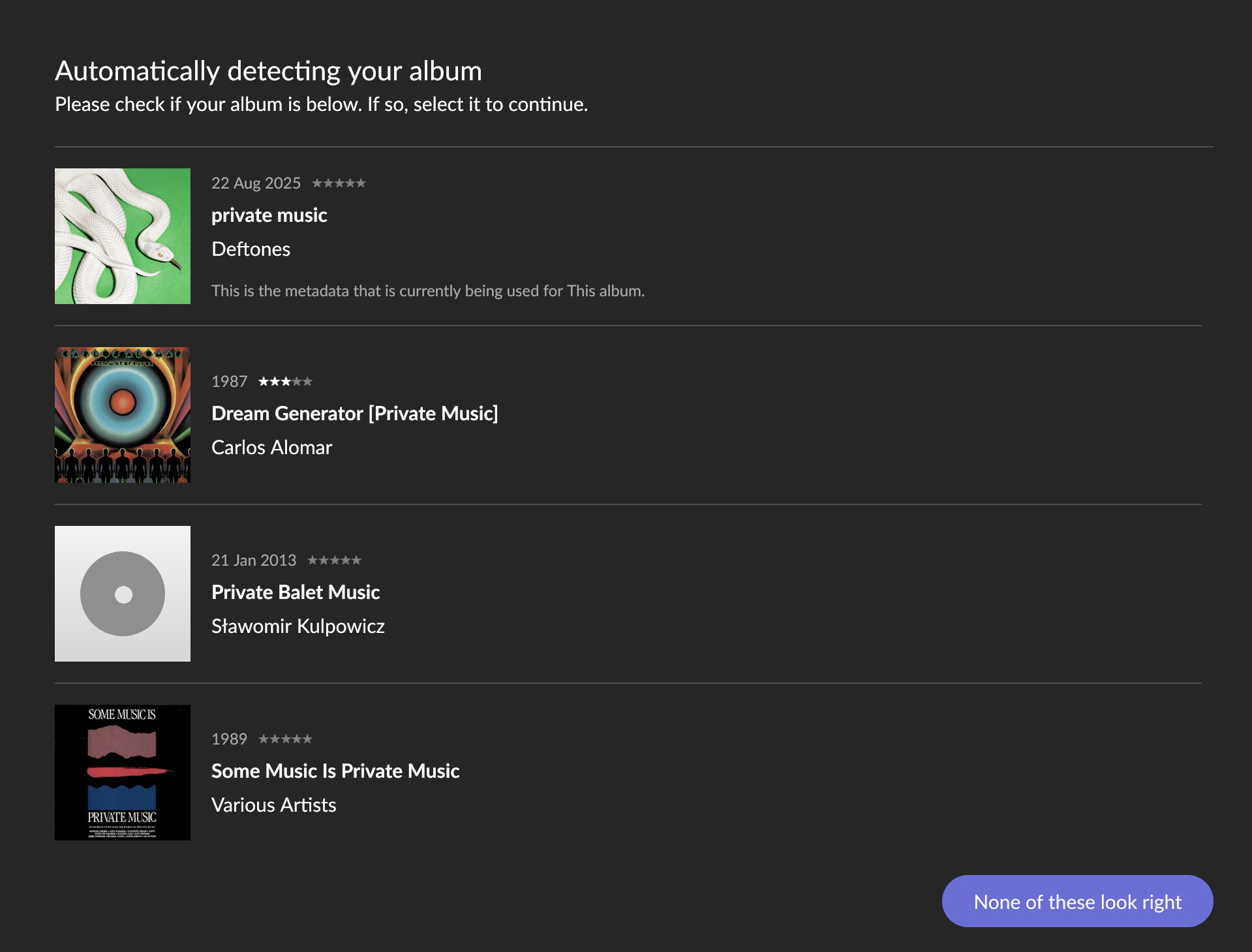
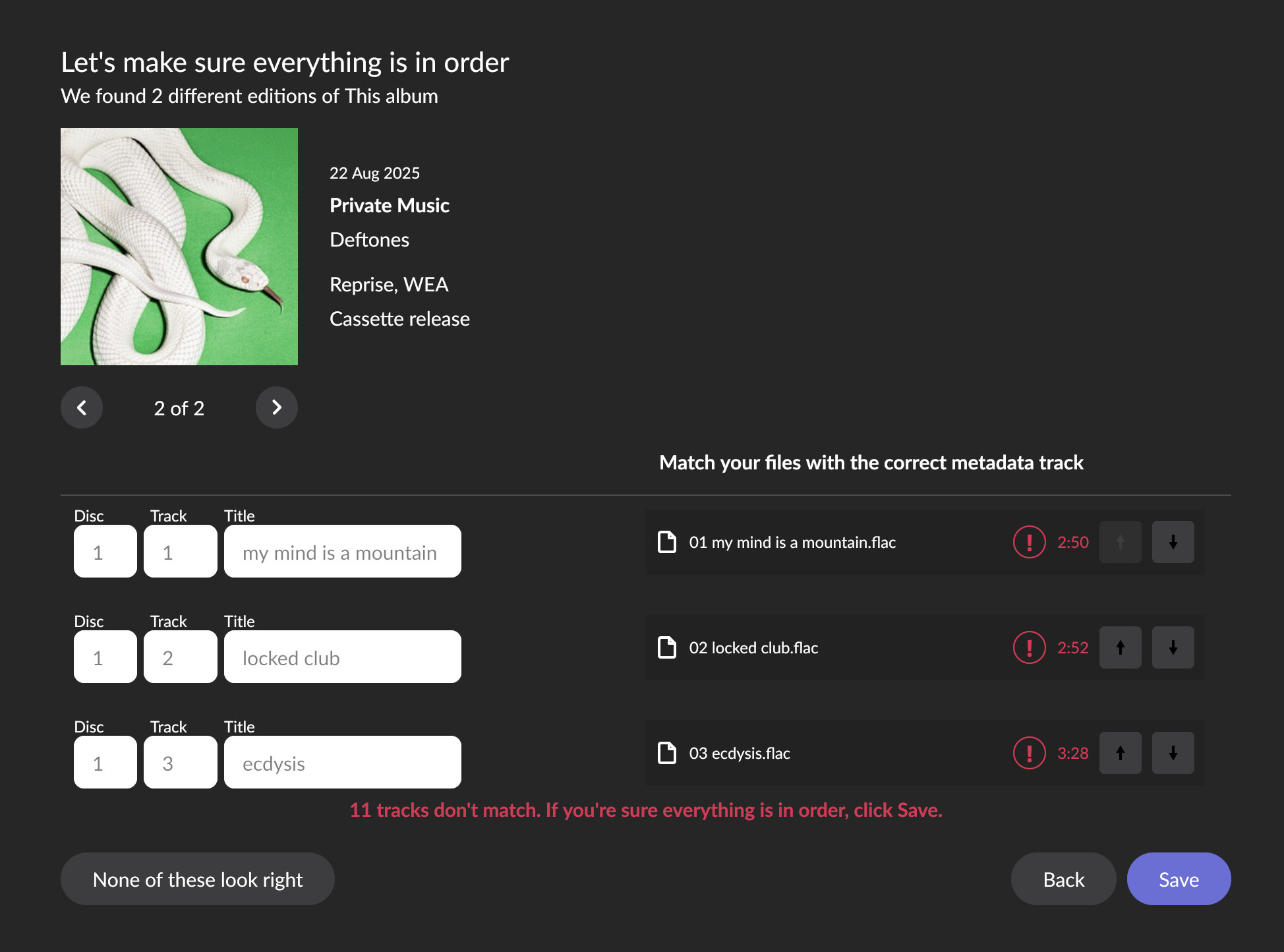
But the issue indeed seems to be that there are two different versions to identify. When I restart identification, I see this at first, as posted further up:
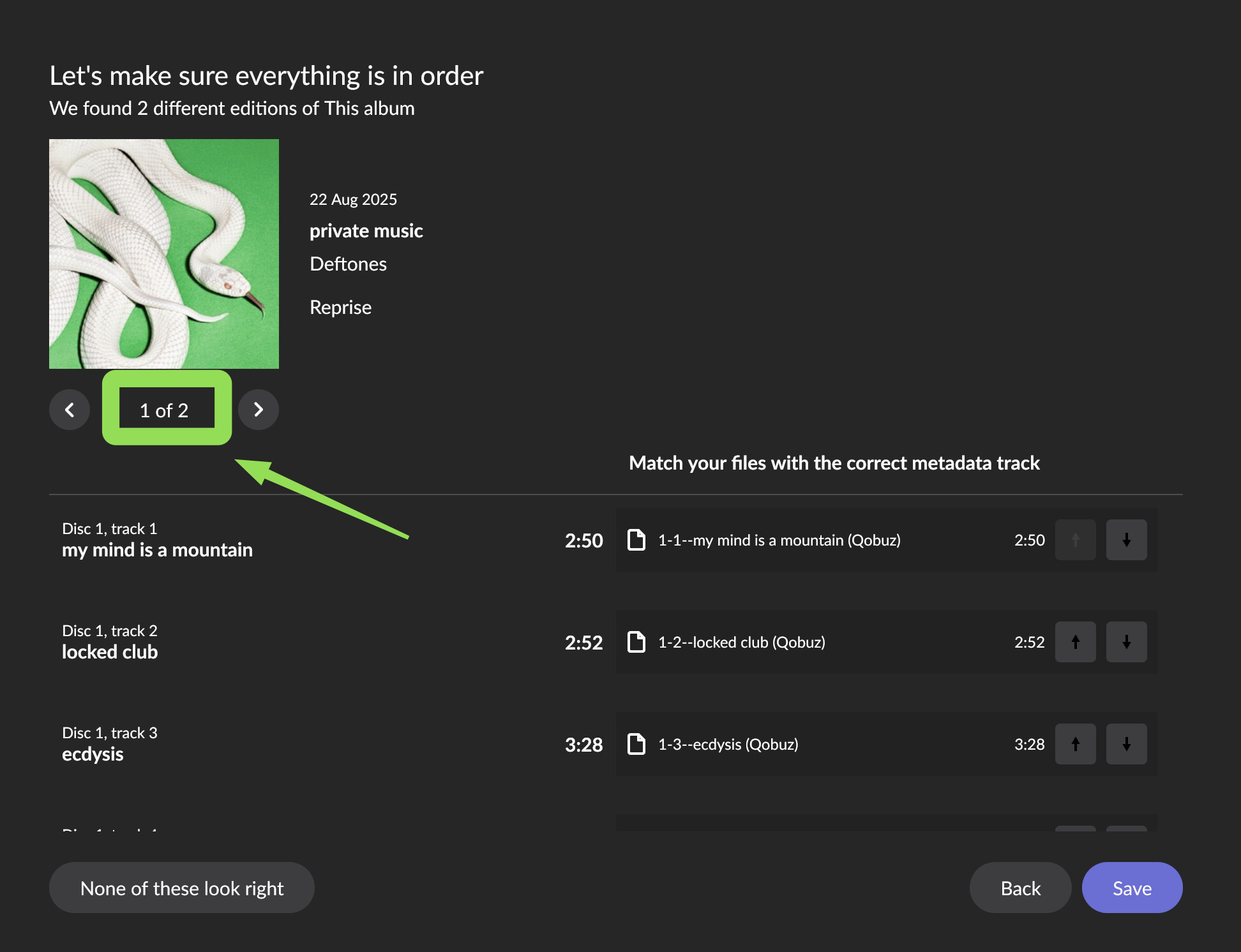
But I forget that I can click that entry. If I do, I get 1/2 first, the one that is used by default for me, with the correct capitalization, which is the “Reprise” version:
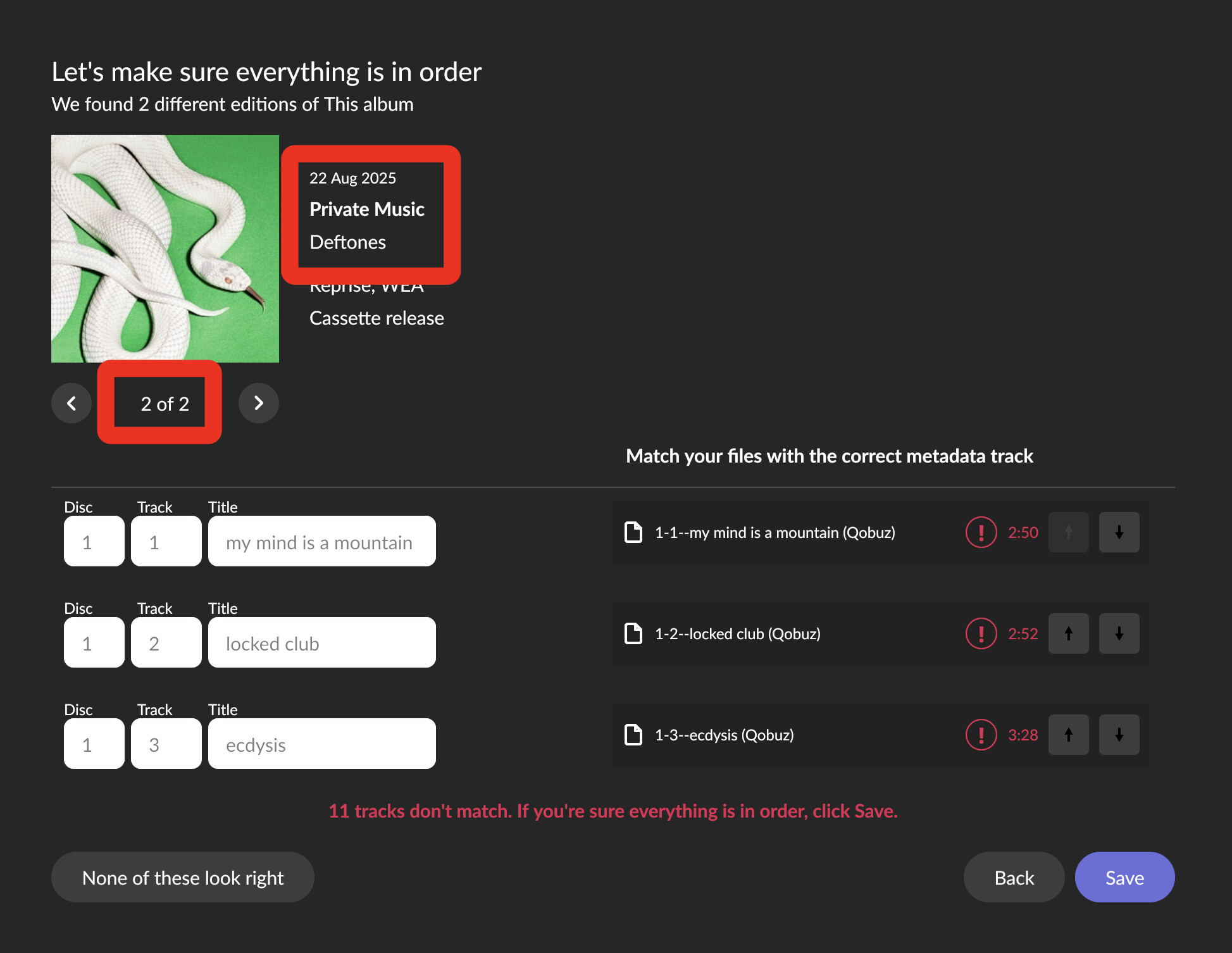
When I click the arrow, it shows the other one, 2/2, with the incorrect capitalization, which is the “Reprise, WEA - Cassette Release”. The track timings don’t match here, which I guess is why it doesn’t use this one by default:
What if you click the arrow to go to 2/2? (Though it is weird that I get a “Reprise” 1/2 and a “Reprise, WEA - Cassette release” as 2/2, but you get a “Reprise, WEA - CD release” that I don’t see)
Closing the loop on this. With your local copy, Roon is defaulting to a canonical metadata version from a particular metadata service that does not stylize these fields.
Since we’ve been investigating this, another music metadata service has updated their own lower-case entry for this album to now capitalize per their style guidelines. They also disallow lower-case data for this field.
Unfortunately, Roon would be fighting a losing battle here, since the major metadata services aren’t going to pass the stylization of these fields on from the distributor.
Yeah, unfortunately MusicBrainz guidelines are very strict on this.
I had an argument with them in the past (actually why I’m reluctant to edit their database) because they insisted on enforcing their capitalization guidelines on titles for which these guidelines not only made zero sense, because the titles in question were German, but even though the required capitalization changed the meaning in German and clearly contradicted the artist intent.