My setup: The Core is on a Roon Nucleus Plus. I build and edit playlists using a Mac Studio, iPhone and iPad. The Nucleus is online and operating well. I access the Nucleus via Control4.
The Problem: Removing music from a playlist is incredibly slow and difficult. Why limit the deletions to one song at a time? Why not enable deleting an entire album? Or at least allow the user to select multiple songs to be deleted in one step? I usually add music to a playlist one album at a time, not one track at a time. Why can’t the music be deleted one entire album at a time? Similarly, I usually want to keep some, but not all of an album’s tracks in a playlist. It would be extremely useful if your software were upgraded to allow the deletion of multiple tracks, and an entire album, in one step.
A related problem is that a song cannot easily be removed from a playlist while the song is playing-- which is the point in time when I usually decide to remove a song. Other actions are accessible within “Now Playing” and the Queue, while the song is playing, e.g. adding the song to a playlist. Why is there not an option to remove the song from the playlist? To remove a song from the playlist I need to first recall which playlist is playing, then go to the playlist screen, then hunt for the song, then remove it…
LIMITATIONS ON PLAYLIST EDITING ARE A MAJOR INCONVENIENCE AND SIGNIFICANTLY DIMINISH THE ENJOYMENT OF USING ROON. IT’S A SHAME, BECAUSE USING ROON IS IN MANY OTHER RESPECTS A HIGHLY ENJOYABLE EXPERIENCE.
This is probably not possible on an iPhone (which has a stripped down UI), but should be possible on an iPad, and certainly possible on a Mac…
BTW, I’ve moved your post from the #support category over to the #roon category of the forum, because it’s not really a support question, but an observation on Roon software…
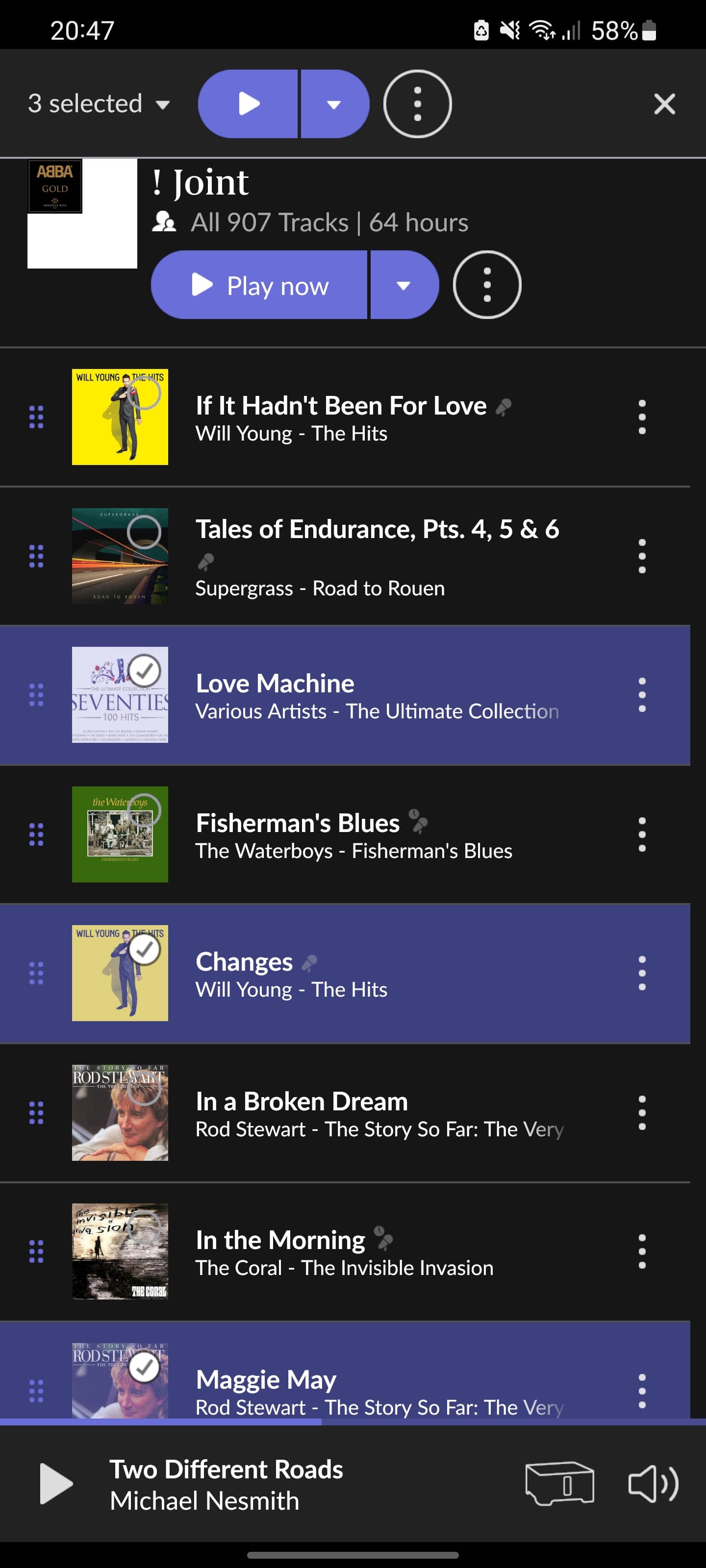
Ah, thank you for the information! A right-click to “Select” a song or songs also brings up the “Remove” button at the top of the screen on the Mac. Still not able to remove a song from a playlist on iPhone or iPad. Can anyone walk me through the steps, if in fact it is possible?
On desktop versions you can additionally select ranges or even multiple ranges by holding the Shift key.
I.e. right-click (or long left-click) the first track of the range to start the multiselection, then hold Shift and click the last track of the range. This can be repeated to select multiple ranges. And you can add individual tracks to the multi-range selection by additional clicks).
Multi-selection and range selection also works in other places like albums, and then you can add/delete to library, edit credits, etc., for multiple albums at once
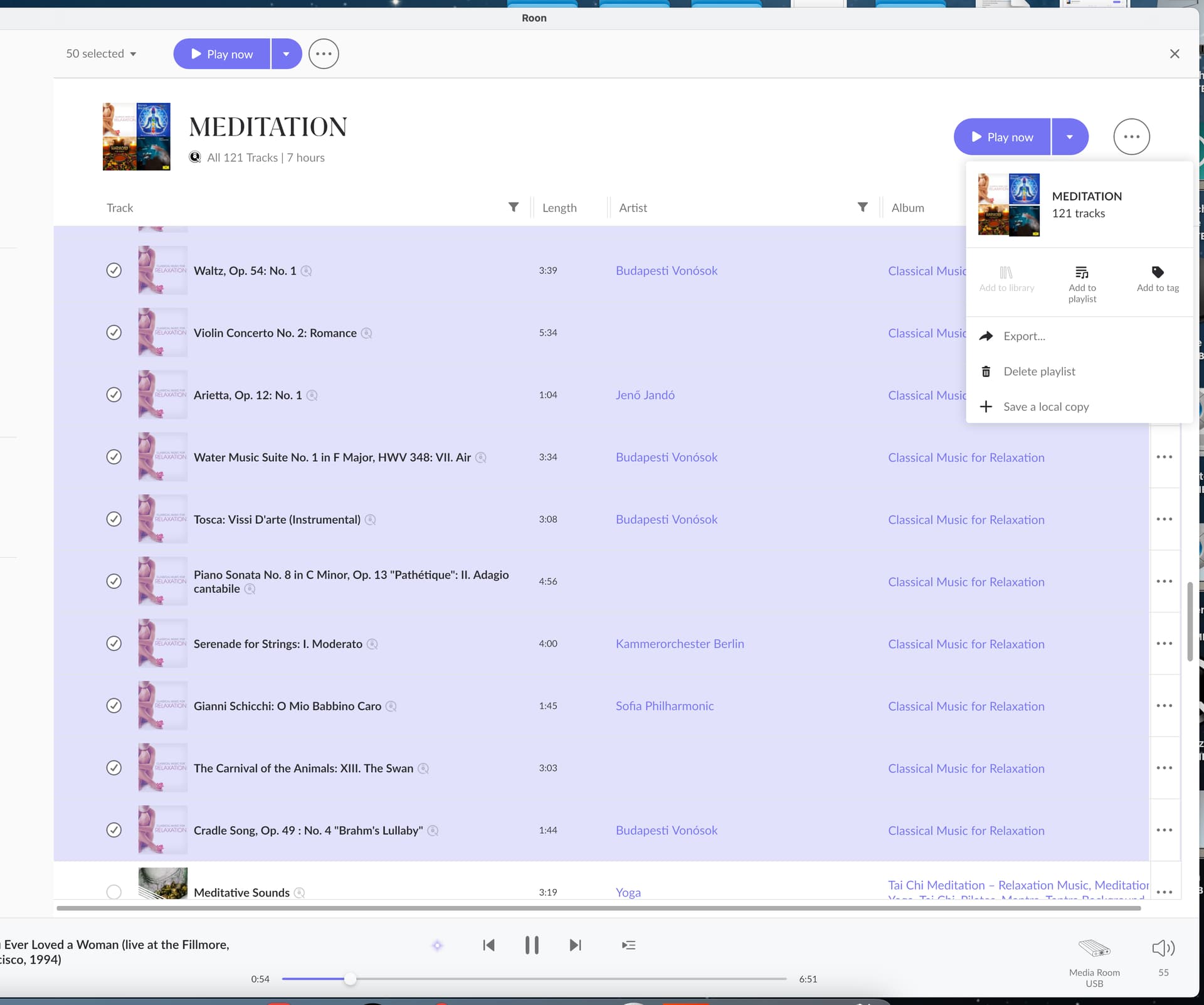
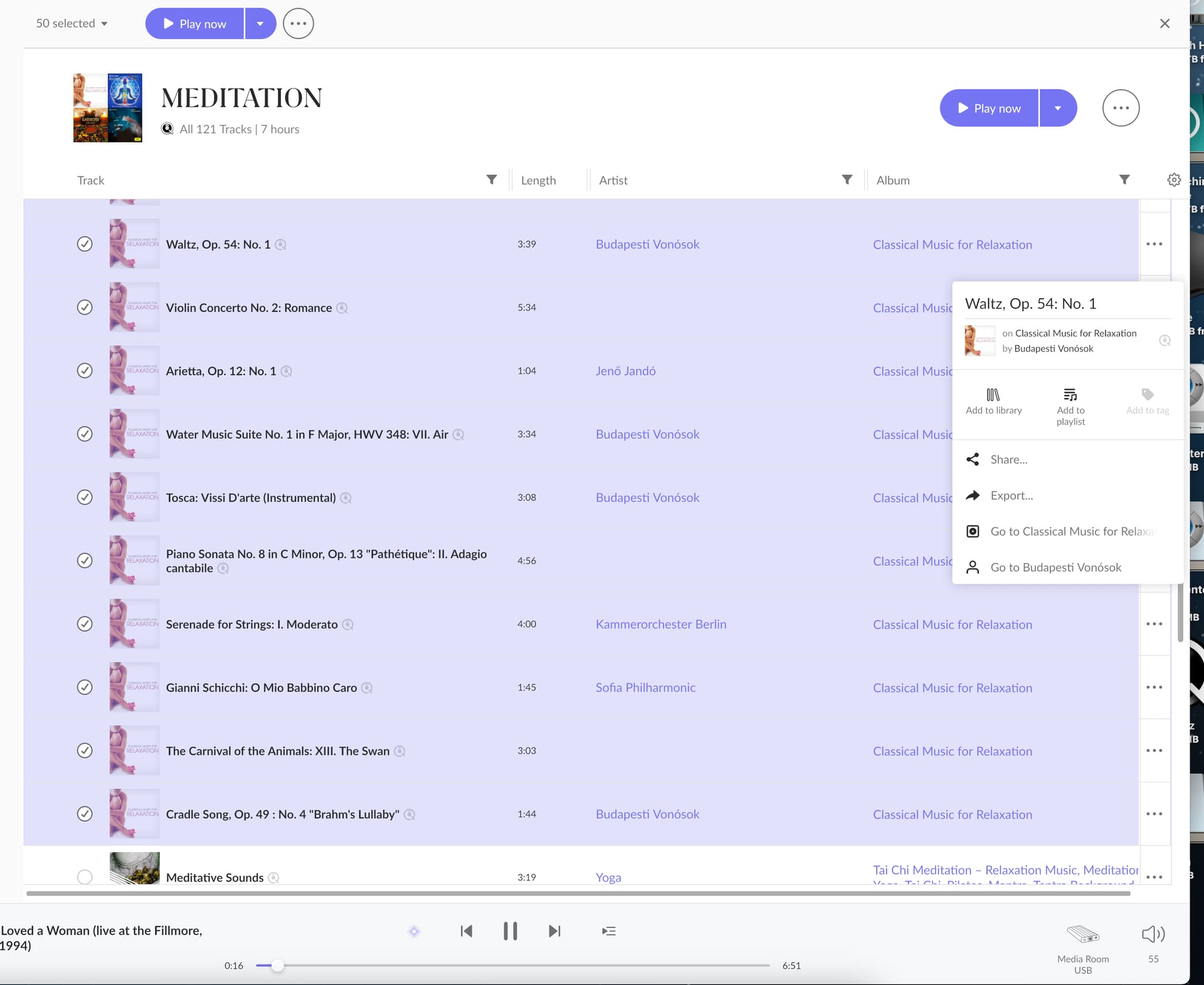
IT TURNS OUT THE RESULTS ARE INCONSISTENT. I thought this was working, but at times it does not… (SEE 3 SCREENSHOTS-- NO WAY TO REMOVE SONG FROM PLAYLIST) Could this depend upon on where the song came from originally, i.e. a disc that I ripped vs. Roon’s database?
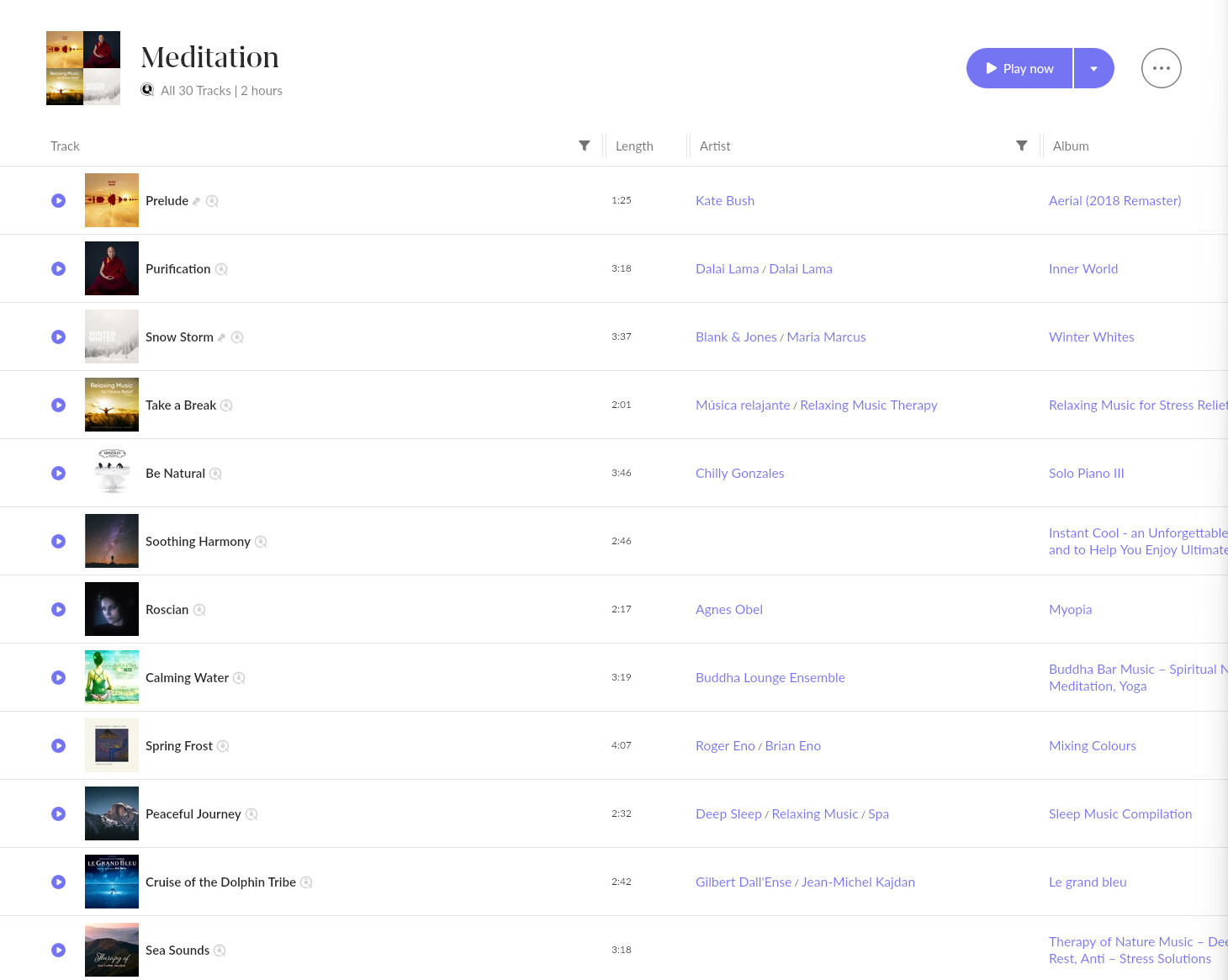
If this was originally a Qobuz Playlist, it would seem that they change the Playlist content over time. Currently the Meditation playlist in Qobuz has only 30 tracks lasting 2 hours…
This looks like a Qobuz playlist as far as I can tell and I don’t think you can remove songs from a Qobuz playlist in Roon. You have to make a local copy of the playlist and this is then editable.
Yes, I just realized that the playlists I’m having trouble with were created in Qobuz and can only be edited in Qobuz, until I make a local copy. I’ve been initially building playlists in Qobuz, adding hi-res files not available in Roon, and then making a local copy, which becomes the starting point for the Roon playlist…
I hadn’t realized that editing was available only in Qobuz, until a local copy is made in Roon… Thanks all, this was very helpful.