What kind of performance/speed issue are you experiencing?
· The app takes a long time to respond to commands
Please try to reboot your Roon Server
· No, the issue is still the same even immediately after a reboot
Please try to reboot your networking gear (Router/Switches/etc.)
· No, the issue is still the same even after a reboot
Is there any change in behavior if you try to navigate to Roon Settings -> Library and set both Background and On-Demand Audio Analysis to Throttled or Off?
· No, the issue is still the same
Does the issue happen on multiple Roon Remotes (controllers) or just one?
· Issue happens on multiple remotes
Router Domain Name System (DNS) change
· I was able to change my router's DNS servers but it did not help
What is the operating system of your Roon Server host machine?
· Linux Server (Ubuntu, Fedora, ArchLinux...)
Timestamp of issue occurrences
· It's been a while but the most recent timestamp on the log was 01/22 10:41:53
Describe the issue
Loading discovery takes long time possibly because of API timeouts.
Describe your network setup
Korean local ISP + wired ethernet over a home router (iptime).
I checked the RoonServer_log.txt. It looks like this specific API is the problem.
https://api.roonlabs.net/discover/1/mixes
01/22 10:30:48 Debug: [easyhttp] [102753] GET to https://api.roonlabs.net/discover/1/mixes/profiles/6ac695f0-1dbd-47d1-8902-de49a5bfc72e/mixes?localTime=2026-01-22T10%3a30%3a00.0935720&c=tidal-us&languages=en,ko,%3Een&tidal=max returned after 48070 ms, status code: 500
01/22 10:30:48 Debug: [easyhttp] [102789] GET to https://api.roonlabs.net/discover/1/mixes/profiles/6ac695f0-1dbd-47d1-8902-de49a5bfc72e/mixes?localTime=2026-01-22T10%3a30%3a04.1173310&c=tidal-us&languages=en,ko,%3Een&tidal=max returned after 44271 ms, status code: 500
01/22 10:36:54 Debug: [easyhttp] [102886] GET to https://api.roonlabs.net/discover/1/mixes/profiles/6ac695f0-1dbd-47d1-8902-de49a5bfc72e/mixes?localTime=2026-01-22T10%3a36%3a02.5957810&c=tidal-us&languages=en,ko,%3Een&tidal=max returned after 51373 ms, status code: 500
01/22 10:41:53 Debug: [easyhttp] [102914] GET to https://api.roonlabs.net/discover/1/mixes/profiles/6ac695f0-1dbd-47d1-8902-de49a5bfc72e/mixes?localTime=2026-01-22T10%3a40%3a53.0959100&c=tidal-us&languages=en,ko,%3Een&tidal=max timed out after 59999 ms
01/22 10:46:46 Debug: [easyhttp] [48] GET to https://api.roonlabs.net/discover/1/mixes/profiles/6ac695f0-1dbd-47d1-8902-de49a5bfc72e/mixes?localTime=2026-01-22T10%3a45%3a45.6857690&c=tidal-us&languages=en,ko,%3Een&tidal=max timed out after 60003 ms
They all took very long time and failed with 500 or timed out after 60s.
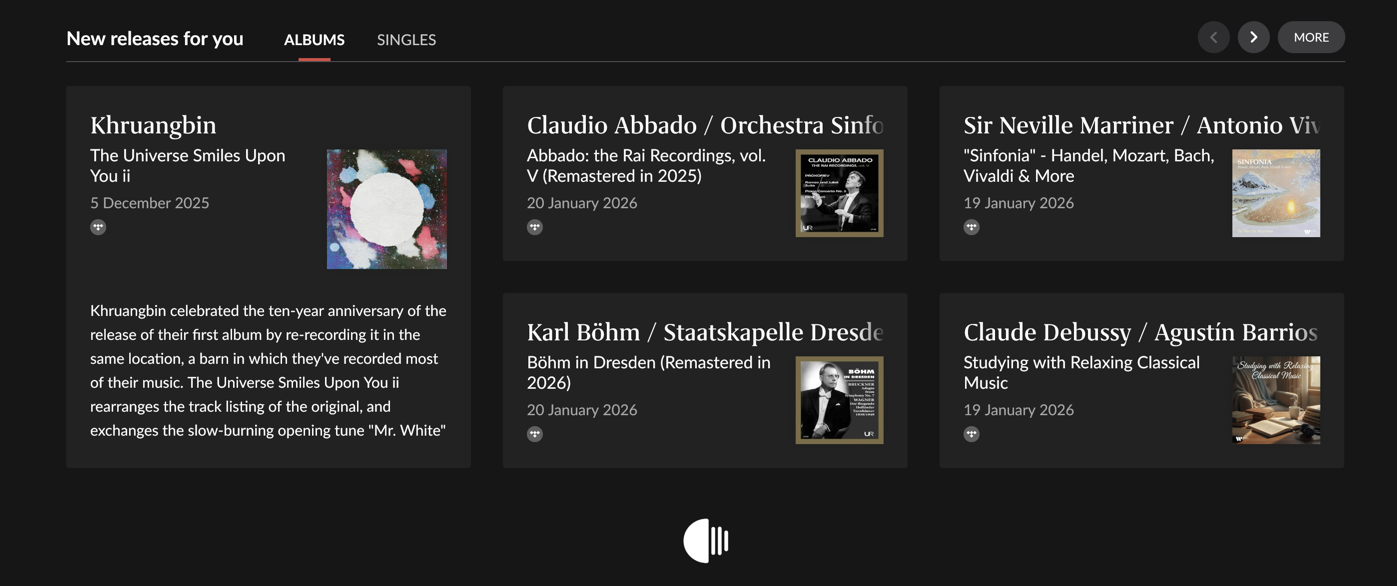
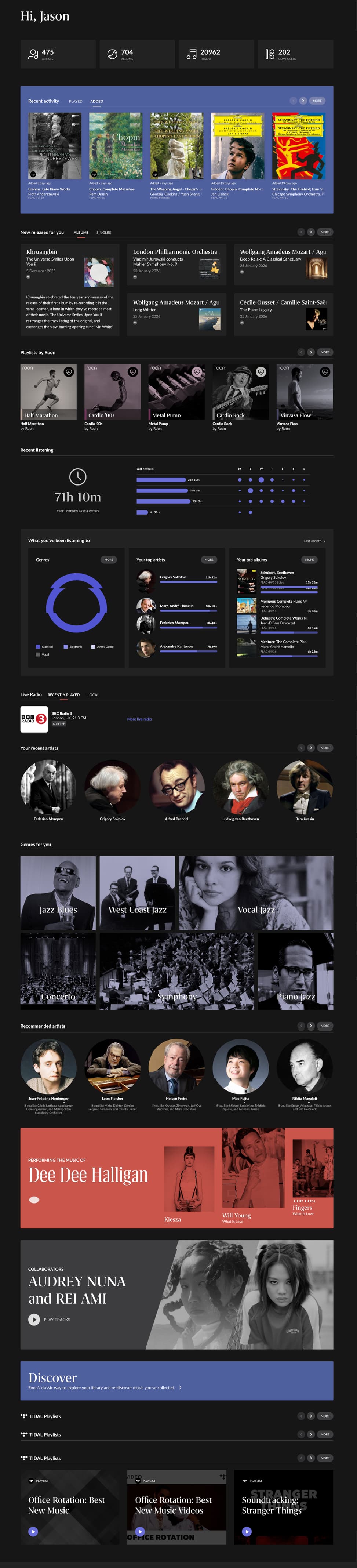
Do we understand correctly that the data shown in your screenshot is taking a long time to load?
If so, this behavior can sometimes be caused by packet fragmentation if the default packet size is too large for your specific network path. To test this, we recommend temporarily adjusting the MTU (Maximum Transmission Unit) on your Roon Server machine.
Here is how to do it:
Step 1: Find your network interface name Open your terminal and run the following command: ip addr
Look for your primary network interface in the list. It is usually named eth0, eno1, or enp3s0, and you will see your IP address (e.g., 192.168.x.x) listed under it.
Step 2: Apply the setting Run the command below, replacing eth0 with the actual interface name you found in Step 1:sudo ip link set dev eth0 mtu 1400(If asked, enter your admin/root password).
Step 3: Verify Restart Roon Server to force a reconnection: sudo systemctl restart roonserver
Then, check the Roon app (specifically the Discovery page) to see if performance has improved.
Note: This setting is temporary and will revert to default after a system reboot. If this fixes the issue, let us know, and we will provide instructions to make it permanent.
Unfortunately, it doesn’t solve. I checked packets with tcpdump and there was no outgoing package with too large. Do you mean there was some incoming packet from your api.roonlabs.net could be too big for my MTU?
My original MTU was 1500 so I can not imagine how lowering it to 1400 can fix the problem.
As I have several concrete timestamps and the target API is roonlabs, was there any of error logs you could check from your API server side? This is 100% reproducible.
A part from the timeouts, there were 500 internal error as well. There must be an error log in your API server.
FYI, all the timestamps are +09:00 KST timezone.
01/23 09:15:35 Debug: [easyhttp] [69] GET to https://api.roonlabs.net/discover/1/mixes/profiles/6ac695f0-1dbd-47d1-8902-de49a5bfc72e/mixes?localTime=2026-01-23T09%3a14%3a44.8969350&c=tidal-us&languages=en,ko,%3Een&tidal=max returned after 50872 ms, status code: 500
01/23 09:15:43 Debug: [easyhttp] [55] GET to https://api.roonlabs.net/discover/1/mixes/profiles/6ac695f0-1dbd-47d1-8902-de49a5bfc72e/mixes?localTime=2026-01-23T09%3a14%3a42.5230350&c=tidal-us&languages=en,ko,%3Een&tidal=max timed out after 60001 ms
01/23 12:38:21 Debug: [easyhttp] [355] GET to https://api.roonlabs.net/discover/1/mixes/profiles/6ac695f0-1dbd-47d1-8902-de49a5bfc72e/mixes?localTime=2026-01-23T12%3a37%3a23.5249024&c=tidal-us&languages=en,%3Een&tidal=max timed out after 60000 ms
01/23 12:38:21 Debug: [easyhttp] [365] GET to https://api.roonlabs.net/discover/1/mixes/profiles/6ac695f0-1dbd-47d1-8902-de49a5bfc72e/mixes?localTime=2026-01-23T12%3a37%3a23.6320023&c=tidal-us&languages=en,%3Een&tidal=max timed out after 60003 ms
Hi @Jason_Kim, thank you for the detailed logs and timestamps — this is very helpful.
From what you’ve shared, the delays are clearly coming from repeated calls to the Discovery / mixes API, which are either timing out or returning HTTP 500 after long response times.
As a quick additional test, could you please try accessing Roon through any VPN (even a temporary or free one) and let us know whether Discovery loads any faster? This will help us determine whether the behavior is related to the network path between your ISP/region and our servers.
Thanks again for your patience.
VPN (NordVPN) didn’t help. I’m not sure of ISP/region issue because this only happens with a specific URI pattern. /discover/1/mixes/*
As you can see, there are many other API call without any problem but only this mixes has the problem. I’m quite sure it’s an issue from you backend internal.
01/24 09:32:20 Debug: [easyhttp] [149] GET to https://api.roonlabs.net/internetradio/2/api/location?format=msgpack& returned after 383 ms, status code: 200, request body size: 0 B
01/24 09:32:20 Debug: [easyhttp] [153] POST to https://api.roonlabs.net/roonmobile/1/cores/announce returned after 97 ms, status code: 200, request body size: 1 KB
01/24 09:32:21 Debug: [easyhttp] [158] GET to https://api.roonlabs.net/profileimages/five-5d096e30-096a-459b-bc59-c13adfb8070a--5ae07ba6-2475-4637-aedc-45ea6fd8672d.jpg?random=f3ecacb5-1106-4f4e-b666-9e9db2a0034f returned after 365 ms, status code: 200, request body size: 0 B
01/24 09:32:21 Debug: [easyhttp] [157] GET to https://api.roonlabs.net/profileimages/five-5d096e30-096a-459b-bc59-c13adfb8070a--6ac695f0-1dbd-47d1-8902-de49a5bfc72e.jpg?random=dca161de-c0a9-4827-bf6a-8ff9d13aca3f returned after 382 ms, status code: 200, request body size: 0 B
01/24 09:32:25 Debug: [easyhttp] [159] POST to https://api.roonlabs.net/discovery/1/register returned after 253 ms, status code: 200, request body size: 1 KB
01/24 09:32:25 Debug: [easyhttp] [161] POST to https://api.roonlabs.net/discovery/1/query returned after 344 ms, status code: 200, request body size: 74 B
01/24 09:32:26 Debug: [easyhttp] [160] POST to https://api.roonlabs.net/porttest/1/port/check returned after 853 ms, status code: 200, request body size: 746 B
01/24 09:32:26 Debug: [easyhttp] [162] POST to https://api.roonlabs.net/porttest/1/port/check returned after 856 ms, status code: 200, request body size: 746 B
01/24 09:32:26 Debug: [easyhttp] [163] POST to https://api.roonlabs.net/roonmobile/1/cores/announce returned after 110 ms, status code: 200, request body size: 1 KB
01/24 09:32:31 Debug: [easyhttp] [164] POST to https://api.roonlabs.net/device-map/1/register returned after 272 ms, status code: 200, request body size: 5 KB
01/24 09:32:39 Debug: [easyhttp] [112] GET to https://api.roonlabs.net/discover/1/mixes/profiles/6ac695f0-1dbd-47d1-8902-de49a5bfc72e/mixes?localTime=2026-01-24T09%3a31%3a39.9756357&c=tidal-us&languages=en,%3Een&tidal=max timed out after 59999 ms
01/24 09:32:39 Debug: [easyhttp] [120] GET to https://api.roonlabs.net/discover/1/mixes/profiles/6ac695f0-1dbd-47d1-8902-de49a5bfc72e/mixes?localTime=2026-01-24T09%3a31%3a39.9940445&c=tidal-us&languages=en,%3Een&tidal=max timed out after 59999 ms
01/24 09:32:39 Debug: [easyhttp] [130] GET to https://api.roonlabs.net/discover/1/mixes/profiles/6ac695f0-1dbd-47d1-8902-de49a5bfc72e/mixes?localTime=2026-01-24T09%3a31%3a39.9947705&c=tidal-us&languages=en,%3Een&tidal=max timed out after 60002 ms
Oops.. I just realized that the above logs I pasted had tokens. I’m not sure what it does but… Would it be any security issue? I edited the comment but it seems like I can not delete the history.
No worries — there’s nothing to be concerned about regarding the logs you shared.
The tokens visible in those entries are short-lived, scoped identifiers and don’t pose a security risk on their own. You did the right thing by editing the post, but there’s no action needed on that front.
Regarding the VPN testing: based on the logs you’ve provided, we don’t see any indication that the active network interface or external IP address changed during the times you mentioned testing with a VPN. In other words, from the server’s point of view, the traffic appears to be coming from the same network path.
To help us correlate this more clearly, could you please clarify:
Where exactly was the VPN enabled?
(On the Roon Server machine itself, on a client/remote, or at the router level?)
If possible, please try enabling the VPN directly on the Roon Server host and then reproduce the issue once more.
That will help us confirm whether the /discover/1/mixes timeouts are influenced by routing/peering versus something happening upstream on our side.
Thanks again for the very thorough investigation — it’s genuinely helpful, and we’ll keep digging with you.
I ran the NordVPN directly on the roon server host.
I can try that again but I’m not sure how it’s routing/peering related issue as it’s only with a specific path under the same https://api.roonlabs.net/*.
If you still want, I can try that again later after work.
Weird. This time, I restarted roon server after connecting to VPN to make sure to reset the keepalive sessions. And the timeouts are gone for now. Even with/without VPN, the mixes returned in 8~15 seconds.
However, those are all 500 internal server error now.
01/27 15:17:59 Debug: [easyhttp] [30] GET to https://api.roonlabs.net/discover/1/mixes/profiles/6ac695f0-1dbd-47d1-8902-de49a5bfc72e/mixes?localTime=2026-01-27T15%3a17%3a42.4876670&c=tidal-us&languages=en,ko,%3Een&tidal=max returned after 14250 ms, status code: 500
01/27 15:18:10 Debug: [easyhttp] [68] GET to https://api.roonlabs.net/discover/1/mixes/profiles/6ac695f0-1dbd-47d1-8902-de49a5bfc72e/mixes?localTime=2026-01-27T15%3a18%3a02.2388280&c=tidal-us&languages=en,ko,%3Een&tidal=max returned after 8470 ms, status code: 500
01/27 15:18:35 Debug: [easyhttp] [136] GET to https://api.roonlabs.net/discover/1/mixes/profiles/6ac695f0-1dbd-47d1-8902-de49a5bfc72e/mixes?localTime=2026-01-27T15%3a18%3a25.5181930&c=tidal-us&languages=en,ko,%3Een&tidal=max returned after 9783 ms, status code: 500
01/27 15:19:39 Debug: [easyhttp] [35] GET to https://api.roonlabs.net/discover/1/mixes/profiles/6ac695f0-1dbd-47d1-8902-de49a5bfc72e/mixes?localTime=2026-01-27T15%3a19%3a30.7561700&c=tidal-us&languages=en,ko,%3Een&tidal=max returned after 8055 ms, status code: 500
01/27 15:19:44 Debug: [easyhttp] [27] GET to https://api.roonlabs.net/discover/1/mixes/profiles/6ac695f0-1dbd-47d1-8902-de49a5bfc72e/mixes?localTime=2026-01-27T15%3a19%3a27.0674620&c=tidal-us&languages=en,ko,%3Een&tidal=max returned after 14919 ms, status code: 500
01/27 15:20:04 Debug: [easyhttp] [74] GET to https://api.roonlabs.net/discover/1/mixes/profiles/6ac695f0-1dbd-47d1-8902-de49a5bfc72e/mixes?localTime=2026-01-27T15%3a19%3a58.4088930&c=tidal-us&languages=en,ko,%3Een&tidal=max returned after 5927 ms, status code: 500
01/27 15:23:08 Debug: [easyhttp] [124] GET to https://api.roonlabs.net/discover/1/mixes/profiles/6ac695f0-1dbd-47d1-8902-de49a5bfc72e/mixes?localTime=2026-01-27T15%3a23%3a00.0226970&c=tidal-us&languages=en,ko,%3Een&tidal=max returned after 8022 ms, status code: 500
Thank you for the update. We’re glad to hear the latency issue is resolved for now.
We’re currently reviewing the HTTP 500 error internally with the team, and we’ll share any updates here as soon as we have them.
In the meantime, even though we’re seeing this 500 in the logs, could you please confirm whether you’re noticing any visible issues in the UI (for example: recommendations missing, pages failing to populate, or any error prompts)?
Not sure if we can call it resolved. For now, it’s <15s but it can get worse as before. I’m gonna monitor it. Also, although it’s better then before, it’s still taking ~15s. Do you think that’s a normal latency?
This is a highly utilized service, and while some latency is expected, the latency we’re seeing in your case is higher than average. This may be related to your geographic location and the CDN routing paths involved.
Regarding the 500 error, this is currently being investigated by our R&D team. From what we can see so far, the error appears to be related to an authentication token issue.
As a next step, could you please log out of the Roon application and then log back in, and let us know if the behavior changes afterward?
Thanks again for your patience — we’ll continue to monitor this closely.
I did logout/login twice but it didn’t help unfortunately.
And now the timeout again.
01/28 09:19:20 Debug: [easyhttp] [1764] GET to https://api.roonlabs.net/discover/1/mixes/profiles/6ac695f0-1dbd-47d1-8902-de49a5bfc72e/mixes?localTime=2026-01-28T09%3a18%3a19.8955450&c=tidal-us&languages=en,ko,%3Een&tidal=max timed out after 60004 ms
And I tried restart roon server and then not timeout but still 48s with 500 error.
01/28 09:23:50 Debug: [easyhttp] [43] GET to https://api.roonlabs.net/discover/1/mixes/profiles/6ac695f0-1dbd-47d1-8902-de49a5bfc72e/mixes?localTime=2026-01-28T09%3a23%3a02.1012510&c=tidal-us&languages=en,ko,%3Een&tidal=max returned after 48171 ms, status code: 500
So, IMO the latency varies for some reason but the core problem is the 500 error.
Based on testing and reports from other regions, the Discovery API itself is operating normally, and a backend outage would not selectively affect a handful of users. Since the issue reproduces only on that network path and when traffic is routed via Tailscale, the most likely cause is regional ISP routing or CDN edge behavior rather than a failure in Roon’s API infrastructure. Tailscale changes egress IPs and can result in different CDN edge selection, which in some regions can expose transient or localized edge-level errors that surface as 500 responses even when the origin service is healthy.
Both Tailscale and commercial VPNs can still egress through nearby or similarly peered IP ranges, so switching VPN providers doesn’t guarantee a different CDN path. At this point, the remaining variables to test would be a different physical network (such as a mobile hotspot from your phone) or waiting for the regional CDN routing to recover, as there’s no indication of a systemic issue with Roon’s API infrastructure.
We’ve reported this to the relevant teams just in case.