Windows 10 i5 16GB ram
Music stored on WD PR4100 (40TB total storage, 2TB of music)
Networking Gear & Setup Details
Gigabit wifi network (both Roon and iPhone on same local network)
Not connected to outside (am only using at home and downloading playlist to phone for offline listening)
Connected Audio Devices
JBL Soundbar
Number of Tracks in Library
20K
Description of Issue
New install on Windows 10 machine, using Early Access
Scanned in library, made a playlist, tried to download to iPhone Max (have had no issue in past)
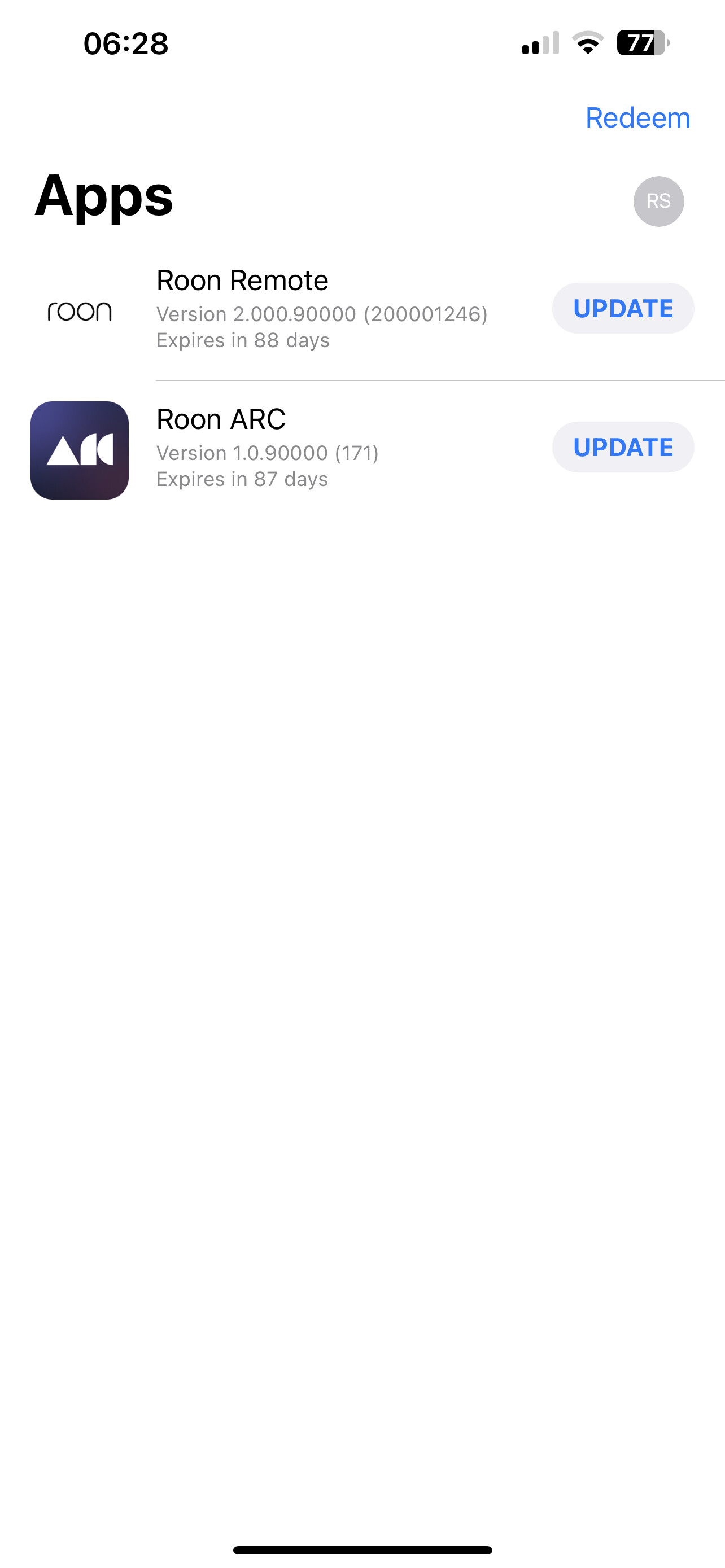
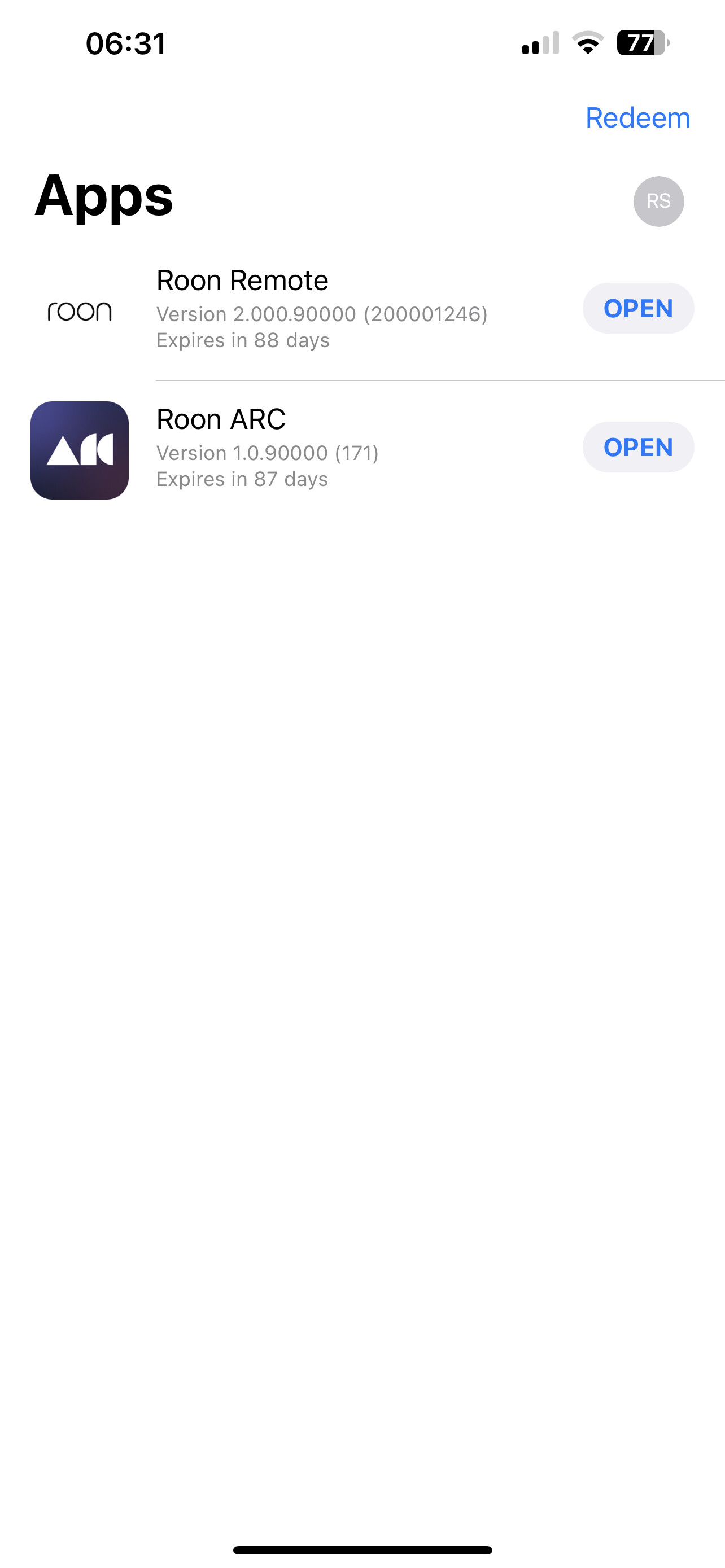
Using RoonARC 1.0 (171) on iPhone
154 GB free on phone (plenty of room)
Get the notice Download could not be initiated, try again on iPhone
@JDizzy
You need to be connected to internet.
Early access is a beta.
You need to use early access version of arc as well if core is.
Did you use TestFlight ?
Yes, my subscription had lapsed but I was still getting updates to iPhone via TestFlight. (I was doing early access prior) Wanting to see what progress had been made since my subscription lapsed, I renewed it.
I uninstalled, then reinstalled Roon on Windows machine with early access build.
Both NAS, Windows Roon, and iPhone are on same local network that is connected to internet.
But, I can not open a port to make remote connections, so (as before), I thought I could just download with Wifi locally, then go offline when in my car (as before).
Saying I have to be connected to internet does not make sense when downloading locally or going offline… afterall, that what it is, “Offline”.
If this is not possible anymore, then it seems as though I’ve made a mistake resubscribing.
Thanks, as a test, I aimed Roon Core at a USB attached drive (rather than NAS), scanned in a folder with
a playlist. Once done, it allowed me to download the playlist to my iPhone from the USB via local Wifi… (guess it doesn’t like my NAS, or is too slow seeking??!).
As long as I can do that, AND listen offline on my iPhone (hopefully with album covers), I am good.
Thanks for your help!