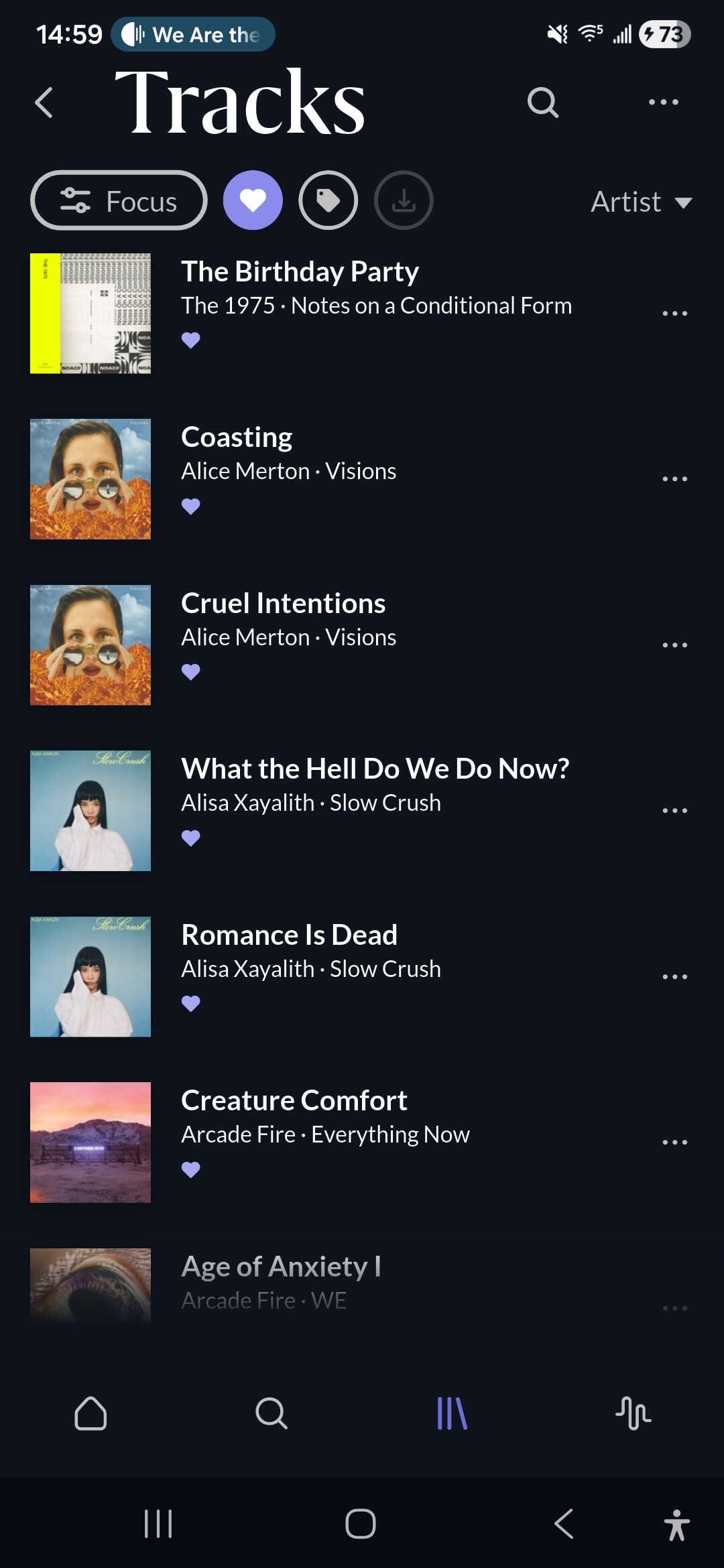
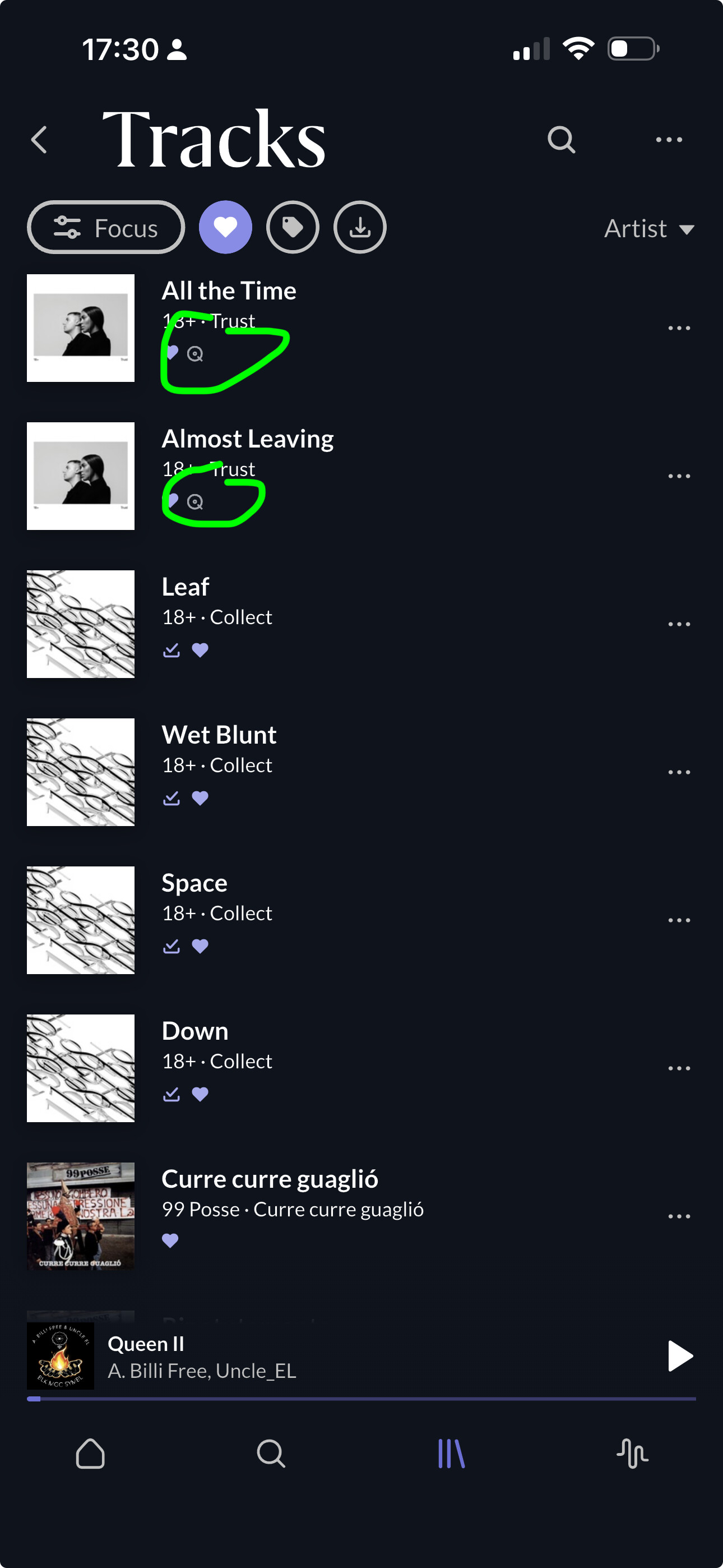
I just don’t see any download option to download all those tracks I just see a download icon which allows me to select tracks I’ve downloaded so I’m just bit confused here. Thanks
Go to Tracks in the regular Roon app, click the heart button to show only favorited tracks. Select one of them, then choose Select All from the menu that will appear. Add all these selected tracks to a new playlist. Go to the ARC app and download the playlist.
Sure. I thought that the question was how to download favorite tracks that are downloadable in principle because that’s not obvious at all. Of course, you are right that if some are not downloadable then they won’t
Hi guys yes I’ve done that that’s exactly what I’ve done I’ve just set up a playlist but all the tracks that I have for all on my hard drive. The streaming services are turned off so they are all physical songs on the drive.
But it still doesn’t answer the question why that Arc is not downloading these tracks? Just trying to understand what the issue is?
Then I think the question is not really „how to download all favorited tracks“ but „why are some ARC downloads failing“. This calls for a Support case, I‘m afraid.