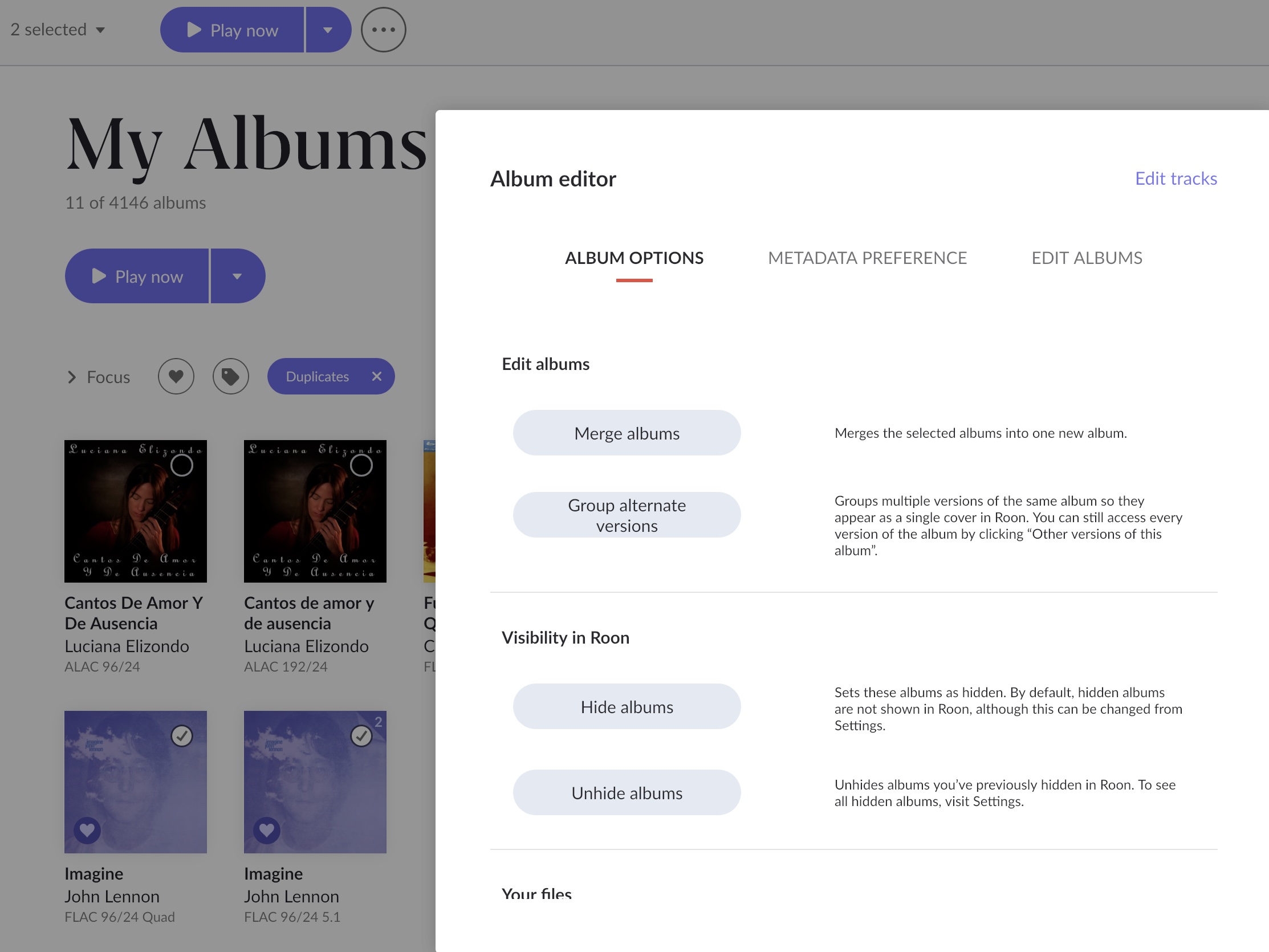
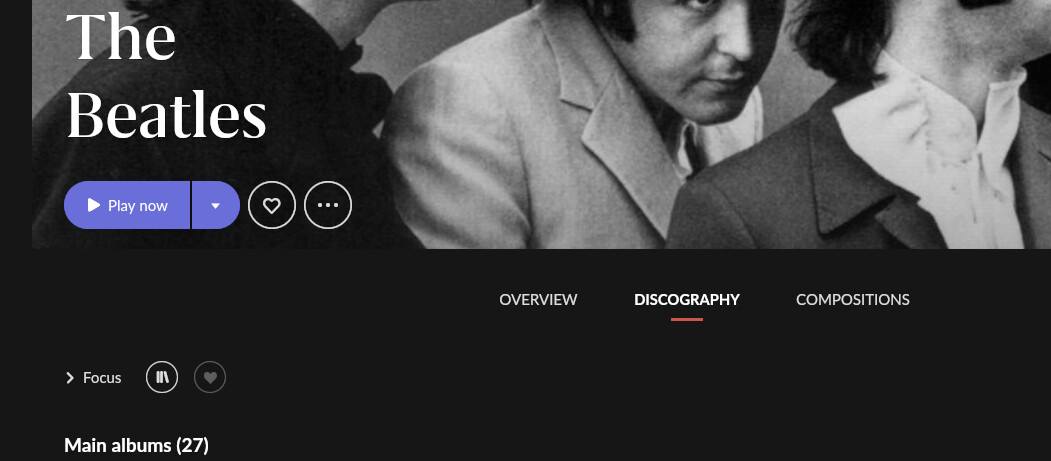
The Tidal version seem to use lower case for some letters, but otherwise everything seems to be identical. I can’t hide the Tidal version. Is there a quick and easy way to get rid of or hide the Tidal version?
Is the metadata case sensitive? Tidal’s version seems to be incorrect.
Thank you.
Edit: Upon looking closer, the Tidal version does not have song “versions” or “Also performed by” entries.
The Tidal version appears to not be on your library? I see the same issue with Qobuz as I have it added for streaming only and nothing added to my library.
I learn to ignore it, using the library filter to show only my personal files occasionally.
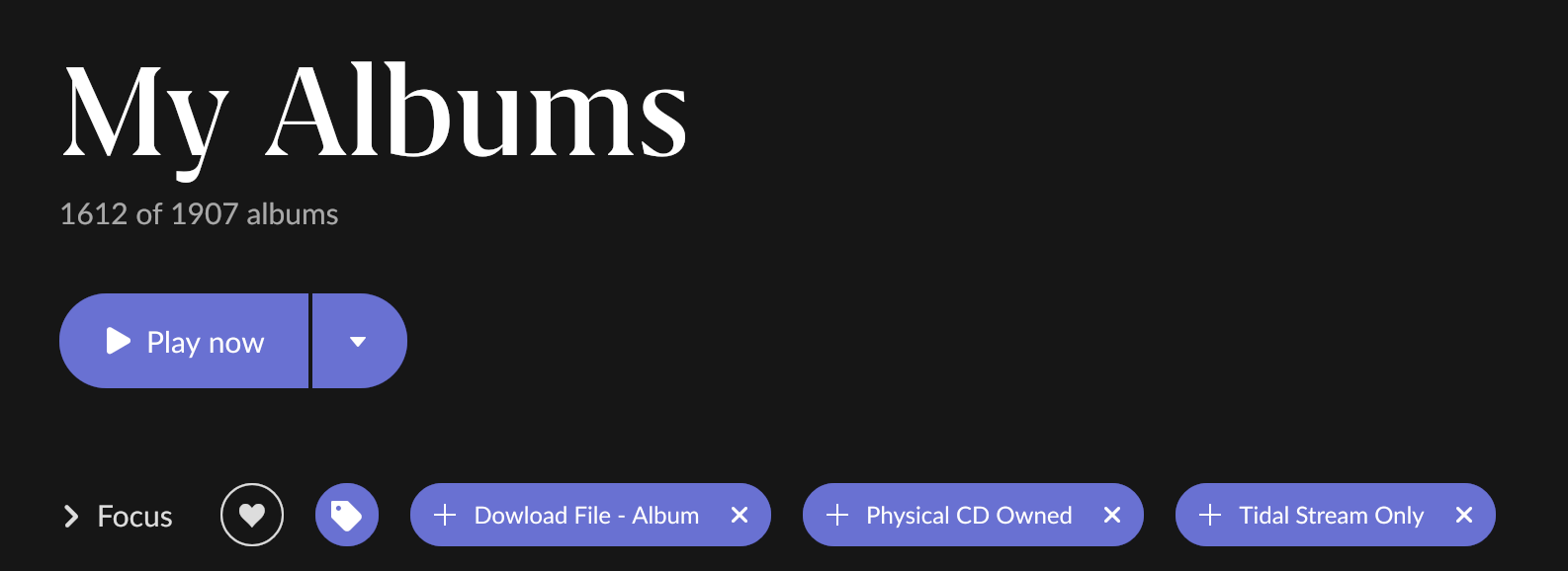
I have/had the same issue as did have a number of duplicate titles owned and on Tidal. Not sure it’s the best way or right way, but what I ended up doing is tagging every album I either owned, downloaded or added from tidal. For the albums I have both a physical copy and tidal copy I only tagged one of the versions. The other is untagged so when I goto albums and select tags it only shows one copy of every album. So in my case currently, there is currently about 300 duplicate albums which now don’t show with the tags as I set them.
I never wanted to remove from Tidal streaming as sometimes have difficulty with ARC or if decide to stop Roon, etc.
Thank you for pointing this out. Interestingly, the album’s wiki page points out that on Apple Music they used an i instead of a 1. Apparently Tidal is following suit, or they use the same source. Everything I can find anywhere online say’s the 1 is the correct, it is not an i.
Thank you everyone for the tips, I think I am just going to ignore it. My own ripped library version seems to have the better meta data, and I won’t be looking at the full discography often. I think it is just comes down to the strange album title causing metadata conflicts.