· My Roon server just returned from an upgrade and I need to restore my database. The database is stored on my NAS and when I provide the NAS address I get an error message. Here is the address I am using: afp://Theater._afpovertcp._tcp.local/Music Backup/RoonBackups
Your is a backup folder, not a watched folder, but the same applies. (You might have to enable SMB (Windows file sharing) on the NAS if it’s not enabled yet):
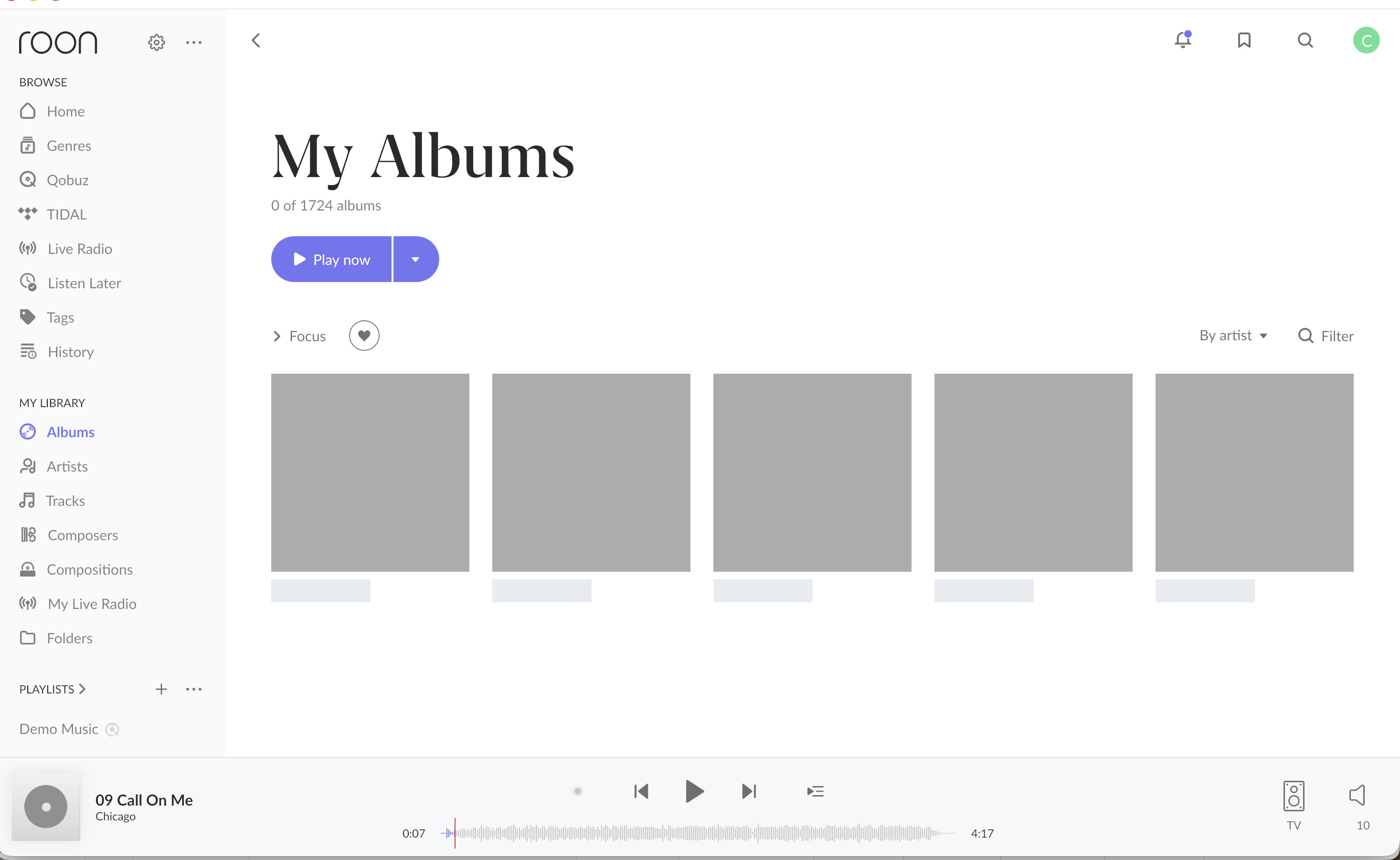
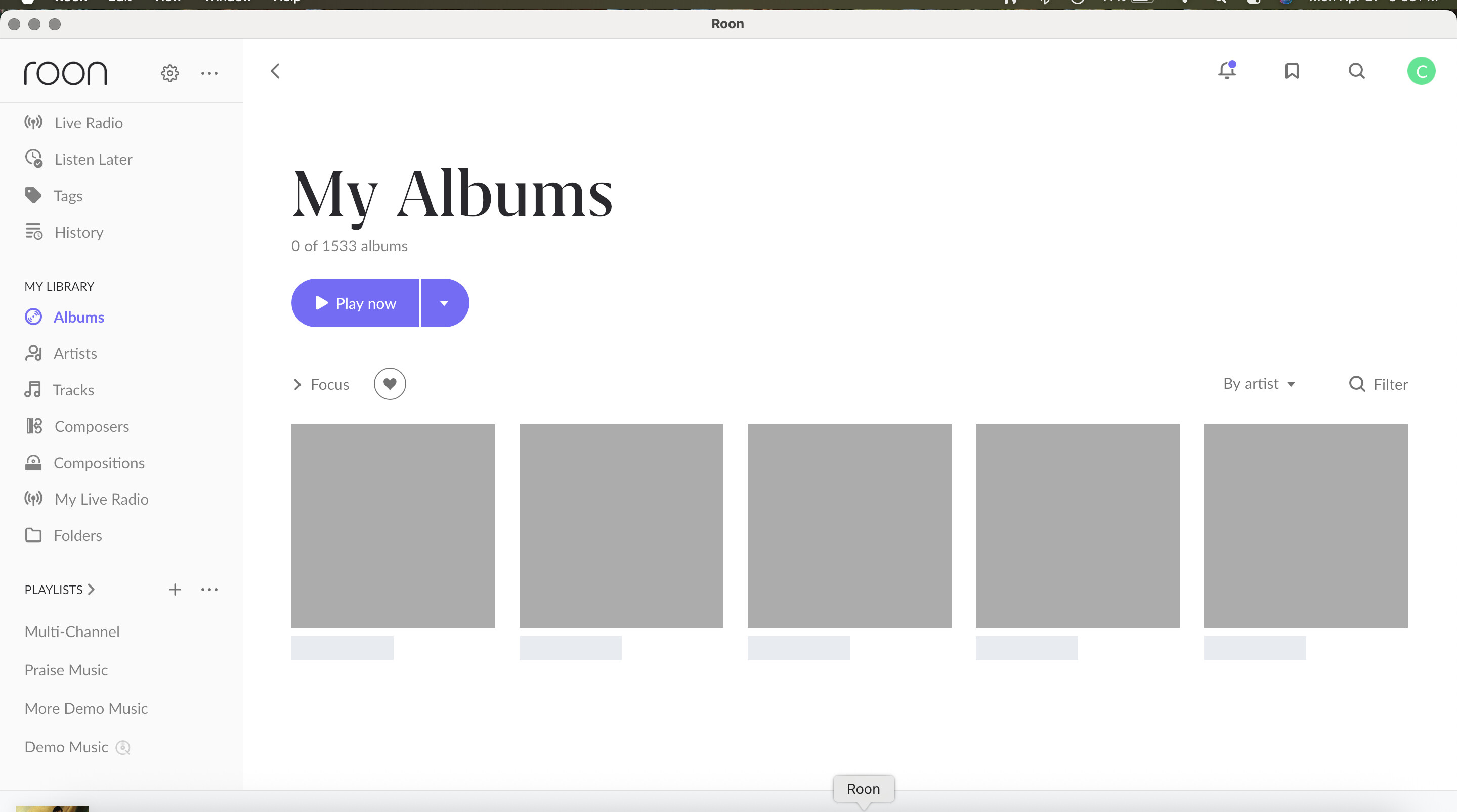
I now have a new mess. I had Roon search my data bass and it reloaded all of my music. But still no playlists. I then [stupidly] tried to restore from another location - got an error but don’t recall what it said - and now [as you can see from the attached] no albums can be seen - just 5 gray boxes. And trying to reload all of my movies doesn’t work since it think that has already been done. I turned it off, unplugged it, restarted it and for a few moments looked like everything was OK though but it quickly went back to its broken mode!! Can’t do anything - Tidal or Qobuz does nothing when I click on those icons.
Is there some kind of Roon factory reset I can perform, then add my music, and re-create my playlists? I’m running on a Small Green Computer Roon server with memory to hold my music
At this point, the safest next step is to reset the current Roon database state and restore from a backup again, but using the correct SMB path instead of the AFP path.
Please try the following:
Stop Roon Server on your Small Green Computer server.
Rename the current Roon database folder from RoonServer to RoonServer_old.
Start Roon Server again.
Restore your Roon database from your backup.
After the restore completes, please do not add the music folder as a new storage location. Instead, go to Settings > Storage, edit the restored storage location, and replace the old/incorrect path with the correct SMB path.
The key point is that we want Roon to restore the original database, including playlists, and then update the existing restored storage location to the correct SMB path. Adding the same music folder as a brand-new storage location can cause Roon to treat it as a new library path instead of reconnecting it to the restored database.
If the restore fails again, please take a screenshot of the exact error message and share it with us before trying additional restore locations.
I can find no way to “stop” the Roon server. Only “restart” or “shutdown” And, I can find no file called RoonServer using Apple’s finder.
I have also been trying, very unsuccessfully, for two days to correctly point Roon to the music folder on my NAS where the most recent backups are. No matter what format I use, it doesn’t work This is all way “beyond my pay grade”. Someone helped me set this all up maybe 8 years ago.
I think I need to find and hire someone who knows what the heck they are doing - and they can get online to my computer and get this all fixed. Can you make any recommendations?
All is well. I deleted then re-added Roon to my server. PROPERLY pointed it to the music library but had to manually re-enter my playlists. And am in the process of doing a backup to Dropbox. Thanks for your support.
Thanks for the update. Glad to hear everything is working again now since you were able to delete and re-add Roon to your server, point it to the music library correctly. We’ll go ahead and mark this thread for closure. Enjoy the music!
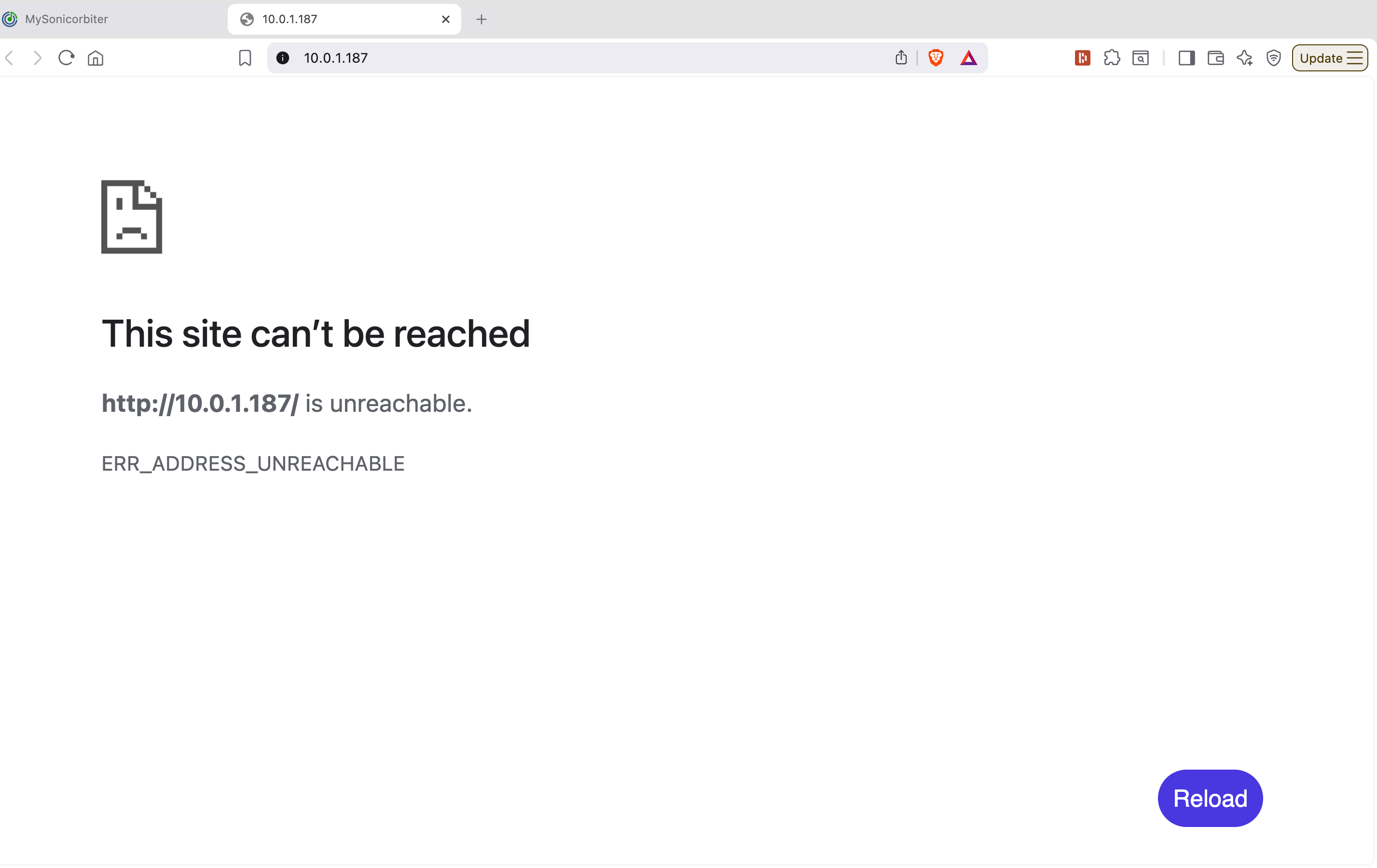
I spoke too soon. The system is very unstable. The blue light on the front constantly switches to red then back to blue - and blinks red/blue. I’ve re-started it. My music won’t show up as you can see below. And now when I go to Sonic Orbiter, it says the site can’t be reached [see screen shot].
Roon runs - and then it doesn’t run. Small Green Computer got on my Mac and observed what was going on within the SonicOrbiter interface. Even when “nothing” was happening, the CPU usage kept spiking - Roon doing it’s thing in the background. It was concluded that given my i5 processor and the continuing increased enhancements of Roon and my library size, that my system was just out of gas - my Sonic Orbitor uses spinning disk storage - and is not upgradeable to SS memory. It would run fine for a while, and then go “dead”. Stopping and starting Roon would bring it back to life for a while - then rinse and repeat. So I bit the bullet and purchased a new system, using an i7 + SSD memory - with a guarantee that this would solve all of my issues. I am hopeful. I am both committed and addicted to Roon, so I wasn’t left with a lot of options.
Thanks so much for the follow-up and update. Since a few days have passed, I wanted to check in and see if you’ve been able to test out your new server.
Let us know how things are running and if you have any continued issues or questions - we’ll be sure to keep this thread open until you’ve had plenty of time to test the new setup.
It was decided that my server was terminally ill. Nothing we did fixed it for more than a very short time. So I purchased an new i7 SonicOrbitor with Solid State memory and as I type this, I am copying my music files from my old server to the new one - which should take about 24 hours. Then I will reload my saved Roon Backup and I should be close to done. Thank you for your support