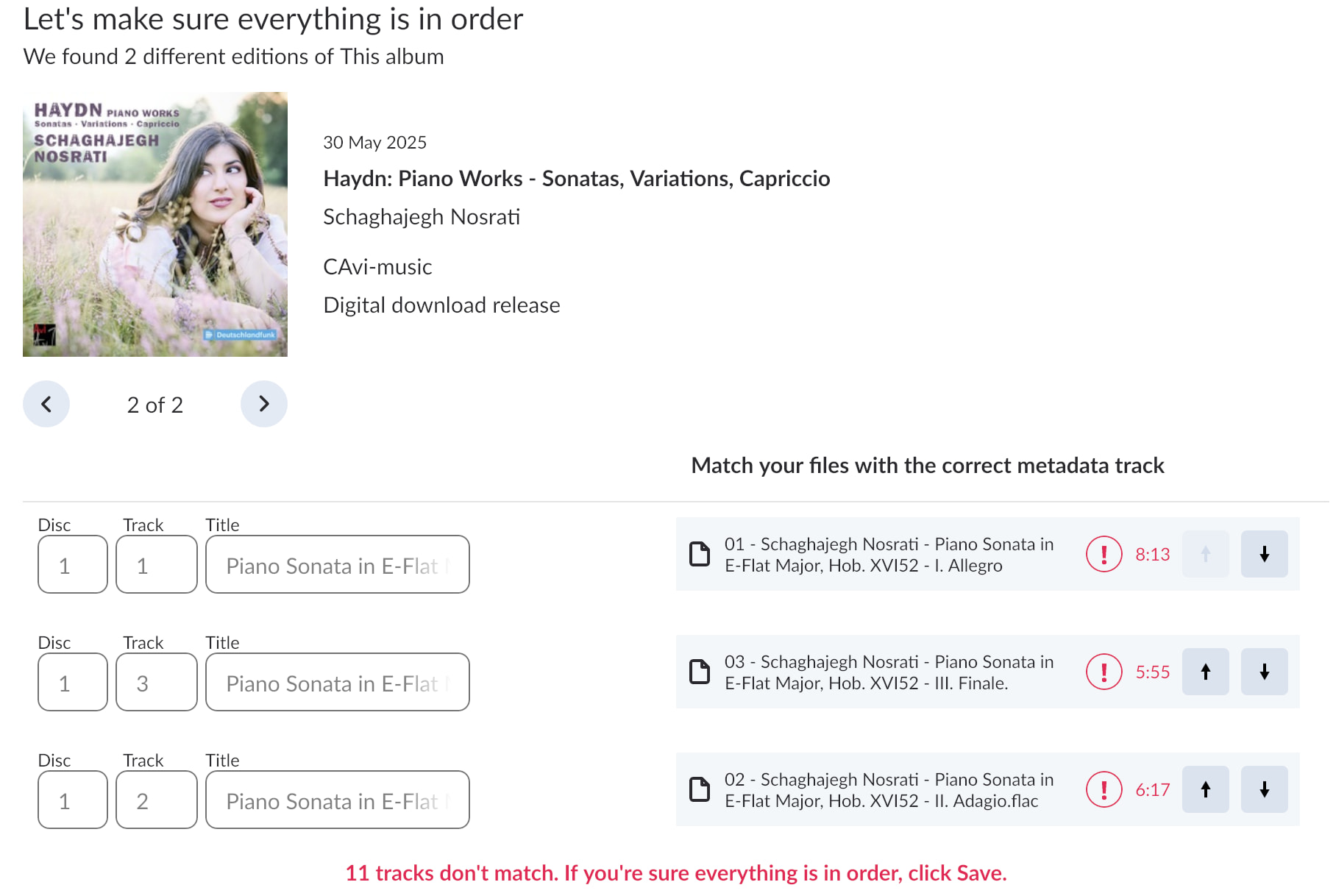
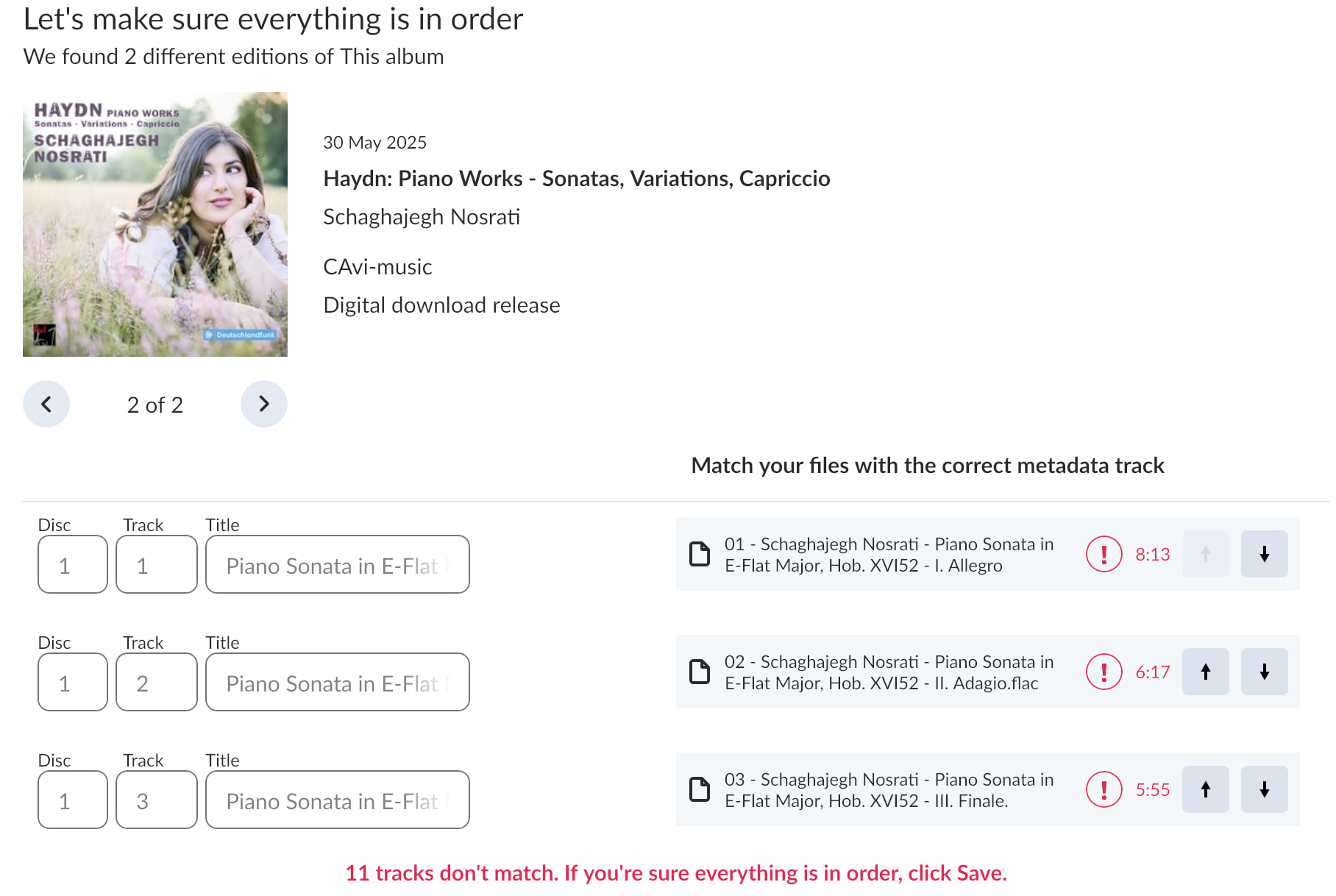
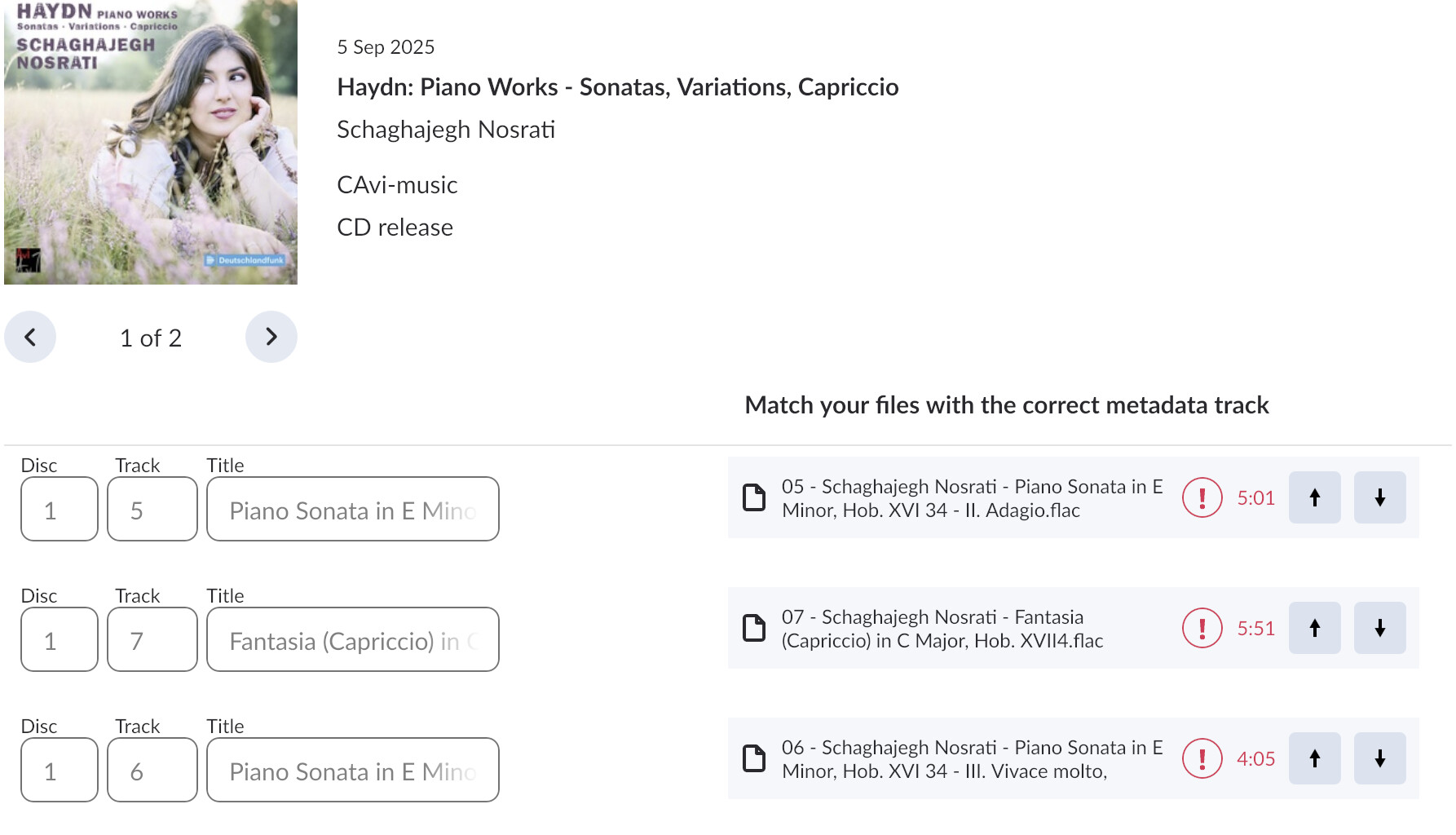
The movement prefix shouldn’t be pulled into the track field (the “52” in your screenshot”), and a quick scan at the canonical metadata entry for this particular album shows some potential formatting inconsistencies we’ll need to escalate to our metadata partners.
Can you please share a screenshot of your Import Settings in Roon? What do you have set for Composition/Part grouping?
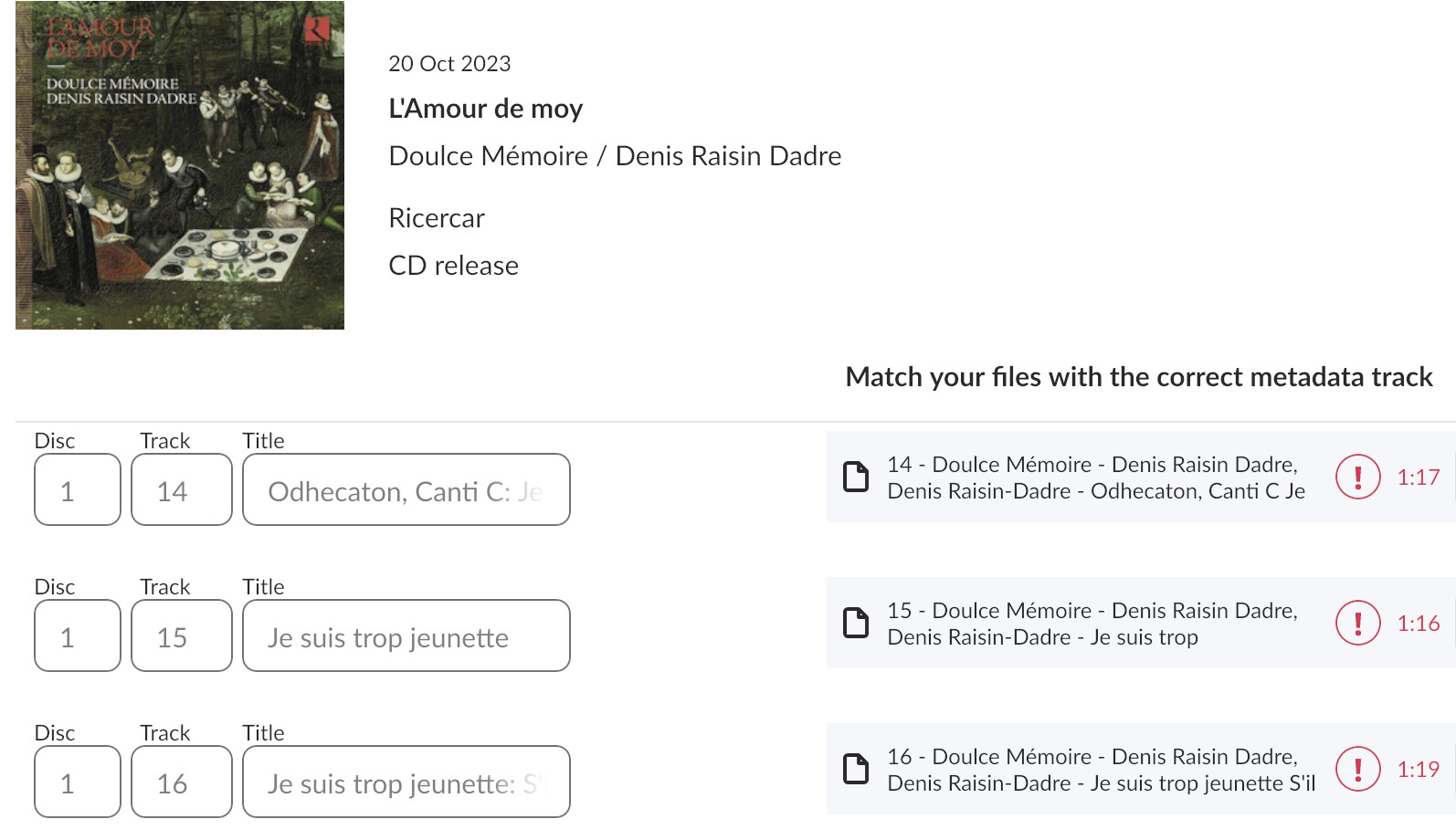
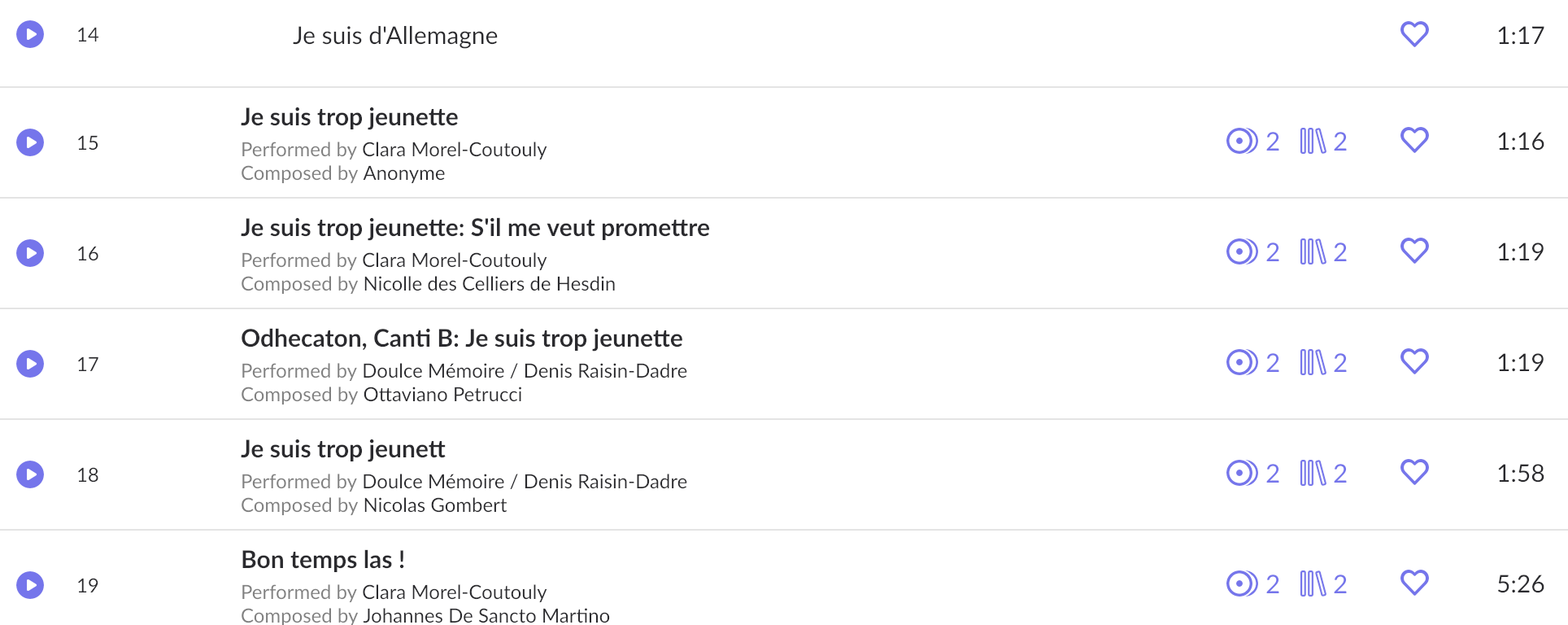
I had in the other album some tracks are in the wrong order in the id panel. They were sometimes in some numbers then others. Just now that album is okay. I checked the Haydn album id panel and it is still wonky.
The entries that come up when you try to id an album that are in boxes and pale are unreal in some way, aren’t they? Should you identify them when that way?
I wanted to provide a status update and bump the thread so it doesn’t auto-close. We’re still waiting for the issue to be reviewed by the team, as soon as that happens, we will follow up. Thank you!
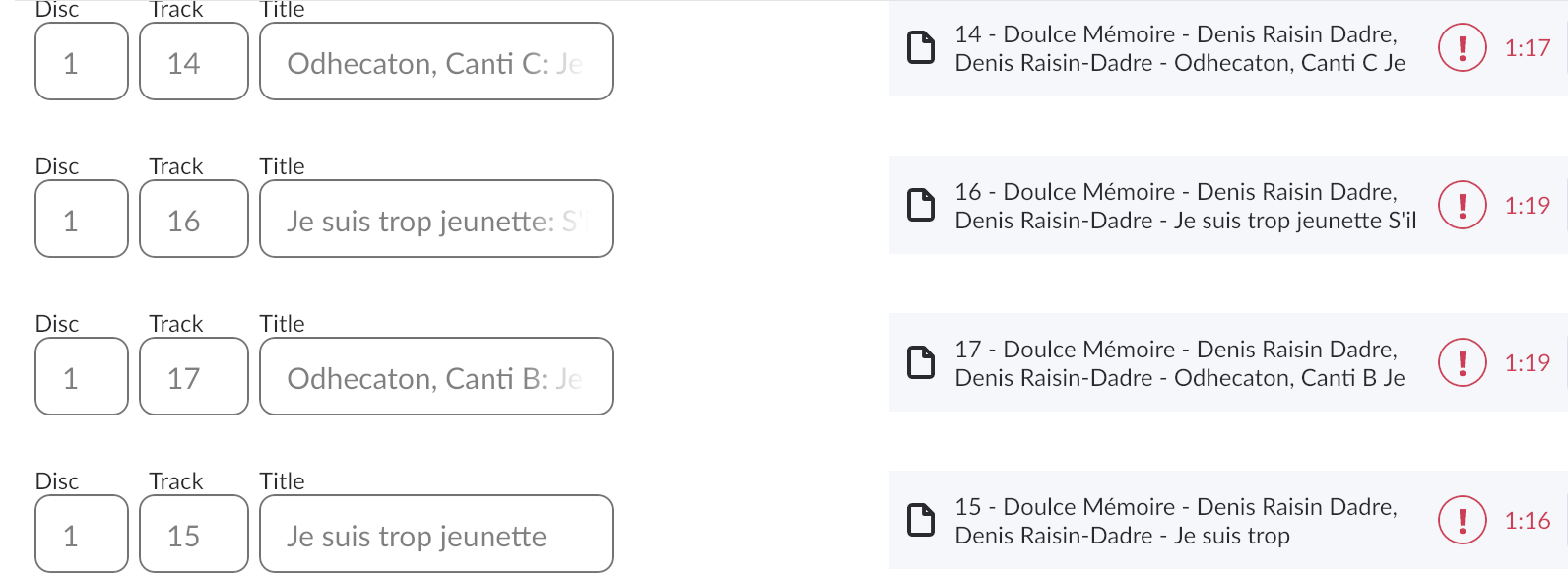 Problem is that the data for id is unstable. I haven't moved anything, it just changes.
Easier to see with the Haydn. The "52" bothers me.
Problem is that the data for id is unstable. I haven't moved anything, it just changes.
Easier to see with the Haydn. The "52" bothers me.