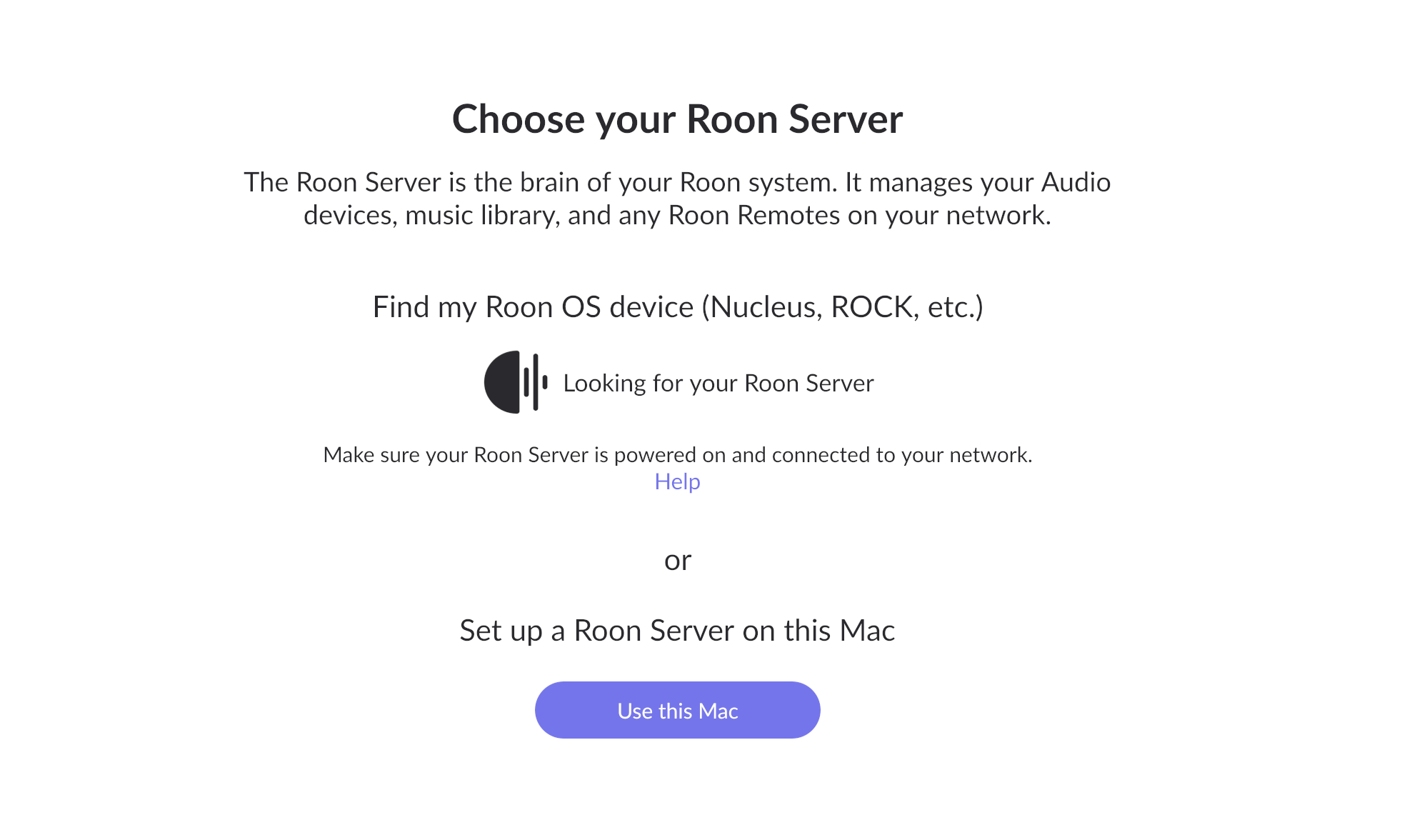
Error message "Waiting for Your Roon Server" when trying to connect Nucleus+ via Ethernet (ref#5ED3JT)

Is Roon Server running?

· Yes, Roon Server is turned on and running.

What do you see on your screen?

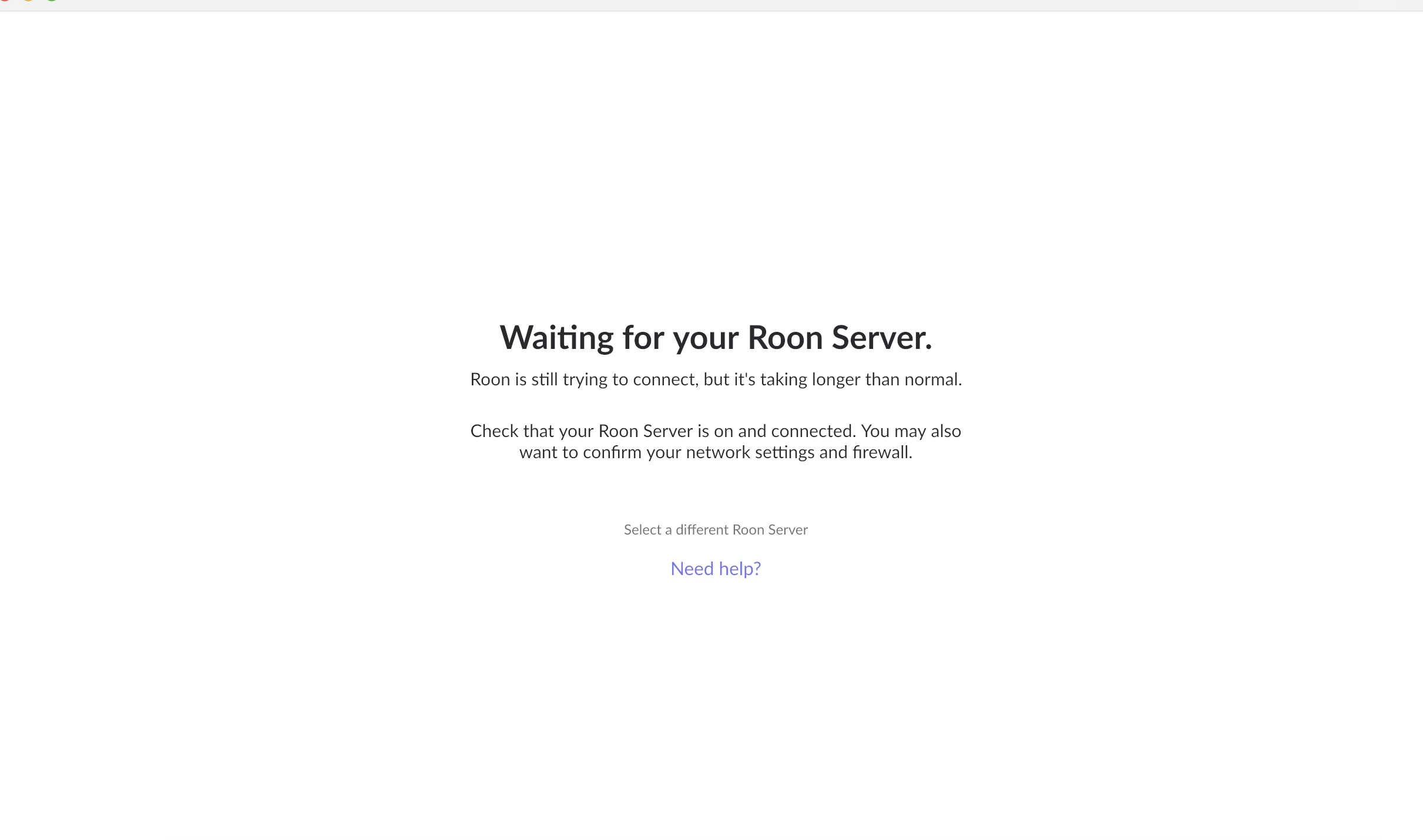
· "Waiting for your Roon Server"

What happens if you press the "Select a different Roon Server" button?

· I don't see Roon Server.

Please select how you've connected your Roon Server to the internet

· Roon Server is connected by *Ethernet*

What is the operating system of your Roon Server host machine?

· *MacOS*

Select any of the following components that are present in your local network setup

· *Mesh Nodes*,* Wifi Extenders*, or *Managed Switches*

Describe the issue

My Nucleus+ won't connect. Using ethernet. I get error message "Waiting for Your Roon Server"

Describe your network setup

Xfinity Internet 2000 Mbps, 1 xFi Gateway router

What happens if you reboot your Roon server from the web interface?

@vhorgen - Can you access the Web Administration Interface of the Nucleus+ by using a web browser on your Mac and entering the IP address of your Nucleus+ into it? If so, please post a screenshot of the WAI.

I launch Roon app, all I get is the attached screen shot.

And what happens when you click the “Select a different Roon Server” link?

BTW, that is not a screenshot of the Web Administration Interface that I asked for. Can you post that?

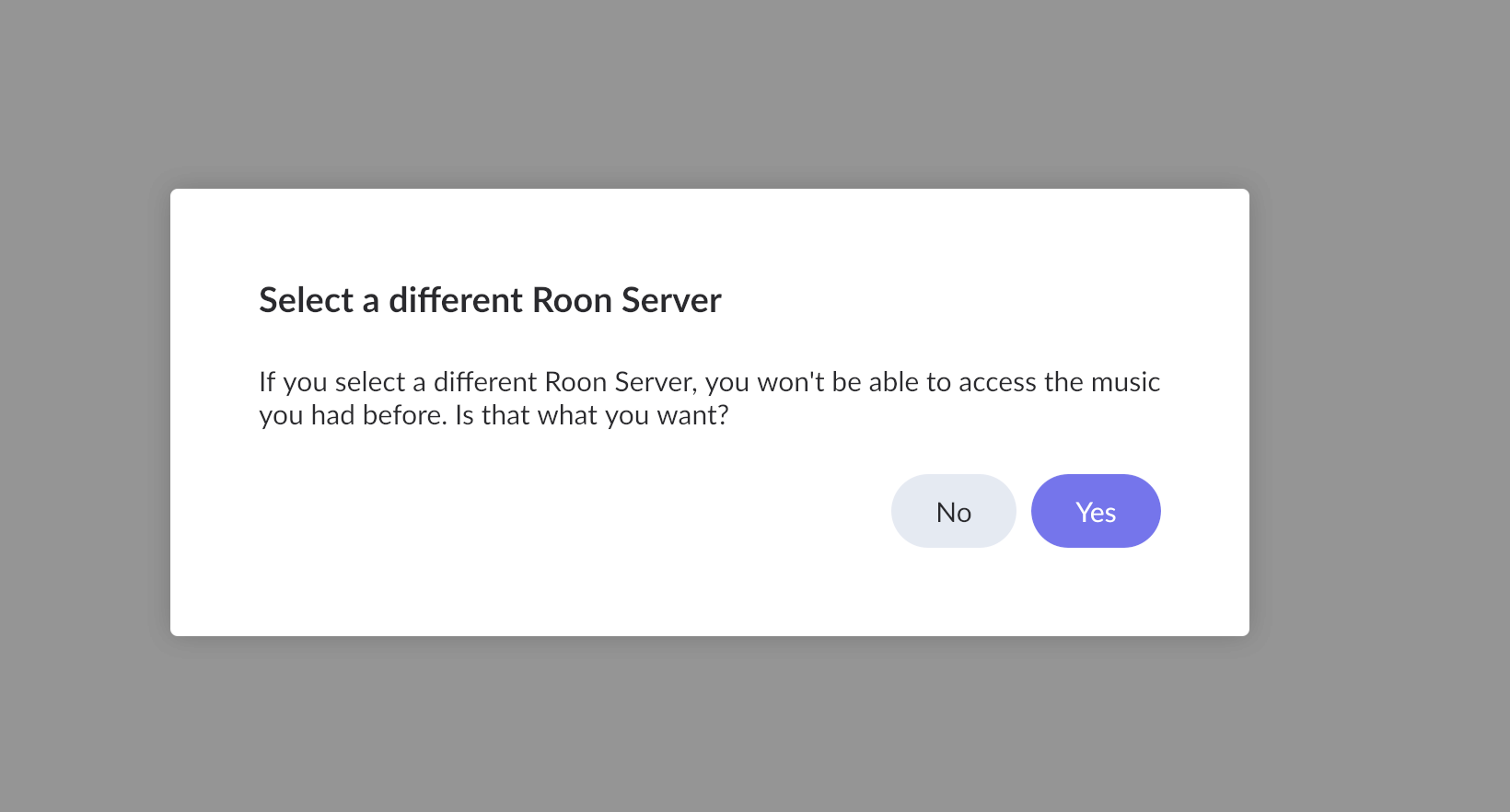
When I select a different Roon Server, I get the attached message. Should I click “yes”?

I’m not sure how to get tot eh web admin interface. Do I just enter the IP address in the my browser?

Just click the Yes button. The Roon client will then show you if any Roon Servers are active in your home network.

And yes, to see the WAI, just enter the IP address of your Nucleus+ into a web browser (as I said earlier).

I clicked “find my Roon,” but it doesn’t do anything. Just keeps searching.

How do I find the IP address of my Nucleus+, if my Nucleus+ can’t be found?

Your router should display a list of the IP addresses of all active devices in your network. Is the Nucleus in that list?

If it isn’t, then the next step would be to connect a monitor or TV to the HDMI connector on the Nucleus and post a photo of any messages that are displayed.

1 Like

Hi @vhorgen,

Thanks for writing in - you’re in good hands with your issue here!

@Geoff_Coupe’s above reply will likely give us a good indication of where the issue may lie with your Nucleus.

There are a few different ways to access the webUI of your Nucleus, all of which are better broken down in the help article shared earlier:

Let us know if you’re able to see the Nucleus online within your local network, and what you see when you Plug in a monitor via HDMI to the device (when online and hardwired directly to your router.)
Thanks! :pray:

My Nucleus suddenly worked.

I first plugged it into a monitor. Nothing showed up.

Then I tested my ethernet cable that went to my Nucleus to make sure it was working. Working perfectly with over 900 Mbps on my MacBook Pro.

Next, I plugged the ethernet cable back into my Nucleaus, and info on my monitor showed up.

Put my IP address into the browser and all the info was there.

I launched the Mac Roon Remote app, and there was my Nucleus.

Not sure what made it work but I’ll know what to do the next time.

Thanks for your help!

1 Like

This topic was automatically closed 36 hours after the last reply. New replies are no longer allowed.