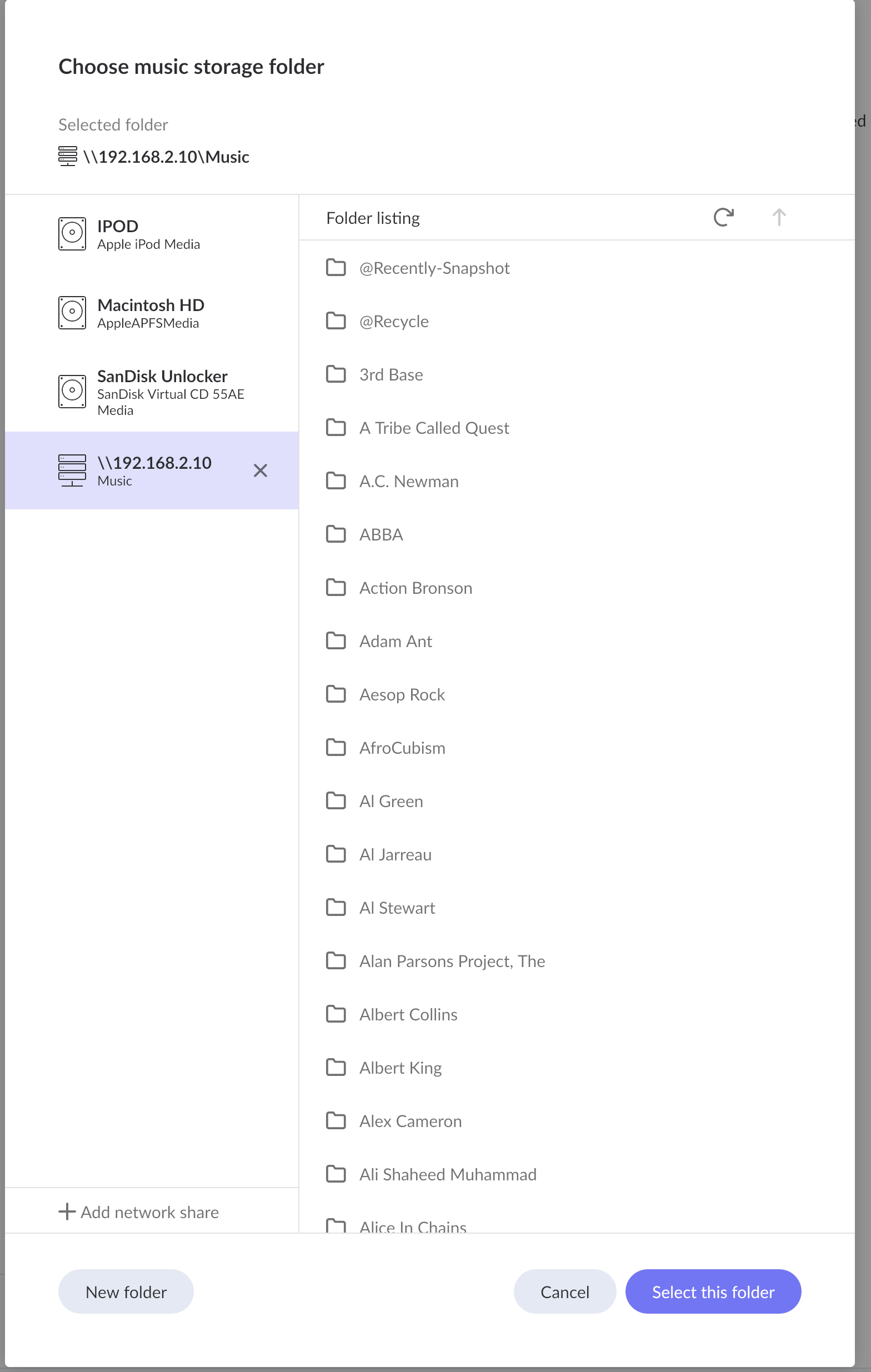
Thank you for reaching out, and I’m sorry to hear you’re having trouble importing your music library.
Based on your setup and the screenshot provided, it appears you are connecting to your QNAP NAS via an SMB network share. Please note that Roon does not continuously monitor network shares (like SMB) for real-time file changes in the same way it does for directly connected local drives.
Because of this, sometimes a manual push is needed to get Roon to see the files. Could you please try the following steps?
Go to Settings > Storage in Roon.
Click the three dots (⋮) next to your NAS storage location.
Select Force Rescan.
Please let us know if your files begin to import after running the force rescan, or if you are still seeing the exact same “directory appears to be empty” error message!
Just checking in on this. Were you able to try the Force Rescan from Settings > Storage on your QNAP SMB share, and did that change the “directory appears to be empty” message at all? If you have not tried it yet, that would be the next step we want to test. Let us know what you see, thanks.
We have not heard back from you, so we will go ahead and close this thread due to inactivity. If you need further assistance, please submit a new support request and specify that the issue be reopened. Thank you.