· Error showing up every time I log into Roon. Talks about not being able to play certain things or might have a problem playing certain music because of something in the background.
Tell us about your home network
· Netgear router and netgear vpn bit defender but it has been running without any error until the most recent update.
mjw
(You want nice, supportive? Call a damn helpline.)
2
The error mean that the Roon app is missing notifications permission. This may be changed Android settings.
I should have clarified. I have iOS not android but will check same settings suggested. I did not change anything but the update might have changed a setting. Will check to see if I can find a turned off toggle.
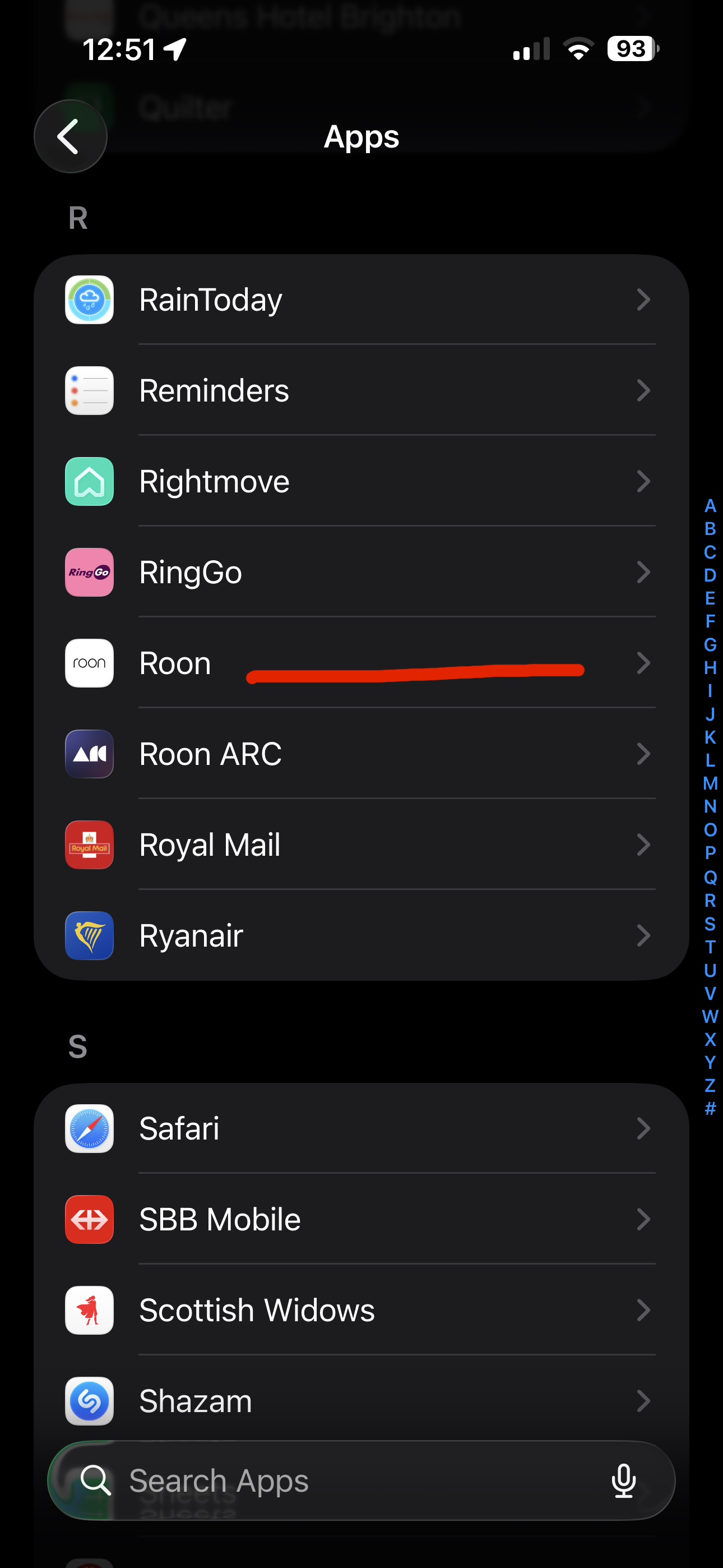
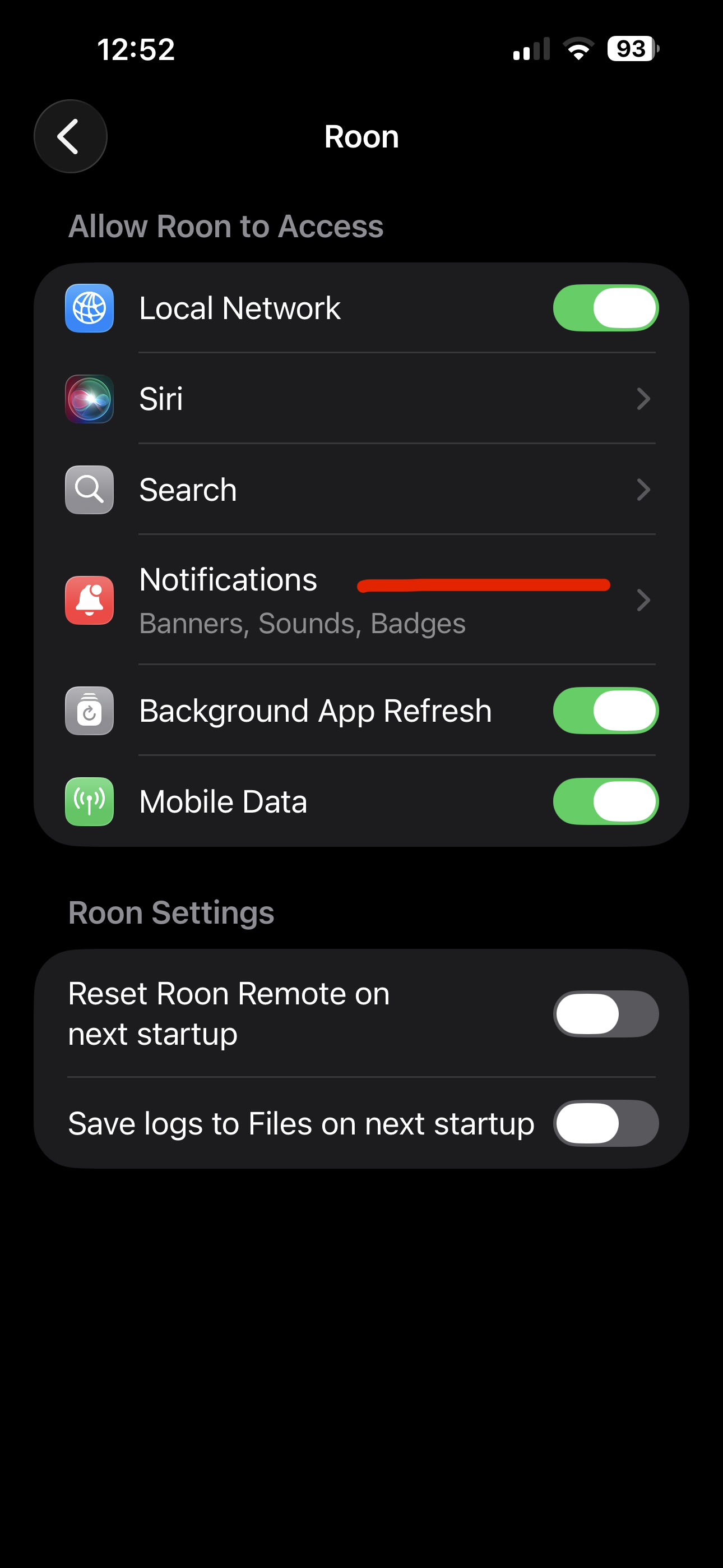
Thanks for clarifying that you are on iOS. If the update changed a setting, checking the Roon app permissions there is the right next step. Please check your iOS Settings → Roon App and let us know what you find.
I do not see anything under settings then app then Roon. Looks like nothing changed on the app except the notifications is off. Could it be that? Or possible under actual settings on Roon itself not under settings and Roon app. Does that make sense? The actual Roon app might have a setting that might have changed not under settings-app. Will change notification toggle to on and see if this fixes issue otherwise it is in the Roon app itself because there is no other settings to change.
Thank you all for helping. Hopefully we can find the changed setting. I have not set up lastfm or the brainz app yet could that be a possible creating issue?