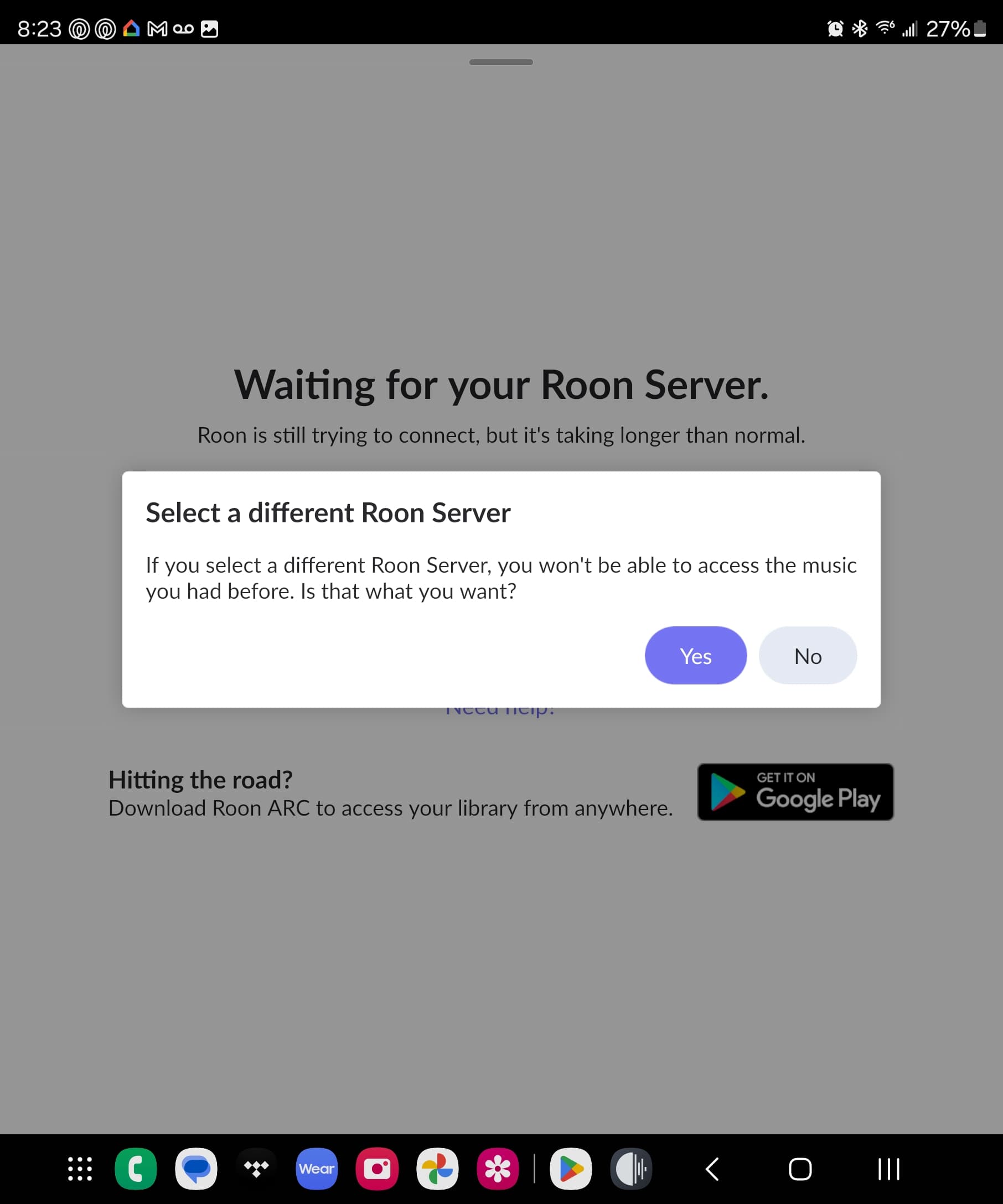
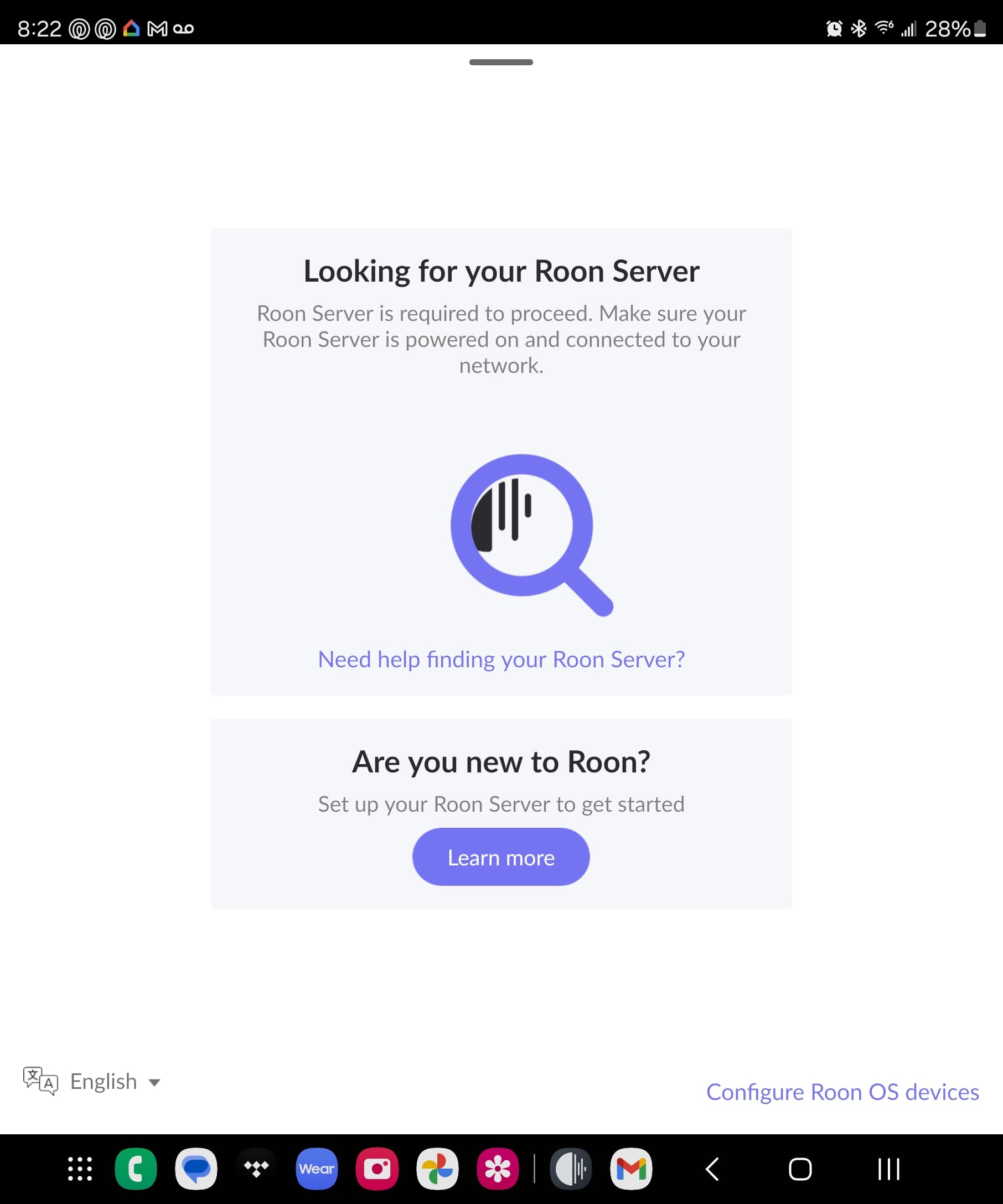
Have you verified that it is on the same network subnet, which was what suedkiez was referring to. Sometimes there are different wifi networks created that are separate from the ethernet network.
Compare the ip address of your phone to the ip address of the Nucleus, the first three number groups must match, ie. both 192.168.1.xxx. (Note the first three numbers might not match my example) If the first three number groups are different they the devices are on different subnets.
Hi,
Thanks for the replies
The IP that the Nucleus has and my phone has match all the way until the last 2 digits. So I think that means I’m good.
I’ve never heard of an ipv6 so I looked into that, and I do not have one. Or a VPN.
My IP address to my Nucleus is the same as the IP that shows up for my cell phone. However, the IP that is says on what’s my IP.com says "96.27.232.46
Does this mean anything ?
And should I not be sharing this information publicly?
You phone’s network connection is using the same IP as the Nucleus? This would not be right and would definitely mess things up. IP addresses must be unique.
No it doesn’t, because IP.com shows the external IP address with which your router identifies on the internet.
The devices on your local LAN use addresses from a private address range, 192.168.. on your case, which is the most common range. (Your router has both an external address on the internet and a private one with which it is visible on the LAN).
These private addresses are only for the LAN, they are not visible on the internet.
Sharing the private addresses is not a problem because there are probably tens of millions of LANs using the same ones. They have no meaning over the internet.
The external address you see on IP.com is more or less unique to you, so sharing it publicly is not ideal. Though not a huge problem either, it would be best to obfuscate it to 96...* in your post.
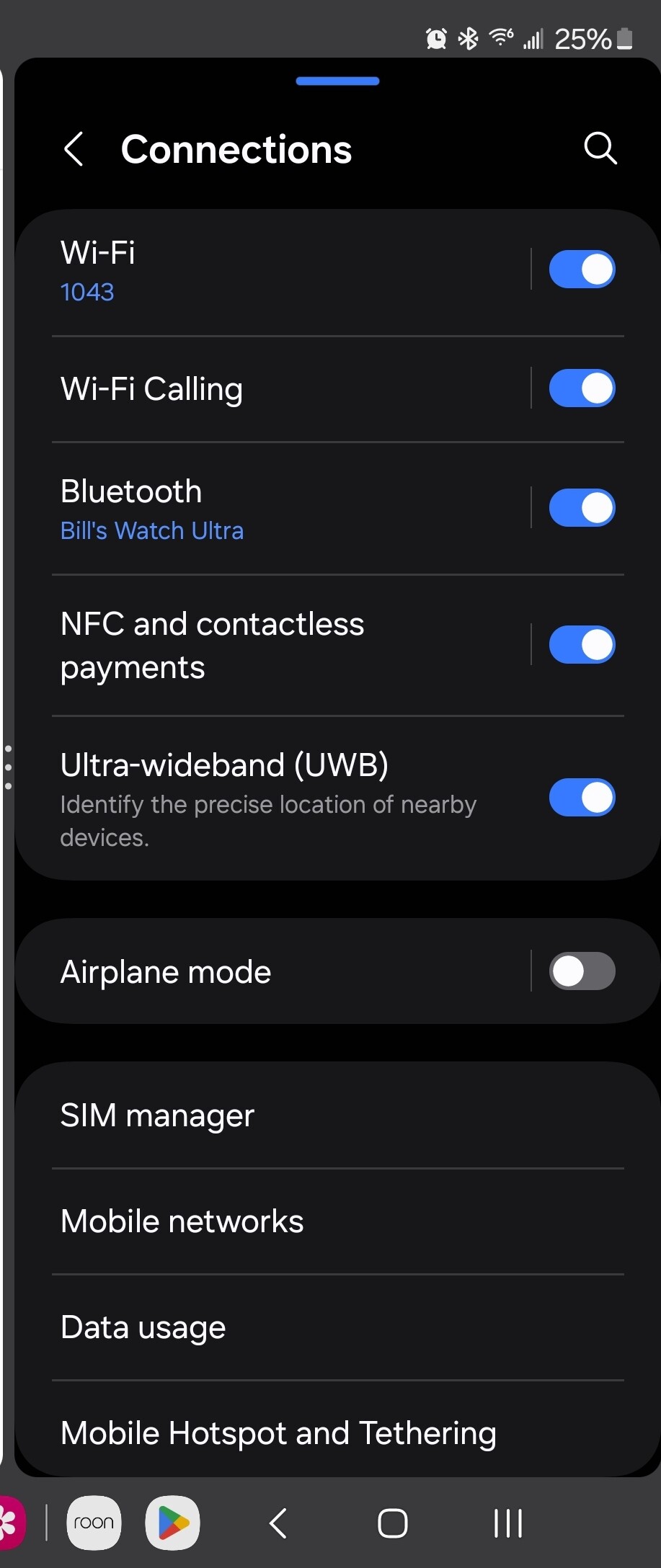
@William_Finn on the Fold 5, are you able to review the network settings, and ensure that ‘Roon’ has proper access to your local network from the device?
From your account settings, it looks like the Fold 5 is currently running the early access version of Roon, while your other devices are on production. I would either switch the Fold 5 back to production or move the rest of your Roon devices over to early access, then test to see if the same issue occurs.