Confirming that the backup was completed successfully, yesterday, in .rar format.
Hi @yasser,
Thanks for uploading the backup. Unfortunately the .rar file that reached us is empty, so either the archive didn’t capture the backup’s contents or the upload was cut off partway.
Could you please try once more?
- On the SSD, compress the entire
RoonBackupsfolder, including the99de2f2dfolder inside it, as a .zip. - Before you upload, check that the archive is about the same size as the
RoonBackupsfolder, and open it to confirm the files are inside. - Name the file with your Community username, then upload it using the uploader here:
https://workdrive.zohoexternal.com/collection/nocvrfc5b2ddab55140af8640f1d7ce13291e/external
Until then, please keep leaving the SSD as it is. Let us know once the new upload is done and we’ll take a look.
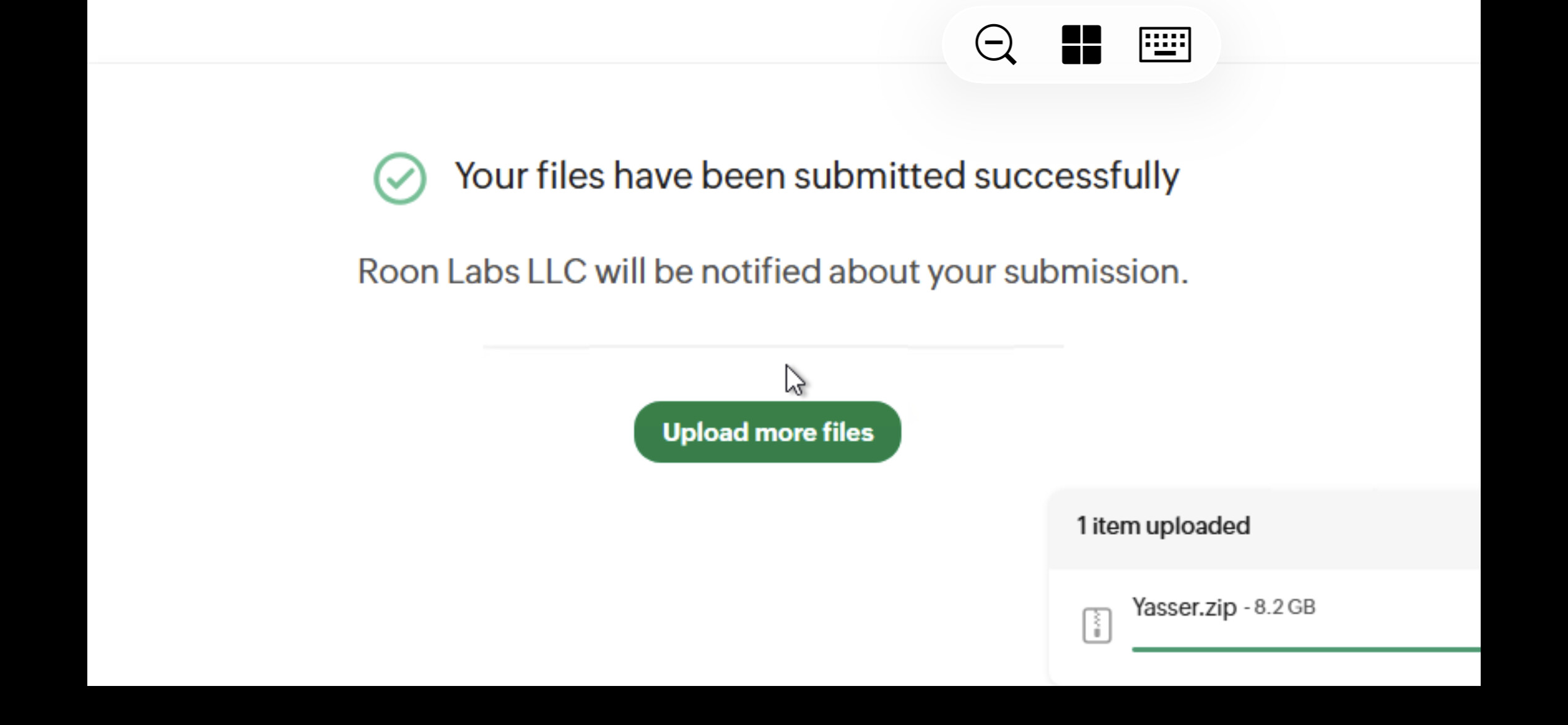
Alright, re-uploading in .zip format
Hi @yasser,
Thanks for re-uploading. The .zip came through, and we’ve passed your backup to our technical team. They’ll check whether it can be restored without the missing file, or whether your playlists can be recovered from it. This may take some time, and we’ll update this thread as soon as we have news.
Until then, please keep the SSD exactly as it is. Don’t make new backups to it and don’t delete anything. If you get a chance to run the disk check and the Samsung Magician health check we mentioned earlier, those results would still help.
Going forward, we’d recommend removing the backup location from Roon’s watched folders. Our Roon Backups guide explains that Roon will scan a backup stored inside a watched folder as if it were music, which can cause problems.
Thanks for your patience.
Thank you Benjamin. I will be waiting for the tech team response.
The disk check and Samsung magician results are posted above in an earlier reply.
Thank you 