Current Roon Core server: Wyred4Sound MS1, current OS v: 3.1.46 Previous Roon Core server: same device but OS v: 2.7 Current Roon Core v: 2.73 (build 1700) Previous Roon Core v: 2.57 (build 1598) Internal storage free disk space: more than 1 TB external storage free disk space: more than 1 TB
I wasn't able to update the Roon core v2.57 to the latest version. So, I backed up anyway (a successful back). Now, when restoring I get: Restore failed. Please check your backup folder and try again. I chose the backup folder located on my external ssd connected directly to the wyred ms1 Roon core. I tried different previously made backups, they all fail.
Hey @yasser – please don’t share email addresses in public threads, as they are bound to be picked up by spammers. I removed the address you listed – support will be with you as soon as your request reaches their queue…
Hey @yasser, welcome to the community, and thanks for the details.
A restore failure like this usually points to either the backup set itself or the path Roon Server is trying to read from. Since you already tried multiple backups, I’d like to narrow down whether the issue is with the archive location on the SSD or with the server environment after the OS update.
To best understand the failure point, we’ll want a set of Roon Server logs.
Can you please use the directions found here and send over a set of Roon Server logs to our File Uploader? Once logs have been uploaded, please let us know so that we can check the server for your files, thanks!
Hey @benjamin ,
Thank you for sharing the article. Using sonicorbiter.com I was able to access one log file. I copied the content and uploaded it. the file name is my registered email address.
PS: the wyred4sound MS1 is updated to the latest os version 3.1.49
Thanks for the logs, they show exactly where the restore stops.
Both restores in the logs (the backups from September 23 and April 12) fail on the same missing file in your backup folder. Roon backups share unchanged files between them, so if one shared file is missing, every backup that needs it fails at the same point. That’s why each backup you try gives the same error.
Could you check two things for us?
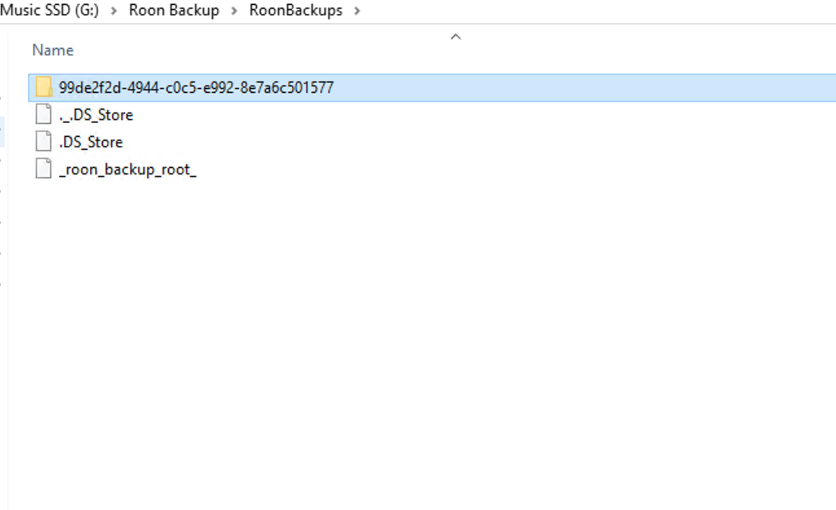
Connect the Samsung SSD to a computer and open this folder: Roon Backup / RoonBackups / 99de2f2d-4944-c0c5-e992-8e7a6c501577 / 47 / a3. Let us know whether there is a file whose name starts with 47a3798b, and if so, how large it is.
Do you have any other copy of your Roon backups, for example on a different drive or computer, or the RoonServer folder from the MS1 before the OS update?
Please don’t delete anything in the backup folder or make new backups to it for now, so nothing else gets removed.
Folder “a3” doesn’t exist. I made a backup right before the wyred4sound os upgrade, it was successful. The update was done directly on the same ssd im working from now.
Thanks for checking. Since the “a3” folder is missing, that backup can’t be restored. Roon backups are deduplicated, so every backup in that location relies on the same set of files. That is why the older backup fails at exactly the same point.
Unfortunately Roon backups can’t be opened outside of a restore, so there’s no way to pull out just the playlists.
Some playlists can still come back once you set up the new library. TIDAL playlists you’ve favorited will sync again, and Roon can import iTunes playlists and playlist files like M3U if you have any. The details are here:
Playlists that were created only inside Roon were stored in the database itself, and they are lost along with that backup.
For the future, I’d recommend keeping backups on a different drive from the one Roon runs on, and ideally in two locations. That way an OS update or a disk failure can’t take out the database and its backups together. Setup is covered here:
All backups were done on this external ssd drive. The ssd was not hosting the roon core data and database.
Im sure i saw the roon backup complete successfully. The SSD is healthy and shouldn’t not lose files. It was always disconnected after the device was shutdown.
Are you sure there is no work around to just have the playlists extracted? These are years of curation.
Thanks for the details. You’re right that backups don’t normally just disappear, and with the SSD only holding your music and backups, the most likely explanation is a problem on the drive’s file system, for example after it was disconnected while something was still being written. That can make a single folder vanish while everything around it looks fine, and in many cases the files can be recovered.
To answer your question directly: there’s no way to pull out just the playlists. A Roon backup can only be used as a whole, through a full restore, so the goal is to get the missing files back so the restore can complete.
Before anything else, please don’t make new backups to the SSD or delete anything on it. Then:
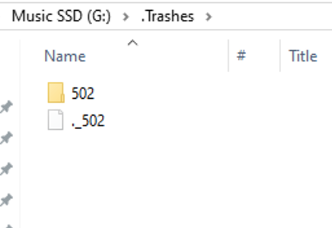
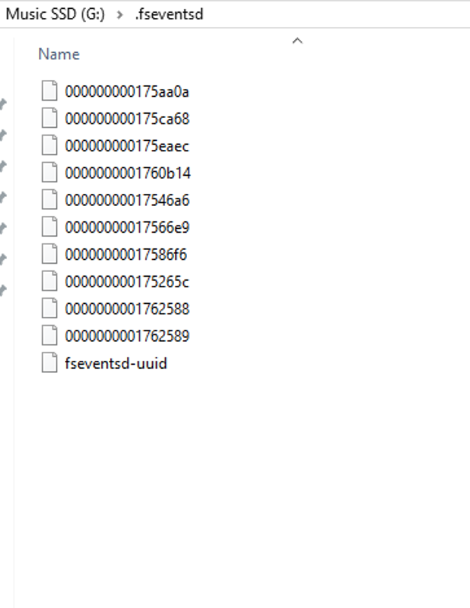
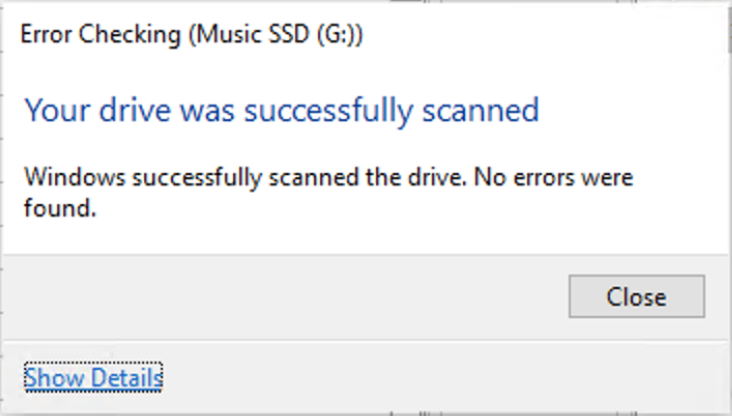
Connect the SSD to a computer and run a disk check. On a Mac, use Disk Utility > First Aid. On Windows, right-click the drive > Properties > Tools > Check. If the check finds and repairs errors, look for a new folder named FOUND.000 or lost+found on the drive, since recovered files often end up there. If one appears, let us know what’s inside.
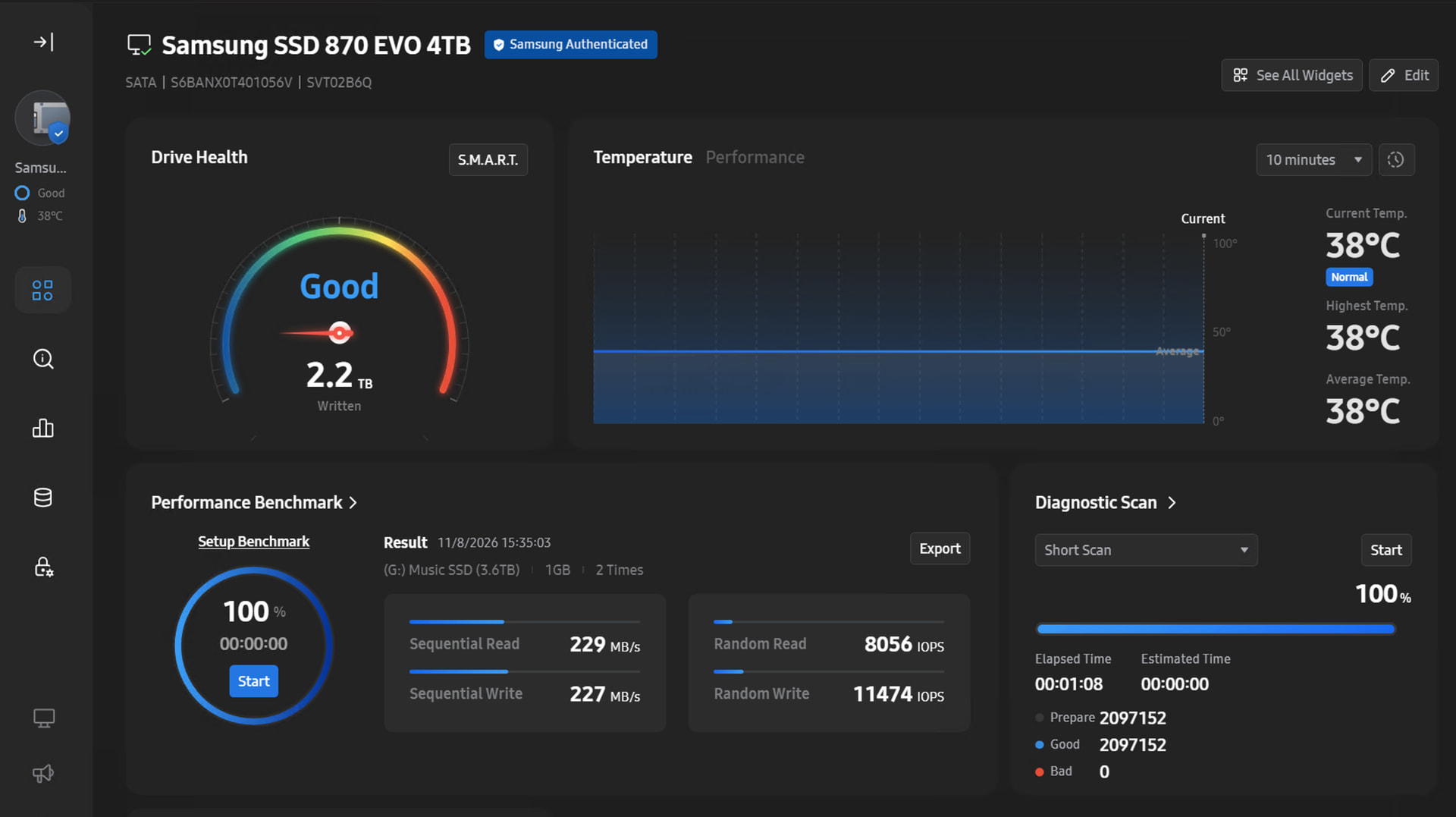
Check the drive’s health and firmware in Samsung Magician. If it reports errors or a firmware update, let us know.
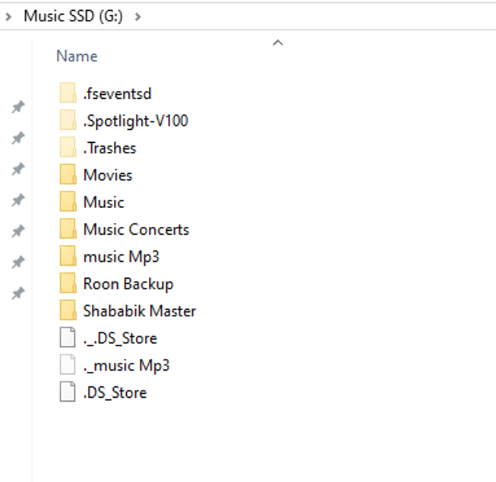
Look inside Roon Backup / RoonBackups for any other folders with long ID names besides 99de2f2d-4944-c0c5-e992-8e7a6c501577. The December 2025 backup you mentioned isn’t in that folder, so it may be in another one. If you find one, try Restore and choose that backup.
If any of these turns something up, the restore may work again and bring your playlists back with it.
Thank you, no rush. Please take your time with the disk check and the folder search, and keep the SSD as it is until then, with no new backups and no deletions. Once you’ve had a look, please post what you find here and we’ll take it from there.
Just checking in on this. Were you able to run the disk check and look through the folders we mentioned, while leaving the SSD unchanged with no new backups or deletions? If you have anything to report from that check, please reply here and we can pick it up from there.
Please note, if we don’t hear back from you this thread may close automatically soon. If the thread auto-closes and you need further assistance, please submit a reopen support request via the technical support help form below and specify that the issue should be reopened. Thank you.