Roon Core Machine
Intel NUC i7, 8GB RAM, 128 GB SSD
Networking Gear & Setup Details
NUC → tplink GB switch → Synology NAS
Connected Audio Devices
only networked endpoints - RPi, Aries Mini, PS Audio DAC/bridge, PC
all work
Number of Tracks in Library
7346 artists, 23497 Albums, 259625 tracks
various formats : flac, mp3, AIFF - mostly lossless uncompressed
Description of Issue
this nuc worked fine previously, was running roon on ubuntu studio 18 LTS and a low latency kernel
after a few years, the ubuntu got corrupted during a series of software upgrades after a prolonged downtime during vacation -
decided i wanted to try dedicated ROCK implementation -
installed fine, and it is busy cataloging the music database (just started from scratch there too)
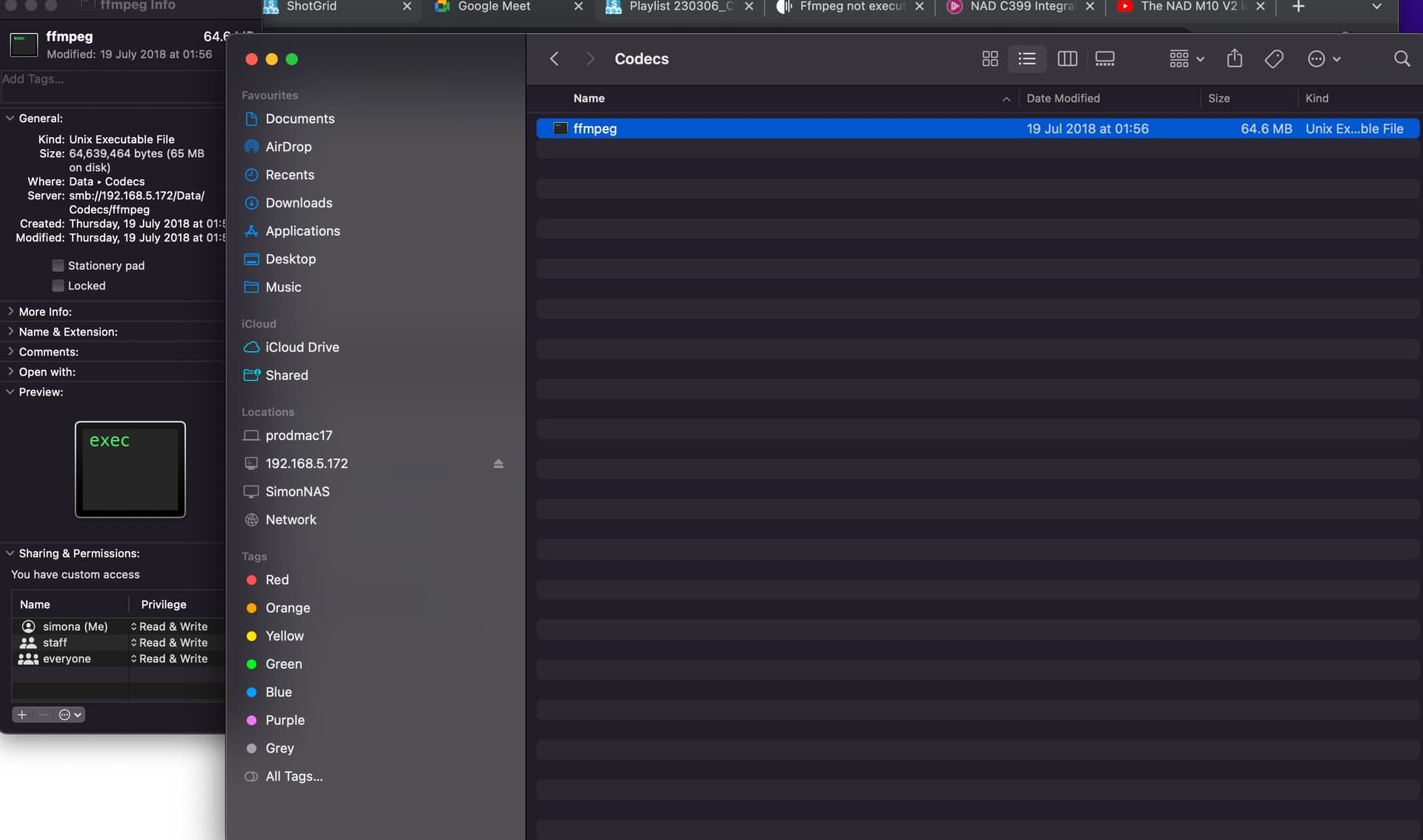
I can’t seem to get the ffmpeg to work - i got the recommended static binary executable from your site that was recommended - put it in the /Data/Codecs directory several different ways - smb:// from a linux box, and also from a windows box -
the file is in the directory - ROON will not play mp3 files, nor mp3 streaming radio sites; it will play the radio paradise flac stream, so pretty sure it is isolated to mp3 playback
i’ve “looked” at the permissions via a file manager app in the linux box - the ffmpeg shows “nobody” for permissions for execute or write, “only owner” for view content. I can’t seem to switch it to executable.
it is executable prior to the transfer to the ROCK box; also no changes after reboots or “reinstalls”
from the web page. – any help, or should i give up on the ROCK and go back to my prior implementation?
Thanks for any help
Robert.
 )
)