Roon Server 2.7.0 on Docker Synology, DSM 7.4; remote on iPadOS 26.5.2
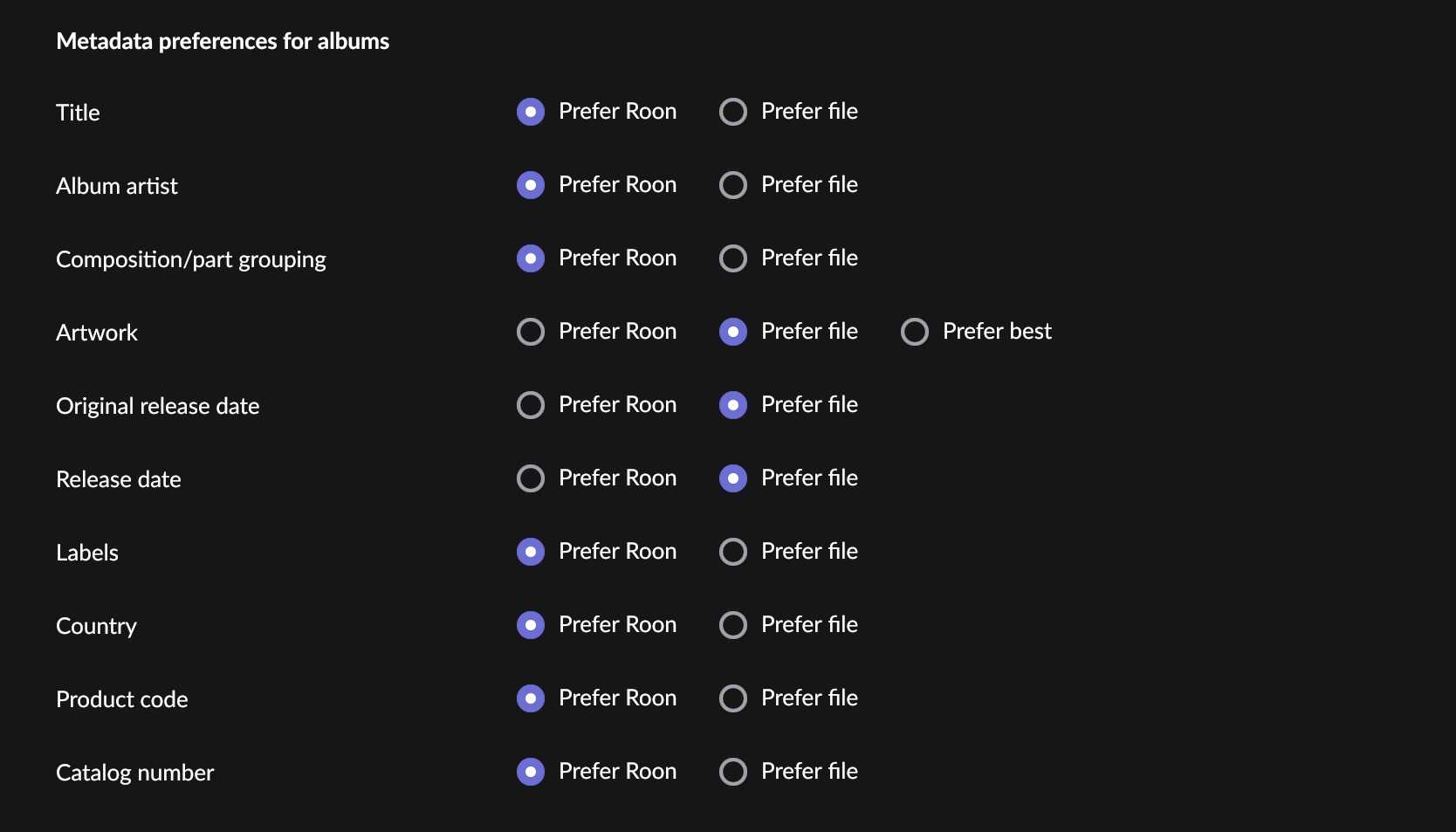
This is a courtesy report from a user new to current Roon software - I last used Roon a few years back as part of a review. As I copied part of my library over to Roon to gain some experience with the latest software I noticed that my cover images were sometimes missing or in a few cases not my curated version despite selecting the option to prefer my own artwork.
So, this sent me into a bit of a rabbit hole to determine the pattern since my artwork has been heavily curated over a decade+. What I found is described in technical detail and I have already remediated my library to make it compatible with Roon fully. The failure is silent and the fix on Roon’s side is likely small should they deem it worthwhile, so I wanted to document it. To be precise about the file class up front: these are **fully valid JPEGs** (the marker ordering is spec-legal per ITU T.81, and every other decoder I tested renders them); what they lack is the JFIF/Exif APP marker convention that format sniffers commonly key on. Unusual in the wild, but deterministic — anyone running the same tool combination produces byte-identical results.
Symptom (finding 1): JPEGs with no APP0/APP1 marker whose first marker after SOI is the SOF0 frame header — the file begins `FF D8 FF C0` — are not displayed as artwork in either context: embedded covers show no file-art candidate in the Album Editor’s artwork section, and the same file placed as cover.jpg in the album folder is likewise ignored. The embedded PICTURE block is valid (type 3, image/jpeg, correct dimensions) and the image decodes in every other player, computer application, utility I have ever used. Roon appears to identify image type by magic bytes and does not recognize this opening.
How such files arise: metadata strippers (e.g. `exiftool -all=`) remove the JFIF APP0 segment along with real metadata. Applied to JPEGs whose encoder orders the frame header before the tables — observed with Pixelmator Pro exports, which encode through Apple’s imaging frameworks — the result opens `FF D8 FF C0`. In my library, a legacy artwork toolchain had produced ~6,000 such covers over the years — invisible everywhere until Roon.
Variant testing: I built a five-file test kit from the same synthetic artwork (byte-level constructions; happy to supply the files) and tested each both as a folder image (cover.jpg) and embedded in FLAC PICTURE blocks, in separate albums to avoid cache effects.
Results:
| Test file | Construction | Folder art | Embedded in FLAC |
|---|---|---|---|
| 1 — clean | JFIF, terminates at EOI | works | works |
| 2 — FF D8 FF C0 | no APP marker, SOF0 first (Apple enc + strip) | FAILS | FAILS |
| 3 — FF D8 FF DB | no APP marker, DQT first (libjpeg + strip) | works | works |
| 4 — FF D8 FF EE | APP14/Adobe first (Photoshop + strip) | works | works |
| 5 — trailing bytes | clean JFIF + 4 bytes (00 0A 00 00) after EOI | works | FAILS |
This localizes the two rules: the `FF D8 FF C0` rejection is in the shared image-identification layer (both paths refuse it), while the terminate-at-EOI requirement is specific to the embedded-art extractor — plausibly a validation of parsed stream length against the PICTURE block’s declared data length, which folder files never face. All five files decode correctly in every other application tested; files 2–5 are spec-legal JPEG (the marker ordering rules only require tables before the scan, and trailing bytes after EOI are ignored by conforming decoders).
Real-world incidence in my library (10,233 albums): ~6,000 covers with the `FF D8 FF C0` opening (a legacy toolchain stripped JFIF headers from JPEGs for years) and 172 covers with small trailing pads (2–4 bytes, a legacy tagger’s text-terminator bug). Both populations are now remediated on my side; the numbers are to show these file classes can occur at scale in curated libraries, not as one-off corruption.
Why these failures may go unreported (hypothesis)
One observation that may explain why neither issue may have surfaced before despite existing in the wild for years: when file-art extraction fails, Roon silently falls back to its own database artwork, so for any *identified* album the failure is invisible — the user just sees art and never knows it is not theirs. The only visible symptom is a blank cover on an album Roon cannot identify, which is how I caught it. The users most likely to be affected (curated libraries heavy on audiophile pressings and obscure releases Roon cannot identify) are the only ones who ever see a symptom.
A per-album indicator of artwork source — or an option to disable the database-art fallback entirely — would make this class of failure self-diagnosing.
Hope this is useful to someone.