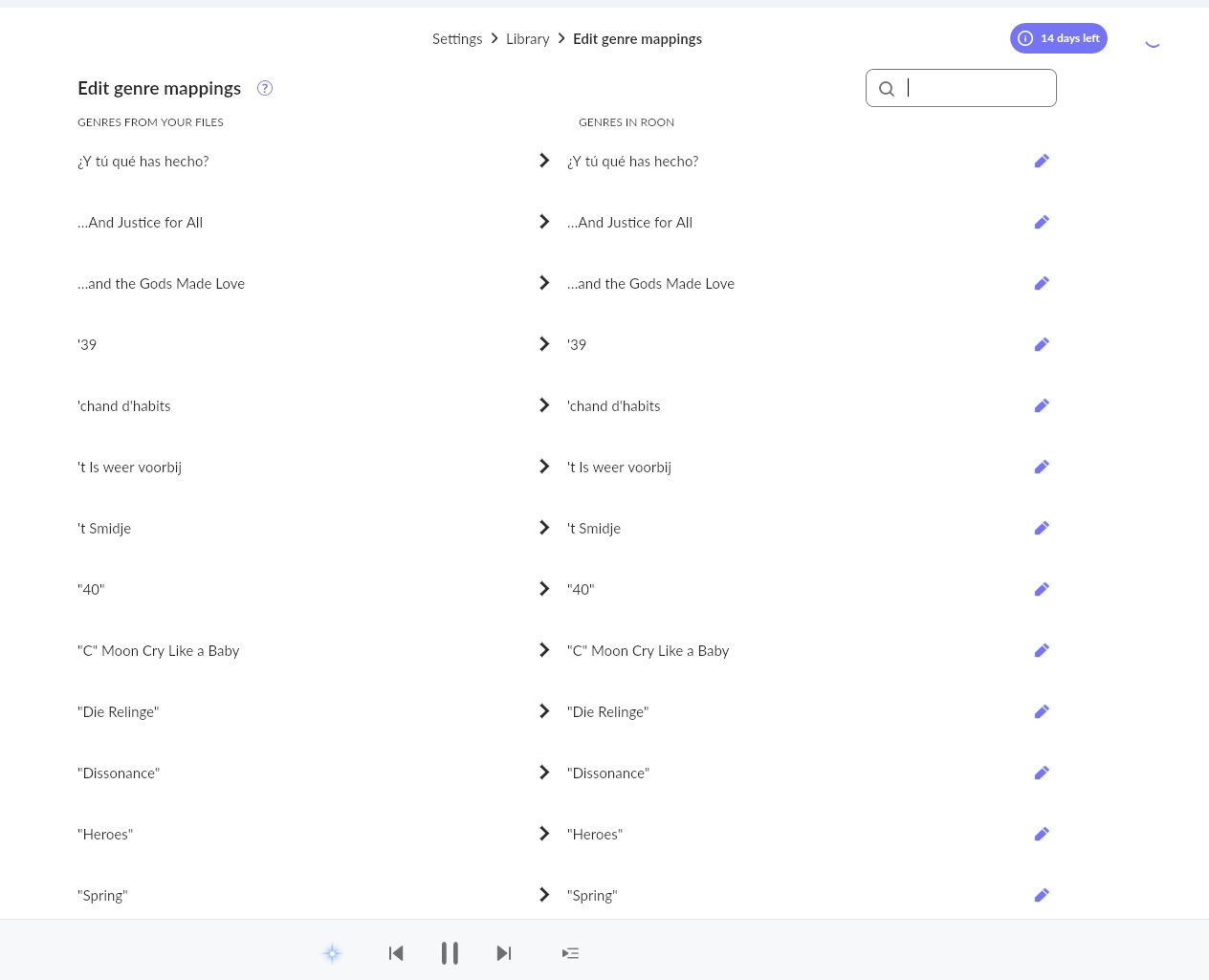
This item of the menu just extracts the tags from your audio files and shows the String that was written into “genre” tag of the file.
However, in order to confirm this problem, could you please take few of those files which you see on the screenshot, archive them and send to our media storage ? We’ll have a look at them and act correspondingly .
I have just reviewed the files you sent and can see that the problem is caused by metadata tag called “Style” . “STYLE” is serving for storing subgenre while in your audio files it is saving just the name of the track.
I’d recommend you to either remove this tag or write it properly.
ok, thanks a lot, Alex; this explains it; bizarre though; then I think i will write TAG to TAG from current ‘genre’ to ‘style’ in my flac’s since they actually do contain subgenre; much appreciated
although I did empty (choose that road in the end) all Style Tags and even removed the storage share and had the full library rebuilt, these faulty genres coming from the style TAG still figure in here; any means to get them out? they’re no longer being used, but it’s not a pretty sight, you know; see screenshot; thanks!
So, the initial problem was a bunch of weird Genres in ROON. As you colleague found out, the result of Picard Classical Plugin copying the title name into the ‘Style’ tag. So, I opened ALL my FLAC’s into mp3tag and emptied the ‘Style’ tag.
As a result the Genres menu was clean and only shows the default ROON Genres. I do however also have my own Genre tags and these are Mapped in ROON.
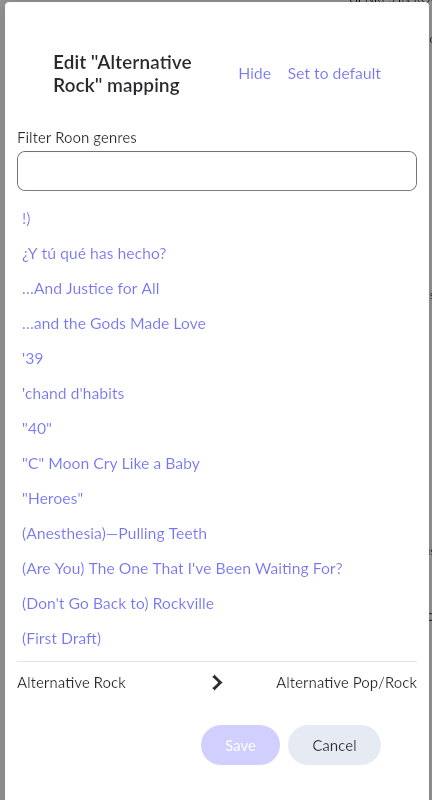
However; when I go to Library - Genre Mappings, all these wrongly imported genres from the Style Tags are still in there. They are not being used, but it looks really messy.
Hence, I removed my music folder from ROON, restarted and added the share again, to rescan everything.
But still these names are somehow in there, not sure where to delete them. The genres in the albums are OK, it’s just a messy sight when I do Genre Mapping with all these faulty names in there, as you can see on previous screenshot.
So, the files were not actually moved from their location (being 1GB), but the library was removed and re-added? I don’t see how moving them, would make any difference. Since these genres are not in the file tags itself anymore.
I restarted the ROON server which runs on Ubuntu and that apparently has done the trick. So these bogey genres were held in memory or some temp file.
This seems solved.