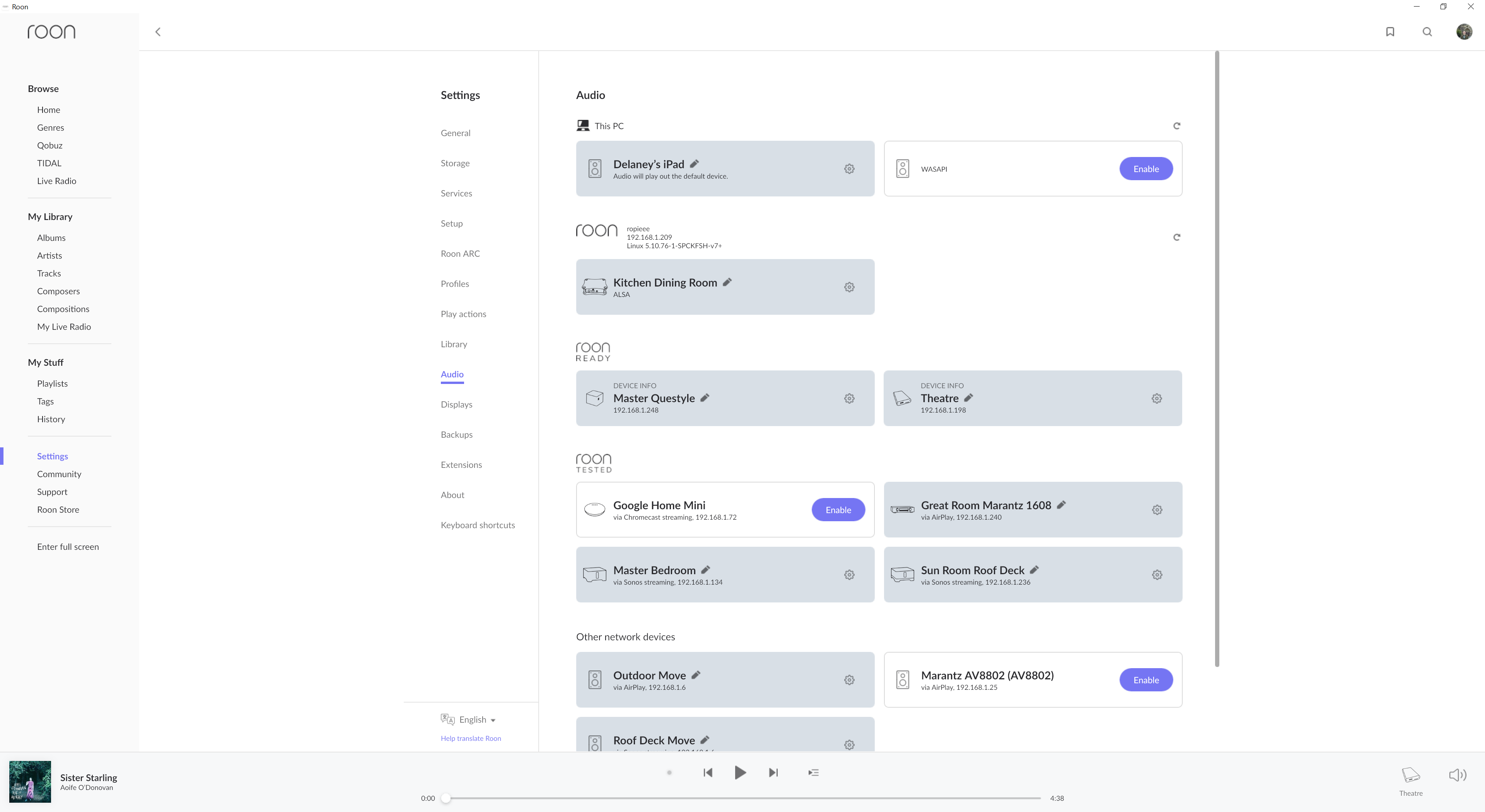
Server side running ok, but client side on Windows 11 device has suddenly stopped working this week. Similar to another user’s post.
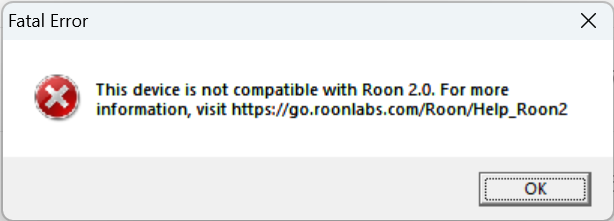
Server side running ok, but client side on Windows 11 device has suddenly stopped working this week. Similar to another user’s post.
Is Roon support looking at this - it seems pervasive across the community?
Hi @Bradley_Reid,
Please fill out the necessary system information below:
Include your operating system and machine info (Model, CPU, RAM)
Your network gear (model of routers/switches) and if on WiFi/Ethernet
Specify what devices you’re using and their connection types, like USB/HDMI/Chromecast, etc.
Tell us how large your music library is, eg. “30,000 tracks”
Tell us about the problem you’re having in as much detail as possible. Screenshots are always appreciated!
With that, let’s try a database refresh on the troublesome windows remote:
Roon Core Machine
| Device name | DESKTOP-F1P29I3 |
|---|---|
| Processor | Intel(R) Core™ i7-6770HQ CPU @ 2.60GHz 2.59 GHz |
| Installed RAM | 16.0 GB (15.9 GB usable) |
| Device ID | E83002AE-E609-4BA1-BD2D-170B06F8C482 |
| Product ID | 00330-80005-53235-AA228 |
| System type | 64-bit operating system, x64-based processor |
| Pen and touch | No pen or touch input is available for this display |
| Edition | Windows 10 Pro |
| — | — |
| Version | 22H2 |
| Installed on | 9/15/2020 |
| OS build | 19045.2965 |
| Experience | Windows Feature Experience Pack 1000.19041.1000.0 |
Networking Gear
Asus RT-AC88U
Hard-wired Roon Core and Windows client which is no longer working and sending the error message
Connected Audio Devices
Number of Tracks:
36325
Description of Issue
See above. Roon core working and supporting all audio zones other than Windows 11 machine, which abruptly stopped working upon Windows patch installation. Not clear to me if Roon Support is suggesting that I re-install Roon Server on the Core in above correspondence?
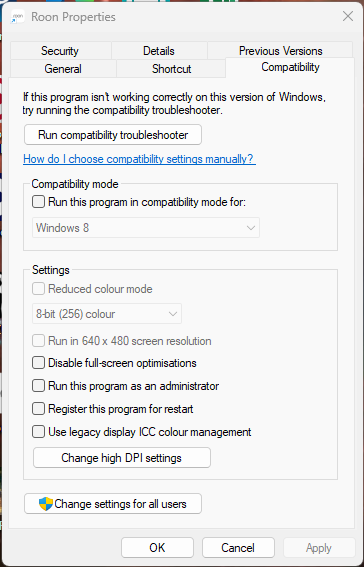
@Bradley_Reid - Have you tried the fix suggested in the other thread? I.e. turning OFF Windows Compatibility Mode for roon.exe?
Right-click on the Roon icon on your Windows desktop, choose Properties and go to the Compatibility tab…
Thank you Geoff_Coupe!
I had previously set the properties for launch of Roon on this machine for Windows 8 Compatiability due to an issue of the screen freezing any time Roon was not in full screen mode. Unchecking it seems to have solved the launch problem. And, as best I can tell somewhere along the way the screen mode problem seems to have been remedied.
This topic was automatically closed 36 hours after the last reply. New replies are no longer allowed.