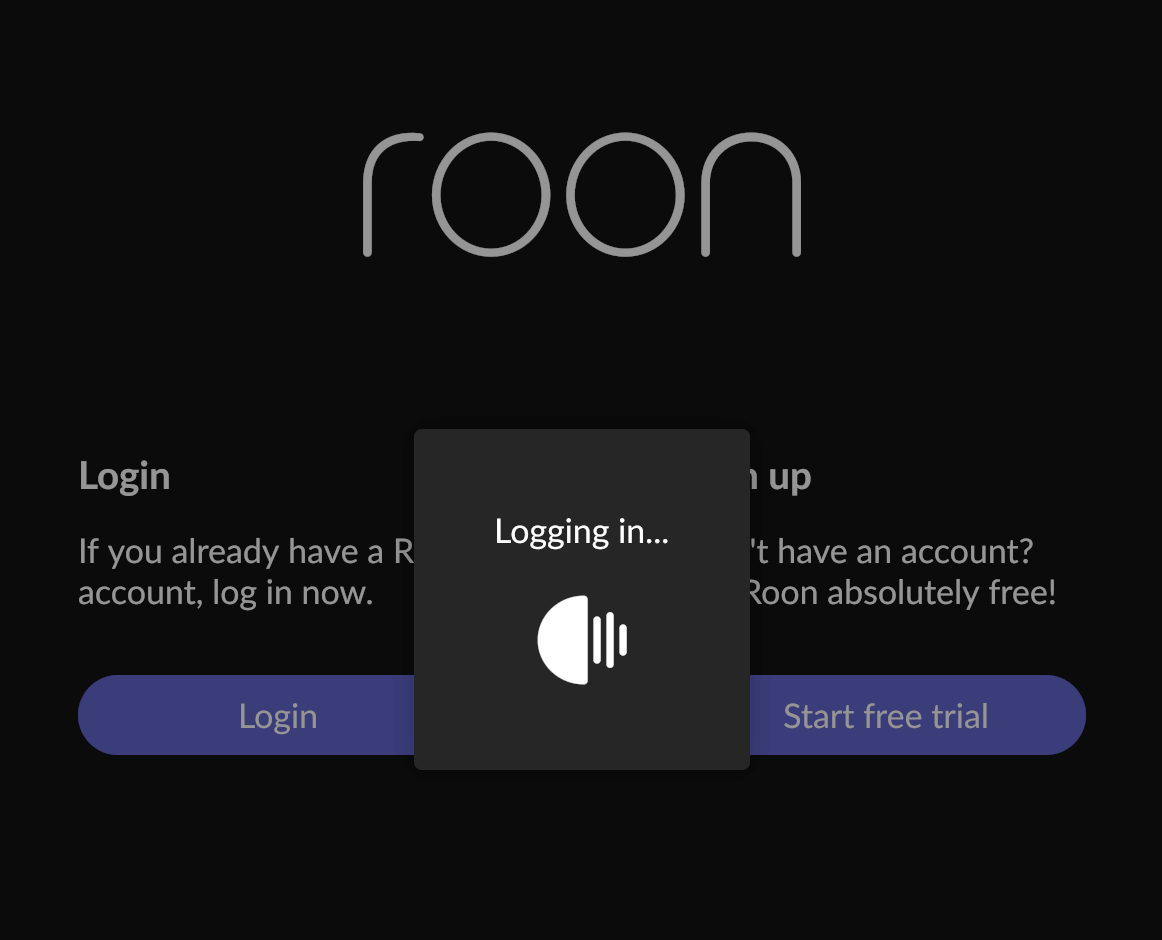
Hi. Long term user here without any big problems.
I had to stop en restart my NUC with ROCK. Then I needed to login again from my Macbook m1 (but it also did not work from my iPhone and second computer, Mac mini m2Pro.
I am getting into a ‘loop’ from Roon app login to the website login getting back to Roon app login. In Between the Roon waiting logo is shown. But nothing happens.
I have read some other login loop questions here. So I shut down my firewall, stopped my Sophos antivirus. I don’t have any add blockers. And changed my DNS server to cloudfare. I also tried a different browser. But nothing seems to help. Also not from the iPhone or other computer. What can I do?
I just setup a server on my MacBook and when login in I get no problems at all.
(so at least I can listen to some music while figuring out what is going on ;))
I was thinking: maybe I need to change some things on the NUC itself? Like DNS server or something? Never looked on the NUC itself since I bought it pre installed with ROCK.
I have IPv6 already disabled on my router. For the fun of it I put it on. But that made no difference
I have never installed a ROCK before so. I will check out how to do that.
I had an automatic Roon Backup yesterday. Is that enough backup to not loose anything of my Roon information?
It’s working again!
But to be honest I don’t know what solved it.
I did several things:
Going to the IP address on my browser of ROCK I double checked everything. There was everywhere a green OK. I did a restart through there (had done that before) Then I saw under the network tab: wireless. I remembered I shut the wireless route of on my router. So just to try things I made it possible to connect also wireless. I can’t remember if I restarted my router or not. But when I try to login again I was transferred back into Roon but this time on a total black screen except for the Roon waiting logo.
Since I was cooking I let it do it’s thing and after more than 5 minutes Roon started working again.
So no clue what did it but I am happy again!
Thnx again for your help. And maybe this might help other people just for trying some things.
no problem. Luckily I had some time on my hands to ‘solve’ it. It is actually the first bad encounter in 4 years. So that is not a bad thing.
I don’t think I have a private wifi connection. Never set that up. Or Apple might do that native for me?
I have a Ziggo router that not functions as a router but only as a signal pass through for my router (forgot the name of the setup like that) It feeds a Netgear Orbi router.
I have a Netgear switch between the orbi and the NUC ROCK