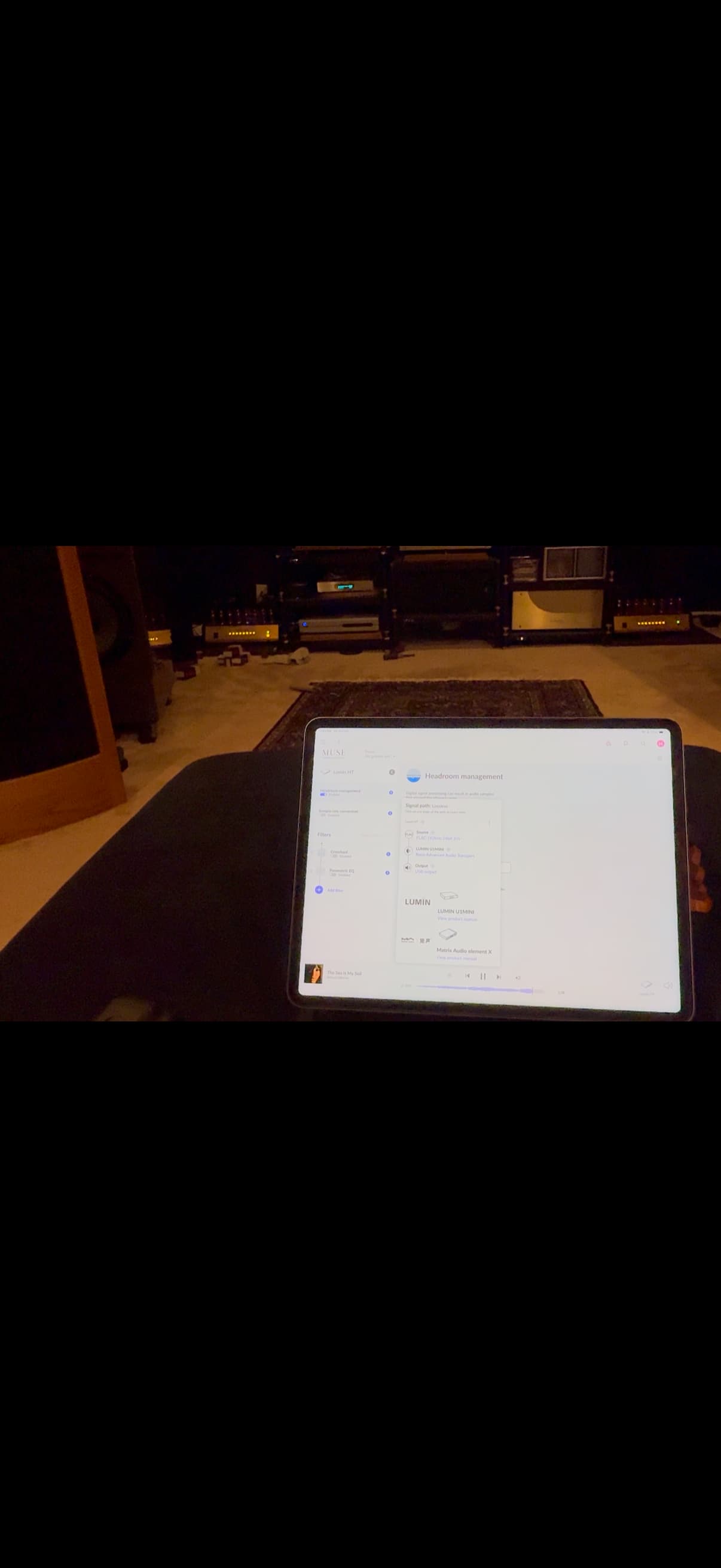
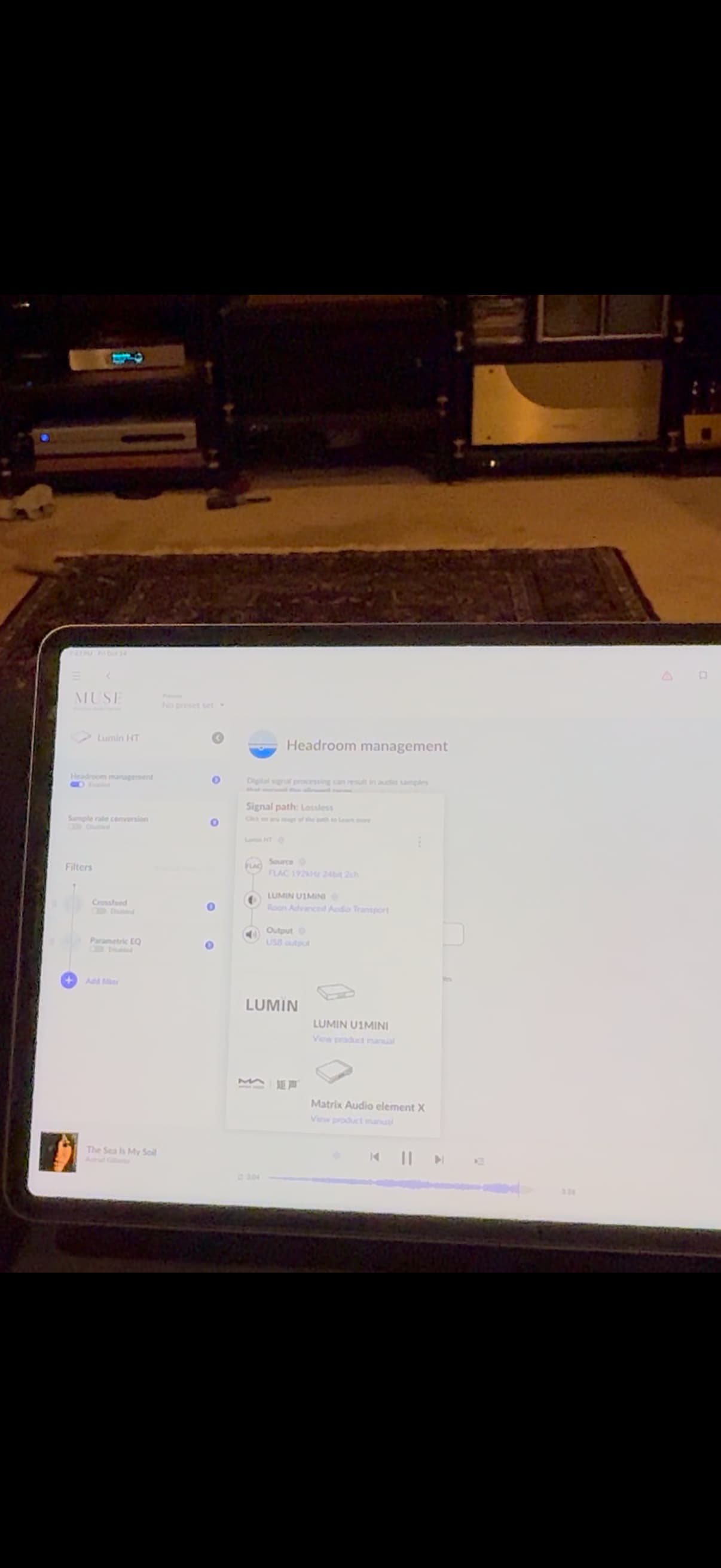
Nucleus One connects to Lumin streamer to PS Audio DAC to Preamp to tube mono amps
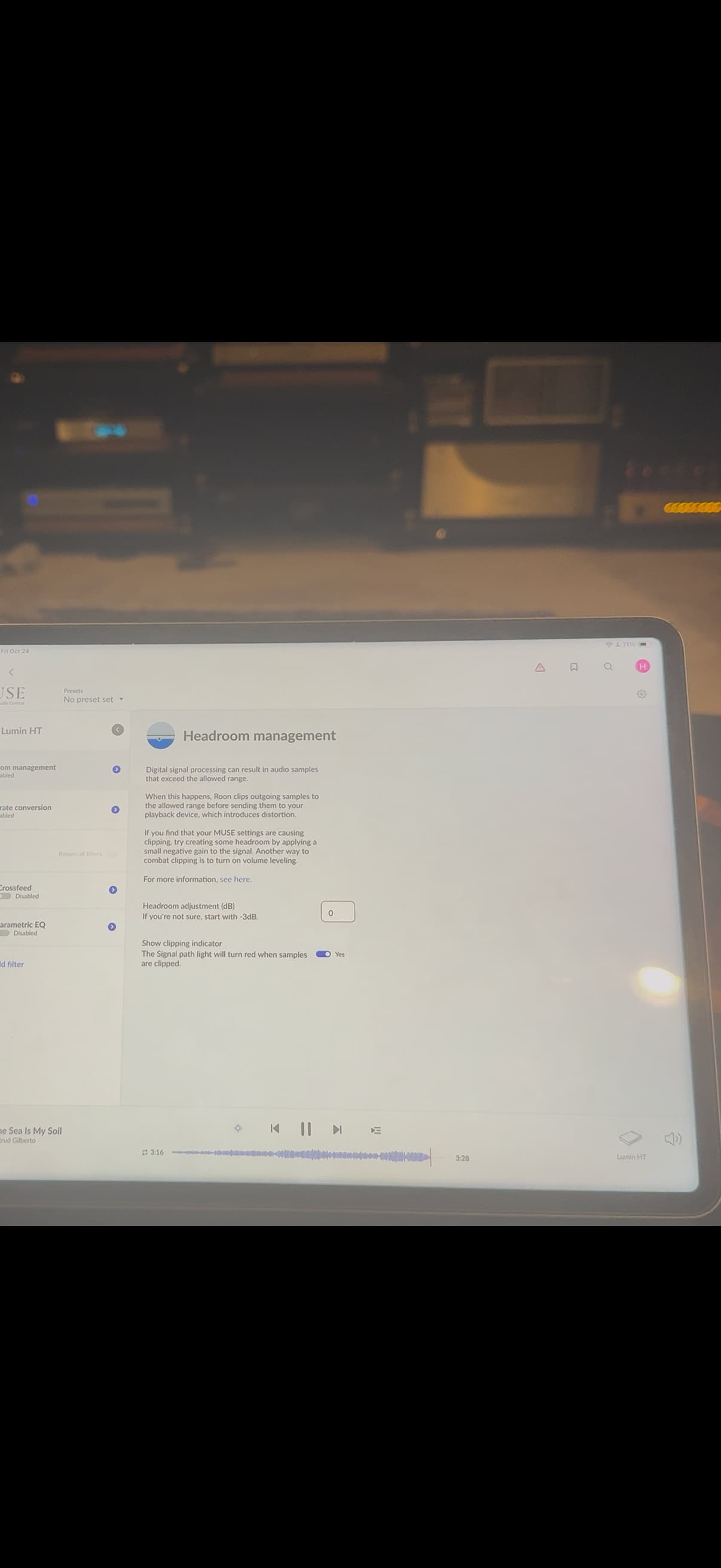
When I play a certain track, at preamp setting 69/100 level it shuts down the left mono amp. If I reduce preamp level to 67/100 then it plays fine, If I adjust Roon Headroom level to -4dB, then it plays fine at 69/100 volume. I can also adjust the DAC volume if needed.
Where is the best place to adjust input volume (in Roon vs DAC) to optimized sound quality and loudness? And I wonder why it shut down the left mono amp not the right one when it clipped.
mjw
(Here I am with a brain the size of a planet and they ask me to pick up a piece of paper. Call that job satisfaction? I don't.)
2
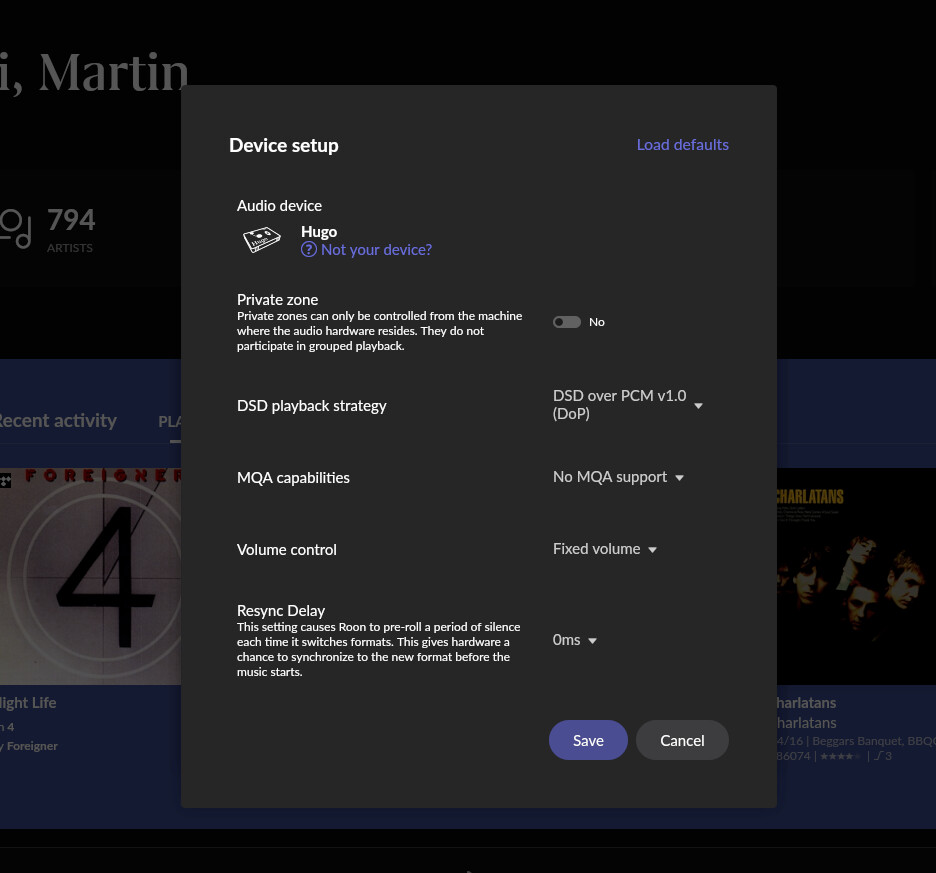
It’s unclear if you have enabled headroom in Roon. Consequently, it would be really helpful if you shared Muse settings for the zone plus the signal path when clipped is observed.
Good to see you on the community! @mjw has asked some excellent next questions here - would you be able to send over a screenshot of your Signal Path when the clipping is observed?
DAC volume is fixed at 92/100. If I increase either DaC or Preamp vol over a threshold then the amp will clip and shut down, only the left mono amp,
I did not see Roon clipping indicator.
mjw
(Here I am with a brain the size of a planet and they ask me to pick up a piece of paper. Call that job satisfaction? I don't.)
9
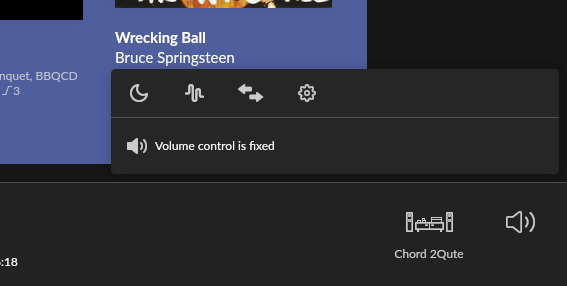
This seems to be a contradiction. If you have the device volume set to Fixed volume, there is no volume measure. For example, …
In that case, it doesn’t seem to be a headroom issue, but rather, a problem in the analogue domain, i.e., too much source gain. If it was an issue with headroom in Roon, the clipping indicator would be seen.