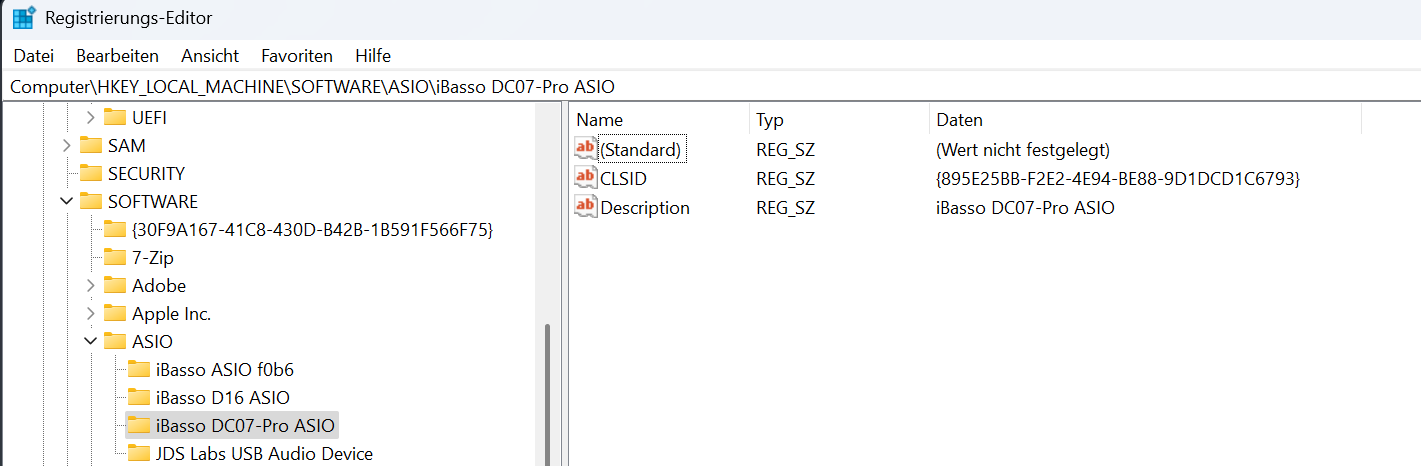
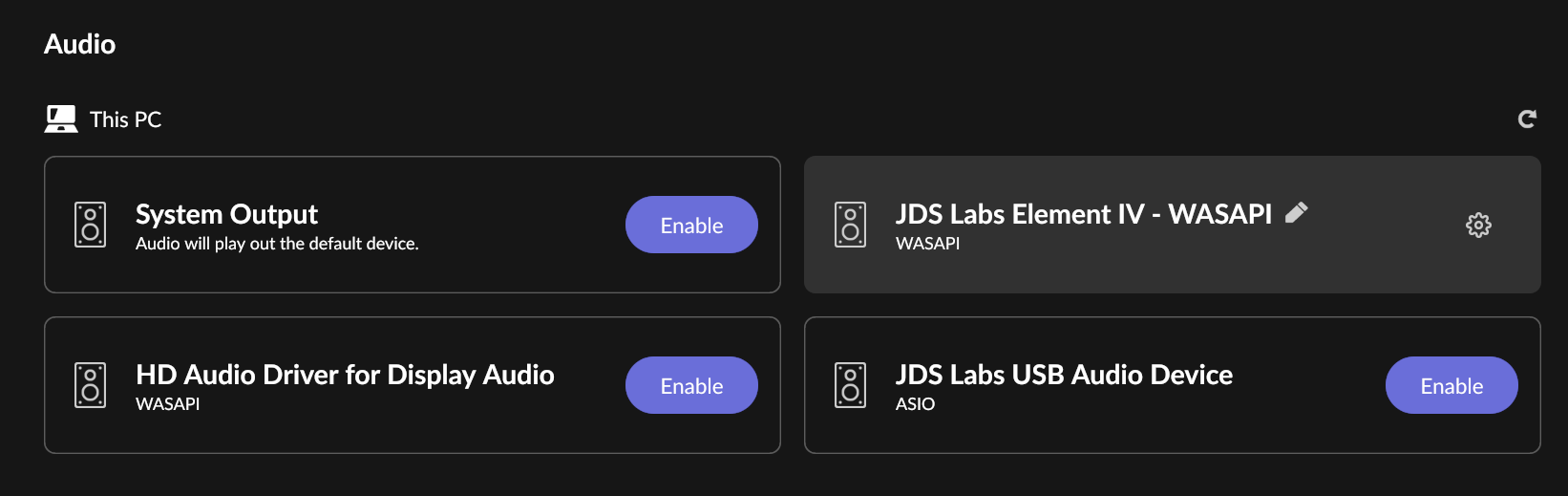
Thanks Mike. Did that again. But it is still there.
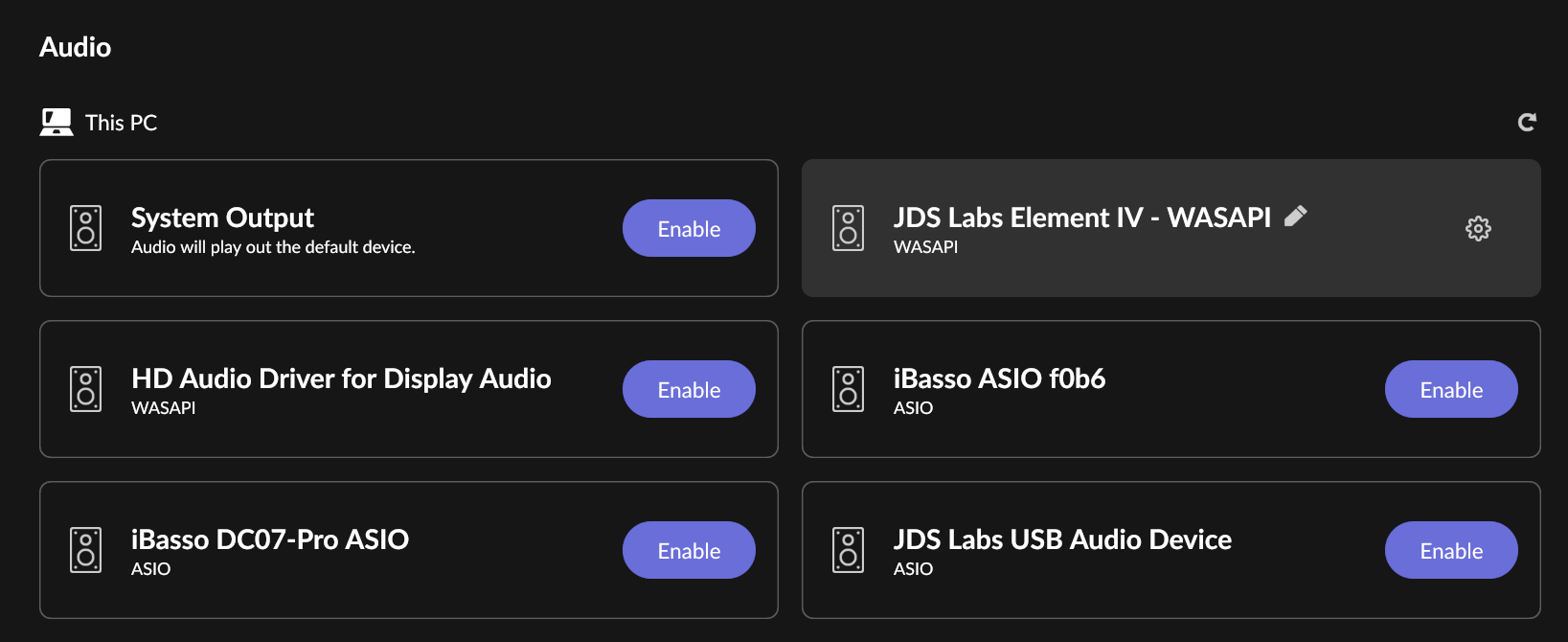
Torben
Bummer,
There must be traces in the registry left over unless Roon is retaining this info somewhere.
–MD
I have the opposite problem. I have a Topping E50 on a PC at 1 location and a Topping L70 at another location on a PC and it only shows up once as the same device in Roon.
–MD
Delete them. Hit the Function key F3 for next entry if any.
–MD
That was good advice from @MikeD. Nice work!
Just a bit of advice for the next time you do surgery on the registry. In RegEdit, you can right-click a folder in the left pane and select Export… Do this to back up whatever you plan to modify or delete. If something goes wrong later, you can import the export file with File > Import…
You never know if some app or service is going to have a problem when it looks for a registry key it expects to be there and doesn’t find it. Usually it’s fine but occasionally it isn’t.
THX  I better bookmark this page
Torben
You are right. In hindsight that was the correct way. I created a earlier post with those instructions but slim the post down to 1 sentence omitting this.
–MD
I tend to use Revo Uninstaller as that seems to clean up the Registry fairly well after uninstalls. Saving the Registry before hand is, of course, a very sensible suggestion.