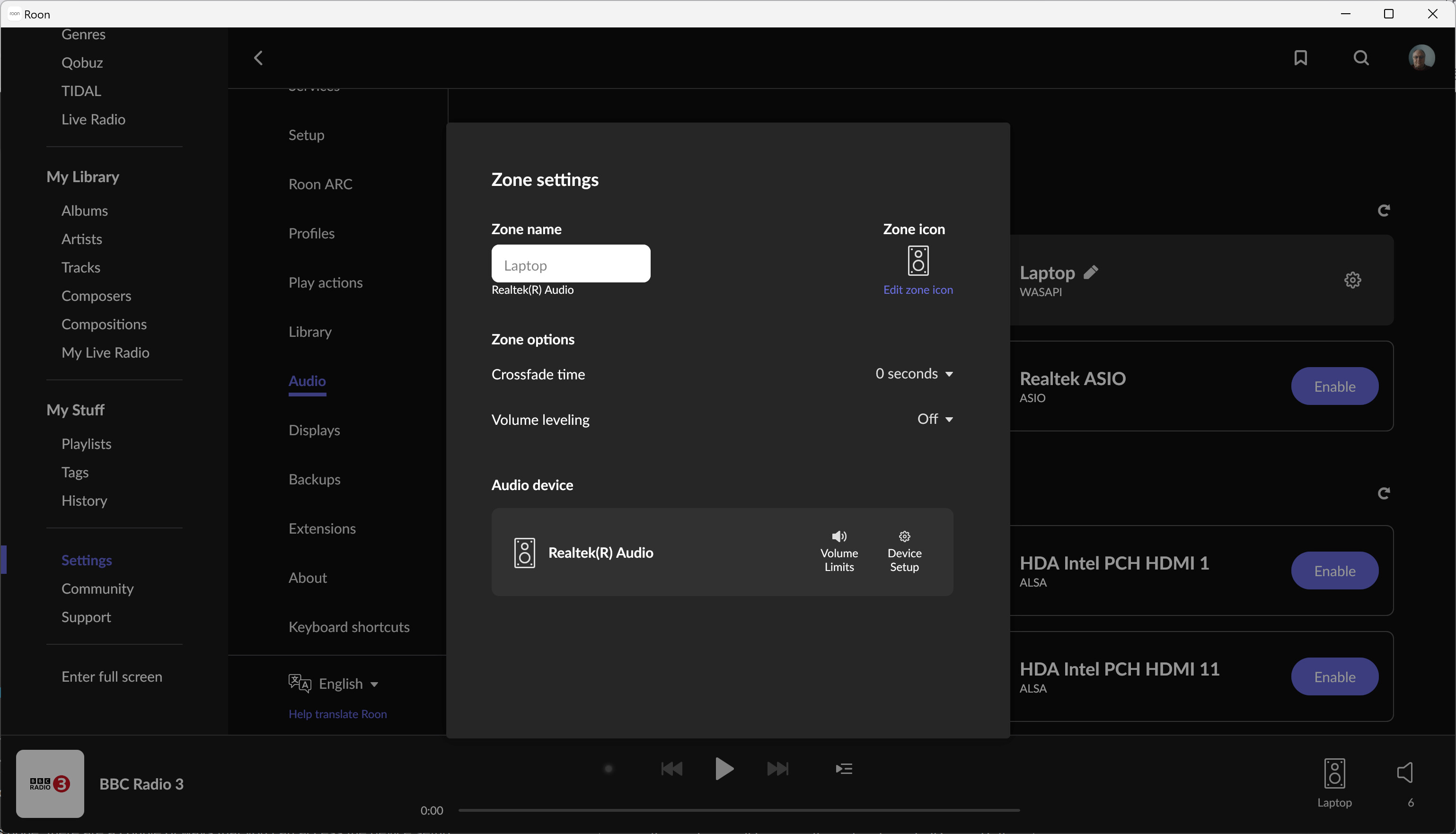
Is the Mission LX Connect enabled in Settings->Audio. If not you need to enable it and give it a name.
Once that is done, there are a couple of ways that you can access the device setup:
In Audio->Settings, to the right of the Mission LX Connect box, there will be a cogwheel symbol - select this and you will be given the option to go to ‘Device Settings’
From outside of settings, you can access device setup on the currently selected endpoint: Either right-click on the little equipment diagram labeled with the name of the endpoint and select device setup or click on the volume control where you will see the cogwheel. Clicking on the cogwheel takes you to a screen like (using my laptop endpoint as an illustration because it is the only endpoint current turned on):