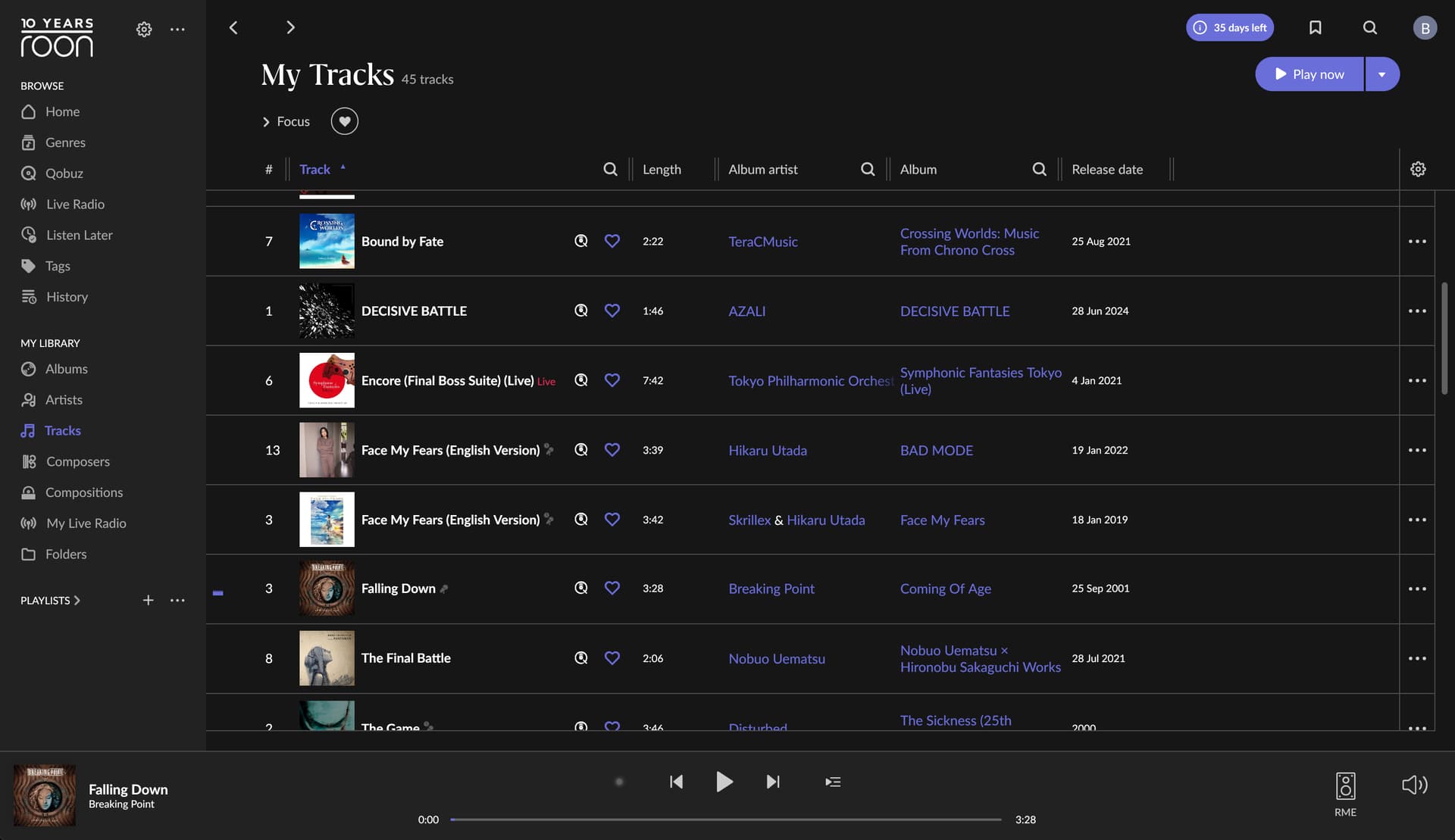
Tons of wasted space. How do I remove most of the blank space between songs? I don’t see a way to remove the album art. This is on a 4k display with scaling set to application.
As far as I am aware you can’t. The Roon UI whilst great for content and thoughtful shortcuts/links is a total mess of wasted space and oversized fonts. Only thing you can change is “show more album art” which downsizes the album art but does not appear to change the font size below so the descriptions become a mess of Rolling S… Should add I am on a Mac so maybe there is a way with scaling on Windows that enables this.
You can try adjusting the scale factor for the Roon app. I had to do this on my mothers laptop so she could see the text.
Give it a shot, here is an old post on it: