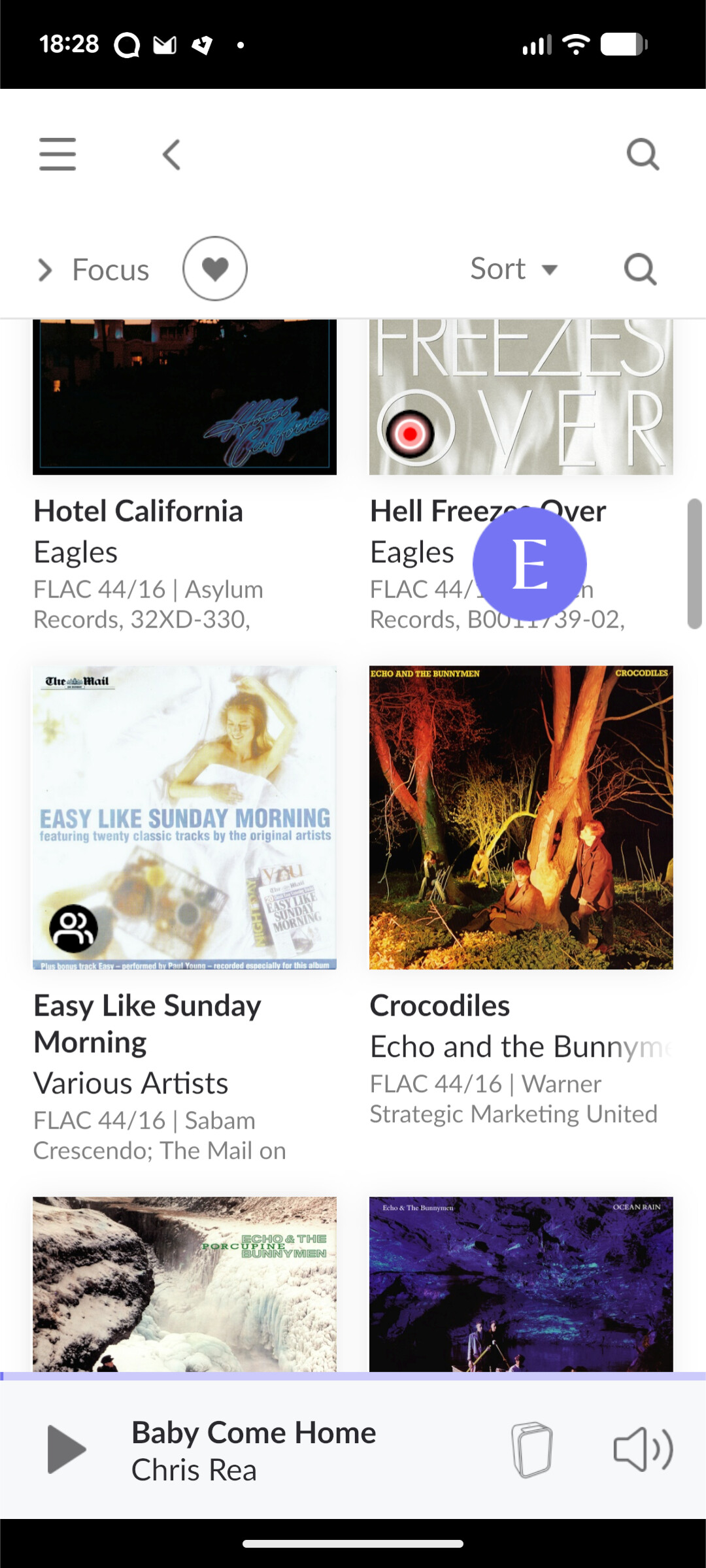
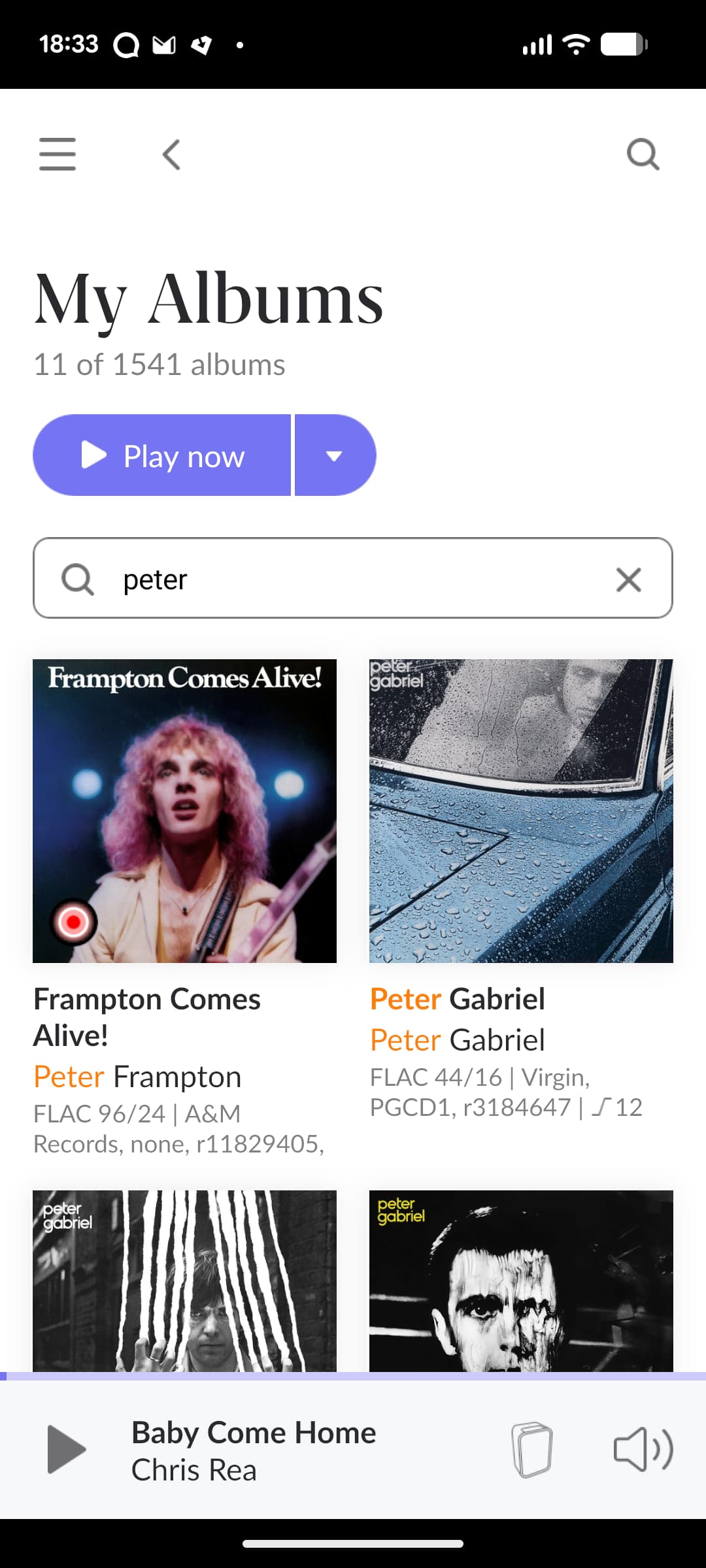
On my Android phone when I view favourite Qobuz albums I can only see six albums on the screen at any one time. Can I change the display to show a one line per album list so I can see more than six? When you have a couple of thousand favourites it means continuous tapping because the slider bar is impossible to use. Maybe there is another way to get to the end of the list but I haven’t found it.
The slider bar on the RHS of the display is useless. I cannot take control of it to make moving to the end of the list easy.
1 Like
mjw
(Father! Father! Resist not! Let us destroy the core! Set us free!)
2
Touch the slider and hold, and you can move through your collection quickly. Roon will display where you are.
I always like to browse through the library with the most recent albums at the top and I don’t filter as quite a lot of the titles and artists are not memorised. So I pick albums to listen to at random as I browse. So I never use filter or sort.
The slider bar as I have said is useless to me. It seems impossible to pick up unless some sort of stylus is used. Perhaps it’s done screen property in Android that needs adjusting but who knows what that is.
Would be better if I had titles on screen and not the album covers as they take up a lot of screen estate.
Added my vote. Deeply dislike viewing albums 6 at a time on the phone when a list with smaller art on the left (as found on many other apps) would be both better looking and more functional.
FWIW the very best I’ve seen is the current Qobuz Android app, which if albums are sorted by artist will create separate groups of albums under headers for each artist, and it’s lovely.
There is no option to display Qobuz favorites or Roon library albums as a list (whether on Android, iOS, Mac or Windows).
I’m able to make slider bar work on my Android phone (Samsung), but it is very finicky. The touch area of the slider tab is tiny and difficult to hit accurately with a finger (I usually have to make several attempts while adjusting my finger slightly). It doesn’t help that the tab disappears after only a couple of seconds. Keep trying, and with practice you’ll get better at making it work. BTW, the slider bar is much easier to operate on iOS than on Android.
As others have mentioned, it helps to use the focus and sort functions. These functions are available if you use the Roon “My Library” > Albums. They are not available under Qobuz > My Qobuz > Favorite Albums. In particular, the sort functions are toggles that allow you to flip the direction of the sort, so you can effectively go immediately to the end of a list.
mjw
(Father! Father! Resist not! Let us destroy the core! Set us free!)
8