How to Create an RP400 Endpoint for Roon and HQPlayer without RoPieee

This post provides step-by-step instructions to create a surprising great steaming endpoint – a Raspberry Pi 400 running Roon Bridge and HQPlayer Daemon. RoPieee is not part of the solution. A comparison of this RP400 streamer with WiiM Pro Plus is provided at the end.

I. Initial Problem: RoPieee Instability on RP400

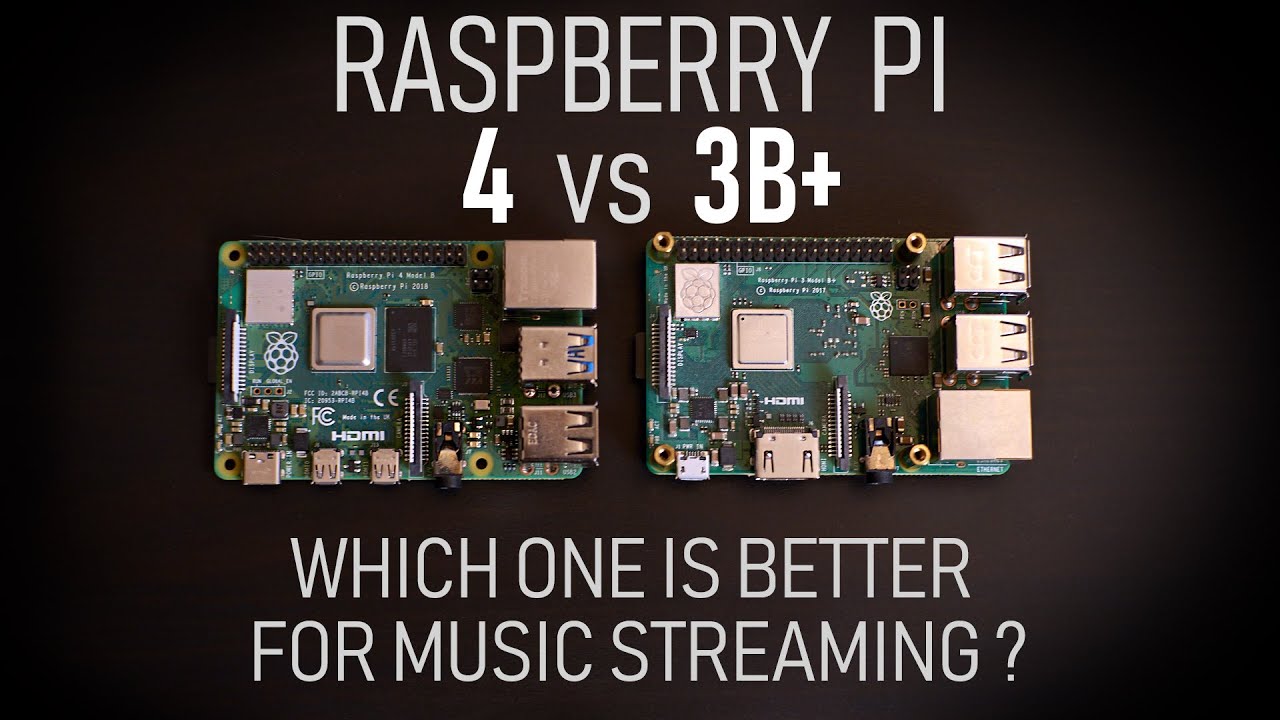
I was using Qobuz Connect until I demo’d a Roon Server feeding a separate Roon endpoint. Qobuz connect was arguably more clear, but it was sterile, lacked soul and vibe. Overall, it just wasn’t all that fun. When I demo’d the Roon setup with separated server/endpoint, the sound was more full-bodied, spacious, dynamic and overall more musical. During my demo period, I used a Raspberry Pi 4 endpoint loaded with RoPieee XL.

More recently, I was gifted a Raspberry Pi 400 (RP4 wth keyboard). I tried to install the latest RoPieee image (2026.01) on the RP400. Unfortunately, RoPieee was not stable on the RP400 like it was on the regular RP4. On the RP400, RoPieee presented the following error during startup before crashing altogether: “Card did not respond to voltage select! : -110”.

I believe this problem can be fixed via U-boot (see here), but the solution was too complicated for me. I also wanted to find a solution using native software for Roon/HQPlayer, as I have a theory that native solutions produce better SQ.

II. The Solution: Create an RP400 Endpoint Running Roon Bridge and HQPlayer Daemon (NAA)

Rather than implementing a non-native RoPieee solution, the RP400 now runs native Roon Bridge (endpoint) and native HQPlayer Daemon (NAA) on Linux. The Linux distro I’ve chosen is the new Ubuntu 25.10 Desktop (Arm-64), which provides an overall streamlined installation experience.

Roon Bridge and HQPlayer Daemon (NAA) now run on the RP400 at startup, irrespective of whether a user is logged in. This enables easy headless operation. Alternatively, you can connect a monitor via HDMI and use Ubuntu apps while the Bridge and NAA operate in the background. I believe Ubuntu Desktop also offers remote desktop if a semi-headless setup is desired, although I haven’t tested this functionality.

Below are my step-by-step instructions for turning an RP400 into a Roon Bridge and HQPlayer NAA, and my comparison of this setup against a WiiM Pro Plus.

III. Instructions to Install Ubuntu 25.10 Desktop on RP400

Step 1: Download Ubuntu 25.10 Desktop for Arm 64-bit architecture here (linked from this official download page). The downloaded file is an ISO image.

Step 2: Download the latest version of Balena Etcher.

Step 3: Use Balena Etcher to flash the Ubuntu ISO image to the RP400’s supplied MMC card (or a new MMC card if you wish).

Step 4: Put the flashed MMC card into the RP400 and power-on the unit. Proceed to install Ubuntu and create a login profile.

Step 5: Login and click “Show Apps”. Then click “Software Updater” and complete the update process.

IV. Instructions to Install Roon Bridge on Ubuntu 25.10 Desktop

Step 1: Add necessary dependencies by typing the following in Terminal:

sudo snap remove curl
sudo apt update
sudo apt install curl --yes
sudo apt install lbzip2

Step 2: Run the Roon Bridge install script (per the Roon Easy Install instructions provided here):

curl -O -L https://download.roonlabs.com/builds/roonbridge-installer-linuxarmv8.sh
chmod +x ./roonbridge-installer-linuxarmv8.sh
sudo ./roonbridge-installer-linuxarmv8.sh

The above steps are also documented in the Roon Labs Community forum here.

V. Instructions to Install HQPlayer Daemon (NAA) on Ubuntu 25.10 Desktop

Step 1: Download the appropriate Linux distribution file. There is presently no Ubuntu package specifically for NAA use, but the following Debian package works on Ubuntu 25.10 Desktop: https://signalyst.com/bins/naa/linux/bookworm/networkaudiod_5.1.5-67_arm64.deb

Step 2: Type the following in Terminal:

chmod +x ./networkaudiod_5.1.5-67_arm64.deb
sudo dpkg -i ./networkaudiod_5.1.5-67_arm64.deb
sudo systemctl enable networkaudiod
sudo systemctl start networkaudiod

VI. Listening Test: RP400 vs WiiM Pro Plus

The setup: I briefly compared the RP400 setup to a WiiM Pro Plus. The WiiM Pro Plus used ethernet input and optical output to a Topping E70 Velvet DAC.The RP400 used ethernet input and USB output to the same DAC.

The test: I tested the WiiM Pro Plus with Qobuz Connect and as a Roon endpoint (WiiM does not presently support HQPlayer NAA). I tested the RP400 as Roon Bridge and HQPlayer NAA (Qobuz Connect is presently not supported on Linux systems). Most of my testing focused on Roon-based output.

Expected result: I was expecting the WiiM to win because it was using the cleaner optical output. To be honest, I also wanted the WiiM to win to justify its coveted position in my setup!

Actual result: the RP400 streamer setup absolutely obliterated the WiiM Pro Plus streamer. The WiiM was thin and sterile in comparison to the RP400, which was much more palpable in tonality, timbre, texture, dynamics, imaging, stage and depth. Subjectively, I found the RP400 more “musical” by a considerable margin.

VII. Future Listening Test: RP400 (Roon Bridge & HQP Daemon) vs RP4 (RoPieee XL)

From memory, the above RP400 setup sounds better than the RP4 loaded with RoPieee XL. However, audio memory is fallible. Moreover, confirmation bias may be kicking in, since I previously considered the WiiM and RP4 to be more or less on par. Further listening tests between the RP400 and RP4 setups should be performed before making a conclusion.

VIII. Final Note on Stability

The RP400 has been running without issue for three days with content fed directly from a Roon server, and occasionally from HQPlayer Desktop (which is on the same machine as the Roon server). Stability has not been an issue so far.

IX. Conclusion

I’m happy to declare this RP400 setup a winner. Given the choice between a WiiM Pro Plus and RP400 as Roon endpoint, the second option is better. Much better.

If you currently use a WiiM Pro Plus as Roon endpoint and were considering adding a DDC, or upgrading the WiiM’s power supply, try this RP400 solution first. It’s a much less expensive method to meaningfully enhance sound quality. For additional gains, you can also insert HQPlayer processing before the RP400. The WiiM is presently missing this functionality.

Is the above RP400 solution better than an RP4 running RoPieee? I believe the answer is “yes” based on historical listening, and because RoPieee is a non-native solution. However, I will leave this question to future direct listening comparisons performed by others. I’m quite content with my RP400, loaded with native Roon Bridge and native HQPlayer Daemon (NAA), and don’t see any need to switch the unit out.

I assume you are referring to a Raspberry Pi 4 running Roon Bridge? The 400 is simply a kit with keyboard and mouse etc.

AFAICS, there is little difference here that running Ropieee, Raspbian etc. with Roon Bridge. However, I don’t know why you’d want to install an entire desktop OS for this purpose. You’d fare better installing Ubuntu Server headless, and then use SSH to update and install the additional packages.

The goal was to find an RP and Linux distro that worked predictably with both Roon Bridge and HQPlayer Daemon, while keeping the install simple without SQ loss, and enabling other future functionaility if desired (e.g. remote desktop). I believe the offered RP400 solution accomplishes this goal.

Lighter Linux distros could certainly work as well, but I found several of them more difficult to install. For example, the Roon Bridge download page indicates Bridge has been tested thoroughly with Ubuntu 15.10, but I had difficulty finding a copy of Ubuntu 15.10. I also encountered difficulty installing/running the latest available Ubuntu server 24.04.3 LTS (for Arm) on Raspberry Pi. Meanwhile, Ubuntu Desktop 25.10 (for Arm) was very simple to install. It proved to be a great option for Linux newbies reluctant to tinker and problem-solve. I’m sure it’s not the only functional Linux distro for the intended use, but it installs easily.

Ubuntu Desktop 25.10 also works with both Roon Bridge and HQPlayer Daemon. Not all Linux distros do. To my surprise, the HQPlayer Daemon Debian package seems to work fine on Ubuntu Desktop 25.10.

I also suspect RoPieee, as a non-native solution not handled directly by Roon/Signalyst, may be inferior to native endpoint solutions. This is consistent with my recollection of not being as impressed with SQ from RP4 running RoPieee. That said, I acknowledge that further direct comparative listening tests are merited here.

It is a perfect solution solution for those who don’t want to install Roon Bridge and and OS manually. It’s also used in some commercial streamers (under licence), too.

Roon Bridge is integrated when first installed, and NAA may be added via the web interface. For the most part, Ropieee does its thing extremely well without any intervention.

Since your setup and Ropieee are running exactly the same Roon software, any audible difference is likely imagined. Indeed some would say that a GUI makes your solution noisier.

At the end of the day it is horses for courses.

The RP400 solution is easy - just follow the steps provided above. I personally think the RP400 solution is easier than fiddling with RoPieee’s web interface, which needed some extra firewall tweaking in my particular setup.

The RP400’s GUI shouldn’t cause a significant performance or noise issue, since the unit can stay in the login screen and the display output turns off after a few minutes.

I’ve heard RoPieee on RP4 and, more recently, on RP400 (for a few minutes before crashing as discussed above). It was not as subjectively impressive to me as Bridge on RP400/Ubuntu. That said, given the fallibility of audio memory, let the direct listening tests begin!

These are identical devices.

Both employ the Linux kernel, and both use exactly the same Roon Bridge binary. The only difference is a preference over installation. A streamer should not alter the sound, especially when they both use the same core component, i.e., Roon Bridge, because they are simply sending identical PCM streams to the DAC.

There must be some difference between RP4 and RP400. As I indicated above, RoPieee consistently experienced a hardware fault causing instability on RP400, while this issue did not present on the RP4. In addition, the RP400 has an onboard keyboard while the RP4 does not. Perhaps the power filtering implementation also differs as a result of the additional hardware, although I have not verified this.

I agree that streamers should not alter sound. But audible differences between bit-perfect streaming systems exist. I’m not sure it’s worth getting into the “bits are bits” debate here. Even at Audio Science Review, it is routinely demonstrated that hardware differences exhibit different noise patterns. How such noise affects the final output is a subjective experience. On this basis, I believe further debate on the superior Pi implementation would benefit from additional listening tests, per my original conclusion above.

Just to ensure my thesis here remains clear, the main points I am advancing are as follows:

  • It is easy to configure an RP400 as Roon Bridge and HQPlayer NAA, without RoPieee. Just follow the steps provided above.
  • The sound profile of this RP400 setup has considerable SQ benefits over the WiiM Pro Plus.
  • Although I recall and believe (for reasons provided) that this RP400 setup beats an RP4 with RoPieee, further direct listening tests are merited.

The 400 is a Raspberry Pi built into a keyboard, so under the hood it has a difference form, but the same components.

The Pi 400 shares the same great performance as the Raspberry Pi 4 but with the 64-bit CPU clocked to a whopping 1.8GHz thanks to the large internal heatsink.

The current RPi 4 also uses the newer (C0) 1.8 GHz BCM2711 processor.

Broadcom BCM2711, Quad core Cortex-A72 (ARM v8) 64-bit SoC @ 1.8GHz

So, you assertion of superior Pi implementation is incorrect. The only difference is the host OS.

Unless I’m misreading the RP4 and RP400 specs pages, the RP4 has more RAM options, one additional USB port, a MIPI DSI display port, a MIPI CSI camera port, analogue stereo out, composite video out, etc. These items do not appear on the RP400 specs page.

From the specs, it certainly appears that the RP4 is distributing power across more power-hungry components than the RP400. This suggests a greater (or at least different) noise profile from the RP4.

In summary, the two Pi solutions differ in both hardware and software. For reasons stated, I’m content to stick with the RP400 solution.

The only difference is connectivity and form factor. That is to say, the subsystems are present on both, but not exposed to the rear of the keyboard on the 400. Indeed, some 400s don’t expose the GPIO either.

The fact that RoPieee (2026.01) works on RP4 but raises a voltage fault on RP400 is enough reason to doubt absolute equivalency of these RP units in stock form.

There is a difference between the RP400 and a regular Pi4 but it depends on distro. I know out of the box a RP400 running Raspberry Pi distro has a slightly higher core clock frequency. This is because there is a metal strip shield on the RP400 which acts as a heat sink so they were able to run at a different clocks. I don’t have the test gear to know if that shield also provides any benefit on the USB bus to a DAC. Obviously the board layout is completely different but no idea if that makes a difference to the USB bus. Each distro can decide where to set clock frequency and I do find some set-ups benefit from setting this higher / lower even with a distro like DietPi (which has a simple menu item to do it).

@Big_Bear Good experiment. I find myself going to my RP400 for all kind of prototype builds these days. It’s a nice bit of kit even if it’s a little old. I should get the new (based on the 5) one it’d save me a lot f time :slight_smile: It would add expense to your build but think about adding a USB isolator like an Intona as that may give you gains in sound quality as well.
@ipeverywhere - Interesting insights!

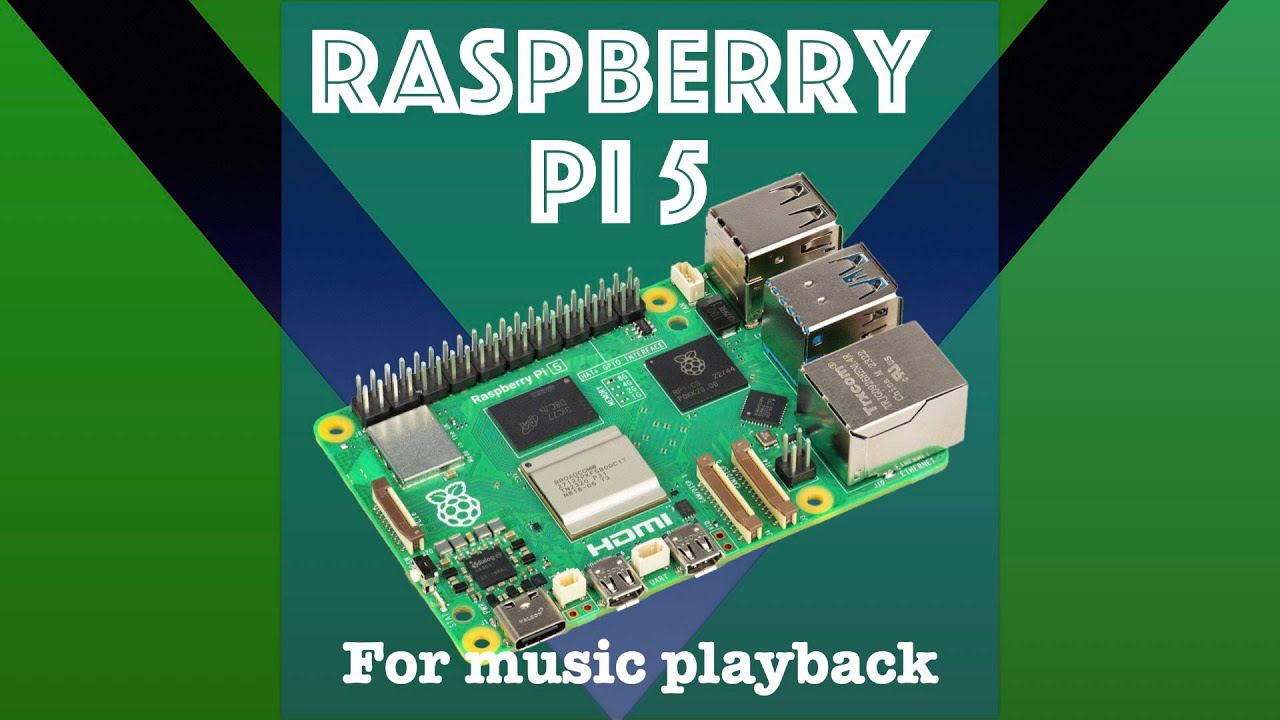
I wish I had an RP5 and RP500 lying around to experiment with. I’m curious what effect the updated processor (BCM2712) and other component changes have on SQ overall.

I haven’t discussed power supply and USB galvanic isolation tweaks, but I agree that they can increase SQ as well. I use an LHY UIP in my main HQPlayer/endpoint rig, and its benefit is very obvious. An RTX 5070Ti GPU also helps with monitor isolation and generally for CUDA (even without HQPlayer processing), but I’d like to find a cheaper alternative for this function in future.

This was true at launch, but newer RPi 4s use the same processor that clocks at 1.8 MHz (BCM2712 … 0C vs. original 0B.)

Nonetheless, the differences are minimal, and there’s nothing here that should make a difference.

I think the 400 is a nifty device and I’ll be buying one for projects.

For additional UPnP endpoint functionality on the RP400, I’ve just posted here:

RP400 EndPoint – RAAT, NAA, and UPnP Functionality Without RoPieee - Audio Gear Talk / Raspberry Pi - Roon Labs Community