Hi
In mp3tag you can add tags as follows:
(I will use the Part tag as example as the WORK tag is already established in mp3tag)
Select the track you want to edit, and right-click
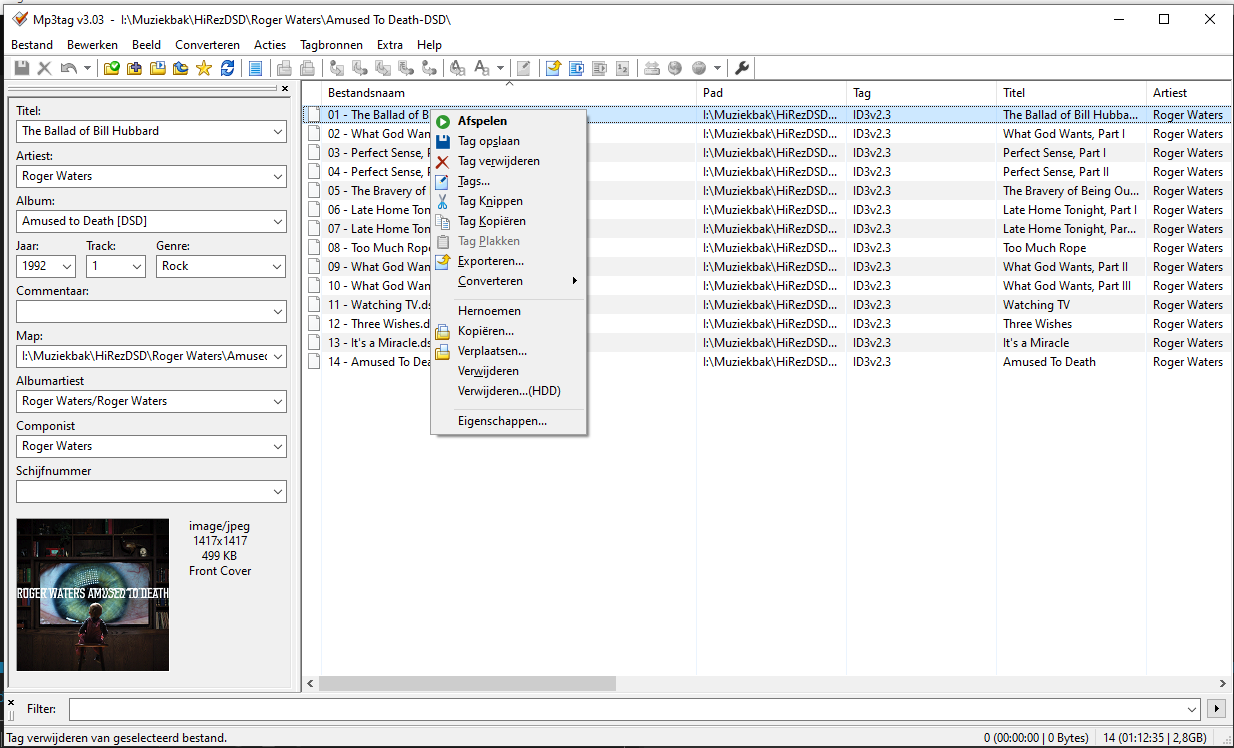
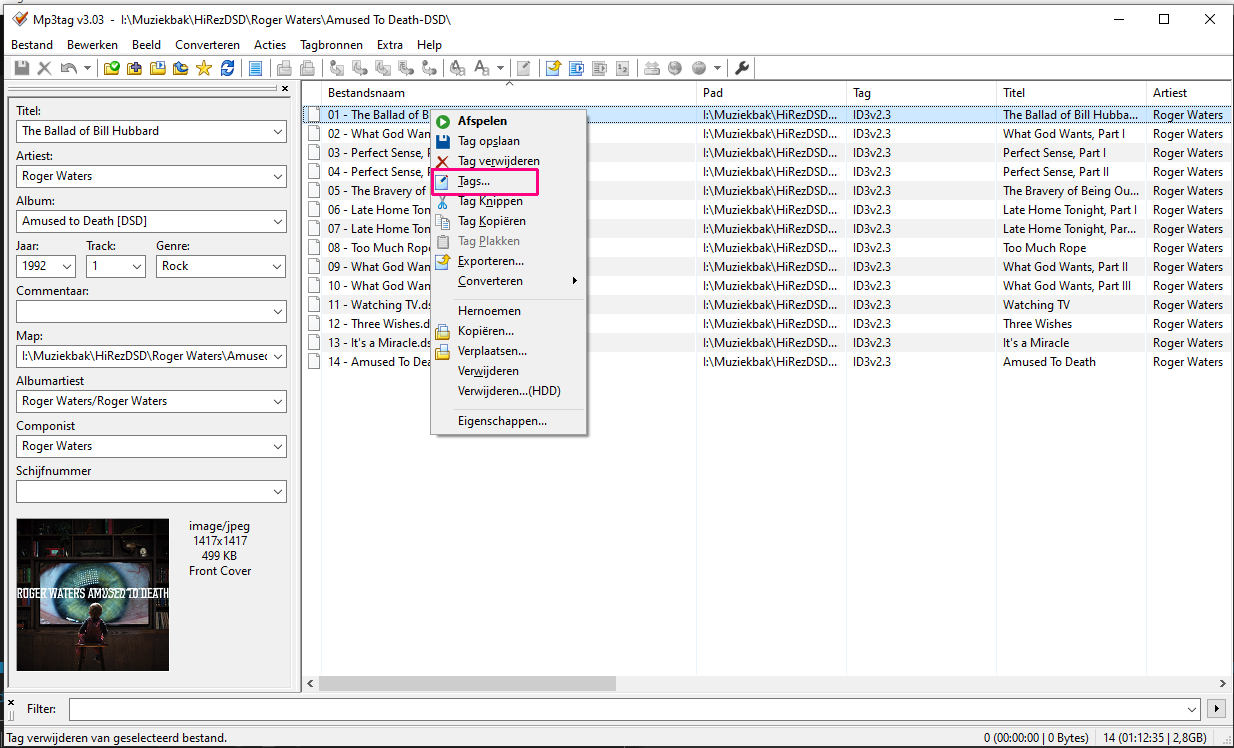
Click on Tags in the pop-up menu
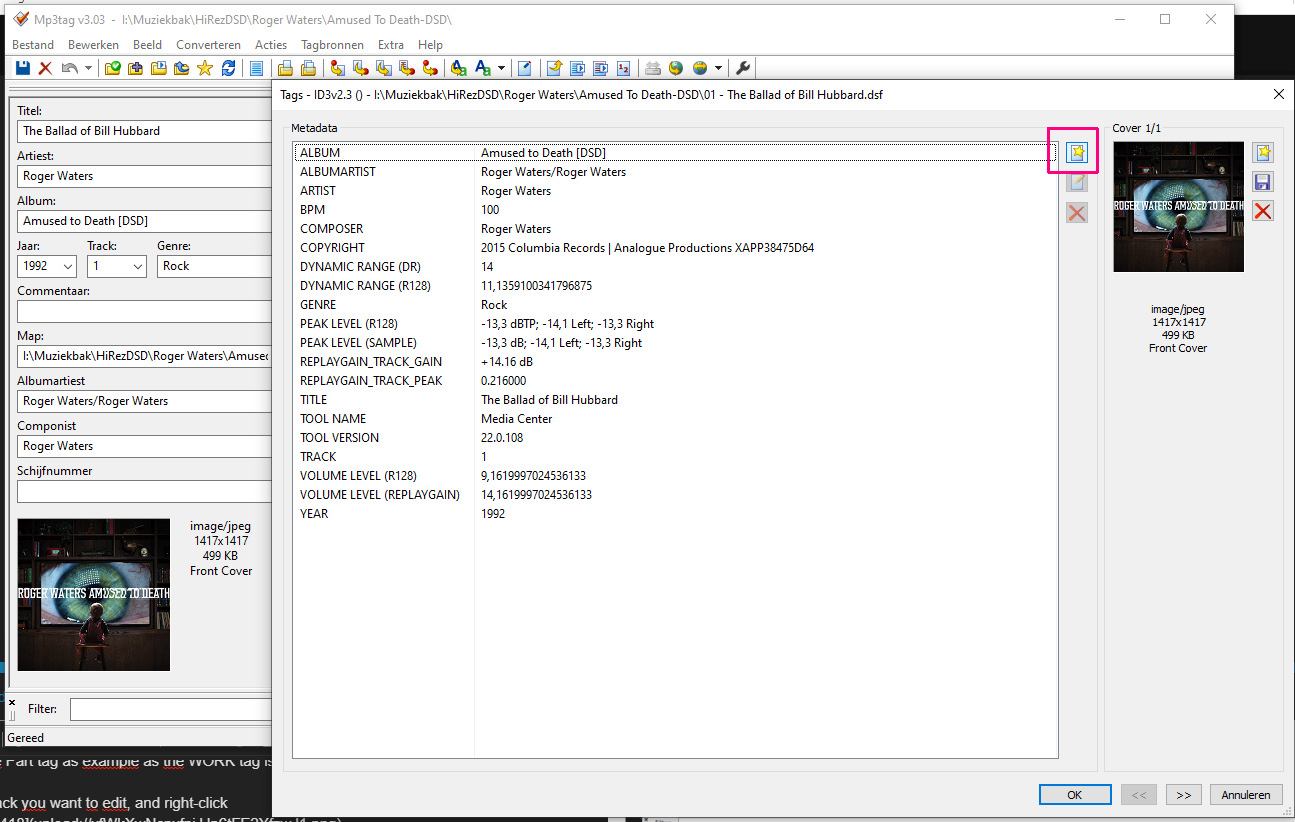
Click the Add Field button
You can either select from a prepolulated list, e.g. WORK
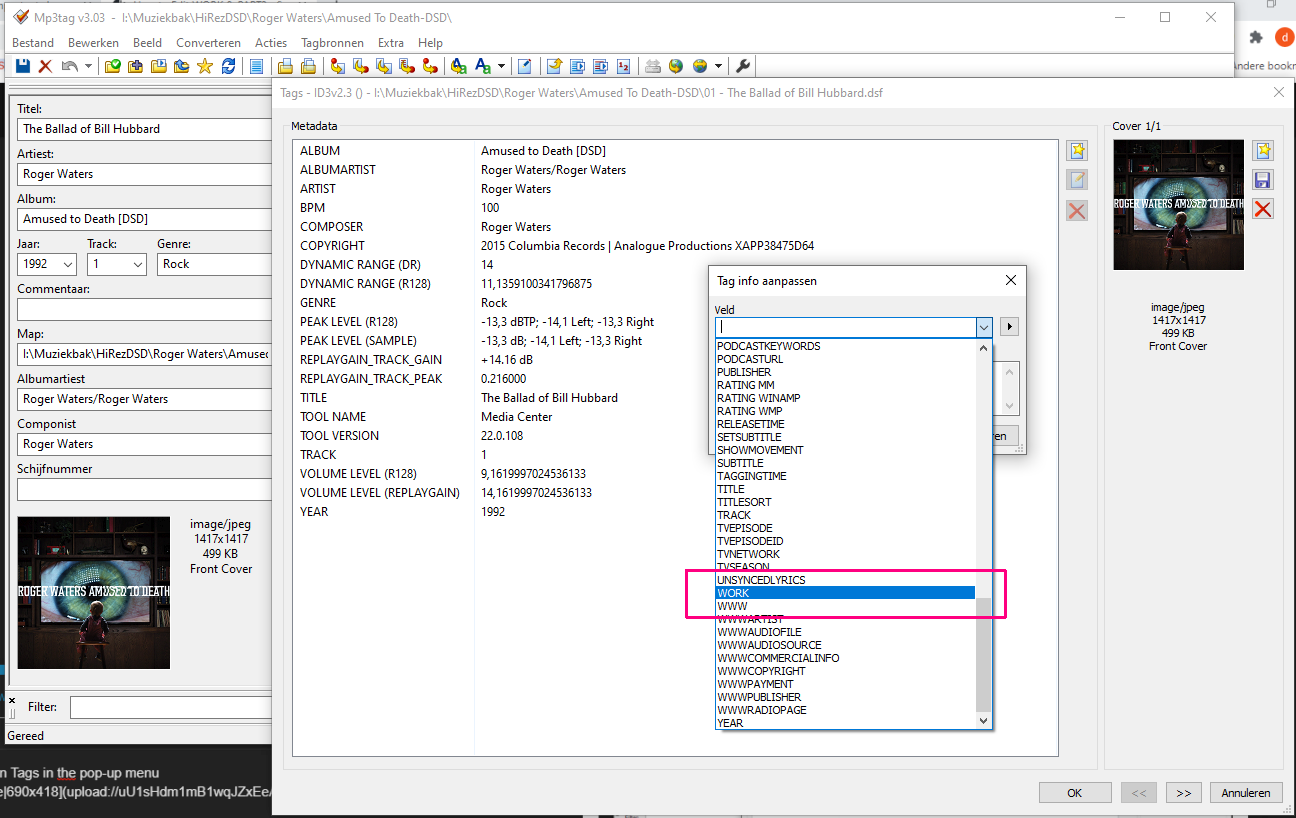
or you can type the name of a new field, e.g. PART and enter the value for that field
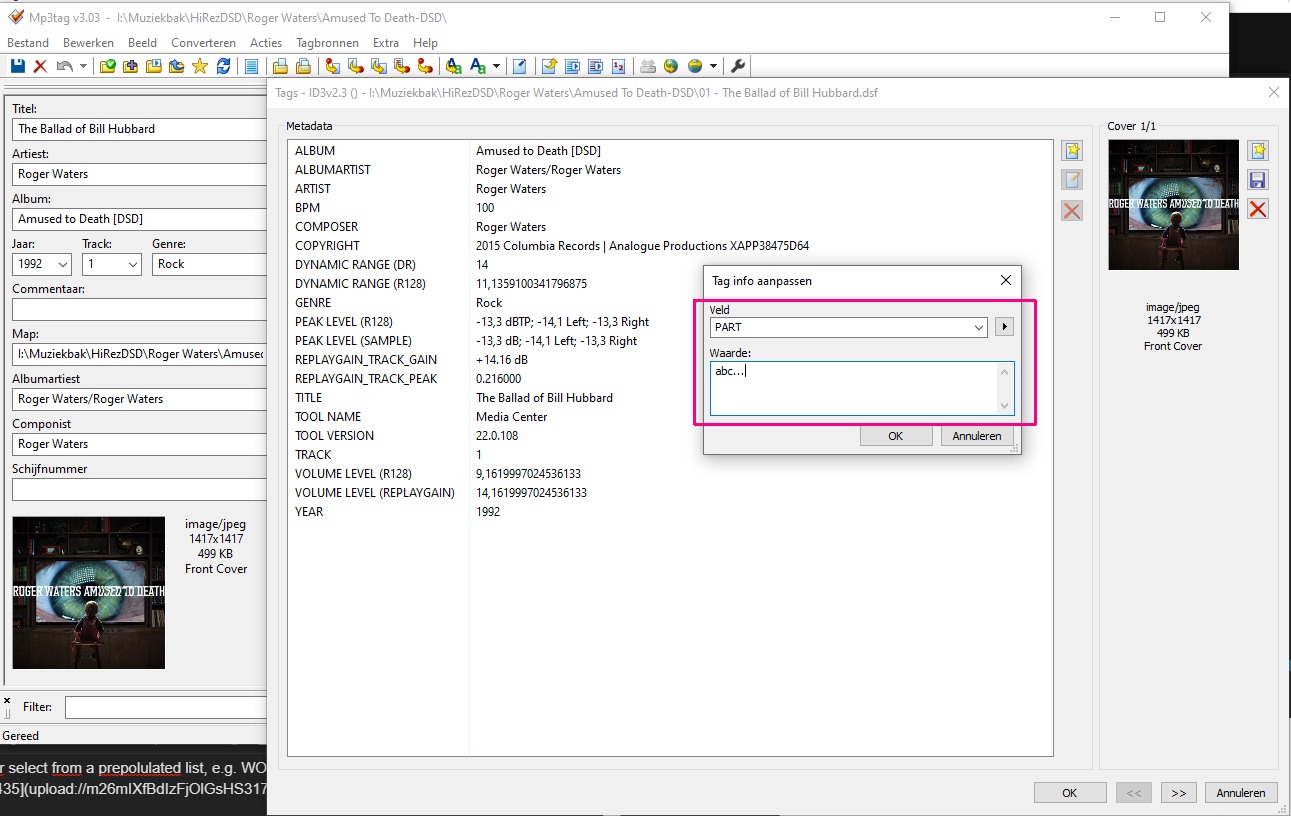
Hope this helps
Dirk