There must be some obvious way to do this that I’m missing.
How do I play all tracks by an artist, including Tidal?
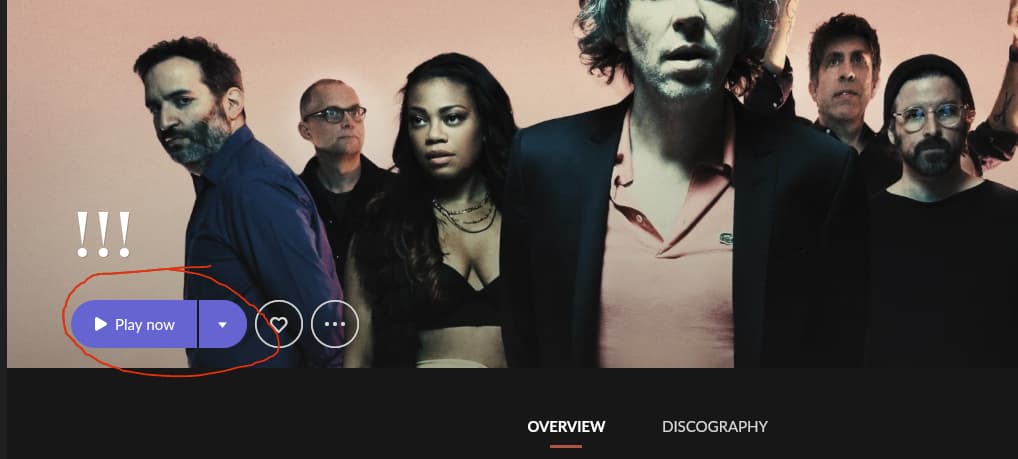
If I go to an artist and click “Play”, it will apparently only play what’s in my library or that I’ve “Liked”. But it won’t play all the Tidal albums by that artist that are right there in front of me.
How do I do this, without having to manually like all the albums and tracks for an artist?
That’s not what happens to me. I hit “Play” and it only plays what’s in my library, but nothing from Tidal.
If I go to an album and add it to my library, go back to the artist page and hit “Play”, it will now include that album… But again, it’s only playing what’s in my library, not the entirety of what’s available through Tidal, even though the Tidal albums are right there on the artist page.
I decided to test with an Artist that doesn’t have too many albums, I picked anyone, in this example I don’t have anything from him in my library, he has 2 albums and is part of 2 compilations.
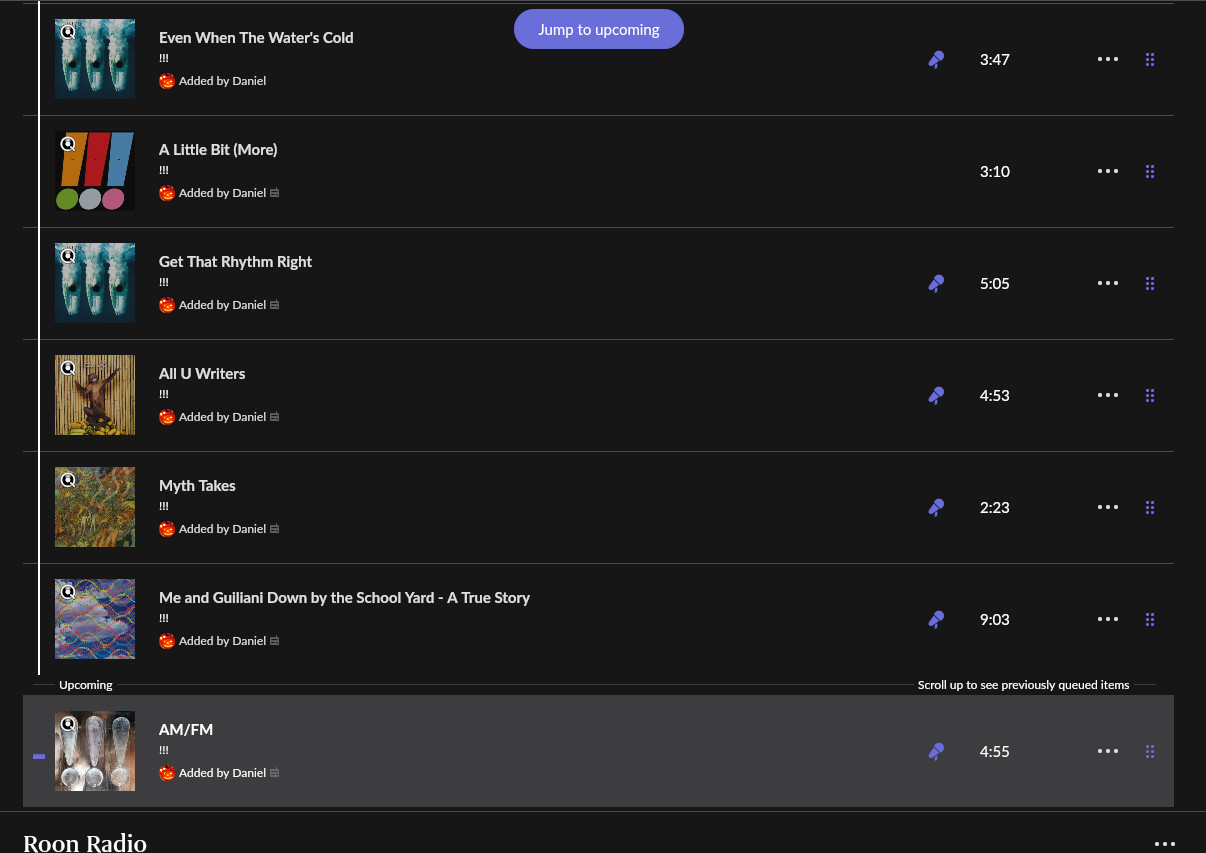
If I Hit PLAY Now from the Artist Overview page, I use Windows, it basicaly starts Roon Radio putting one song in the Queue and has another song Queued up on the bottom of the Queue, this does not sound like what you want.
On my system I could also have clicked the down arrow on the Play Now button and it has 2 choices Play Now and Start Radio, it appears that both just start Roon Radio.
If I wanted to do what I think you are suggesting, I would goto DIscography, then hit Cntl-A to select everything, then click the new Play Now button on the top of the screen, it then puts every song in my Queue in album/song order and starts playing.