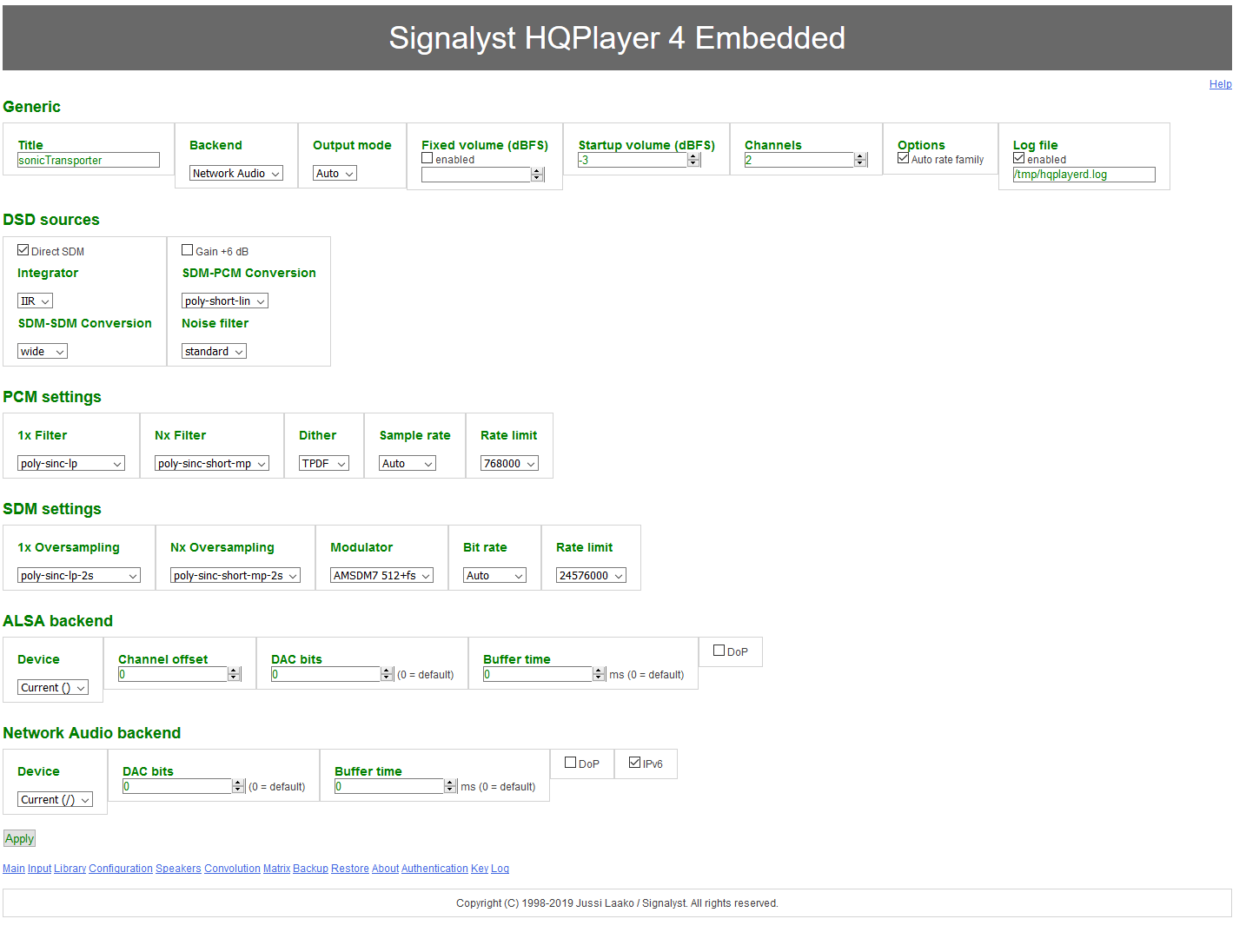
You’ll want to make sure you put the IP address of the machine running the HQPlayer instance in the Roon Settings as per the Doc or if HQPlayer is on the same machine you should place localhost or 127.0.0.1 in that field.
I would also make sure to enable “Allow Control from Network” in HQ Player itself also as per the doc.
The Auralic Vega is not a HQP networked endpoint so you will have to connect the sonic transporter to it via USB or get an NAA (eg microrendu etc.) if you want it networked.
HQP is not added to Roon, rather the Roon interface can control what plays in HQP. Your network will need to be the HQP topology rather than the Roon topology.
Does your DAC work without sending it through HQPlayer and using just Roon? If so this would be an issue between HQPlayer <–> DAC and not necessarily Roon related, you might want to reach out to HQPlayer support to see if your DAC is a proper HQPlayer endpoint, but from @Sloop_John_B’s comment it appears that it might not be.
The Vega G2 does not support NAA over its Ethernet interface so you won’t be able to use HQPlayer with it over Ethernet unless you get an NAA device such as an ultraRendu.